
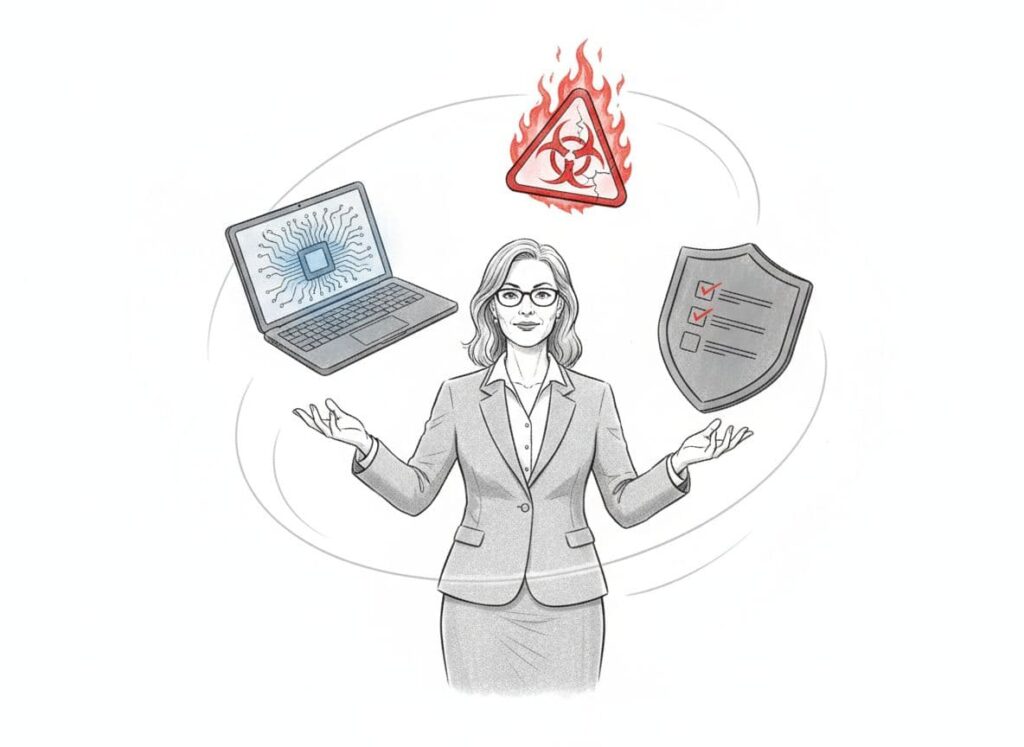
You may not think of yourself as the “tech person,” but the pressure still lands on your desk. Boards ask about cybersecurity. Auditors question access controls. Funders want comfort that client and case data are safe.
For a nonprofit CFO managing tech risk and compliance, the concern is simple: how much money, legal exposure, and reputational damage sits inside those systems you do not fully control or understand.
Technology risk is the chance that a system failure, cyber incident, or data error harms your finances, breaks a rule, or erodes trust. Compliance is your ability to meet the rules that come with grants, contracts, and laws like privacy or health data regulations.
This post offers a plain-language, CFO-first way to manage both. No jargon, no heroics. Just a clear map, a shortlist of priorities, and a plan you can defend to your board and funders.
Key Takeaways
- You do not need to be a technologist to lead on risk and compliance.
- A simple inventory and risk ranking will calm most of the chaos.
- Guardrails for systems, vendors, and AI use protect both money and mission.
Key Technology Risks Nonprofit CFOs Must Watch
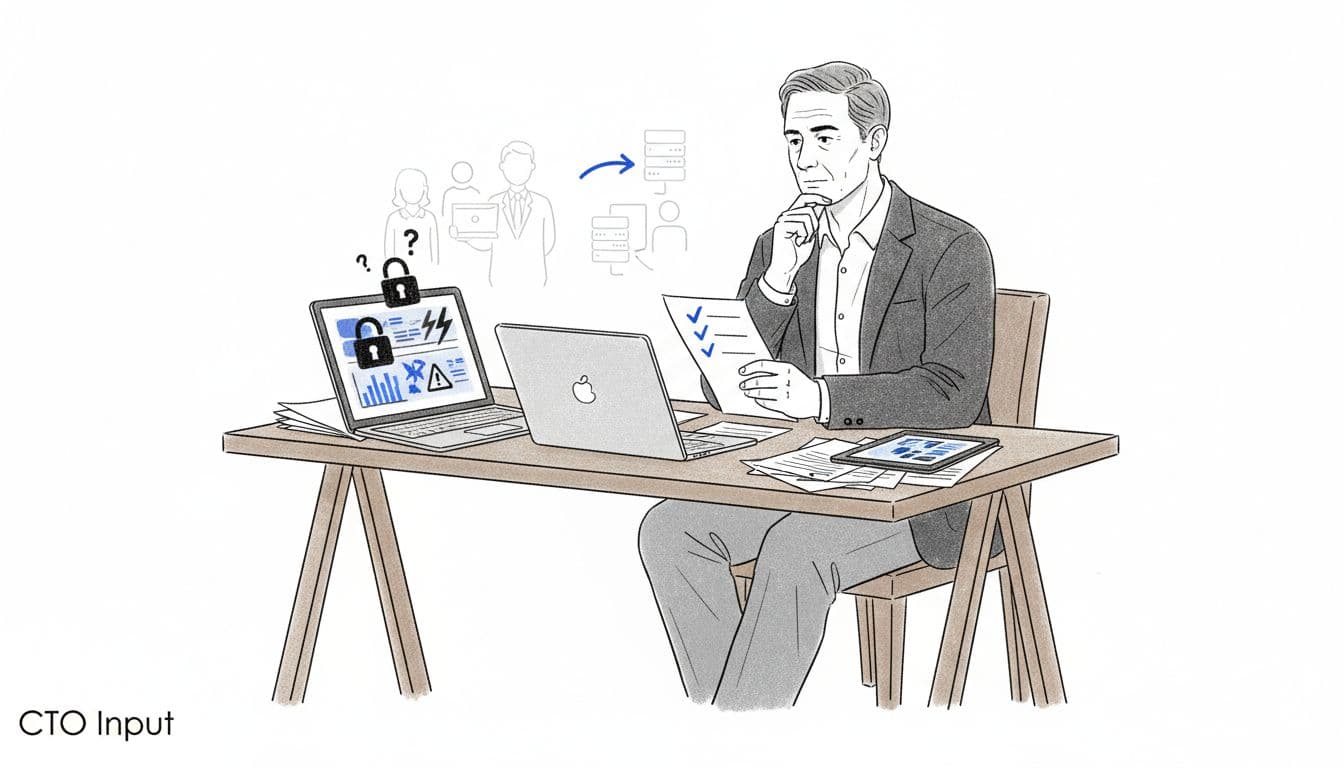
Nonprofit CFO reviewing technology risks across finance, case, and donor systems. Image created with AI.
Across 2024 and 2025, nonprofits have seen sharp growth in attacks, ransom demands, and breach costs. Studies on nonprofit cybersecurity risk assessments show many organizations still lack even basic controls. As CFO, this translates into higher odds of unplanned cash hits, legal bills, and rattled funders.
Think of your risk in three buckets: cyber and privacy exposure, fragile systems, and third-party tools. Each one touches your balance sheet, your audit, and your next grant renewal.
Cybersecurity, Data Breaches, and Privacy Rules
Nonprofits hold what attackers want: donor card data, client and immigration records, youth information, and staff files. Breaches in recent years have forced nonprofits to shut down services, pay for credit monitoring, and bring in legal help. That is real money off the program budget.
Privacy rules like GDPR, HIPAA, and newer state laws all share a core expectation: know what data you hold, protect it, and report when things go wrong. You do not need the legal details. You do need to know that fines, breach notices, and investigations are on the table if data is mishandled.
Common trouble spots show up in every audit room: phishing emails that steal passwords, weak or shared logins, staff sending client files over unencrypted email, or spreadsheets with sensitive data parked in personal cloud folders. Practical cybersecurity guidance for nonprofits stresses that small changes in these areas cut risk fast.
Outdated, Patchwork Systems That Hide Compliance Gaps
Many justice-focused organizations run on a patchwork: case system here, email there, spreadsheets for everything, donor CRM in its own world, and finance software off to the side. Data is copied, pasted, and re-shaped for every grant and report.
This pattern hides compliance gaps. Audit trails are missing. No one can say which version of a report is the “real” one. Staff keep their own side files to get work done, which breaks internal controls and funder rules about retention and access.
When systems do not talk to each other, you end up with manual exports, duplicate data, and ad hoc fixes. That is how misclassified costs, missing documentation, or conflicting numbers show up in audits and site visits.
Third-Party Vendors, AI Tools, and Hidden Data Exposure
Cloud tools, payment processors, survey platforms, file sharing, AI assistants. Each one touches your data. Even if IT or operations “owns” the contract, the organization is still responsible when something goes wrong.
Typical risky situations for a CFO to spot:
- A payment processor that has no clear statement about breach notifications or data encryption.
- A document storage tool where any staff member can create an account and upload client files.
- Staff experimenting with free AI tools by pasting in real case notes or draft grant reports that name partners and communities.
Board members are increasingly briefed on cybersecurity oversight duties. You can meet that scrutiny with a calm, simple view of where third-party risk sits.
A Simple, CFO-Friendly Framework to Manage Technology Risk and Compliance
You do not need a perfect program. You need a repeatable cycle you can explain in 10 minutes.
Step 1: Map Your Critical Data, Systems, and Obligations
Start with an inventory that fits on one tab of a spreadsheet. Aim for “good enough,” not precise down to the last field.
List three things:
- The most sensitive data types (client, youth, immigration, donor, HR, financial).
- The main systems and tools that store or move that data.
- The rules that apply, such as HIPAA, GDPR, state privacy laws, grant or contract terms, and your internal financial controls.
You are not doing a legal review. You are building a shared picture so finance, operations, and program leads can see the same risk map.
Step 2: Rank Your Top Risks by Impact on Money, Mission, and Trust
Next, pick out the real problems from the noise. For each risk you spot, ask three questions:
- How big could the financial hit be, including fines and recovery work.
- How much could this harm clients or communities if data is misused.
- How badly would this damage funder, donor, or board trust.
Score items as low, medium, or high for each of these. Focus on the top three to five combined scores. Common high priority items: unsecured client folders in shared cloud drives, weak or missing multi-factor authentication on key systems, or no clear process for cutting off system access when staff leave.
Step 3: Build a 12–18 Month Action Plan You Can Defend
Turn your short list into a simple plan your board can see. For each top risk, note what you will fix, by when, and who owns it.
Mix quick wins with a few deeper projects:
- Quick wins: turn on multi-factor authentication, run basic phishing training, clean up who has admin access, move sensitive files into one approved storage location.
- Deeper work: reduce duplicate systems, document a data and AI use policy, or tighten vendor contracts.
Set basic metrics you can report every quarter: number of high-risk items closed, share of staff who completed security training, vendor reviews completed this year. This turns a scary topic into a steady part of your governance story.
For a broader view of how this fits with overall nonprofit risk, it helps to compare your plan with a general nonprofit risk management guide.
Practical Guardrails Nonprofit CFOs Can Put in Place Right Now
You can start building safety into day-to-day work without a long project.
Set Minimum Security Standards for Systems, Vendors, and AI Use
Create a short list of non-negotiables and treat them like financial controls. For example:
- All core systems (finance, case management, donor CRM, HR) must use multi-factor authentication.
- Staff must store sensitive data only in approved file systems, not personal drives.
- Vendors that touch client, donor, or financial data must sign basic data protection terms and agree to notify you of breaches.
- Staff may not put real client or case details into public AI tools.
Write these into one or two page add-ons to existing policies instead of a thick manual no one reads.
Make Risk and Compliance a Standing Topic for Leadership and the Board
When risk appears only in crisis, everyone panics. When it is a standing topic, people adjust.
Propose a short quarterly update to your executive director and board finance or audit committee. Use a simple structure: top risks, actions completed this quarter, new issues, and funding or capacity needed next.
Treat it like cash flow reporting. Regular, clear, and steady. That rhythm will also support any later discussions with cyber insurers or auditors who want to see a track record of attention. Resources like this guide to nonprofit cybersecurity risk management can help you pressure-test your updates.
Key Takeaways for the Nonprofit CFO Managing Technology Risk and Compliance
- A nonprofit CFO managing technology risk and compliance is protecting money, legal standing, and community trust.
- You do not need deep technical skills, you need a clear map of data, systems, and rules.
- Focus on a short list of high impact risks instead of a huge backlog.
- A 12–18 month plan with visible metrics will satisfy most board, auditor, and funder questions.
- Simple guardrails for vendors, systems, and AI use prevent many of the worst problems.
FAQs: Technology Risk and Compliance for Nonprofit CFOs
What is the first step if our nonprofit has never done a tech risk review?
Start with a one-page inventory of sensitive data, key systems, and the main rules or funder terms that apply. That snapshot will guide where to look next and who needs to be in the room.
How do I know if our vendors meet our compliance needs?
Ask for their security and privacy summaries, breach notification process, and any independent audit reports. If they cannot answer in plain language, treat that as a risk signal.
How often should we update our technology risk plan?
Review your top risks and action plan at least once a year, with shorter check-ins each quarter. Major changes, like a new case system or a breach, should trigger a fresh look.
How CTO Input Helps Nonprofit CFOs Manage Technology Risk and Compliance With Confidence
Many justice-focused organizations are growing fast on fragile systems. Sensitive client data lives in tools that do not fit together. Grant reporting feels like a fire drill. The CFO ends up carrying concern about risk and compliance without a trusted senior technology partner.
CTO Input fills that gap. As an external technology and cybersecurity leader, CTO Input can run focused technology risk assessments, build realistic 12–18 month roadmaps, and provide ongoing fractional leadership so changes actually stick. The work starts with your mission, your staff, and your real constraints, then ties security and compliance steps directly to financial controls, grant terms, and board reporting.
If you want support turning your inventory and risk list into a credible, funder-ready plan, you can schedule a call with CTO Input through the company’s website and explore fractional technology and cybersecurity leadership services tailored to nonprofits like yours.
Conclusion
Managing technology risk and compliance is now part of the nonprofit CFO job, especially in justice-focused work where every record represents a real person. That weight is real, but you do not have to carry it alone or turn into a technologist overnight.
With a simple framework, clear guardrails, and the right partners, you can move from anxious and reactive to calm and prepared. Safer, more compliant systems protect your balance sheet, your funders, and, most of all, your communities. In the end, strong technology governance is another way you stand behind the advocates and organizers on the front line.