
A funder report is due, and the program data is scattered across five different spreadsheets. A critical client handoff between two remote advocates was missed because of a confusing email thread. Your IT vendor fixed a server, but staff still can't access sensitive case files securely from home. These aren't just technology problems; they are mission bottlenecks. For justice-focused organizations, the shift to remote and hybrid work didn't just create new challenges—it exposed the fragile systems propping up critical services.
The constant workarounds, the security anxiety, and the staff burnout are real costs that hinder your ability to support frontline advocates effectively. This isn't another list of shiny software. It is a practical field memo for the executive directors, COOs, and operations leaders who run the networks, clinics, and policy shops that arm the front lines of justice. You need to move from recurring chaos to a stable, secure, and efficient operational backbone, and this guide will help you build that path.
Key Takeaways for Justice-Focused Leaders
- Anchor in a Real Problem: Don't start with a tool. Start with a chokepoint in your work: a broken intake process, a risky data-sharing practice, or a recurring reporting fire drill. A new platform only has value if it solves a tangible operational problem that affects your staff's capacity or your clients' experience.
- Prioritize Governance Over Gadgets: The most important features are not the flashiest. They are the ones that allow you to enforce security policies, manage data retention, and control access to sensitive information. For organizations serving vulnerable communities, this is non-negotiable.
- Build a Credible Roadmap: You cannot fix everything at once. Focus on a practical, phased approach. Secure your foundational systems first (like email and documents), then address a single, high-pain workflow. This builds momentum and demonstrates measurable wins to your board and funders.
Throughout this resource, we will focus on foundational remote work tools for legal services teams, but more importantly, on the discipline required to choose, implement, and govern them in a way that protects vulnerable clients and frees your staff to focus on the mission. This guide moves beyond simple feature lists to provide a calm, seasoned perspective on building a modernization path you can defend. To further enhance your remote legal team's capabilities and build a stable foundation, consider investing in the right solutions, such as the 12 top tools for translation software for 2026 to address language access barriers. The goal is to provide a blueprint for turning your systems from a source of stress into a reliable backbone for justice.
1. Microsoft 365 for Nonprofits
Microsoft 365 serves as a foundational platform for many legal services organizations, providing a comprehensive suite of remote work tools integrated under a single, security-focused umbrella. For nonprofit legal teams, its discounted and donated licensing makes it an accessible, enterprise-grade solution for managing the high stakes of client data and collaborative casework. It directly addresses the operational chaos many organizations face by centralizing communications, document management, and security controls, moving teams away from scattered, insecure consumer-grade tools.
This platform stands out by offering robust, configurable governance features essential for legal work. Teams can use SharePoint and OneDrive not just for file sharing, but for implementing strict document retention policies and leveraging eDiscovery tools for litigation holds. Microsoft Teams becomes a secure hub for confidential client conversations, virtual court appearances, and internal case strategy meetings, replacing less secure messaging apps. The advanced security tiers (Business Premium and E5) add critical layers like endpoint protection and sophisticated identity management, helping to safeguard sensitive information against increasing cyber threats.
Key Considerations & Practical Use
- Security & Compliance: The platform’s strength lies in its configurable security controls. Organizations can implement Data Loss Prevention (DLP) policies to prevent sensitive information from being shared improperly and use retention labels to meet legal and funder requirements for data management.
- Implementation Path: Migrating to M365 requires careful planning. Start by defining your data governance and access policies before moving files. A phased rollout, beginning with email and then moving to Teams and SharePoint, can manage the change for staff effectively. Proper implementation is also a key part of your overall vendor risk management assessment.
- Pricing & Access: Qualified nonprofits can receive significant discounts, including free licenses for basic tiers. However, the more advanced security and compliance features essential for legal teams are found in paid tiers like Business Premium, which requires careful budget planning.
Website: Microsoft 365 for Nonprofits Plans and Pricing
2. Google Workspace for Nonprofits
For legal services teams that prioritize web-first, real-time collaboration, Google Workspace offers a streamlined and highly accessible suite of tools. Its nonprofit program provides a powerful, low-cost entry point for organizations needing to centralize email, file management, and video conferencing. Google Workspace excels at simplifying remote collaboration, allowing teams to move away from disparate personal accounts and insecure file-sharing methods into a unified, manageable environment that supports the core needs of legal work.
The platform’s standout feature for legal teams, particularly in its paid Enterprise tiers, is Google Vault. This tool directly addresses legal requirements for eDiscovery, data retention, and litigation holds, allowing organizations to manage electronically stored information (ESI) systematically. Shared Drives offer robust permission controls superior to individual Drive folders, ensuring case files are owned by the organization, not individuals. This structure, combined with Google Meet for secure client meetings and virtual hearings, makes it one of the most effective remote work tools for legal services teams operating in a fast-paced, collaborative setting.
Key Considerations & Practical Use
- Security & Compliance: While the free tier is excellent, legal teams handling sensitive data should budget for paid tiers to access Google Vault for retention and eDiscovery. Advanced features like Data Loss Prevention (DLP) and S/MIME encryption are also limited to higher-cost plans.
- Implementation Path: Transitioning to Google Workspace requires a clear strategy for data migration and change management, especially when moving from a Microsoft-centric environment. Prioritize setting up Shared Drives with strict, role-based permissions before migrating sensitive case files to prevent access control issues.
- Pricing & Access: Qualified nonprofits can access a generous free plan and significant discounts on paid tiers. This makes it an incredibly cost-effective option, but leaders must assess if the security and compliance features in the free or Business Standard plans are sufficient or if an upgrade to an Enterprise plan is necessary.
Website: Google for Nonprofits: Google Workspace
3. Zoom (Meetings, Webinars, Zoom Phone)
Zoom has become the default platform for video communication, enabling legal services teams to maintain client contact, conduct virtual court appearances, and collaborate remotely with unparalleled ease. For nonprofit legal organizations, its widespread adoption means less time spent on technical support and more time focused on the mission. It solves the critical need for a reliable, easy-to-use tool for everything from sensitive client intake interviews to large-scale community legal education webinars, replacing inconsistent or less secure alternatives.
The platform's value for legal teams extends beyond simple meetings. The Webinar and Large Meetings add-ons are powerful tools for delivering trainings or "Know Your Rights" clinics to hundreds of participants. Features like breakout rooms facilitate confidential attorney-client conversations during larger group sessions, while cloud recordings (with proper consent) create a valuable archive for training and compliance. Adding Zoom Phone can unify an organization's communications, providing a cloud-based phone system that works seamlessly whether staff are in the office or remote, which is a key component of a modern set of remote work tools for legal services teams.
Key Considerations & Practical Use
- Security & Compliance: While user-friendly, security requires deliberate configuration. Use features like waiting rooms, passcodes, and registration to control meeting access. For client confidentiality, educate staff on secure practices and configure account-level settings to enforce them, especially regarding recording and data retention.
- Implementation Path: Standardize on a licensed, centrally managed account rather than allowing staff to use free personal accounts. This gives administrators control over security settings, user management, and add-on features. Roll out usage policies that clarify when and how to record sessions involving clients.
- Pricing & Access: Qualified nonprofits can apply directly to Zoom for significant discounts on annual plans. However, eligibility criteria, such as budget caps, may apply. Carefully review the feature differences between tiers; advanced features like transcription or expanded cloud storage are often tied to higher-cost plans.
Website: Zoom for Nonprofits
4. Slack for Nonprofits
Slack offers a channel-based communication model that provides a potent alternative to the endless internal email chains plaguing many legal services organizations. For distributed case teams and network-level coalitions, it creates focused, searchable spaces for specific matters, projects, or practice areas. This structure drastically reduces email noise and helps surface critical information quickly, addressing the chaos of scattered conversations and lost attachments that can slow down urgent legal work.
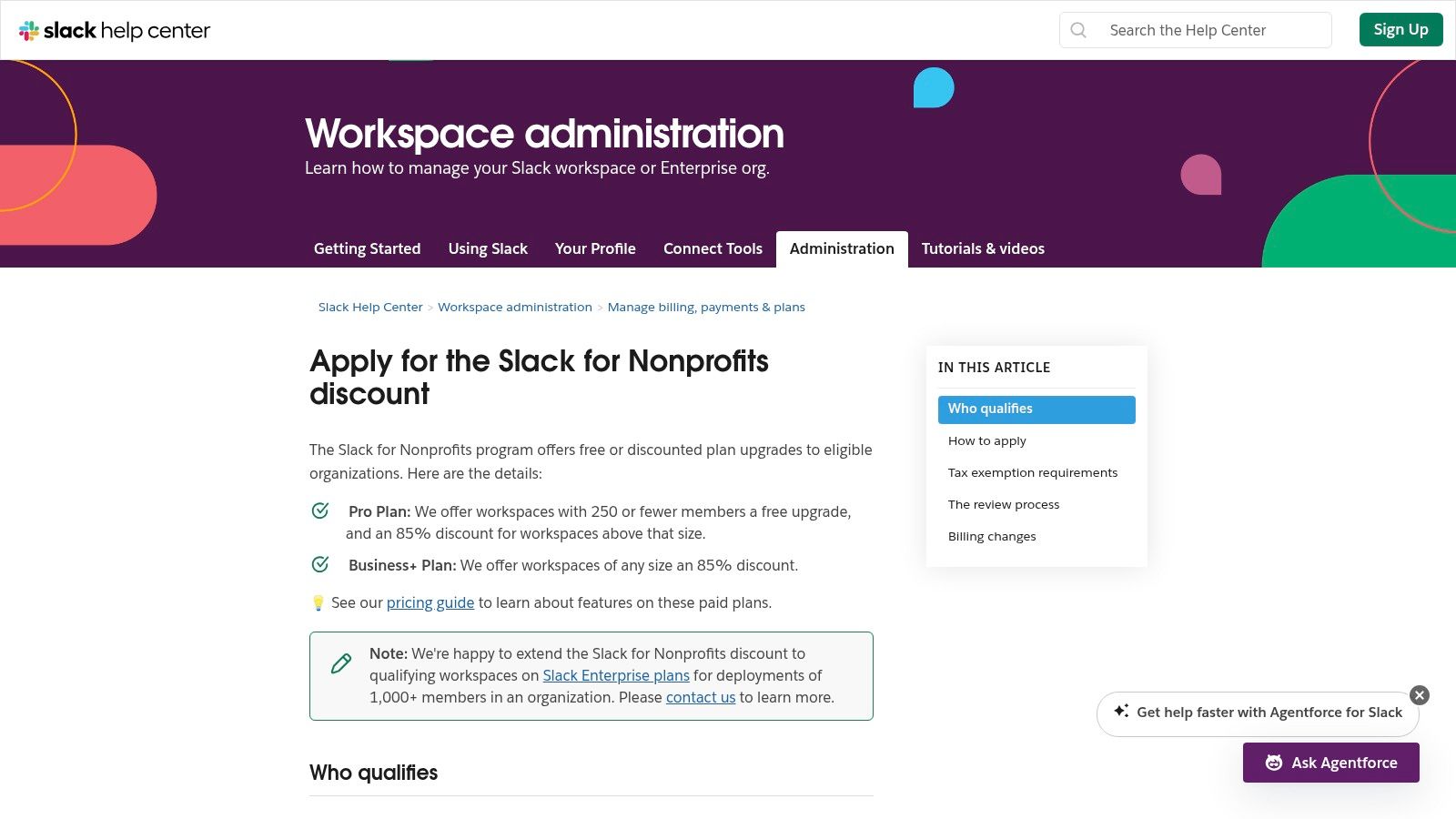
What makes Slack a standout among remote work tools for legal services teams is its ability to securely connect professionals across different organizations using shared channels. This is invaluable for collaborative litigation, referral networks, or coalitions working with community partners. For organizations handling sensitive information, the Enterprise Grid tier provides essential governance tools like legal hold and configurable data retention policies. By integrating with core tools like document repositories and e-signature platforms, Slack becomes a central hub for real-time collaboration that respects the security and compliance needs of the legal sector.
Key Considerations & Practical Use
- Security & Compliance: While excellent for rapid communication, ensure sensitive client data handling aligns with your policies. The Enterprise Grid plan is often necessary to meet strict legal hold, eDiscovery, and data retention requirements.
- Implementation Path: Success with Slack requires clear governance from day one. Establish firm rules for channel creation, naming conventions, and guest access to prevent sprawl and confusion. A pilot with a single tech-savvy case team can help refine these policies before a full rollout.
- Pricing & Access: Slack offers generous discounts for nonprofits, including free upgrades to the Pro plan for eligible small teams. Larger organizations or those needing advanced compliance features will need to budget for the higher-cost Business+ or Enterprise Grid plans.
Website: Slack for Nonprofits
5. Box (Box.org for Nonprofits)
Box provides an enterprise-grade secure content cloud that is well-suited for legal services organizations managing high volumes of sensitive client files. For nonprofit legal teams, the Box.org initiative makes this powerful platform more accessible, offering a centralized and auditable system for document collaboration, secure external sharing, and data governance. It directly solves the problem of sharing discovery or case files with outside counsel, experts, or clients without resorting to insecure email attachments or consumer file-sharing services.
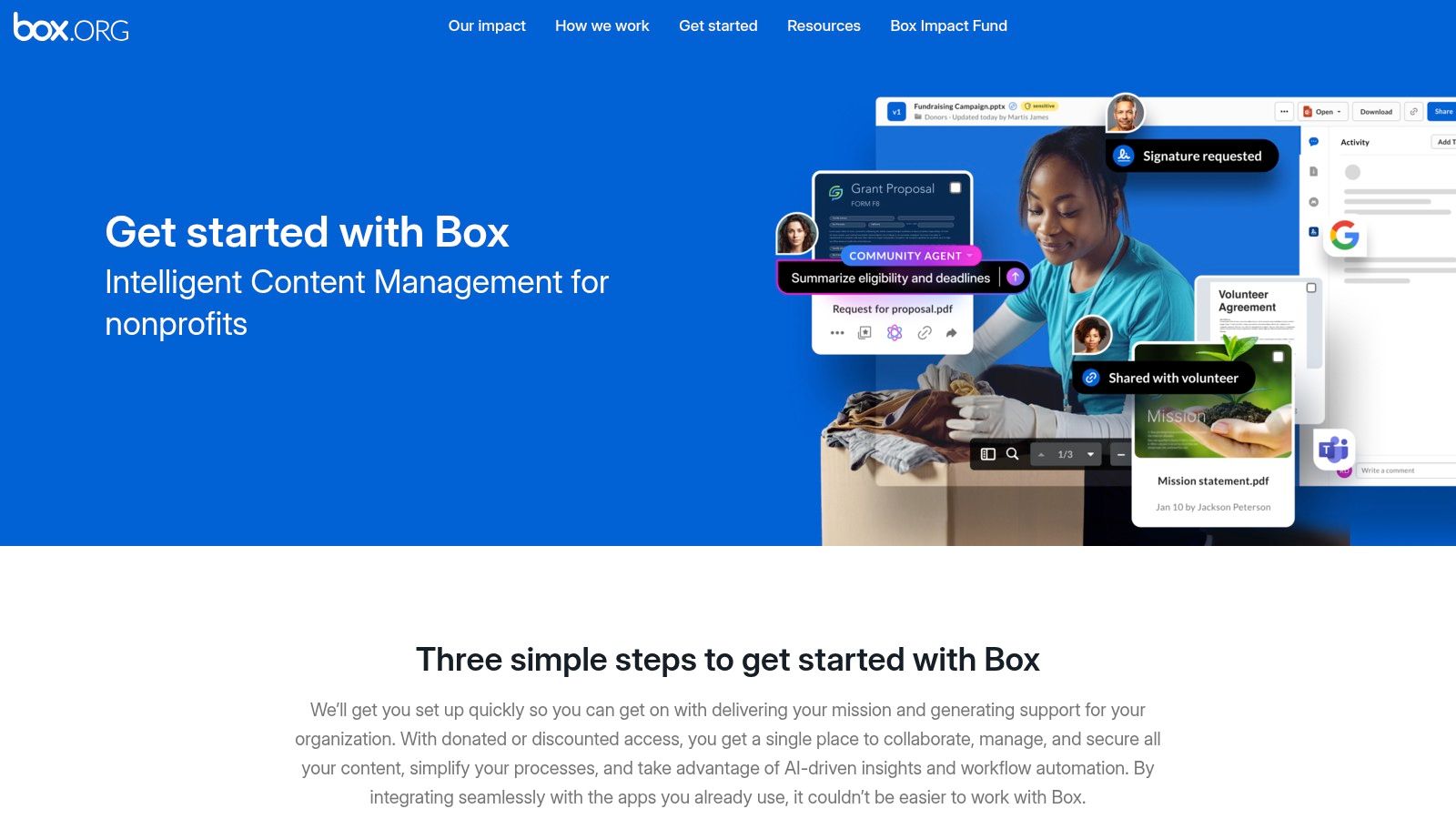
What sets Box apart is its focus on granular security controls and external collaboration. Features like Box Shield offer advanced threat detection and classification, preventing accidental data leaks. Teams can create secure, branded client portals for document exchange and apply strict retention policies to specific case folders, ensuring compliance with legal and funder mandates. This transforms content management from a simple storage function into a strategic asset for managing risk, making it one of the essential remote work tools for legal services teams that regularly collaborate with external parties.
Key Considerations & Practical Use
- Security & Compliance: Box's strength is its granular control over external sharing. You can set password requirements, link expiration dates, and view-only or download-only permissions on a per-file or per-folder basis. This is critical for controlling access to sensitive case information shared with third parties.
- Implementation Path: A successful Box rollout requires defining your folder structure and permissions model upfront. Start with a pilot project, like managing documents for a single complex litigation case, to refine your governance policies before a full organizational migration.
- Pricing & Access: Qualified nonprofits, often validated through TechSoup, can access donated licenses and significant discounts. However, advanced features like Box Shield and Governance are typically add-ons or part of higher-tier plans, which must be factored into the budget for organizations needing comprehensive security.
Website: Box.org for Nonprofits
6. DocuSign for Nonprofits
DocuSign provides an essential function for legal services teams operating remotely: securing legally binding electronic signatures on critical documents. For nonprofit organizations, this tool moves the slow, paper-based process of collecting signatures for retainer agreements, client authorizations, and funder paperwork into a secure, digital workflow. It directly solves the logistical challenge of getting client consent and formalizing agreements when in-person meetings are impossible, providing a clear, court-admissible audit trail for every transaction.
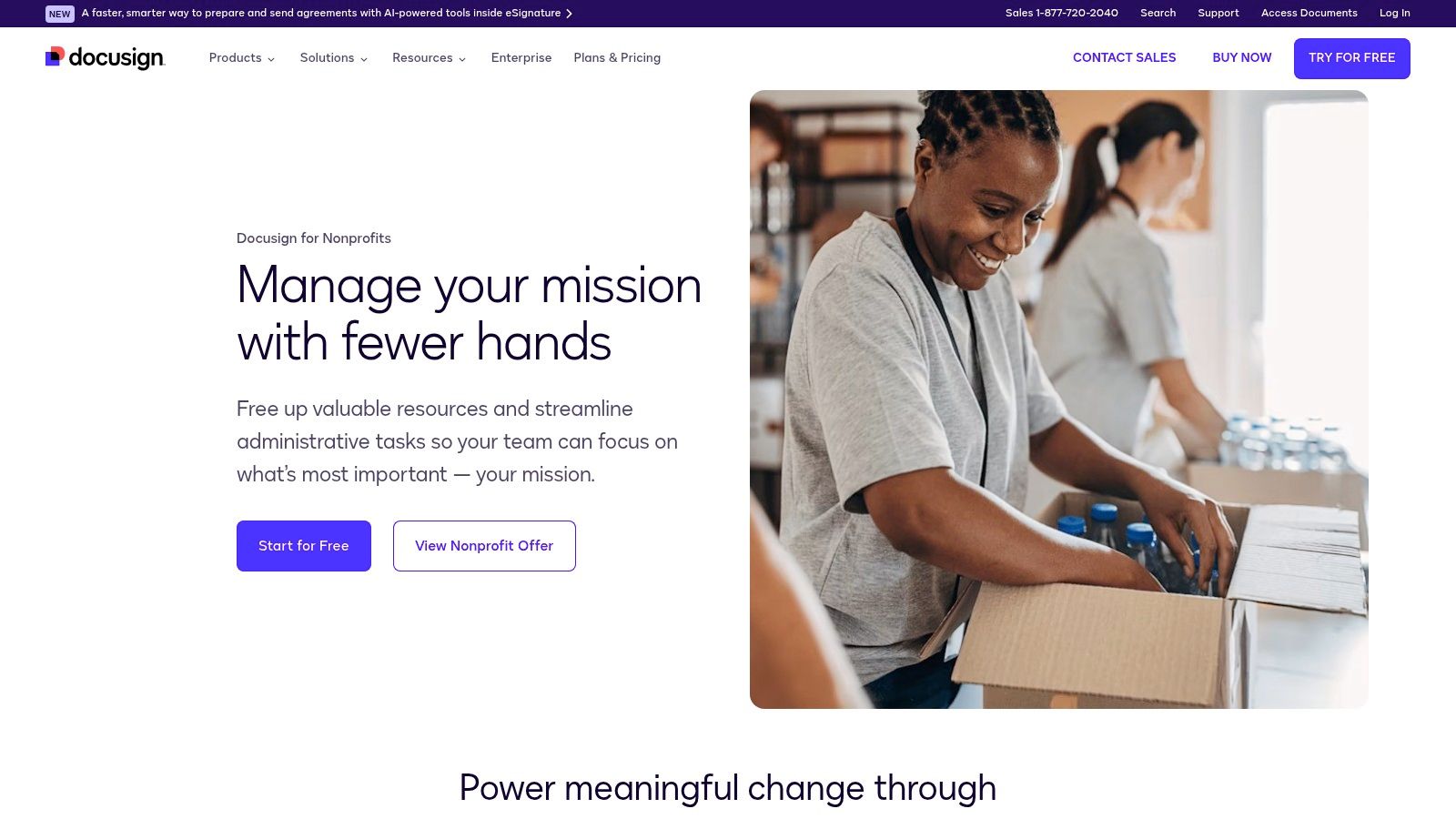
This platform stands out because of its wide acceptance by courts and its mature security posture, which is critical when handling sensitive client information. For legal services, the detailed audit trail accompanying each signature provides proof of the signing process, including timestamps and IP addresses, strengthening the enforceability of agreements. The user experience is designed for simplicity, allowing clients who may have limited technical skills to sign documents from any device with an internet connection, which improves accessibility and reduces delays in casework. This makes it a key component of a modern set of remote work tools for legal services teams.
Key Considerations & Practical Use
- Audit Trails & Enforceability: The strength of DocuSign lies in its Certificate of Completion. Train staff to download and save this certificate with the signed document in the client’s file as standard practice to maintain a complete and defensible record.
- Implementation Path: Start by creating standardized templates for your most common documents, such as retainer agreements and information releases. This speeds up the process for staff and ensures consistency. Integrate it with your existing cloud storage like Box or OneDrive to automate the filing of completed documents.
- Pricing & Access: Qualified nonprofits can access significant discounts through programs like TechSoup, but these often require an upfront annual commitment. More advanced features, such as complex workflow automation or contract lifecycle management (CLM), come at an additional cost that requires careful budget consideration.
Website: DocuSign for Nonprofit Organizations
7. LegalServer
For legal aid organizations, public defenders, and advocacy groups, LegalServer provides a purpose-built case management system that acts as the central nervous system for remote and hybrid operations. It directly confronts the challenge of scattered case data, inconsistent intake processes, and manual funder reporting by consolidating everything into a single, cloud-based platform. This specialization allows teams to move beyond generic spreadsheets and documents, adopting a tool designed for the specific workflows of high-volume legal services.
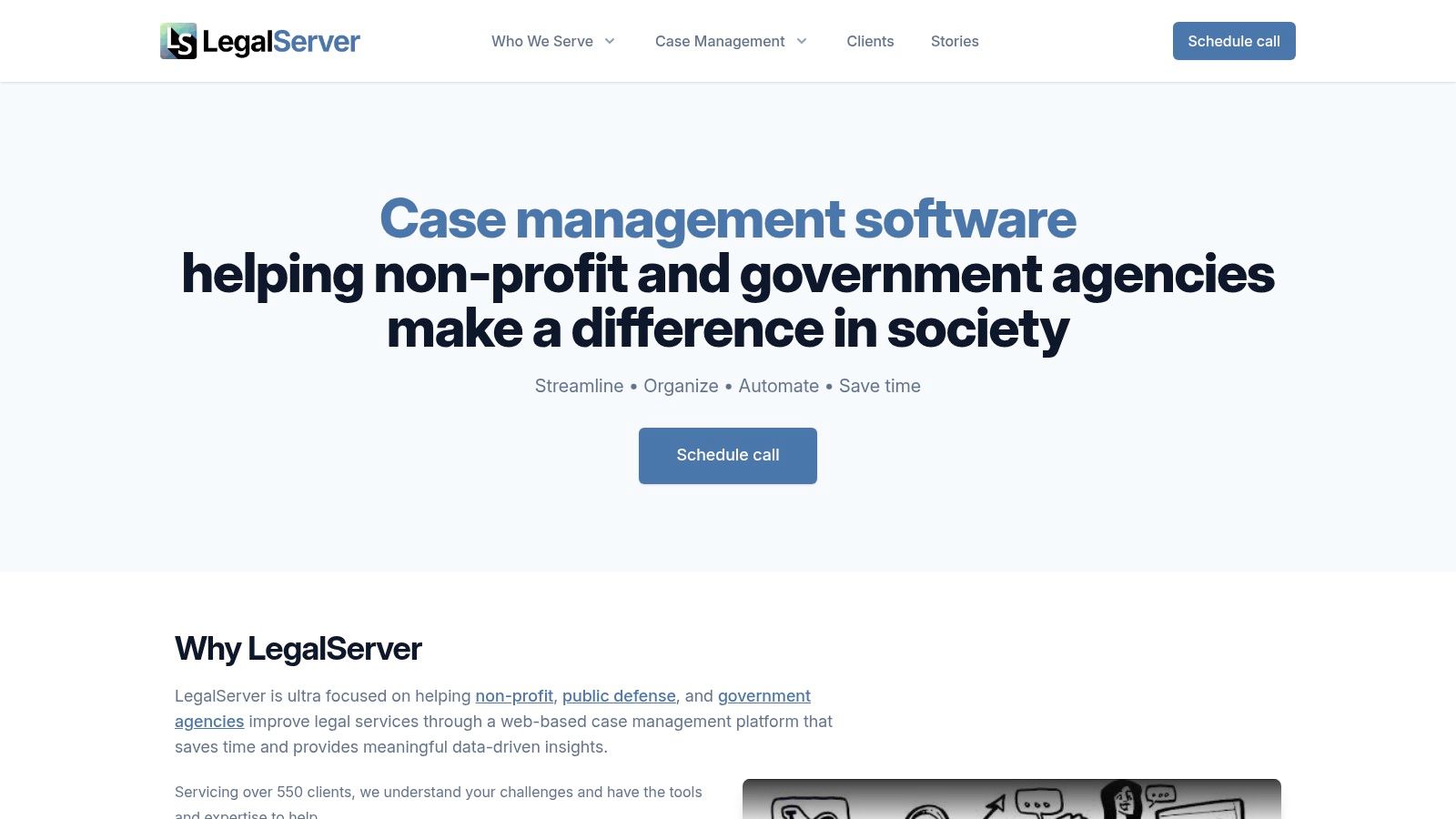
LegalServer stands out because it is architected around the entire lifecycle of a legal aid case, from initial intake and conflict checks to time tracking, case notes, and outcomes reporting. Its configurable modules mean that an organization isn't forced into a rigid, one-size-fits-all system; instead, it can adapt the platform to its unique service delivery model. This makes it one of the most effective remote work tools for legal services teams needing to standardize processes and generate credible impact data for funders and boards, ensuring continuity and consistency regardless of where staff are located.
Key Considerations & Practical Use
- Reporting & Compliance: The platform’s greatest strength is its robust, customizable reporting engine. Teams can generate the specific reports required by LSC or other major funders without the painful, last-minute fire drill of manually compiling data from multiple sources.
- Implementation Path: Adopting LegalServer requires a significant commitment to process standardization and change management. Success depends on mapping your current workflows and making deliberate decisions on how they will be configured in the system before implementation begins. This is not just a tool purchase; it is a change to your operating model.
- Pricing & Access: LegalServer does not publish its pricing. Cost is determined by organization size, complexity, and implementation needs, which requires a formal scoping and proposal process. This makes it a significant investment that demands careful budget planning and stakeholder buy-in.
Website: https://www.legalserver.org/
8. Clio
Clio provides a cloud-based legal practice management platform that has become a staple for many distributed legal teams, including those in the nonprofit and advocacy sectors. It centralizes core operational functions-matter management, time and expense tracking, calendaring, and document storage-into a single system accessible from anywhere. For organizations struggling with scattered spreadsheets and siloed information, Clio offers a structured, remote-friendly backbone to standardize case handling and improve operational visibility.
The platform's strength lies in its user-friendly interface and extensive integration marketplace, which connects to over 250 other tools like Dropbox, Zoom, and QuickBooks. This allows organizations to build a customized tech stack without complex custom development. Clio's secure client portal and mobile apps are particularly valuable for remote teams, enabling secure communication, document sharing, and even online payments, which reduces administrative friction for both staff and clients. For teams managing sensitive health information, an available add-on provides HIPAA compliance features, including a Business Associate Agreement (BAA).
Key Considerations & Practical Use
- Integrated Client Communication: The Clio for Clients portal is a powerful feature for remote service delivery. Use it to securely exchange documents and messages, replacing insecure email chains. It provides clients with a single, clear place to track their case progress.
- Workflow Automation: Beyond basic storage, use Clio’s task templates to standardize intake processes, litigation checklists, or grant reporting reminders. This ensures consistency across a remote team and reduces the risk of missed deadlines or procedural errors.
- Pricing & Features: Clio offers clear pricing tiers, but advanced features like full text search or API access are reserved for higher-cost plans. Organizations should carefully map their workflow requirements to the available tiers to avoid unexpected costs. While it has document storage, teams with complex versioning or retention needs may still require a dedicated document management system.
Website: Clio Pricing Plans
9. NetDocuments
For legal services organizations that have outgrown generic cloud storage, NetDocuments provides a legal-specific, matter-centric document and email management system. It moves teams beyond simple file folders into a structured environment where every document and email is tied directly to a specific case, reducing the risk of misplaced files and simplifying collaboration. This platform is designed from the ground up to address the unique governance and security needs of legal work, offering a sophisticated alternative to general-purpose tools like Dropbox or Google Drive.
NetDocuments stands out with its deep integration into Microsoft 365, allowing attorneys and paralegals to co-author documents in Word or collaborate within Teams while maintaining a single, secure source of truth in the document management system. Its legal AI and automation features help streamline workflows by assisting with document review and organization. This focus on a secure, integrated, and intelligent workspace makes it a powerful component of a modern remote work stack, ensuring that sensitive client information is managed with the highest standards of security and compliance, no matter where staff are located.
Key Considerations & Practical Use
- Governance & Security: The platform's core strength is its robust, matter-centric organization and security controls. Organizations can enforce access rights, set retention policies, and maintain comprehensive audit trails for every document, which is critical for compliance and funder reporting.
- Implementation Path: Transitioning to NetDocuments is a significant project that almost always requires an implementation partner. Success depends on planning your matter structure and metadata schema beforehand to ensure the system is configured to match your organization's workflows from day one.
- Pricing & Access: NetDocuments does not publish its pricing publicly; it is sold as an enterprise subscription. Budgeting must account for implementation, data migration, and potential third-party integration costs, making it a better fit for organizations ready for a strategic investment in their core infrastructure.
Website: NetDocuments Product Plans
10. iManage Cloud
For larger legal organizations and networks managing vast amounts of sensitive information, iManage Cloud provides an enterprise-grade document and email management system built for security and governance. It moves teams beyond basic file storage into a structured environment where every document, email, and attachment is centrally controlled, indexed, and secured. This platform is designed to solve the significant risks and inefficiencies that arise when high-stakes case files are scattered across individual inboxes, local drives, and insecure cloud services, offering a single source of truth for all matter-related content.
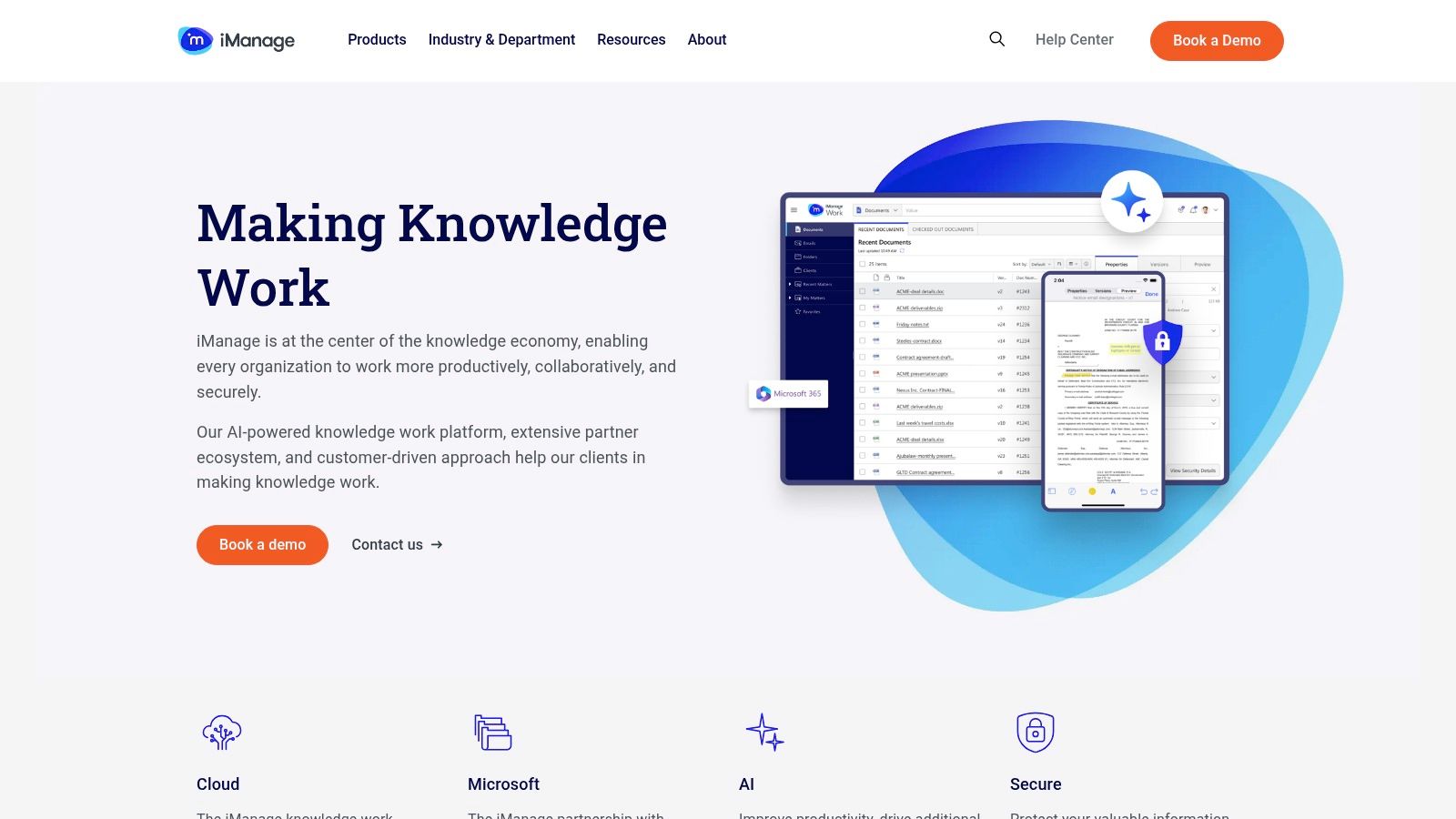
iManage Cloud stands out with its powerful security features, including threat detection and information barriers that prevent conflicts of interest by restricting access to files between practice groups. Its deep integration with Microsoft 365 allows for seamless co-authoring and collaboration within a controlled ecosystem, ensuring version control and a clear audit trail. This makes it one of the more robust remote work tools for legal services teams that require institutional control over their knowledge assets, a critical component for any comprehensive legal nonprofit knowledge management system.
Key Considerations & Practical Use
- Security & Governance: The platform’s core strength is its ability to enforce firm-wide policies for data retention, access control, and ethical walls, which is essential for compliance and managing sensitive client data.
- Implementation Path: Adopting iManage is a significant project that requires a partner-led implementation. Success depends on careful planning of your organization’s information architecture and a structured change management process to ensure user adoption.
- Pricing & Access: There is no public pricing; costs are determined by scope and user count through implementation partners. It is best suited for mid-to-large organizations with the budget for a dedicated Document Management System (DMS).
Website: https://imanage.com/
11. Everlaw for Good
When impact litigation or large-scale investigations generate massive volumes of electronic discovery, legal services teams often hit a wall with traditional tools. Everlaw for Good addresses this chokepoint directly by providing a powerful, cloud-based eDiscovery platform specifically for nonprofit and pro bono work. It enables distributed teams to collaboratively process, review, search, and produce huge datasets, transforming a historically expensive and complex process into a manageable, secure workflow. This is one of the essential remote work tools for legal services teams handling data-intensive cases.
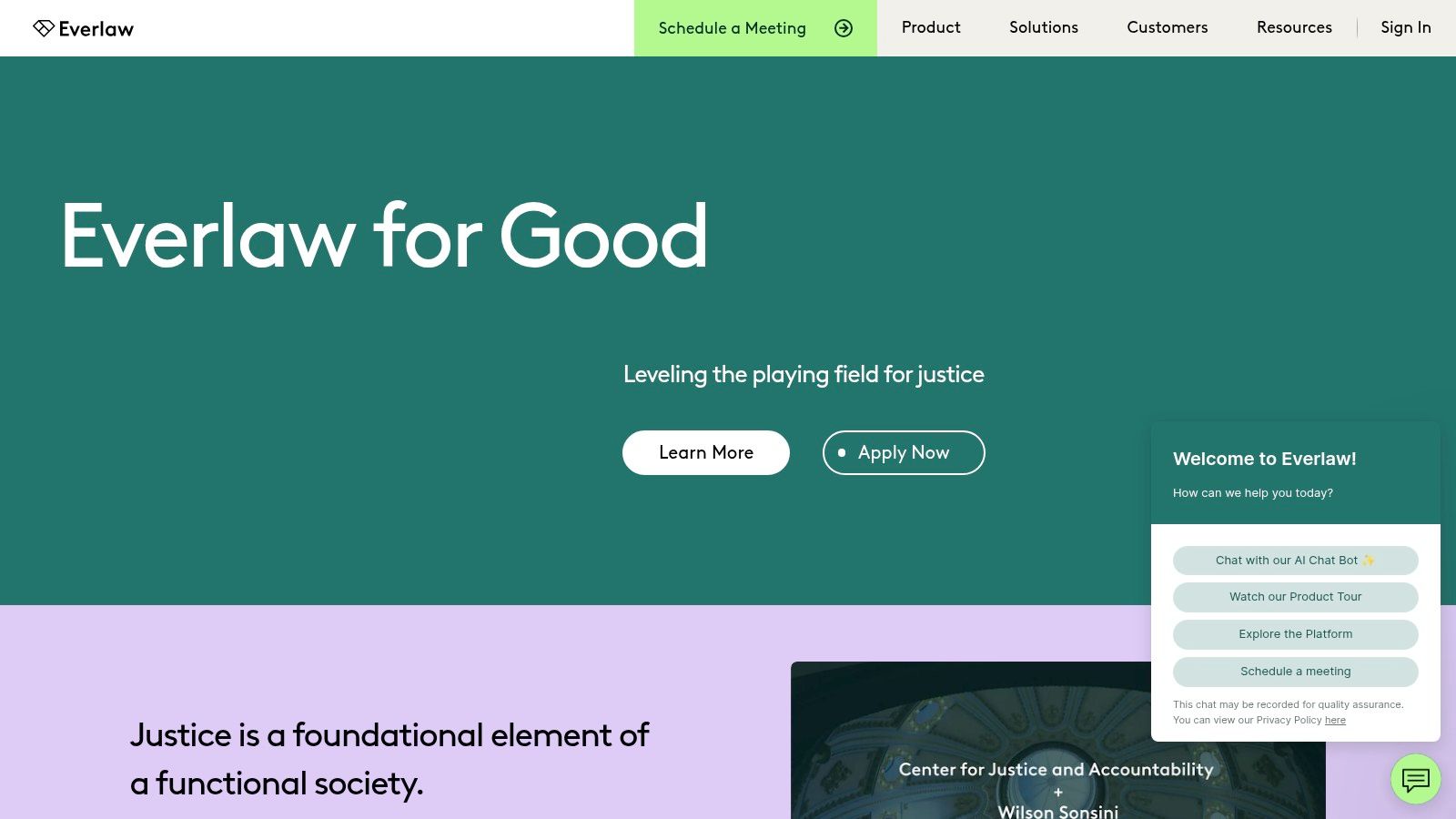
The platform stands out by democratizing access to enterprise-grade litigation technology, including advanced features like AI-powered review, transcription, translation, and its Storybuilder tool for crafting case narratives. Instead of wrestling with unwieldy spreadsheets or insecure file-sharing methods, remote attorneys and volunteers can log into a unified, secure environment to analyze evidence. For organizations managing sensitive information related to immigration, civil rights, or innocence projects, Everlaw provides the robust infrastructure needed to protect data while uncovering critical facts. The generous free tier and clear pricing for overages make it a predictable and accessible choice.
Key Considerations & Practical Use
- Scalable Collaboration: Everlaw is built for remote team review. You can securely assign batches of documents to staff attorneys, pro bono volunteers, and experts anywhere, track progress in real-time, and maintain a clear audit trail of all actions taken on the platform.
- Implementation Path: Success requires strong data governance from the start. Define your review protocols, tagging structures, and user permissions before uploading any discovery. Leverage Everlaw’s extensive training and support to onboard your team, ensuring everyone understands the workflow and security expectations.
- Pricing & Access: Qualified organizations receive a significant free monthly data allowance, which is often sufficient for smaller matters. For larger cases that exceed the cap, Everlaw for Good offers predictable, heavily discounted pricing, removing the financial barriers that typically block access to such powerful tools.
Website: Everlaw for Good
12. LawToolBox
For legal services teams managing heavy litigation dockets, missing a court-imposed deadline is a critical risk that can lead to malpractice claims and catastrophic outcomes for clients. LawToolBox directly mitigates this risk by integrating court-rules-based deadline calculation and automated calendaring directly into Microsoft 365. This transforms Outlook and Teams from generic communication tools into a centralized, matter-aware system, ensuring that every team member, whether remote or in-office, operates from the same set of accurate, automatically updated deadlines. It replaces manual date calculation and the chaos of scattered personal calendars with a standardized, defensible process.
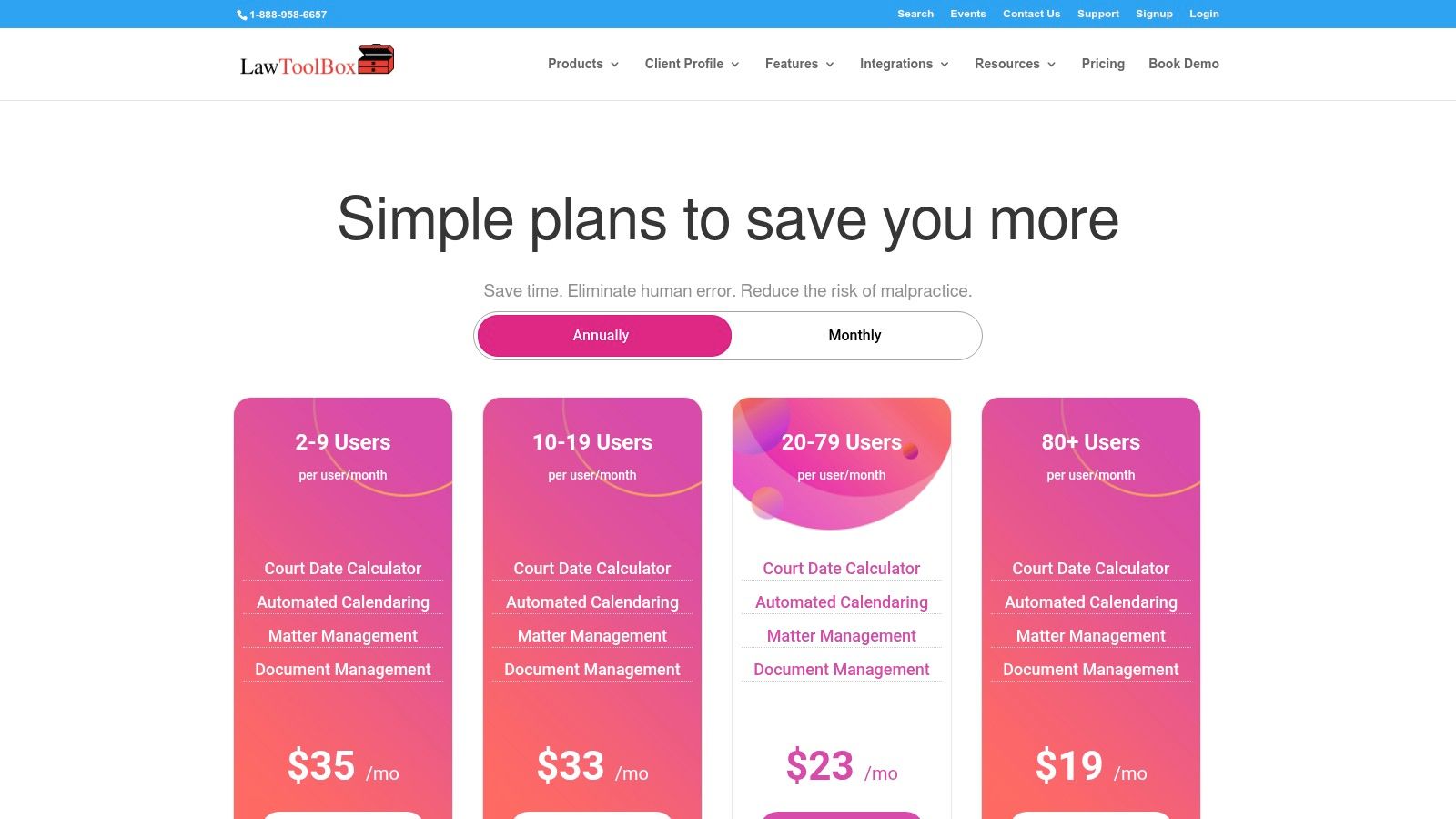
This platform stands out by embedding its functionality deeply within the Microsoft ecosystem, where many legal organizations already conduct their work. Instead of requiring staff to learn yet another standalone application, it surfaces critical dates and reminders within the familiar interfaces of Outlook and Teams channels. This creates a single source of truth for case timelines, reducing the likelihood of human error that plagues manual calendaring. By connecting deadlines to specific matters and integrating with document management systems like NetDocuments or iManage, it helps create a more cohesive and automated workflow, making it a powerful addition to any remote work tools stack focused on litigation.
Key Considerations & Practical Use
- Risk Management: The core value is malpractice risk reduction. By automating deadlines based on specific court rule sets, the tool provides a reliable backstop against missed filings, discovery deadlines, or statutes of limitation.
- Implementation Path: Success depends on standardizing on Microsoft 365 first. The tool is an overlay, not a standalone system. Organizations should verify that LawToolBox covers the specific state and federal court rules relevant to their practice areas before committing.
- Pricing & Access: Pricing is tiered based on the number of users, making it scalable. However, organizations should budget for potential annual commitments, onboarding fees, and separate add-on costs for integrations with third-party document management systems.
Website: https://lawtoolbox.com/pricing/
Comparing Remote Work Tools for Legal Teams
| Product | Core features | Security & compliance | Value proposition | Target audience | Price / discounts |
|---|---|---|---|---|---|
| Microsoft 365 for Nonprofits | Email, Teams, SharePoint, OneDrive, admin tools | Advanced identity, DLP, eDiscovery, tenant governance (Business Premium / E5) | Enterprise-grade platform + governance; familiar UX | Legal services, networks needing strict governance | Nonprofit discounts; tiered licensing; procurement steps |
| Google Workspace for Nonprofits | Gmail, Drive, Meet, Calendar, Vault (Enterprise) | Vault for retention/eDiscovery on Enterprise; DLP/S/MIME on higher tiers | Simple web-first collaboration; low admin overhead | Web-first teams; small to large networks | Discounted plans; free option; advanced features require Enterprise |
| Zoom (Meetings, Webinars, Phone) | HD meetings, webinars, recordings, Zoom Phone, breakout rooms | Meeting security features; retention and governance need admin setup | Reliable webinars/trainings and easy adoption | Clinics, trainings, remote/hybrid teams | Nonprofit discounts available; SKU fragmentation; eligibility limits |
| Slack for Nonprofits | Channel messaging, huddles, integrations, shared channels | Enterprise Grid supports retention/legal hold; governance required | Speeds cross-org collaboration; reduces email noise | Distributed case teams and partner networks | Nonprofit discounts; free/Pro upgrades for small orgs |
| Box (Box.org) | Secure content cloud, Box Shield, granular sharing, workflows | Strong auditing, retention, threat detection, governance controls | Secure client file sharing and customizable workflows | Orgs managing sensitive client documents | Nonprofit discounts via Box.org; TechSoup/validation often required |
| DocuSign for Nonprofits | eSignature, audit trails, templates, workflow automation | Mature compliance and signer authentication; widely accepted | Fast, legally accepted signing with auditability | Client authorizations, funder agreements, intake forms | Nonprofit discounts; advanced CLM adds cost; annual commitments common |
| LegalServer | Configurable intake, case notes, referrals, outcomes, reporting | Built for legal aid workflows with reporting and access controls | Purpose-built case management; reduces spreadsheet sprawl | Legal aid, public defenders, advocacy orgs | Pricing by scope; implementation and change management required |
| Clio | Matter management, client portal, calendaring, payments, integrations | BAAs / HIPAA options where offered; standard security features | Fast deployment, broad integrations, client-facing portals | Small to mid law firms and distributed legal teams | Published tiers and trials; advanced features require higher tiers/add-ons |
| NetDocuments | Matter-centric DMS, email mgmt, MS365 co-authoring, AI features | Legal-grade security, governance, compliance focus | Secure document/email management at scale; deep MS integration | Mid-to-large legal teams and multi-office networks | No public pricing; partner-led implementations |
| iManage Cloud | Document & email management, records governance, info barriers | Robust enterprise security, threat detection, governance | Enterprise-grade DMS with transaction & records management | Large law firms and corporate legal departments | Partner-scoped pricing; best for organizations with larger budgets |
| Everlaw for Good | eDiscovery: processing, review, Storybuilder, analytics, transcription | Platform supports secure review; requires strong data governance | All-inclusive eDiscovery with nonprofit program and training | Investigations, impact litigation, distributed review teams | Nonprofit program: free monthly cap + discounted overages; large matters may cost |
| LawToolBox | Court deadline calculator; matter calendaring in Outlook/Teams | Integrates with DMS; governance depends on deployment | Reduces calendaring risk and malpractice exposure | Teams standardized on Microsoft 365 needing court rules | Transparent tiered pricing by user bands; annual/onboarding fees possible |
FAQs for Leaders of Justice-Focused Organizations
Q1: Our biggest problem is staff burnout from manual, repetitive work. Which tool should we start with?
Start by identifying the single most time-consuming manual task. If it's compiling funder reports, a case management system like LegalServer is the long-term solution. If it's getting client signatures, DocuSign is a quick win. The key is to stop doing the manual task first. Choose the tool that directly automates that specific pain point to free up staff capacity immediately.
Q2: We handle highly sensitive client data (immigration, domestic violence). How do we choose a tool that is truly secure?
Prioritize platforms that offer robust, configurable governance, not just baseline security. Look for features like granular access controls, Data Loss Prevention (DLP), and auditable retention policies. Microsoft 365 (Business Premium or higher), Box, and dedicated document management systems like NetDocuments are built for this. A tool is not secure unless you have the administrative power to enforce your organization's data handling policies within it.
Q3: Our budget is extremely tight. How can we modernize our systems without a huge capital investment?
Leverage nonprofit discounts aggressively. Microsoft 365, Google Workspace, Slack, and Box all have generous programs that can provide foundational capabilities at a very low cost. Start there. A well-configured Microsoft 365 or Google Workspace environment is a massive upgrade from scattered personal accounts and is the most cost-effective first step toward building a stable, secure backbone.
Q4: We have advocates across multiple partner organizations working on the same cases. What's the best way to collaborate securely?
Avoid email for sensitive collaboration. Platforms like Slack (using shared channels) or Box (with secure external folders) are designed for this. They create a single, auditable space for communication and document sharing that is far more secure and efficient than trying to manage collaboration across multiple organizations' email systems.
Q5: We don't have a dedicated IT department. How can we implement a new system without it becoming a huge distraction from our mission?
Focus on simplicity and user adoption. Choose tools with intuitive interfaces like Clio or Google Workspace. More importantly, adopt a "pilot first" approach. Test any new system with a small, tech-savvy group to work out the kinks before rolling it out to the entire organization. For complex systems like a case management platform, you must budget for an implementation partner; trying to do it yourself without dedicated staff is a recipe for failure.
Your Next Step: From Overwhelmed to In Control
Navigating the landscape of remote work tools for legal services teams can feel overwhelming. The tools we’ve explored represent more than just software. They are potential solutions to the bottlenecks that drain your capacity and introduce risk. The goal is not to adopt every new platform, but to build a stable, secure, and integrated technology backbone that multiplies your impact. This means trading the anxiety of potential data breaches for the confidence of a secure system and replacing the frantic scramble for grant reporting with the calm delivery of credible impact data.
An Actionable Modernization Path
Feeling overwhelmed is a common starting point. The key is to transform that feeling into a disciplined, step-by-step plan. Don't try to solve everything at once.
- Identify the Chokepoint: Ask your team: "What is the single most frustrating operational breakdown we face regularly?" Is it intake? A referral handoff? Reporting? That is your starting point.
- Pilot a Solution: Choose one tool from this list that directly addresses that chokepoint. Select a small, motivated group to pilot it on a specific project for 30-60 days. This creates internal champions and provides real-world evidence of its value.
- Define a Simple Plan: Based on your pilot, create a simple one-page plan. What problem does this solve? How will we measure success? Who makes the final decision? This clarity is what boards and funders want to see.
This is a journey from seeing technology as a recurring cost to understanding it as the essential scaffolding that supports your mission. The crucial question you must answer before moving forward is: Which operational risk or inefficiency, if we solved it in the next six months, would create the most new capacity for our frontline partners?
Tired of navigating complex technology decisions alone? CTO Input acts as your fractional technology leader, providing the calm, seasoned guidance needed to build a believable modernization path for your justice-focused organization. We help you align your systems with your mission, ensuring you invest in solutions that reduce risk, save staff time, and prove your impact.
Schedule a complimentary 30-minute diagnostic call with CTO Input today.