
You're living it: the frantic scramble for grant reports, the anxiety over scattered, sensitive client data, and the staff burnout from endless manual workarounds. Your organization grew fast on top of fragile systems, and now case data is fragmented across tools that don't communicate. This recurring operational chaos consumes valuable time your team should be spending supporting advocates, partners, and the communities you serve. This guide is a practical field memo for the executive directors, COOs, and operations leaders tasked with fixing these problems.
This is not another platform pitch. It’s a seasoned advisor's look at the specific AI tools for legal nonprofits that can help you build a stable, secure technology backbone. We’ll move past the hype and focus on how these platforms address the real-world chokepoints in your workflow: intake and triage, legal research, documentation, and compliance reporting. We provide a calm, mission-first path to modernization that you can confidently present to your board and funders.
Key Takeaways for Legal Nonprofit Leaders
- Focus on Chokepoints, Not Shiny Tools: The most effective use of AI is to solve your biggest operational bottlenecks, such as grant reporting, client intake, or document review. Start with the problem, not the platform.
- Prioritize Security and Governance: When handling sensitive data related to immigration, incarceration, or youth, your AI strategy must begin with privacy-by-design. Choose tools with enterprise-grade security and establish clear internal usage policies.
- Start with Small, Measurable Wins: Instead of a large-scale overhaul, launch a 30-day pilot of a single tool to address one specific pain point. This provides the evidence needed to build a case for a broader, long-term roadmap.
- Leverage Nonprofit-Specific Programs: Many top-tier AI providers (Microsoft, Google, Everlaw, Relativity) offer significant discounts or free access for 501(c)(3) organizations. Use resources like TechSoup to maximize these benefits.
Inside this resource, you will find a curated list of 12 impactful AI tools. For each option, we provide a detailed, honest assessment covering:
- Practical Use Cases: How to apply the tool to solve specific justice sector problems.
- Limitations & Risks: A clear-eyed view of potential privacy, security, and ethical considerations.
- Pricing & Integration: Nonprofit-specific pricing information and guidance on how it fits into your existing tech stack.
We include direct links and screenshots to help you evaluate each platform efficiently. Our goal is to help you find the right tools to achieve quick, practical wins that reduce risk and free up staff time, laying the groundwork for a multi-year roadmap that transforms your systems from a source of stress into a reliable asset for your mission.
1. Microsoft for Nonprofits – Copilot for Microsoft 365
For legal nonprofits already operating within the Microsoft ecosystem, integrating Copilot for Microsoft 365 is a natural and powerful next step. Rather than introducing an entirely new platform, it embeds generative AI directly into the tools your staff uses daily like Word, Outlook, and Teams. This positioning makes it one of the most practical AI tools for legal nonprofits seeking to reduce administrative friction without significant retraining.
The key advantage is its ability to accelerate common, time-consuming tasks that plague operations leaders. It streamlines the creation of first drafts for grant proposals, board reports, and internal policy documents. In Outlook, it can summarize long email threads to quickly get leadership up to speed. For network-level organizations, its function in Teams to automatically generate meeting summaries and action items from calls with member organizations is a significant capacity multiplier.
Key Considerations
- Pricing & Access: Microsoft offers substantial discounts for qualified 501(c)(3) nonprofits. However, Copilot requires specific underlying Microsoft 365 licenses (like Business Standard/Premium or E3/E5), so you must factor in the total subscription cost.
- Implementation: The primary challenge is not technical but operational. Without clear governance and training, there's a risk of staff creating and storing sensitive drafts in unmanaged ways. A rollout plan should include data handling protocols and use-case training.
- Security & Compliance: A major differentiator is its enterprise-grade security. Your data stays within your organization’s Microsoft 365 tenant, inheriting existing security and compliance policies, a critical feature for organizations handling sensitive client information.
Our Take: Copilot is the ideal starting point for mature nonprofits deeply integrated with Microsoft 365. It provides immediate efficiency gains on administrative tasks, freeing up staff time for mission-critical work, all while operating within a secure, familiar environment.
Website: https://www.microsoft.com/en-us/nonprofits
2. Google for Nonprofits – Google Workspace with Gemini
For the vast network of legal nonprofits built on Google’s collaborative suite, the integration of Gemini into Google Workspace presents a low-friction entry into generative AI. This approach doesn't require adopting a new platform but instead enhances existing tools like Docs, Gmail, and Sheets with AI-powered assistance. This makes it one of the most accessible AI tools for legal nonprofits, especially for organizations prioritizing collaboration and cost-effectiveness.
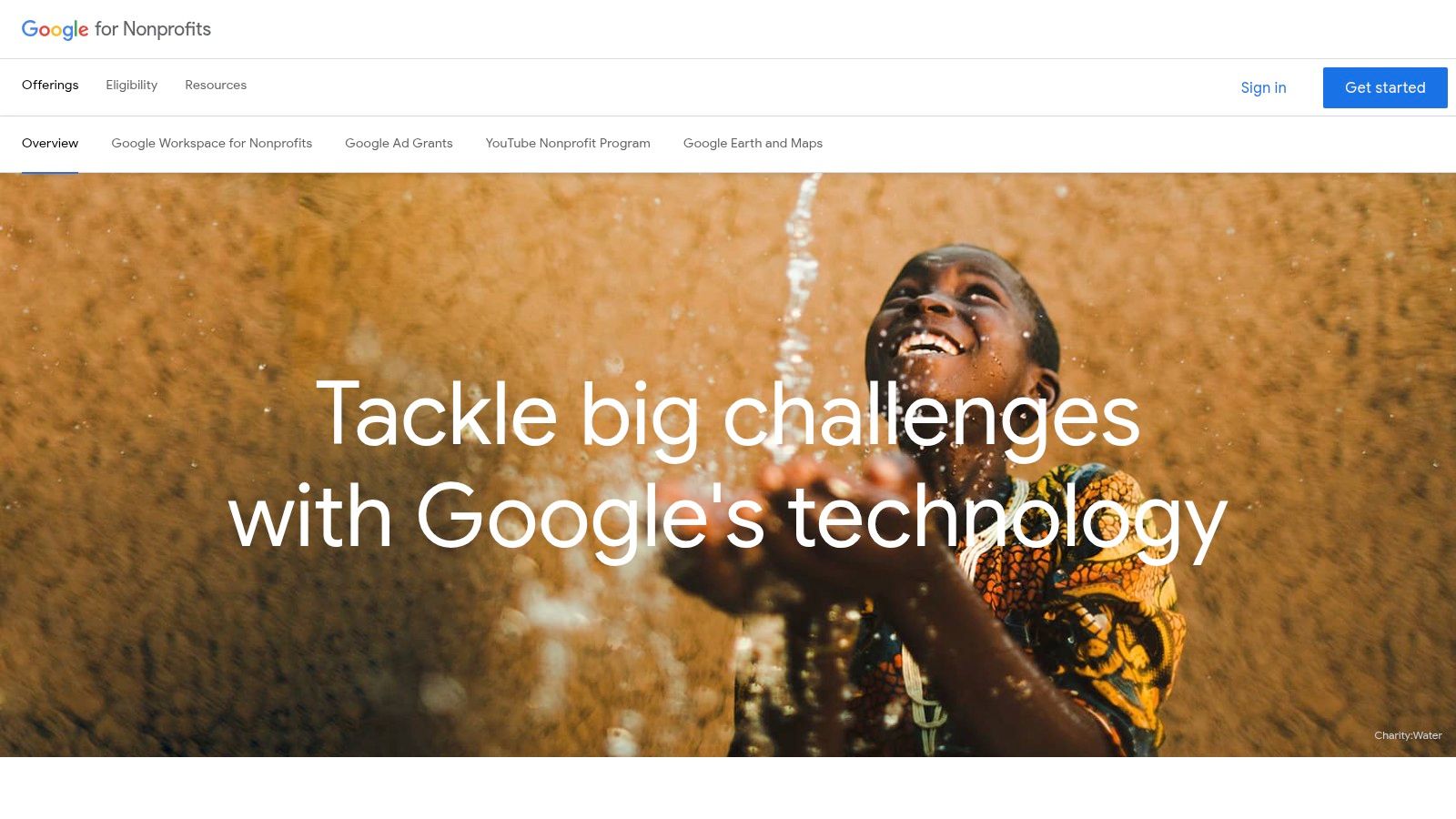
The primary benefit is accelerating collaborative drafting and administrative communication. Gemini can generate initial drafts of grant narratives in Google Docs, summarize lengthy email chains in Gmail for busy executive directors, and help organize preliminary data in Sheets for reporting. For network organizations that rely on shared documents, this streamlines the creation of meeting agendas, policy updates, and collaborative reports, directly addressing common operational bottlenecks. Understanding how non-profits can strategically deploy AI helps frame where these features deliver the most value.
Key Considerations
- Pricing & Access: Google for Nonprofits offers a core Google Workspace plan at no cost for eligible organizations, a significant advantage for budget-conscious nonprofits. Gemini features are being integrated into various Workspace tiers, so it's critical to verify which AI capabilities are included in the free and discounted plans.
- Implementation: The main challenge is ensuring consistent and secure use across the organization. Staff will need guidance on appropriate use cases, especially concerning client confidentiality. For those leveraging Google's offerings, a comprehensive strategic guide to Google Workspace for Nonprofits can provide valuable insights into maximizing these tools.
- Security & Compliance: While Google provides robust security, features like Vault for eDiscovery and advanced endpoint management are tied to higher-tier paid plans (like Business Plus). Organizations handling highly sensitive data must assess if the security controls in their chosen tier meet compliance needs.
Our Take: Google Workspace with Gemini is an excellent choice for cost-sensitive legal nonprofits and collaborative networks already embedded in the Google ecosystem. It offers powerful, integrated AI features that boost productivity on daily tasks with minimal additional investment or training.
Website: https://www.google.com/nonprofits
3. TechSoup
While not an AI tool itself, TechSoup is an indispensable starting point for any nonprofit’s technology journey, including the procurement of AI-enabled software. It is a nonprofit marketplace that validates 501(c)(3) status to provide access to heavily discounted software, hardware, and services from major vendors. For legal aid networks and capacity-building organizations looking to standardize tools across member groups, TechSoup simplifies eligibility and centralizes procurement, ensuring everyone gets the best price without individual negotiation.
Its primary role in the AI landscape is acting as a gateway. Through TechSoup, organizations can access foundational platforms like Microsoft 365 at a significant discount, which is often a prerequisite for adopting tools like Copilot. It also provides direct access to cloud credits for services like AWS and Azure, which can power more advanced AI projects. This makes it one of the most strategic AI tools for legal nonprofits because it lowers the financial barrier to entry for the entire modern software stack.
Key Considerations
- Pricing & Access: Validation is required, but once approved, nonprofits gain access to a catalog of donated and discounted products far below market rate. This is often the most cost-effective way to acquire essential software licenses.
- Implementation: The platform is a procurement portal, not an implementation partner. After purchasing, your organization is responsible for deployment, training, and governance, which requires a separate operational plan, especially for complex systems.
- Offerings & Guidance: The catalog is extensive but doesn't include every possible tool or license. However, TechSoup complements its offerings with webinars, courses, and articles specifically designed to help nonprofit leaders understand and adopt new technologies, including AI.
Our Take: TechSoup is the essential first stop for any cost-conscious legal nonprofit building its tech capacity. It’s the procurement backbone that makes acquiring foundational AI-ready platforms affordable and manageable, especially for networks coordinating technology adoption across multiple affiliates.
Website: https://www.techsoup.org
4. Thomson Reuters – CoCounsel (CoCounsel Legal)
For legal nonprofits that rely heavily on Westlaw and Practical Law for deep legal research, CoCounsel represents a powerful, purpose-built upgrade. This is not a general-purpose AI; it is an agentic assistant specifically trained on a vast and trusted corpus of legal data. It excels at tasks that form the backbone of complex legal work, such as drafting memos, conducting multi-jurisdictional surveys, and analyzing documents, making it one of the premier AI tools for legal nonprofits engaged in impact litigation or specialized advocacy.
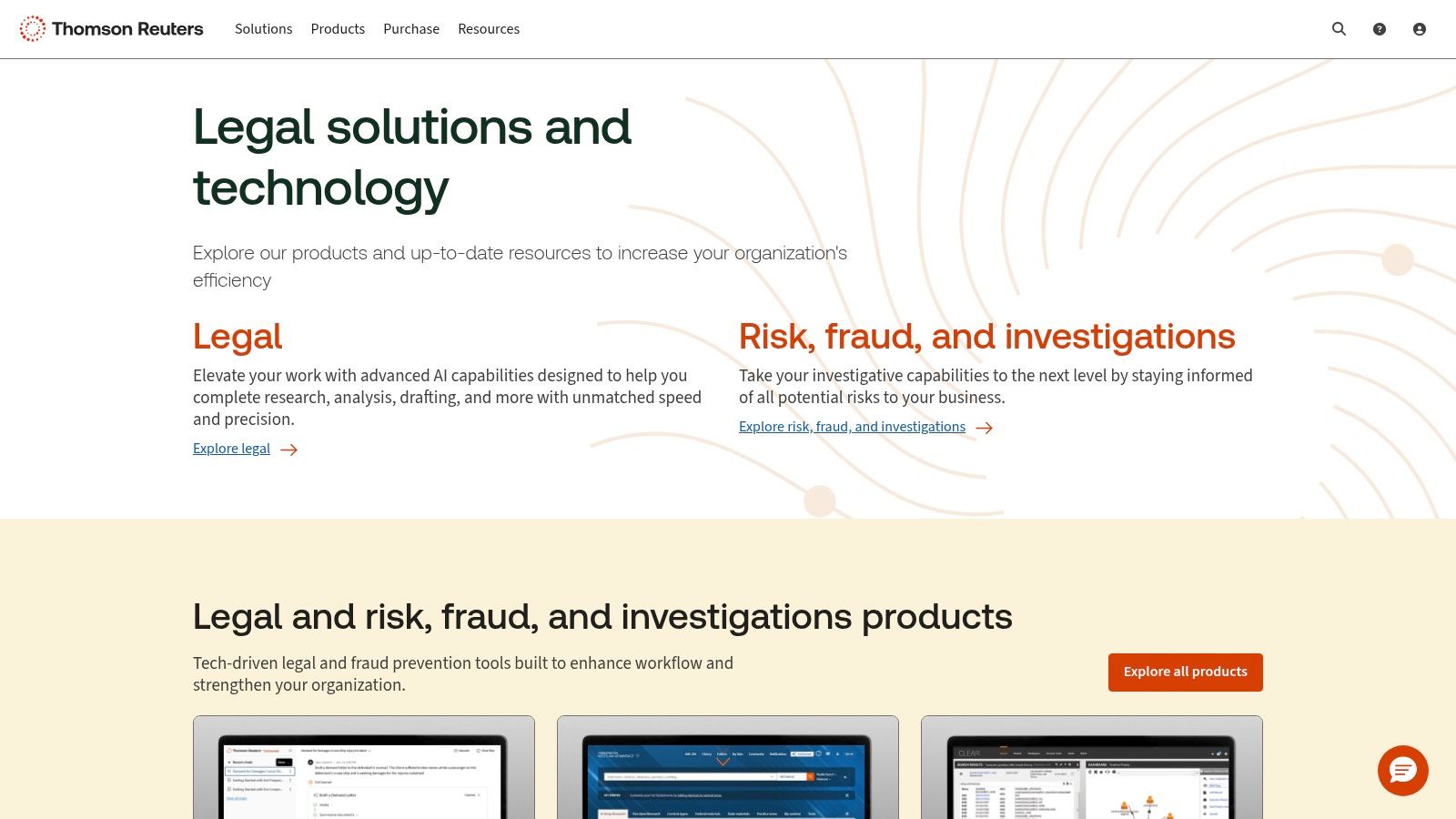
The primary advantage for operations leaders and legal directors is its ability to multiply the capacity of experienced attorneys. Instead of just summarizing a case, CoCounsel can prepare a detailed memorandum of law, complete with reasoning and citations backed by Westlaw's authoritative content. It can also review a brief to identify mischaracterized case law or perform knowledge searches across an organization's internal document repositories, turning institutional knowledge into an instantly searchable asset. This frees up senior staff from labor-intensive research to focus on strategy and client counsel.
Key Considerations
- Pricing & Access: CoCounsel is an enterprise product with pricing available by quote. The greatest value is often realized when bundled with existing or new subscriptions to Westlaw and Practical Law, which may place it out of reach for smaller organizations without dedicated funding for legal research tools.
- Implementation: The tool is designed for legal professionals, so the learning curve is more about workflow integration than technical skill. Effective adoption requires identifying high-value use cases, such as support for legal aid hotlines or appellate brief drafting, and training staff on how to craft effective prompts to leverage its full capabilities.
- Security & Compliance: Thomson Reuters emphasizes that client data is not used to train the foundational AI models. This commitment to data privacy and security is crucial for organizations handling sensitive and privileged information, particularly those working with vulnerable populations.
Our Take: CoCounsel is the best-in-class option for research-intensive legal nonprofits already invested in the Thomson Reuters ecosystem. It offers a substantial force multiplier for complex legal work, streamlining workflows from initial research to final draft while upholding critical data security standards.
Website: https://legal.thomson.reuters.com
5. LexisNexis – Lexis+ AI
For legal nonprofits with established litigation or deep research functions, Lexis+ AI offers a specialized generative AI solution embedded within a familiar ecosystem. Instead of a general-purpose assistant, it provides a purpose-built tool for legal research, analysis, and drafting. This makes it one of the most powerful AI tools for legal nonprofits focused on complex case work, policy analysis, and impact litigation where evidentiary reliability is paramount.
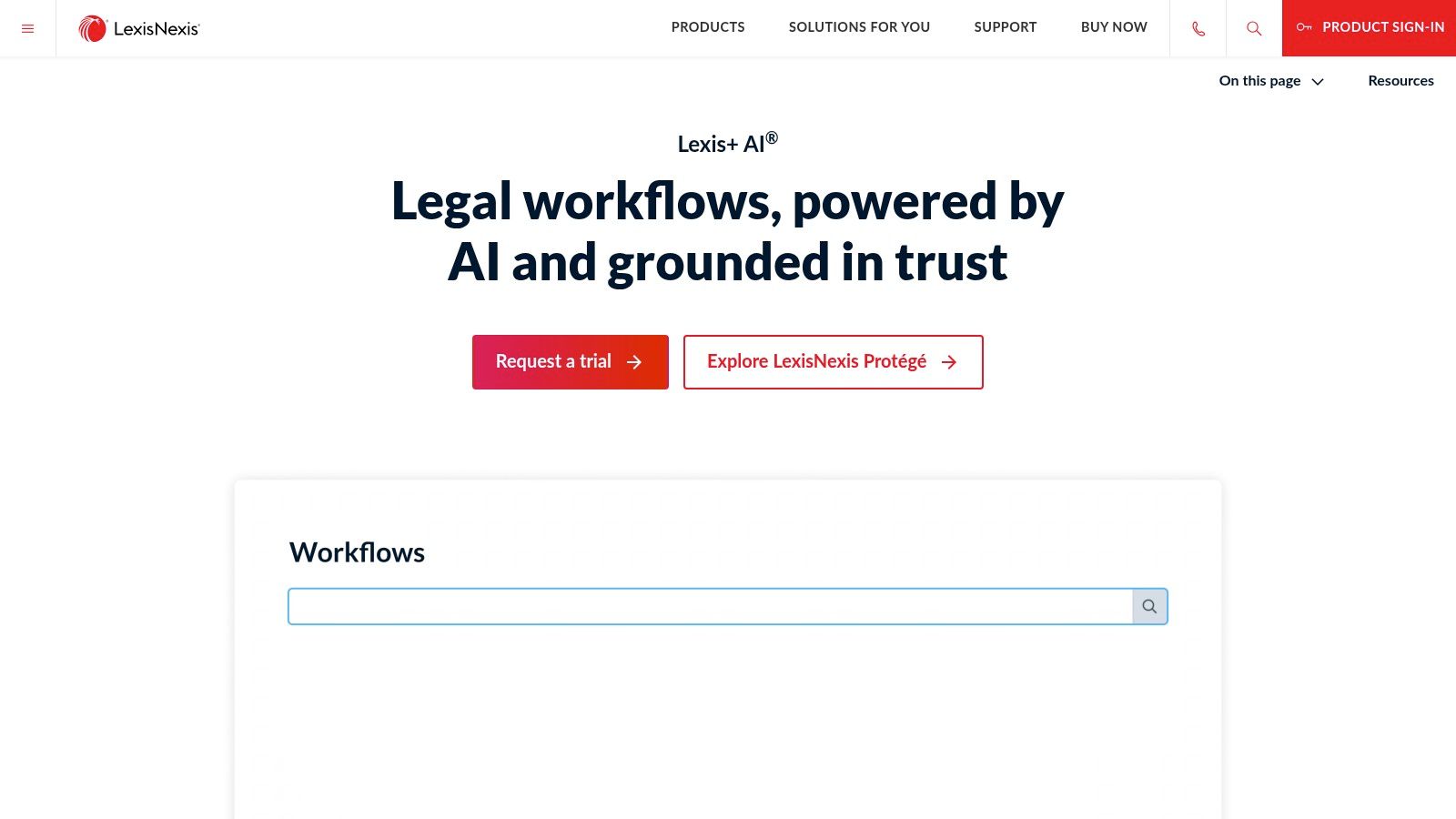
The standout feature is its integration with Shepard's, which automatically validates citations generated by the AI, significantly reducing the risk of hallucinations and ensuring legal arguments are built on solid precedent. Staff can use natural language to ask complex legal questions, summarize case law, or draft initial sections of briefs and memos. This capability directly addresses the operational chokepoint of time-consuming legal research, freeing up experienced attorneys for higher-level strategic work.
Key Considerations
- Pricing & Access: LexisNexis uses bespoke pricing, requiring direct contact with their sales team. The full value is unlocked when bundled with existing Lexis content subscriptions, making it a better fit for organizations already invested in their platform. A free short trial is typically available.
- Implementation: The tool is designed to be private, ensuring user prompts and organizational data are not used to train the public models. However, organizations must still establish clear internal protocols for its use, particularly around final legal review and the ethical application of AI-generated drafts.
- Security & Compliance: LexisNexis has built its AI with enterprise-grade security, ensuring that sensitive case information and research queries remain confidential. This private-by-design approach is critical for legal teams handling privileged information and complex, high-stakes cases.
Our Take: Lexis+ AI is a premium, high-impact tool for research-intensive legal nonprofits already using the Lexis platform. Its core strength lies in accelerating sophisticated legal research and drafting with built-in citation validation, providing a reliable capacity multiplier for litigation and policy teams.
Website: https://www.lexisnexis.com/en-us/products/lexis-plus-ai.page
6. vLex – Vincent AI
For legal nonprofits engaged in complex, cross-jurisdictional research or federal litigation, vLex’s Vincent AI offers a specialized set of capabilities that go beyond general-purpose AI assistants. It integrates advanced generative AI research functions directly with a massive global legal library and U.S. federal and state docket information via its Docket Alarm integration. This makes it one of the most powerful AI tools for legal nonprofits focused on impact litigation, appellate work, or serving clients with multi-jurisdictional legal issues.
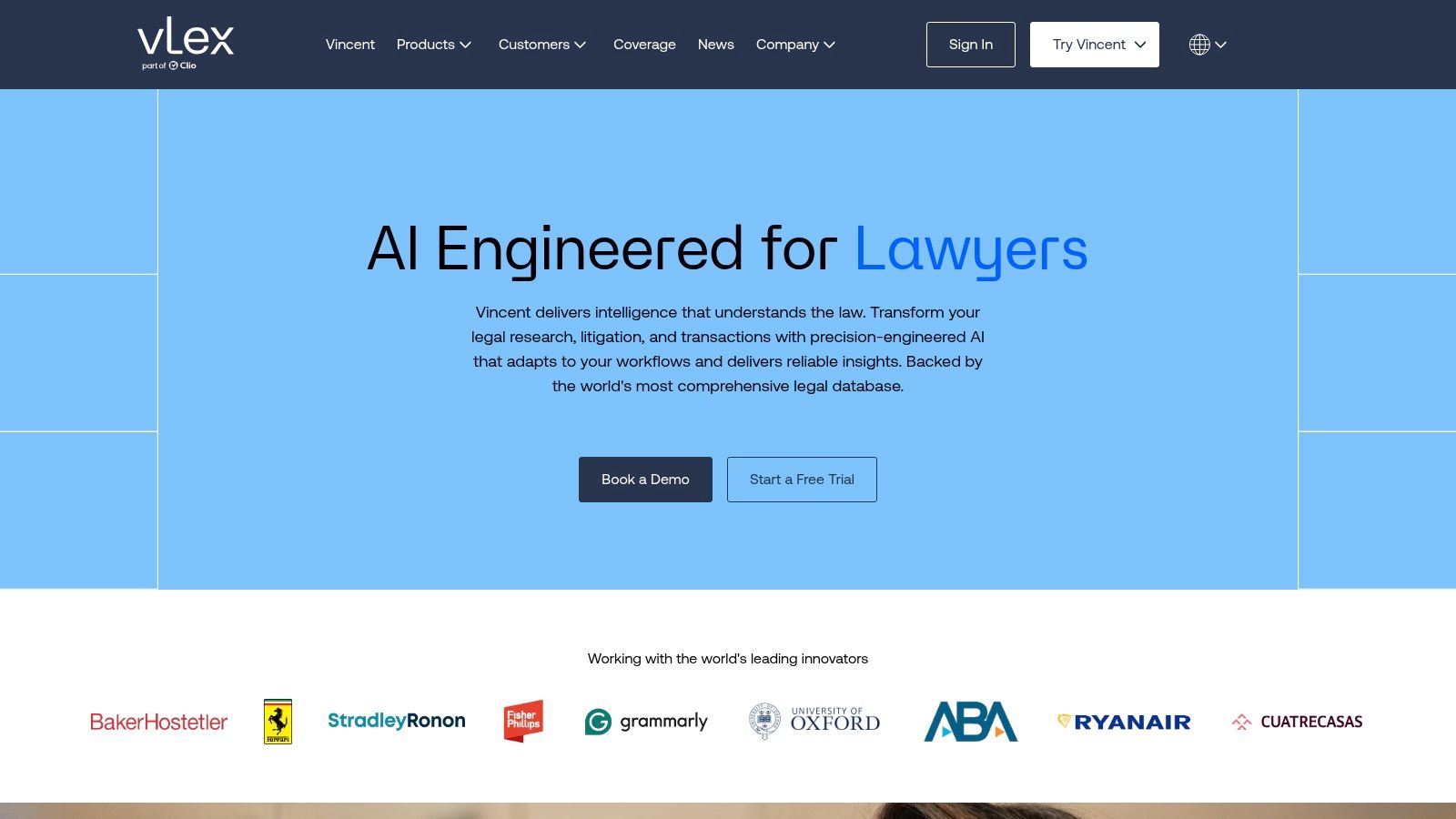
Vincent AI’s standout feature is its “Build an Argument” workflow, which allows legal teams to upload a brief or motion and have the AI identify key arguments and find supporting case law from over 130 jurisdictions. For immigration and refugee legal networks, its broad international database can be a critical asset. Furthermore, its ability to analyze audio and video transcripts provides a unique advantage for organizations that frequently work with deposition or court hearing records, saving significant staff time in summarization and analysis.
Key Considerations
- Pricing & Access: vLex offers a free 14-day trial for organizations to evaluate the platform. Full access is subscription-based and often quoted for enterprise teams, so smaller nonprofits will need to inquire about potential discounts or specialized packages.
- Implementation: The learning curve is steeper than a general AI chatbot. To maximize its value, staff need training on legal research methodologies within the platform. A successful rollout requires identifying specific litigation or research workflows where Vincent AI can provide the most leverage.
- Security & Compliance: As an enterprise-grade legal research platform, vLex is built with security in mind for professional legal work. However, organizations must conduct their own due diligence to ensure its data handling and privacy policies align with their specific needs, especially when uploading sensitive case documents. For guidance on this, review this comprehensive AI vendor due diligence checklist.
Our Take: Vincent AI is a high-impact tool for research-intensive legal nonprofits and national advocacy organizations. Its integration of AI with docket data and a global case law repository provides a distinct advantage for teams building complex legal arguments and navigating federal court systems.
Website: https://us.vlex.com
7. Clearbrief
For legal nonprofits engaged in litigation or preparing evidence-backed filings, Clearbrief offers a specialized and powerful AI capability directly within Microsoft Word. It is designed to ensure the factual accuracy and integrity of legal documents like motions, briefs, and reports. By automating the tedious process of fact-checking and citation, Clearbrief stands out among AI tools for legal nonprofits as a solution dedicated to improving the quality and defensibility of written advocacy.
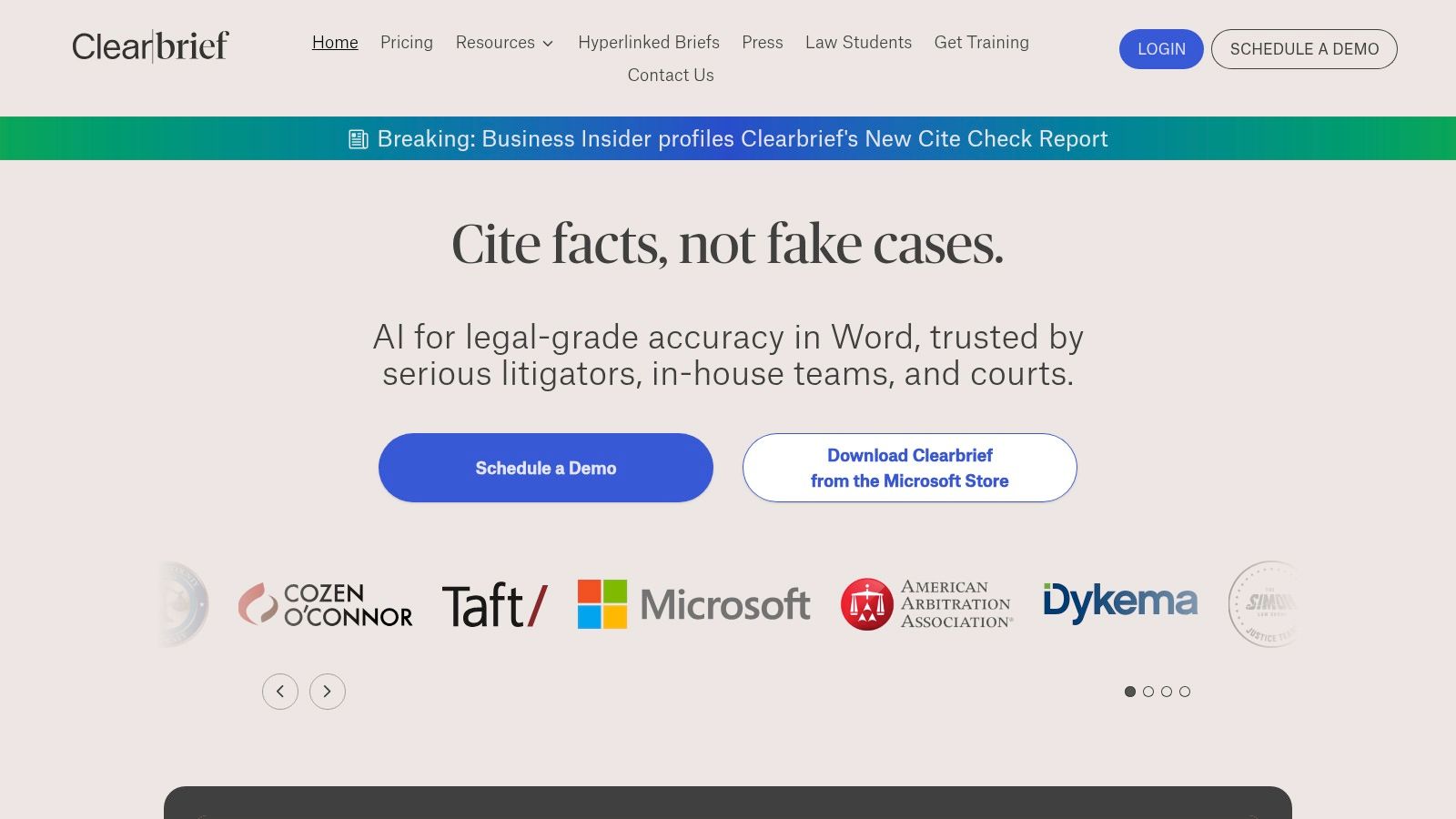
The platform’s core function is its ‘Add Fact-Cite’ feature, which allows staff to link any statement in a document directly to the supporting evidence in the case file. This dramatically reduces the risk of factual errors under pressure. For organizations handling complex cases with large document sets, its ability to automatically generate a Table of Authorities or a timeline of key events saves dozens of hours, freeing up paralegals and attorneys for higher-value work.
Key Considerations
- Pricing & Access: Clearbrief is an enterprise-level tool with custom pricing. While it represents a significant investment, nonprofits should inquire about potential discounts or programs tailored to public interest organizations.
- Implementation: As a Microsoft Word add-in, the initial technical setup is straightforward. The main effort involves training litigation teams to adopt it as a standard part of their drafting workflow and integrating it with existing document management systems like Clio or Relativity.
- Security & Compliance: With a SOC 2 Type II certification and options for bring-your-own (BYO) storage, Clearbrief demonstrates a strong security posture. This is crucial for nonprofits handling highly sensitive client information and privileged documents.
Our Take: Clearbrief is a mission-critical tool for impact litigation hubs and advocacy nonprofits where the accuracy of every court filing is paramount. It reduces reputational risk and staff burnout by embedding verification directly into the drafting process.
Website: https://clearbrief.com
8. Spellbook (by Rally)
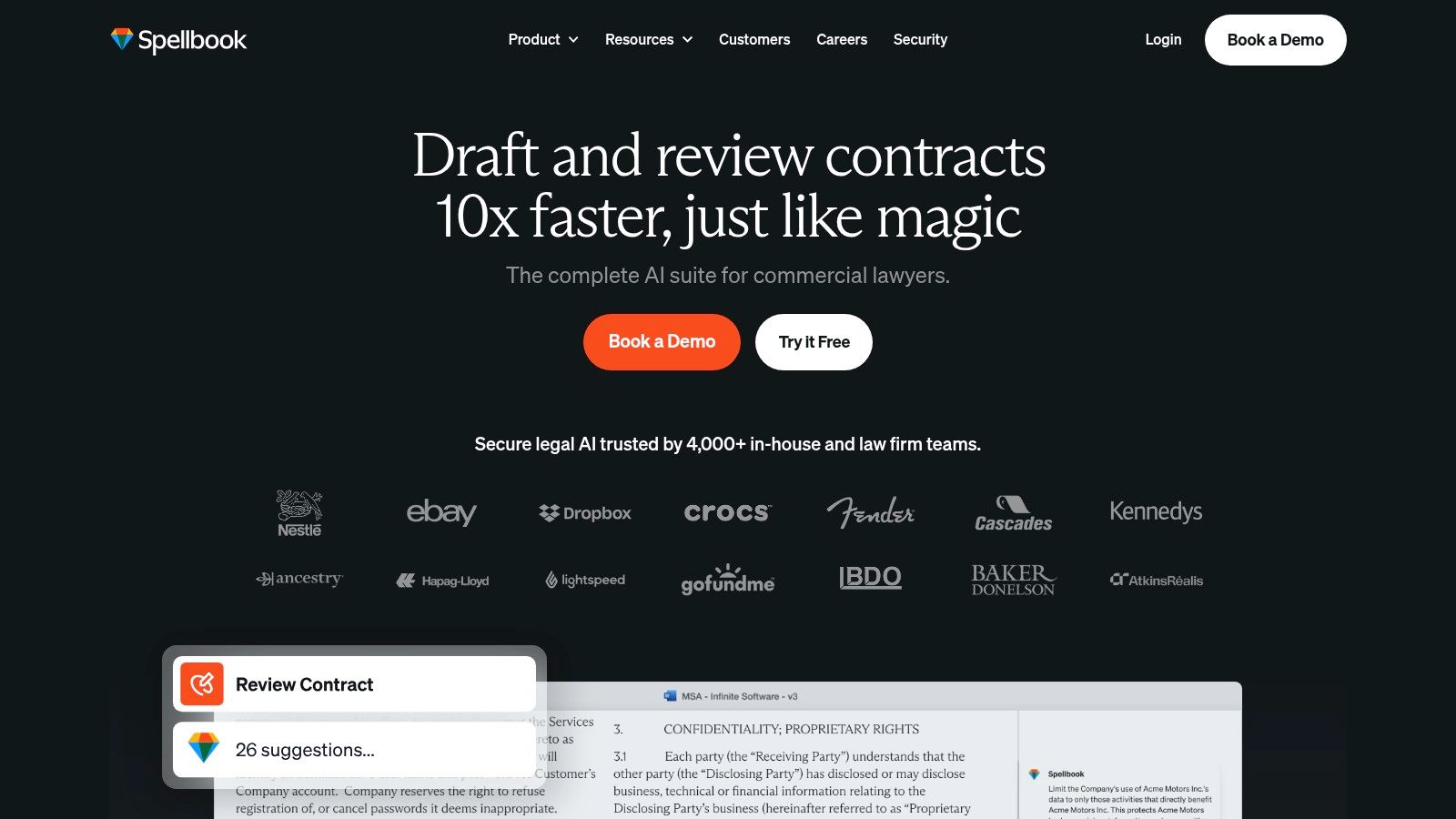
For legal nonprofits handling frequent transactional documents like MOUs, vendor contracts, or grant sub-awards, Spellbook offers a specialized AI assistant that lives directly inside Microsoft Word. Instead of requiring staff to learn a new interface, it integrates drafting, review, and negotiation tools into a familiar environment. This makes it one of the most targeted AI tools for legal nonprofits aiming to standardize and accelerate their internal and administrative legal work.
The platform excels at mitigating the operational drag caused by routine contract management. Its AI-powered review can quickly identify unusual or risky clauses in third-party paper, comparing them against market standards or your organization's own pre-approved language. For networks of legal aid organizations, the "Playbooks" feature is a powerful tool for ensuring that grant sub-award agreements or data-sharing MOUs use consistent, pre-vetted terms across all member sites.
Key Considerations
- Pricing & Access: Spellbook’s pricing is quote-based, but they confirm that nonprofit and pro bono discounts are available upon request. Organizations should engage their sales team directly to discuss their specific use case and scale. A 7-day free trial is available.
- Implementation: As a Microsoft Word add-in, technical deployment is straightforward. The main lift is operational: developing and loading your organization’s standard clauses and positions into "Playbooks" to maximize the tool's value. This requires an initial investment of legal and operational time.
- Security & Compliance: Spellbook is SOC 2 Type II certified and states a policy of zero data retention with its LLM providers, meaning your confidential contract data is not used for model training. This is a critical security assurance for nonprofits handling sensitive partnership agreements or funding details.
Our Take: Spellbook is a best-in-class solution for operations leaders looking to bring consistency, speed, and risk management to their organization's transactional legal work. It’s particularly valuable for networks or national organizations seeking to standardize contractual language across multiple chapters or grantees.
Website: https://www.spellbook.legal
9. Everlaw for Good
For legal nonprofits engaged in complex litigation, public records requests, or large-scale investigations, Everlaw offers a specialized and powerful platform. Its “Everlaw for Good” program provides free or heavily discounted access to its eDiscovery software, making enterprise-grade tools accessible to organizations that would otherwise be priced out. This platform is one of the most focused AI tools for legal nonprofits, designed specifically to accelerate the painstaking process of document review.
The core strength of Everlaw lies in its generative AI features built for reviewing massive document sets. Tools like its AI Assistant can summarize dense documents, identify key themes across thousands of files, and even help draft initial narratives or chronologies grounded in the evidence. This allows small legal teams to punch far above their weight, quickly finding the critical evidence buried in terabytes of data for impact litigation or advocacy campaigns. All AI-generated outputs are directly linked back to source documents, ensuring auditability and accuracy.
Key Considerations
- Pricing & Access: The Everlaw for Good program offers a generous free tier for pro bono cases, nonprofits, and journalists, which is capped by data volume. Beyond that cap, nonprofits receive significant discounts. The pricing model is based on data storage (per GB) rather than per user, which is beneficial for teams with many volunteers or staff reviewers.
- Implementation: While the platform is user-friendly for eDiscovery software, it is a specialized tool. It is not designed for general office productivity but for litigation and investigation workflows. Effective use requires dedicating time to its included training and support to master features like Storybuilder and predictive coding.
- Security & Compliance: Everlaw is built with high-stakes legal work in mind, offering robust security features and FedRAMP authorization. This makes it a suitable choice for organizations handling extremely sensitive information, a critical requirement for groups working with vulnerable populations or against powerful institutions.
Our Take: Everlaw for Good is an indispensable resource for litigation-heavy nonprofits. It dramatically reduces the time and cost of eDiscovery, enabling organizations to take on document-intensive cases that would otherwise be impossible to manage.
Website: https://www.everlaw.com/everlaw-for-good/
10. Relativity – Justice for Change & aiR
For legal nonprofits engaged in large-scale impact litigation or managing massive public records requests, the sheer volume of discovery can be paralyzing. Relativity addresses this challenge head-on with its Justice for Change program, which provides pro bono access to its powerful eDiscovery platform, RelativityOne. This initiative, combined with its new generative AI suite, aiR, makes it one of the most potent AI tools for legal nonprofits needing to analyze vast datasets for evidence and insights.
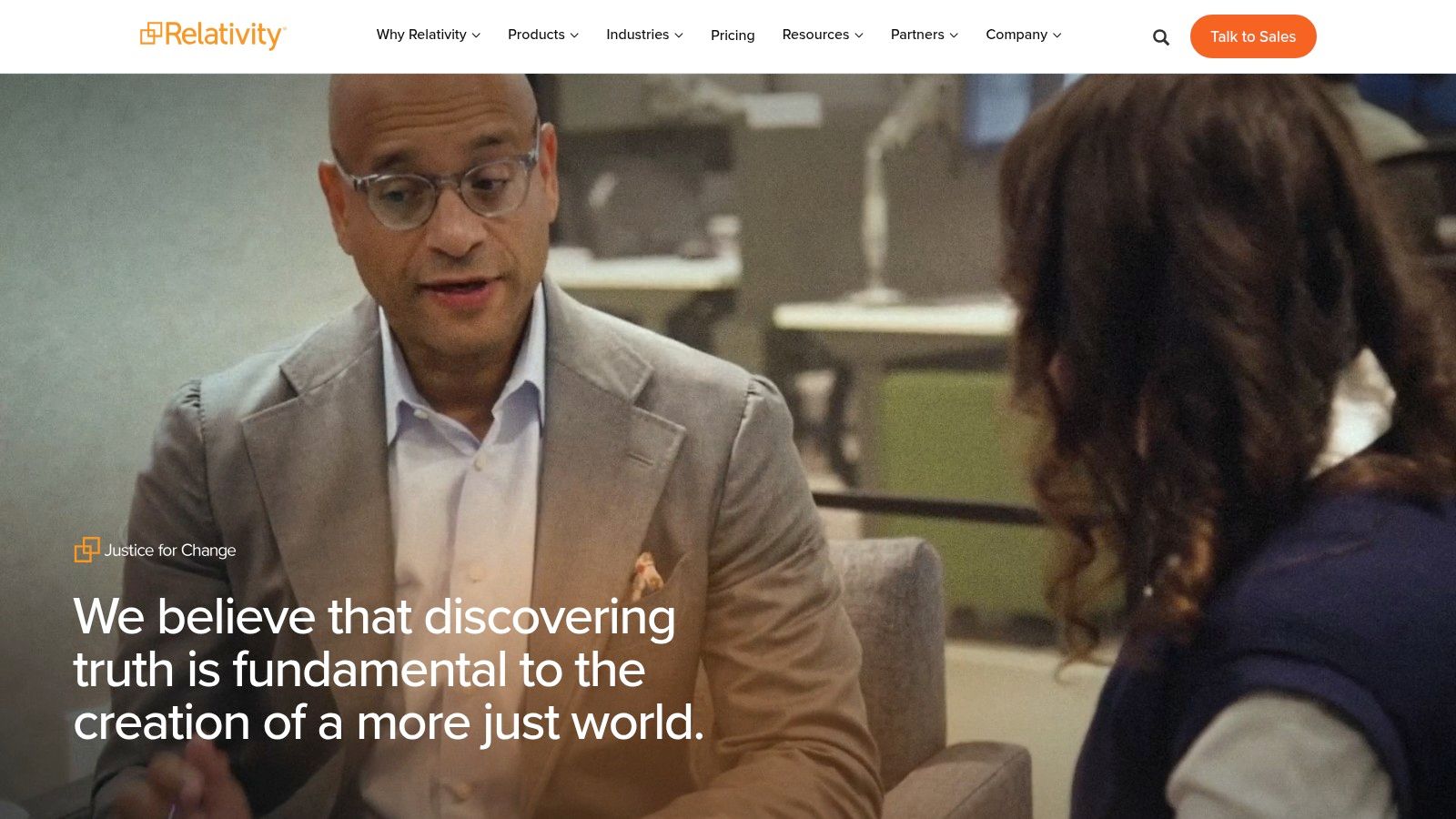
The platform excels at accelerating document review, a critical bottleneck in complex cases. Relativity's aiR features can quickly identify privileged communications, summarize lengthy documents, and help legal teams find key information buried in millions of files. For organizations working on class-action lawsuits or analyzing Freedom of Information Act (FOIA) responses, this capacity is transformative, turning months of manual review into a manageable, data-driven process.
Key Considerations
- Pricing & Access: The Justice for Change program offers free access to RelativityOne for qualifying social justice projects. This includes up to 500 GB of data and 10 users for up to 24 months, a substantial in-kind grant. However, access is not automatic and requires an application and scoping process.
- Implementation: Relativity is an enterprise-grade platform with a steep learning curve. While powerful, its complexity often necessitates specialized training or support from one of Relativity's many certified partners, which can be a hidden cost if not planned for.
- Security & Compliance: As a mature platform widely used in the legal industry and by government agencies (including FedRAMP authorized environments), Relativity offers robust security controls. This is critical for nonprofits handling highly sensitive information related to litigation, ensuring data is protected to industry standards.
Our Take: For impact litigation nonprofits with significant eDiscovery needs, Relativity's Justice for Change program is an unparalleled resource. It provides access to industrial-strength AI and review tools that would otherwise be financially out of reach, leveling the playing field in high-stakes legal battles.
Website: https://www.relativity.com/company/commitments/social-impact/justice-for-change/
11. JusticeText
For public defense organizations and criminal legal nonprofits, sifting through hours of body-worn camera footage, interrogation videos, and jail calls is a monumental drain on resources. JusticeText is a purpose-built platform designed to address this specific chokepoint. It uses AI to automatically transcribe and analyze this audiovisual evidence, making it one of the most impactful AI tools for legal nonprofits focused on criminal defense, wrongful conviction, and police accountability work.
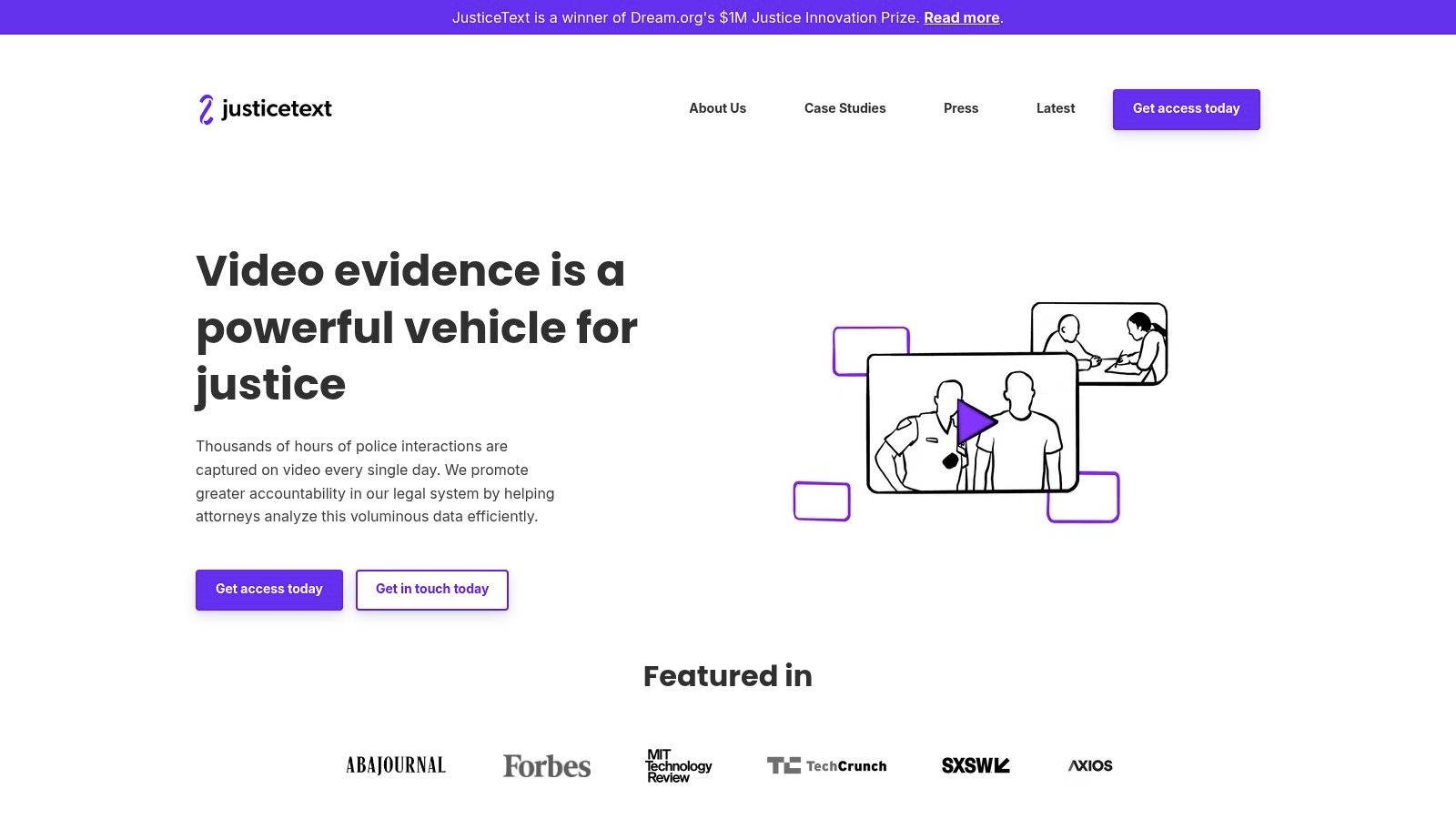
The platform moves beyond simple transcription by providing a centralized hub for this critical evidence. Attorneys can generate timestamped, searchable transcripts, create video clips of key moments for use in court, and collaborate on case strategy directly within the tool. Its MirandaAI feature allows legal teams to ask questions directly about the evidence, speeding up the discovery of crucial facts and inconsistencies that could otherwise be missed in high-volume caseloads.
Key Considerations
- Pricing & Access: JusticeText does not list public pricing. Access is provided through a demo and a custom quote, which allows them to tailor the solution to an organization's specific size and caseload but requires direct engagement to understand the cost.
- Implementation: The platform is designed with the workflows of public defenders in mind, making adoption relatively straightforward for its target audience. The main challenge is integrating it into existing evidence-handling protocols and ensuring staff are trained to leverage its full analytical capabilities.
- Specificity: JusticeText’s strength is its deep focus on the criminal justice system. This makes it less applicable for civil legal aid organizations dealing with contracts or benefits appeals but invaluable for its intended users. It was co-designed with defenders to solve their specific operational pains.
Our Take: JusticeText is a game-changer for overburdened public defender offices and innocence projects. It directly attacks a major capacity bottleneck, providing a powerful, specialized tool that saves hundreds of hours in evidence review and strengthens legal arguments for clients.
Website: https://justicetext.com
12. AWS for Nonprofits
For large legal networks or tech-forward organizations ready to build custom solutions, Amazon Web Services (AWS) provides the foundational infrastructure. Rather than offering a single, off-the-shelf product, the AWS for Nonprofits program provides credits and resources to build bespoke applications on its powerful cloud platform. This makes it one of the most flexible AI tools for legal nonprofits aiming to create governed, scalable solutions for challenges like data standardization, large-scale text analysis, or secure multi-tenant data sharing.
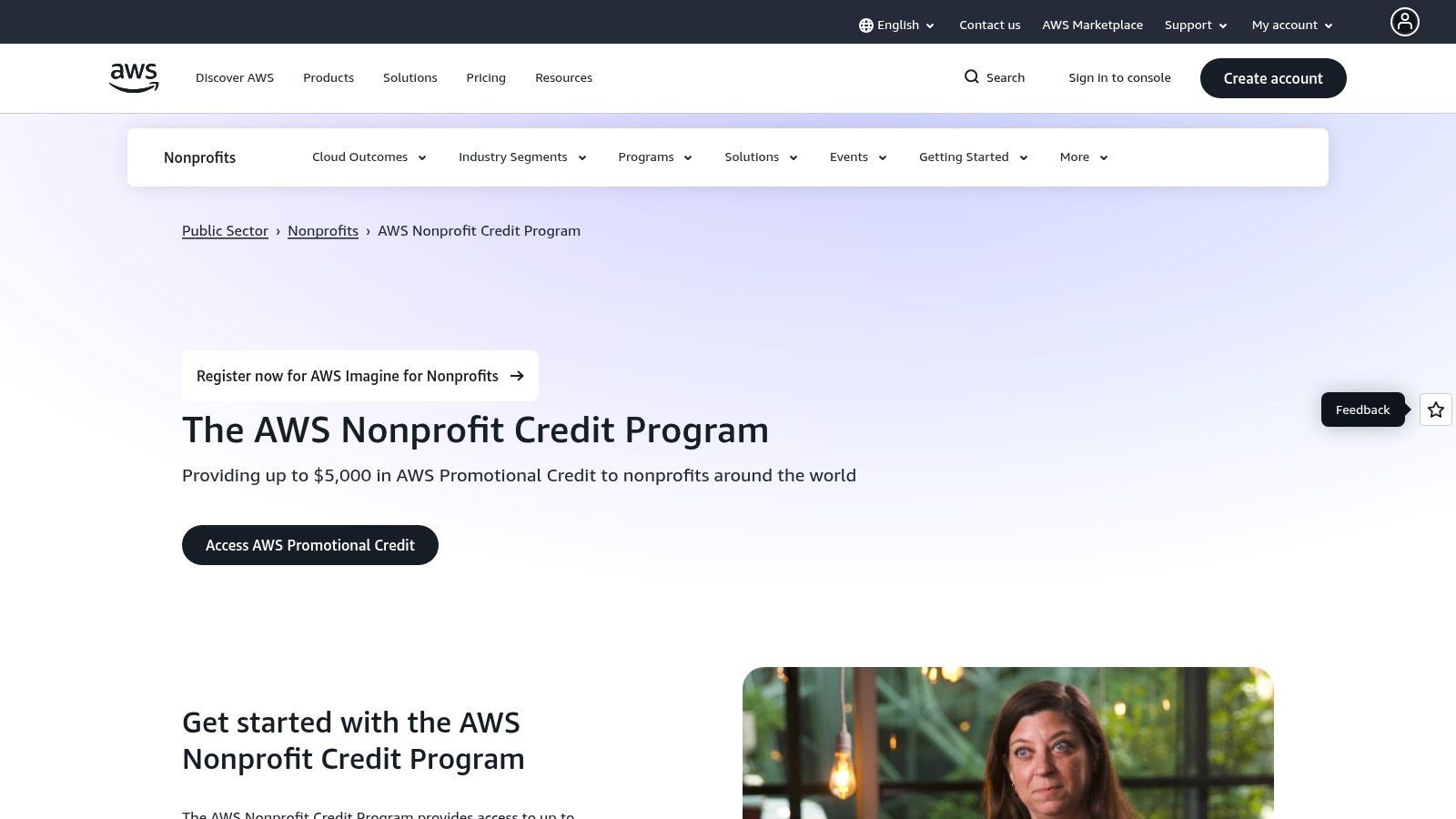
The primary value for a network-level organization is the ability to build and deploy custom AI models and applications with robust security controls. Using services like Amazon Bedrock, organizations can access powerful foundation models to build internal copilots for document analysis or create translation tools for client communications, all within a private, secure environment. The Imagine Grant program further supports this by funding ambitious AI pilot projects that can transform service delivery.
Key Considerations
- Pricing & Access: Qualified nonprofits can receive a significant amount in promotional credits, often accessed via partners like TechSoup. However, credits are finite. To ensure efficient use of resources and maximize impact, legal nonprofits leveraging AWS should implement essential AWS cost management best practices.
- Implementation: AWS requires significant technical expertise in cloud architecture, security, and data governance. This is not a plug-and-play solution. Success depends on having a skilled technology team or partner who can translate programmatic needs into a secure, well-architected cloud solution.
- Security & Compliance: AWS offers extensive tools for building highly secure and compliant environments (e.g., AWS PrivateLink, VPCs). The responsibility for configuring these correctly rests entirely on the organization. This provides ultimate control but also introduces significant risk if not managed by experts.
Our Take: AWS is the right choice for mature backbone organizations and national nonprofits with the technical capacity to build custom AI-powered systems. The credits and grants make experimentation accessible, but the platform's power demands a serious commitment to governance and technical skill.
Website: https://aws.amazon.com/government-education/nonprofits/nonprofit-credit-program/
12 AI Tools for Legal Nonprofits — Comparison
| Product | Primary use case | Key features | Security & governance | Pricing & access |
|---|---|---|---|---|
| Microsoft for Nonprofits – Copilot for Microsoft 365 | Drafting, meeting summaries, reporting, intake templates | Copilot in Word/Outlook/Teams; Copilot Studio; partner rollout | Enterprise tenant controls and M365 security; needs change management to avoid sprawl | Nonprofit pricing; requires qualifying Microsoft 365 licenses |
| Google for Nonprofits – Workspace with Gemini | Collaborative drafting, email assistance, meeting notes | Gemini side panel in Gmail/Docs/Sheets; NotebookLM access; Apps ecosystem | Admin controls; Vault/eDiscovery on higher tiers; AI features edition-dependent | $0 Workspace option (eligible orgs) and discounted tiers; AI features vary by plan |
| TechSoup | Centralized nonprofit procurement & eligibility validation | Vendor catalog, eligibility checks, cloud credits guidance, trainings | Helps validate vendor compliance and eligibility; rules vary by provider | Access to steep nonprofit discounts and cloud credits; not all SKUs sold through TechSoup |
| Thomson Reuters – CoCounsel (CoCounsel Legal) | Deep legal research, memos, jurisdictional surveys | Citation-backed research, mischaracterization checks, knowledge search | Tight integration with Westlaw/Practical Law; enterprise controls | Enterprise pricing by quote; best value when bundled with Westlaw |
| LexisNexis – Lexis+ AI | Natural-language legal research and drafting with citation validation | Shepard’s citation validation, Protégé assistant, survey-of-law tools | Private-by-design, multi-model approach | Bespoke pricing; free short trial; full value depends on Lexis subscriptions |
| vLex – Vincent AI | Global legal intelligence and cross-jurisdiction research | Agentic workflows, multimodal transcripts, Docket Alarm, Enterprise Studio | Strong global coverage; enterprise features and governance options | Free 14-day trial; advanced features priced by quote |
| Clearbrief | Evidence-backed drafting and cite verification for filings | AI fact‑checking, Add Fact‑Cite, auto TOA/exhibit gen, timelines | SOC 2 Type II; BYO storage options; integrates with DMS | Enterprise/custom pricing; suited to litigation/document-heavy teams |
| Spellbook (by Rally) | Contract drafting, review and playbooks inside Word | Draft/Review/Benchmarks/Playbooks; 'Associate' agent; Word add-in | SOC 2 Type II; zero data retention with LLM providers; Word-centric | Nonprofit/pro bono discounts on request; pricing by quote |
| Everlaw for Good | eDiscovery, investigations, impact litigation | Deep Dive, Writing Assistant, Storybuilder, audit trails | Evidence-grounded outputs with auditability; per-GB model | Free tier with caps + discounted pricing; costs scale with data volume |
| Relativity – Justice for Change & aiR | Large-scale eDiscovery and public-records review | RelativityOne cloud, aiR generative review, legal hold, advanced search | Mature enterprise controls, FedRAMP pathways; partner ecosystem | Justice for Change grant (up to 500 GB / 10 users / 24 months); application required |
| JusticeText | Transcription and analysis for body-cam/jail-call evidence | Timestamped transcripts, clipping, annotations, MirandaAI Q&A, multilingual | Centralized evidence hub designed for defender workflows | Pricing by demo/quote; focused on criminal-defense use cases |
| AWS for Nonprofits | Infrastructure for custom AI, data pipelines and copilots | Bedrock, SageMaker, credits, Imagine Grant, partner solutions | VPC-level governance, strong cloud security—requires cloud skills | Nonprofit credits and grants (often via TechSoup); ongoing operating costs after credits |
Your Next Step: From Overwhelmed to In Control
Navigating the landscape of AI tools for legal nonprofits can feel like another item on an already overwhelming to-do list. We have reviewed a dozen powerful platforms, from foundational productivity suites like Microsoft Copilot and Google Gemini to specialized legal research engines like CoCounsel and Vincent AI, and even case-specific tools like JusticeText and Everlaw. The sheer potential is immense, but the risk of choosing the wrong path, or simply getting stuck in analysis paralysis, is very real.
This guide was not designed to be a mandate for immediate, wholesale adoption. Instead, consider it a strategic map. It is a resource to help you move from a state of quiet, persistent stress about fragile systems to a feeling of control, supported by a reliable technology backbone that actively serves your mission. The goal is not a massive, multi-year IT project but a series of deliberate, high-impact steps that create momentum and deliver tangible value.
From Information to Action: A Practical Starting Point
The path forward begins not with a tool, but with a problem. For leadership teams at membership bodies, impact litigation hubs, and justice-focused funders, the most common pain points are operational bottlenecks that drain capacity and obscure impact. These are the recurring fire drills that pull senior staff into spreadsheets and manual workarounds, distracting them from their core strategic responsibilities.
Your first, most critical action is to identify one of these chokepoints.
- Was it the last grant report? Think about the hours spent manually consolidating data from scattered systems just to satisfy a funder's reporting requirements. Tools that streamline data analysis or automate document summarization could be a starting point.
- Was it a complex piece of litigation? Consider the paralegal and attorney time consumed by sifting through thousands of pages of discovery or performing exhaustive case law research. A specialized legal AI platform could have dramatically accelerated that process.
- Was it client intake and triage? Reflect on the administrative burden of processing new cases, checking for eligibility, and routing them correctly. AI-powered automation can reduce this friction, ensuring clients get help faster.
Once you have identified a single, high-pain bottleneck, select just one tool from this list that directly addresses it. Launch a focused, 30-day pilot with a small, motivated team. The objective is not a perfect implementation; it is to gather evidence. This small-scale experiment will provide the concrete data and real-world user feedback you need to build a compelling business case for a wider, more strategic investment. This approach transforms a vague desire for "modernization" into a specific, measurable, and defensible plan.
An Honest Question for Your Leadership Team
As you consider your next move, the most important discussion to have is not about features or vendors. It is about focus and prioritization. The single question every leadership team should be prepared to answer is this:
What is the one operational bottleneck that, if solved, would free up the most capacity for our frontline partners and mission-critical work?
Answering that question with brutal honesty is the key to unlocking real progress. It forces a disciplined look at where your organization’s most valuable resource, staff time, is being wasted. It moves the conversation beyond the abstract appeal of new technology and grounds it in the practical realities of your daily operations and strategic goals. This clarity is the foundation for any successful technology initiative. It ensures your first investment in AI is not just a shiny project, but a strategic move that directly alleviates pressure, enhances security, and multiplies your organization's impact.
Frequently Asked Questions (FAQs)
How can AI help legal nonprofits with limited budgets?
AI tools can act as capacity multipliers. For organizations with limited budgets, the biggest impact comes from automating repetitive, time-consuming administrative tasks. Tools integrated into free or discounted platforms like Google Workspace or Microsoft 365 can summarize meeting notes, draft grant proposals, and manage email, freeing up staff time for direct service and advocacy without significant new investment. Programs like Everlaw for Good or Relativity's Justice for Change offer pro bono access to powerful eDiscovery tools that would otherwise be unaffordable.
What are the main privacy and security risks of using AI?
The primary risks involve exposing sensitive client or case data to unauthorized parties or having it used to train public AI models. To mitigate this, legal nonprofits must prioritize enterprise-grade tools that offer private, secure environments (like Microsoft Copilot, Lexis+ AI, or Spellbook) where data is not retained for model training. It is critical to conduct thorough vendor due diligence and establish clear internal governance policies that define acceptable use and data handling protocols, especially for information related to vulnerable populations.
Do we need a "tech person" to implement these AI tools?
It depends on the tool. Many AI features are now integrated directly into existing platforms like Microsoft Word or Google Docs, requiring more of a change management strategy (training, policy setting) than a technical expert. However, for more advanced implementations like building a custom solution on AWS or deploying a complex eDiscovery platform like Relativity, having a skilled systems manager, IT vendor, or a fractional CTO partner is essential to ensure a secure and effective rollout.
If you need a seasoned partner to help you map that workflow, assess the risks, and build a believable implementation plan you can defend to your board, that is what CTO Input does. We provide the calm, experienced guidance to turn the promise of AI tools for legal nonprofits into a reliable reality. Move forward with a plan, not a pitch, by visiting us at CTO Input.