

The board asks a simple question: “Where are we exposed on technology and cyber risk?”
You know there are issues, but the spreadsheets you get from IT are dense, technical, and hard to explain. You end up summarizing by feel, not from a shared, trusted view of risk.
A tech risk register is the bridge. When it is simple, visual, and tied to owners and actions, it turns vague fear into clear choices the whole leadership team can act on.
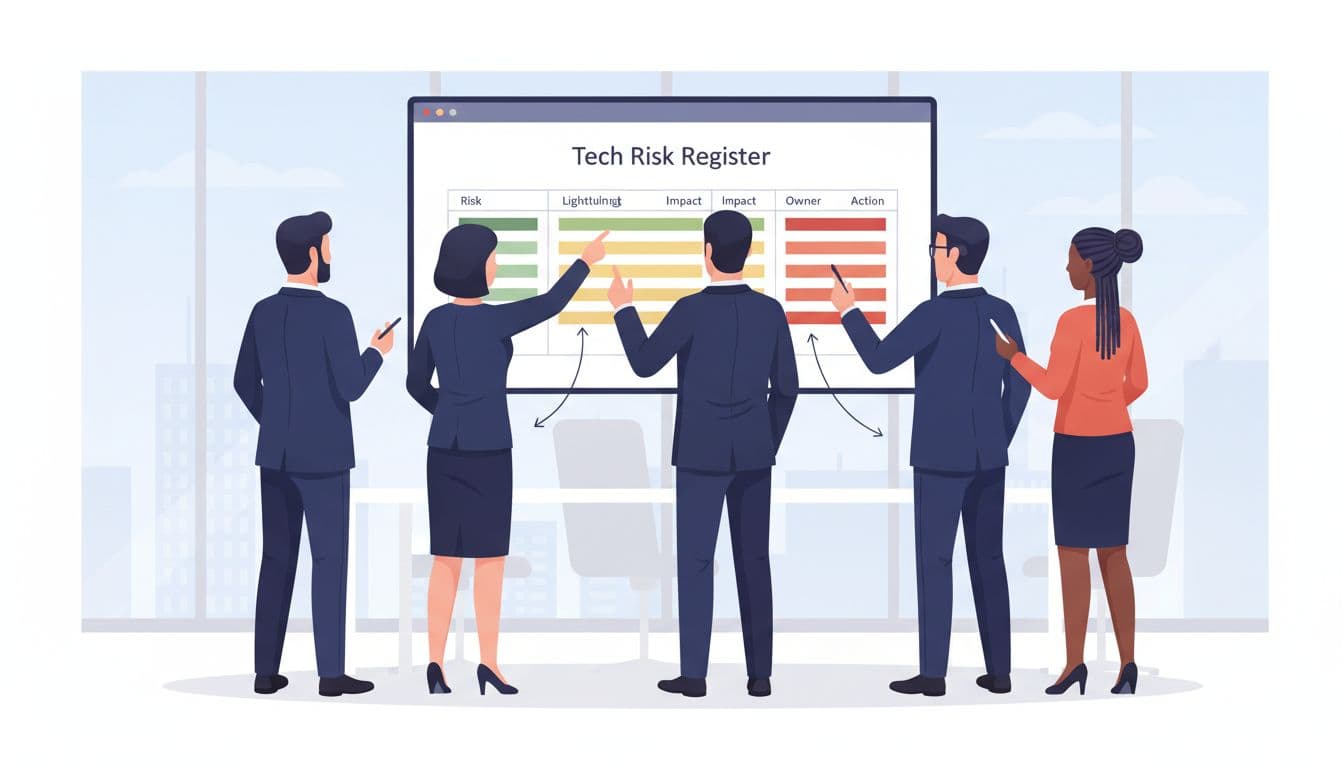
Caption: Executive leaders reviewing a focused tech risk register together. Image created with AI.
Why Most Tech Risk Registers Fail Executives
Many mid-market companies already have something called a risk register. It often lives in a project office, security tool, or GRC platform. On paper, that sounds helpful.
In practice, it is often a 500-row export with codes, acronyms, and color blocks that only the creator understands.
Typical problems look like this:
- Every technical issue is logged as a “risk,” so nothing stands out.
- Language is written for engineers, not for a CEO or board.
- There is no clear link to revenue, customers, or compliance.
- It lives in a tool that executives never open.
The result is familiar. Leaders ask for a simple story. The team brings a complex artifact. Everyone leaves frustrated, and risk decisions drift.
The goal is not another complex register. The goal is one clean view that helps you decide where to focus money, time, and attention.
What Executives Actually Need From a Tech Risk Register
Executives do not need every risk. They need the right risks, in plain sight.
A useful tech risk register for leadership should:
- Show the top 15 to 30 risks that can hurt revenue, trust, or operations.
- Use short, human descriptions, not tool names or CVE numbers.
- Link each risk to a business impact, like “payment outages” or “regulatory fines.”
- Make owners, timelines, and trend (better or worse) obvious.
If your security or IT team wants more depth, they can keep a larger, tactical register behind the scenes. Some teams use tools and templates such as free risk register templates or an information security risk register template to manage that detail.
Your executive tech risk register is the front page. Everything else is the appendix.
Step 1: Decide the Scope and Owners
Before you build the first row, decide what belongs in this register.
For most mid-market firms, the scope should cover:
- Core systems that run revenue, operations, and customer experience
- Cybersecurity risks, including ransomware, data loss, and access abuse
- Key vendors and cloud platforms that, if they fail, stop your business
- Compliance and regulatory exposure tied to technology and data
Anything that is purely a delivery issue on a single project can stay in a project risk log. Your tech risk register should capture cross-cutting issues that matter at the board table.
Then, assign ownership:
- The CEO or COO sponsors the register and sets the standard for what “belongs.”
- A senior technology leader (CIO, CTO, or fractional equivalent) maintains it.
- Each risk has a single named owner, often a VP or director, who owns the action plan.
If ownership is fuzzy, the register turns into a parking lot. Clear names turn it into a management tool.
Step 2: Use a One-Page Structure Executives Can Scan
A simple, consistent layout is what makes a tech risk register readable. One page, visible on a single screen, with the same columns every time.
At minimum, include:
- Risk ID
- Plain-language description
- Impact (business effect)
- Likelihood
- Risk score
- Owner
- Target date and status
- High-level action
Tools like risk register examples for cybersecurity leaders or this risk register template guide can help your team align on fields, then you trim down for the executive view.
Here is a simple example of what a slice of your register might look like:
| Risk ID | Description | Impact on business | Likelihood (1-5) | Impact (1-5) | Score | Owner | Status |
|---|---|---|---|---|---|---|---|
| T-01 | Single data center for main ERP | Multi-day billing and shipping halt | 4 | 5 | 20 | VP Operations | In progress |
| T-02 | Weak MFA on remote access for admins | Ransomware, full system outage | 3 | 5 | 15 | Head of IT | Not started |
| T-03 | Unencrypted customer PII in old CRM system | Regulatory fines, customer loss | 2 | 5 | 10 | CISO | In progress |
Color-code the “Score” column with a simple traffic light: red for high, yellow for medium, green for low. Your eye should jump straight to the handful of reds.
Keep descriptions short. If a risk takes four lines to explain, you likely have more than one risk mixed together.
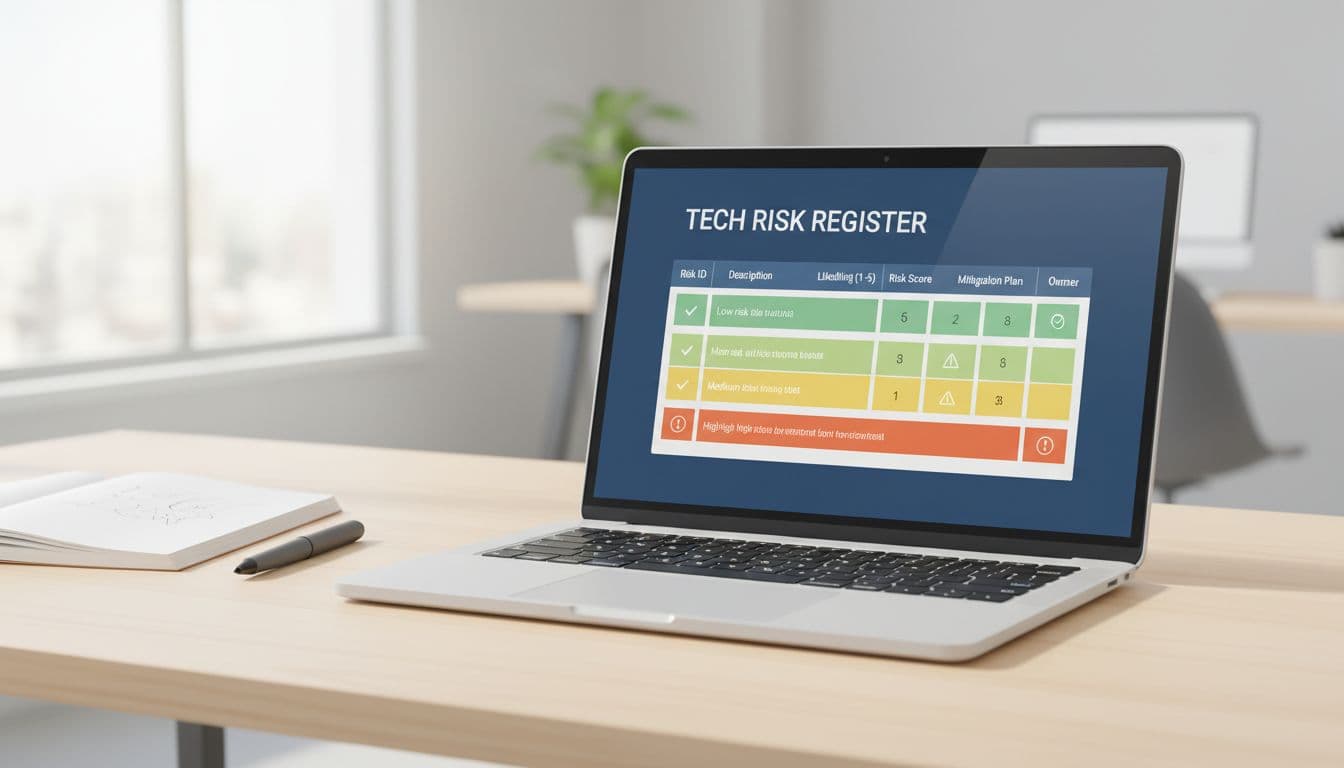
Caption: A simple digital dashboard version of a tech risk register. Image created with AI.
Step 3: Score Risk and Tie It to Clear Actions
Executives do not need a long lecture on risk math. They do need a scoring approach that is simple, fair, and repeatable.
A good pattern is:
- Likelihood: 1 to 5
- Impact: 1 to 5
- Score: Likelihood × Impact
Spend time as a leadership team agreeing on what “5” impact means. For example, “stops revenue for more than 3 days” or “triggers regulator notification.” Write those definitions down.
Then make every high or medium risk carry an action, such as:
- Reduce: invest to lower likelihood or impact
- Transfer: buy or adjust insurance, or move to a different vendor model
- Accept: keep the risk, but state why and who decided
This is where many templates fall short. Tools like essential risk management templates for 2025 can show formats, but your leadership team has to decide the action rules and stick to them.
If a risk has no action or owner, it does not belong on the executive register.
Step 4: Set the Review Rhythm and Tell the Story
A tech risk register only works if it stays alive.
For most growth-stage companies, a good rhythm is:
- Monthly review with the technology and security leaders
- Quarterly review with the full executive team
- At least twice per year with the board or risk committee
The goal of each review is not to “read the sheet.” The goal is to tell a short, honest story:
- Here are the top 5 risks today.
- Here is what changed since last quarter.
- Here are the 3 decisions we need from leadership.
Keep the conversation anchored to business language. “This is a red because it could stop revenue for a week” is far more useful than “CVSS score is 9.8.”
Over time, your tech risk register becomes a living record of how you protect customers, revenue, and brand, not just a compliance box.
Conclusion: From Fear List to Leadership Tool
A messy, technical risk log adds stress. A simple, honest tech risk register creates shared focus.
You do not need a massive program to start. You need a clear scope, a one-page view, plain language, and a steady review rhythm. From there, your leaders can choose what to fix now, what to fund later, and what to accept with open eyes.
If you want support building a tech risk register that matches your growth plan and board expectations, you can connect with the team at CTO Input. To go deeper into technology, cyber risk, and executive decision-making, explore more articles on the CTO Input blog.