

Your team is running a recurring fire drill. It’s the end of the quarter, and a major funder report is due. The data you need is scattered across three different spreadsheets, a legacy case management system, and a dozen staff inboxes. The numbers don't quite add up, and the narrative feels weak. You know the friction at your front door—where clients are first screened for services—is a major source of this chaos, costing you staff capacity and creating unacceptable risks for the vulnerable people you serve.
This isn't just a workflow problem; it's a mission problem. When intake is broken, people fall through the cracks, staff burn out on manual work, and funders rightly question your impact. The good news is that you don't need a massive, multi-year IT project to fix it. This guide is a practical field memo for justice leaders. We'll skip the buzzwords and platform pitches. Instead, we'll walk through the most credible eligibility screening tools for legal aid, framing them around the real-world constraints you face: tight budgets, complex grant requirements, and the absolute need to protect client data.
Key Takeaways
- A Tool is Not a Strategy: Choosing a platform is secondary to diagnosing and fixing the underlying workflow, data governance, and staff capacity issues in your intake process.
- Start with Chokepoints: Focus technology investments on measurable improvements at critical friction points like eligibility determination, referral handoffs, and documentation gathering to free up staff time and reduce risk.
- Prioritize Data Discipline: Select tools that centralize data, enforce security protocols, and simplify reporting to move your organization away from risky, inefficient spreadsheets and manual processes.
- Plan for Total Cost: Evaluate tools based on the total cost of ownership, including implementation, staff training, data migration, and ongoing maintenance—not just the initial license fee.
This listicle is designed to help you find the right solution. We'll provide a straightforward analysis of twelve leading platforms, complete with screenshots and direct links. For leaders seeking to move beyond traditional methods, exploring various online platforms and their features can provide valuable insights; consider reviewing the best intake form template resources available. Our goal is to give you a believable modernization path that reduces chaos for your staff and provides safer, more efficient access for the communities you serve. This is your starting point for building a calmer, more effective intake system that frees up your team to focus on the work that matters.
1. LegalServer – Online Intake & Eligibility
LegalServer is a comprehensive, web-based case management system designed specifically for the legal aid community. Its Online Intake and Eligibility module extends this core functionality, providing a public-facing portal for prospective clients. This tool is a strong contender for organizations seeking a single, integrated platform to manage the entire client journey from initial contact to case closure, eliminating the data silos that often plague multi-tool workflows.
What makes LegalServer a cornerstone in many legal aid ecosystems is its purpose-built design for handling LSC-funded program requirements and complex, multi-organization referral networks. Its Electronic Case Transfer protocol allows for seamless and secure handoffs between partner agencies, a critical feature for statewide Access to Justice portals or coordinated intake systems. This directly addresses the common pain point of fragmented referral processes that can cause applicants to fall through the cracks. The platform's integrated nature ensures that once an applicant is deemed eligible, their data flows directly into the case management system, reducing manual data entry and potential errors for staff.
Use Case & Implementation
LegalServer is ideal for established legal aid providers, statewide coalitions, and networks that need a robust, unified system. The platform’s strength lies in its configurability. Organizations can build intricate eligibility screeners with branching logic to align with specific grant requirements or service areas.
- Pros:
- Purpose-built for legal aid workflows and LSC reporting.
- Tight integration between public intake and internal case management.
- Supports coordinated intake across multiple organizations via Electronic Case Transfer.
- Cons:
- Complexity requires significant setup and potential paid support hours.
- Key features like multilingual forms and appointment scheduling are paid add-ons.
- Requires a full vendor quote for total cost of ownership.
For more information, visit the official website: https://www.legalserver.org
2. LawHelp Interactive (LHI) – Guided Interviews Infrastructure
LawHelp Interactive, a flagship service of Pro Bono Net, functions as a national, nonprofit-governed hosting platform rather than a singular software product. It provides the critical infrastructure for organizations to deploy guided online interviews that screen for eligibility, perform triage, and generate completed legal forms. This approach liberates individual legal aid organizations from the significant technical and financial burden of hosting, securing, and maintaining their own high-availability web applications, allowing them to focus on content and service delivery.
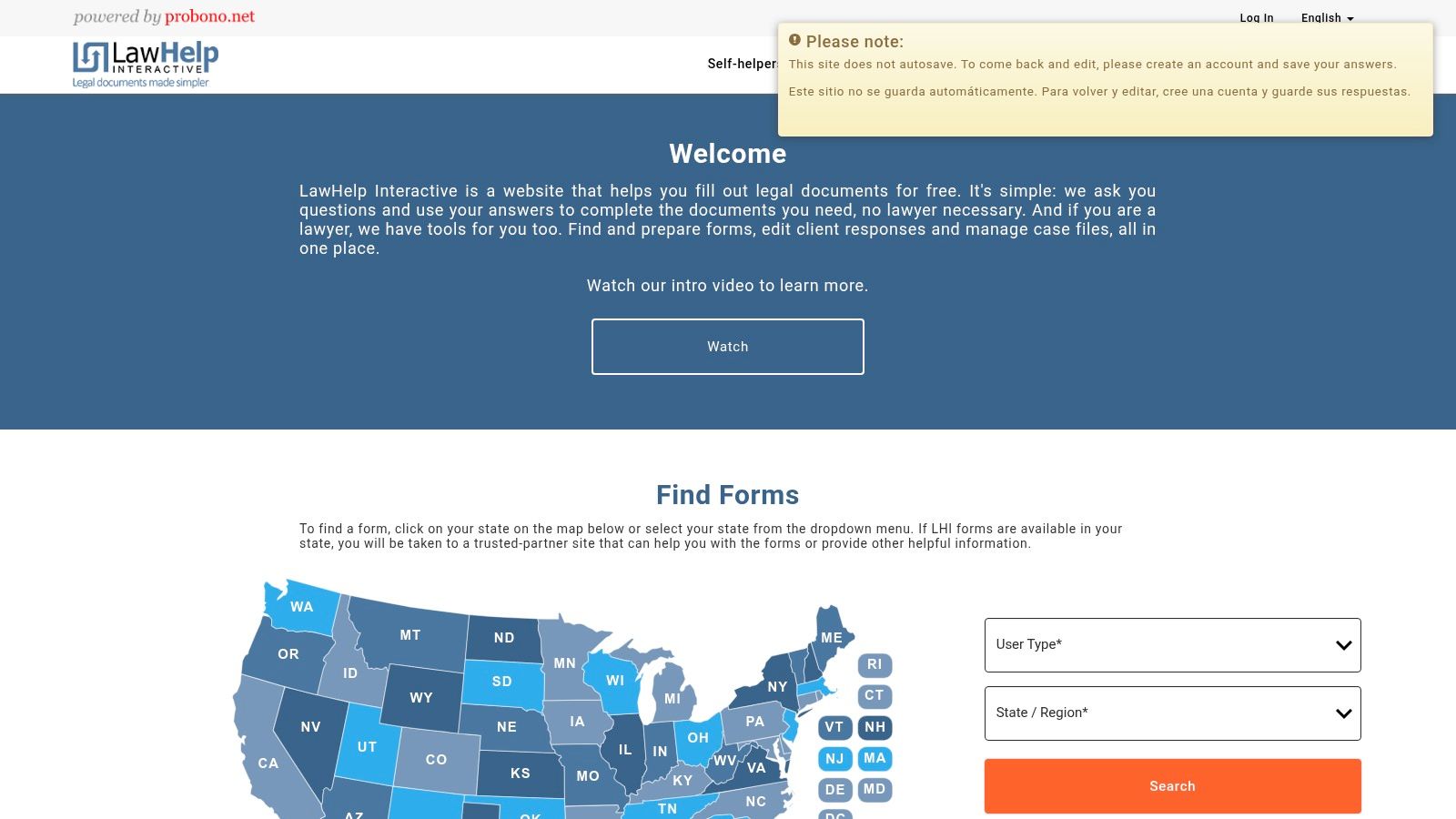
What makes LHI unique is its ecosystem approach. It supports multiple authoring tools (like A2J Author, HotDocs, and Neota Logic), empowering organizations to choose the best format for their needs while leveraging a single, reliable distribution channel. By integrating with statewide LawHelp portals and some court e-filing systems, it creates a more cohesive user journey, guiding a person from initial problem identification through eligibility screening and even to the point of a ready-to-file document. For national networks or statewide coalitions, LHI provides a standardized, scalable backbone for deploying consistent eligibility screeners across dozens of partners, solving the common problem of fragmented and inequitable access points.
Use Case & Implementation
LHI is best suited for Access to Justice commissions, statewide legal aid networks, court systems, and nonprofits that develop and distribute guided interviews for public use. It serves as the operational backbone for these multi-stakeholder efforts, ensuring the resulting tools are reliable and widely accessible without each partner needing to become a web host.
- Pros:
- Free to end-users and governed by a nonprofit mission focused on access to justice.
- Proven, high-reliability infrastructure used in over 35 states.
- Eliminates local hosting and maintenance overhead for participating organizations.
- Cons:
- Requires an application and approval process to publish content on the platform.
- Authoring the guided interviews requires specialized skills in external tools.
- Not a turnkey commercial product for organizations seeking a self-hosted solution.
For more information, visit the official website: https://lawhelpinteractive.org
3. A2J Author – No-cost Authoring for Legal Aid & Courts
A2J Author is a unique, no-cost cloud-based authoring tool created specifically for legal aid organizations and courts. Rather than a pre-built platform, it empowers staff to build their own custom "A2J Guided Interviews" for screening, triage, and document assembly. This approach directly targets the needs of self-represented litigants by promoting plain-language, user-friendly question flows. It's a foundational tool in the access-to-justice technology space, often deployed through platforms like LawHelp Interactive to reach a broad audience.
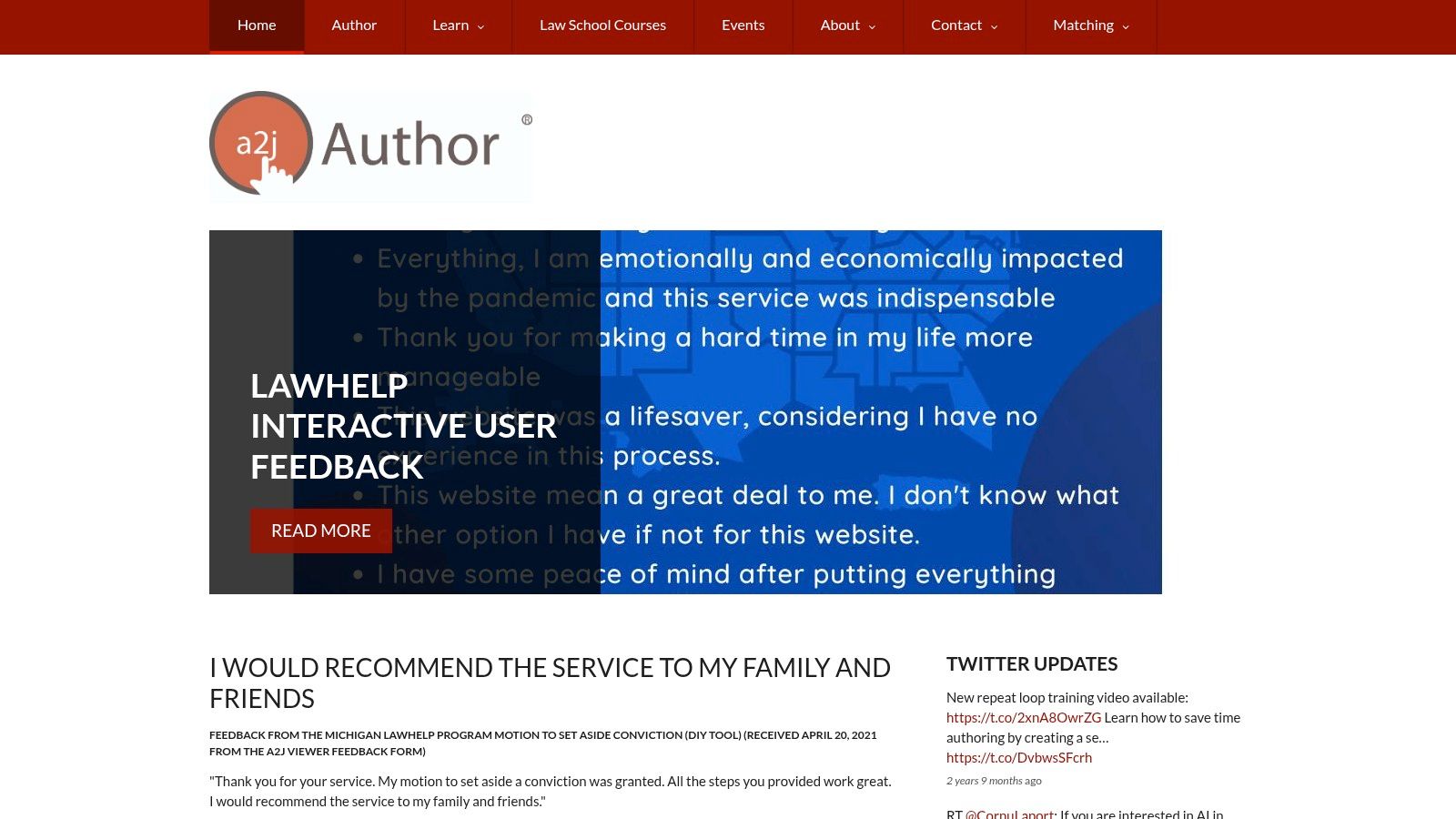
What sets A2J Author apart is its mission to democratize the creation of these critical digital tools. Instead of relying on vendor development cycles, organizations can build and iterate on their own screeners, ensuring the logic and language precisely match their community's needs and specific grant requirements. The visual question-flow builder lowers the technical barrier, allowing non-programmers to translate complex eligibility rules into simple, step-by-step interviews. This focus on in-house creation makes it one of the most adaptable eligibility screening tools for legal aid organizations willing to invest staff time.
Use Case & Implementation
A2J Author is ideal for organizations or statewide networks that want to create highly customized, user-centric screeners without software subscription costs. It shines when used to create public-facing tools that guide users through complex eligibility questions before they ever speak to an advocate. However, its power comes from the investment of staff time to learn the tool, design the logic, write the content, and maintain the interview over time.
- Pros:
- Free for eligible non-commercial legal aid and court use.
- Lowers the barrier to entry for building screeners tailored to lay users.
- Designed from the ground up for access-to-justice usability and plain language.
- Cons:
- Requires significant staff capacity and time to author and maintain interviews.
- Best used alongside a hosting solution (like LawHelp Interactive) and strong governance.
- Is an authoring tool, not a fully managed commercial service with dedicated support.
For more information, visit the official website: https://www.a2jauthor.org
4. Docassemble – Open-Source Expert System for Screening & Forms
Docassemble is a powerful, open-source platform for creating guided interviews and expert systems, making it a highly flexible choice for custom eligibility screening tools for legal aid. Unlike pre-packaged SaaS products, Docassemble provides a framework, not a finished application. This grants organizations complete control over the logic, user experience, and data management, empowering them to build sophisticated triage tools tailored precisely to complex, multi-faceted eligibility rules that commercial products might struggle to accommodate.
What distinguishes Docassemble is its strong foundation within the access-to-justice technology community, particularly among law school clinics and national support organizations. This ecosystem provides a rich library of reusable code and practical examples, which can significantly accelerate development. For a network or coalition leader, this means you are not starting from scratch; you are building on a collective body of work. The platform's ability to be self-hosted ensures total data sovereignty, a critical consideration for organizations handling highly sensitive client information, such as immigration or domestic violence cases, where data privacy and security are paramount.
Use Case & Implementation
Docassemble is best suited for tech-savvy legal aid organizations, academic A2J labs, and statewide networks with access to development resources or a willingness to partner with a technical consultant. It excels in creating complex screeners that go beyond simple financial checks, incorporating nuanced legal logic, generating court forms, and integrating with other systems via its API.
- Pros:
- No license cost and full control over data, customization, and security protocols.
- Strong ecosystem in legal aid and academic A2J projects with shareable modules.
- Highly adaptable for complex, multi-jurisdictional triage workflows and document assembly.
- Cons:
- Requires technical skills for deployment, ongoing security, and maintenance.
- Governance and UX design discipline are needed to produce high-quality, user-friendly screeners.
- Implementation and hosting costs are variable and depend on the organization's infrastructure.
For more information, visit the official website: https://docassemble.org
5. Tyler Technologies – Enterprise Justice Guide & File
Tyler Technologies’ Guide & File operates from a court-centric perspective, offering a guided interview and e-filing solution that embeds screening and eligibility logic directly into court processes. While not a standalone legal aid intake system, it serves a critical role for organizations whose work is tightly coupled with court filings. This platform allows legal aid partners to publish self-help interviews that streamline the creation and submission of court documents, effectively acting as an eligibility gateway for pro se litigants or clients receiving unbundled services.
What distinguishes Guide & File is its seamless integration with court eFile & Serve pipelines. For a client needing to file for a protective order or a fee waiver, this tool can handle eligibility screening for legal aid assistance and the court filing in a single, unified workflow. This approach directly addresses the chokepoint where eligible individuals fail to follow through due to the complexity of court procedures. By leveraging court-grade infrastructure, it offers reliability and helps reduce the burden on court staff who often field repetitive procedural questions, positioning it as a key piece of systems-level access to justice infrastructure.
Use Case & Implementation
Guide & File is best suited for state Access to Justice commissions, court self-help centers, and legal aid organizations collaborating directly with the judiciary to simplify filings for the public. Implementation is not a turnkey process for a single nonprofit; it typically happens through larger government or court procurement contracts.
- Pros:
- Direct integration with court e-filing pipelines reduces friction for clients.
- Leverages reliable, court-grade infrastructure and vendor support.
- Public-facing interviews can reduce repetitive guidance demands on staff.
- Cons:
- Procurement usually occurs through courts, not directly by legal aid organizations.
- Cost and availability are highly dependent on jurisdictional contracts.
- Not designed as a comprehensive, standalone case management or eligibility tool for legal aid.
For more information, visit the official website: https://www.tylertech.com/products/enterprise-justice/guide-file
6. Suffolk LIT Lab – SPOT API (AI Issue Spotter)
SPOT, from Suffolk University’s Legal Innovation & Technology Lab, is a specialized, nonprofit API designed to solve a core challenge in legal intake: accurately identifying a user's legal problem from their plain-language description. Rather than being a full intake system, SPOT acts as a powerful first step, classifying narratives into standardized legal aid taxonomies like LIST or NSMI. This makes it an essential component for access-to-justice portals and triage systems that need to intelligently route users to the correct resources or screening workflows from the very beginning.
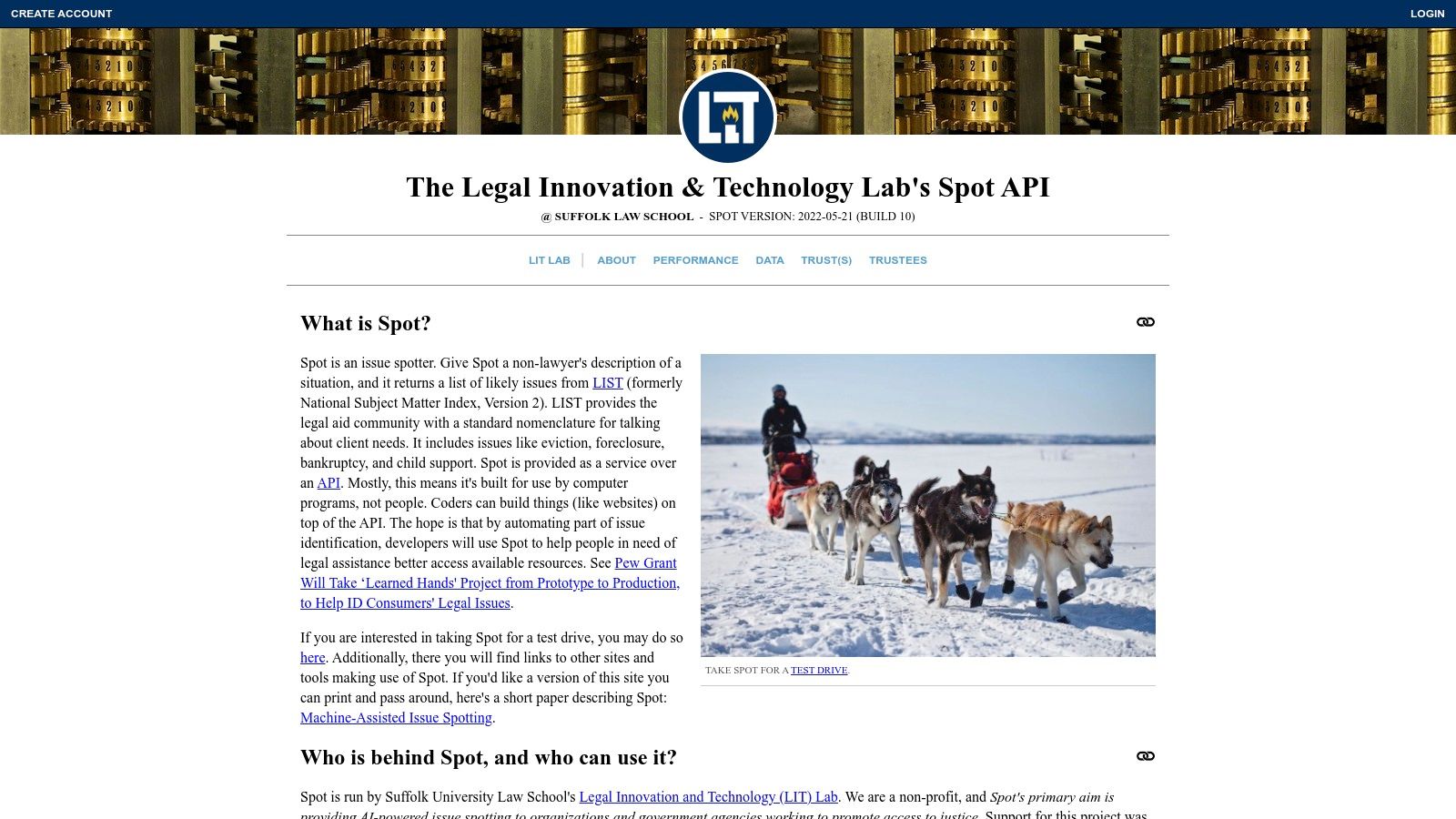
What distinguishes SPOT is its focus on being a "piece of the puzzle" rather than an all-in-one platform. It's a machine-assisted tool designed to augment, not replace, human-centered processes. By integrating this API, a legal aid network can significantly improve the accuracy of its initial triage, reducing the staff time spent re-categorizing issues and ensuring applicants are directed to the right eligibility screener on their first attempt. For organizations building custom eligibility screening tools for legal aid, SPOT provides a free, privacy-preserving, and academically supported foundation for issue spotting.
Use Case & Implementation
SPOT is ideal for statewide justice portals, court self-help websites, and legal aid organizations looking to enhance their existing online intake forms with smarter, AI-driven issue identification. Implementation requires developer resources to integrate the API and map its outputs to local resources and workflows.
- Pros:
- Free for qualifying nonprofit and government access-to-justice initiatives.
- Improves triage accuracy by aligning user input with standard legal aid taxonomies.
- Privacy-preserving options and strong documentation for technical teams.
- Cons:
- Requires developer integration; it is not an out-of-the-box solution.
- Must be combined with other tools to create a complete screening or intake system.
- Effectiveness depends on a well-designed user experience and clear disclaimers.
For more information, visit the official website: https://spot.suffolklitlab.org
7. Legal Navigator (Hawai‘i) – Guided Assistants & Triage Portal
Legal Navigator Hawai‘i is not a commercial product but a powerful, open-source model for statewide access-to-justice portals. It functions as a sophisticated triage system, using guided assistants and eligibility-style question flows to direct users toward an appropriate action plan. This platform demonstrates how a network of organizations can collaborate to create a single, public-facing entry point, simplifying the help-seeking process for individuals and providing structured referrals to legal services providers.
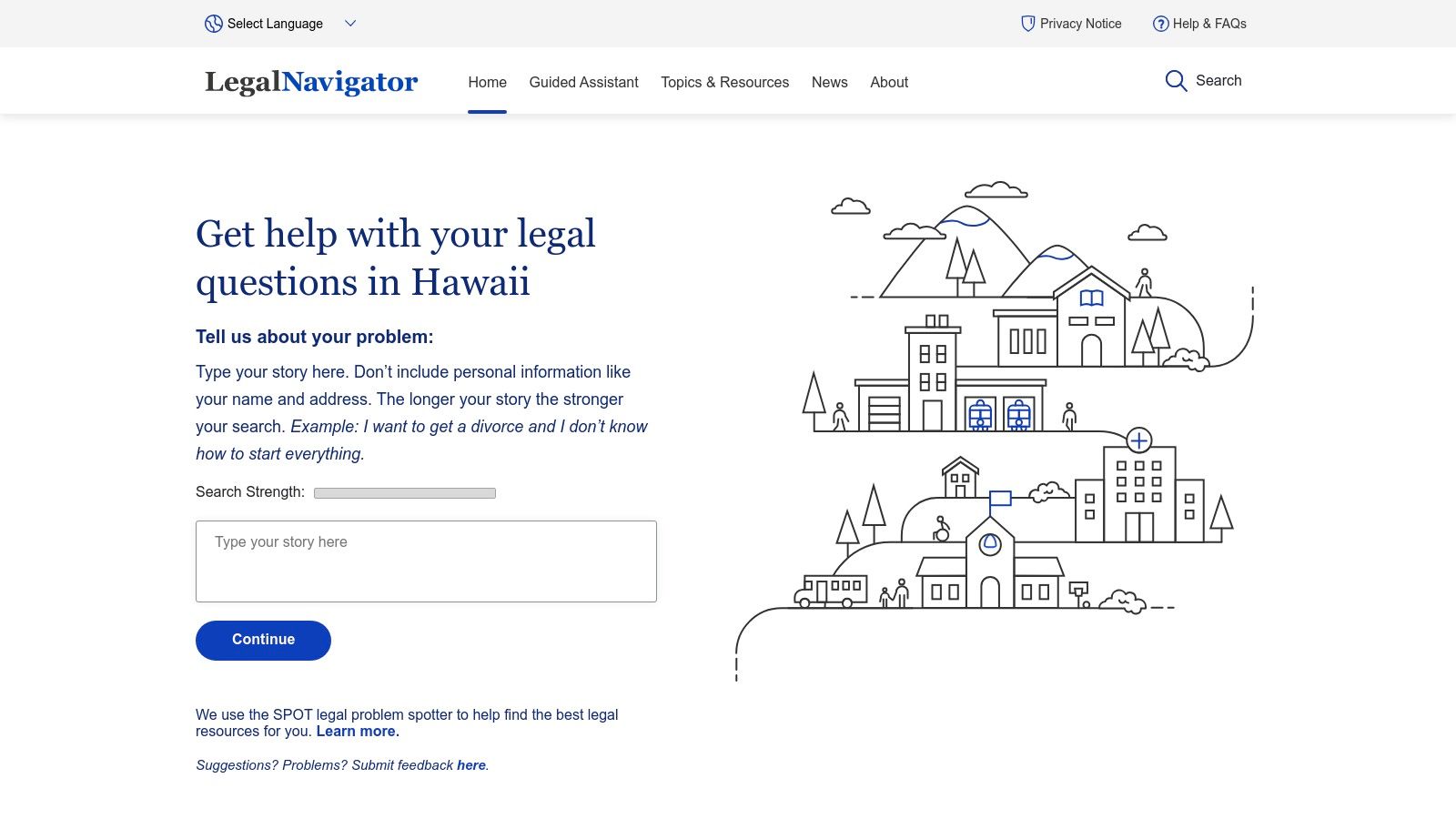
What makes Legal Navigator a compelling case study is its emphasis on a user-centric, mobile-friendly design that speaks in plain language. Instead of simply determining eligibility, it empowers users with actionable information and a clear path forward, whether that involves self-help resources or a warm handoff to a specific provider. For statewide coalitions or Access to Justice commissions, it represents a replicable framework for building coordinated intake systems. Its open-source nature means the underlying code is available for other jurisdictions to adapt, offering a blueprint for those looking to build similar public-interest technology without starting from scratch.
Use Case & Implementation
Legal Navigator is best viewed as a model for state-level Access to Justice commissions, justice-focused funders, and technical teams seeking to build a coordinated public portal. It is not an off-the-shelf tool but rather a proven concept with reusable code that requires a dedicated implementation partner.
- Pros:
- Demonstrated statewide triage model suitable for replication pilots.
- Public and mobile-friendly with a strong focus on user guidance.
- Open-source underpinnings enable reuse and adaptation by other jurisdictions.
- Cons:
- Production deployment is currently specific to Hawai‘i's legal landscape.
- Code reuse requires significant technical capacity for implementation and maintenance.
- Not a commercial, turnkey product that can be purchased off-the-shelf.
For more information, visit the official website: https://legalnavigatorhawaii.org
8. Salesforce Nonprofit Cloud – Case Management (Intake & Eligibility Workflows)
Salesforce Nonprofit Cloud is an enterprise-grade CRM platform that can be configured to manage sophisticated legal aid workflows, including intake and eligibility screening. Unlike purpose-built legal aid software, Salesforce provides a powerful, generalist foundation that requires customization. Organizations leverage this platform to build highly specific intake forms, complex rules-based eligibility engines, and automated referral pathways, all supported by robust security and reporting capabilities. This makes it a strong choice for large networks or organizations with unique data and workflow requirements that off-the-shelf products cannot meet.
The true power of Salesforce lies in its extensibility. Using tools like Experience Cloud for public-facing portals and OmniStudio for creating guided, dynamic forms, organizations can design a client intake experience that is both user-friendly and capable of navigating complex eligibility matrices. This directly addresses the challenge of managing multiple funding streams with varied requirements, ensuring data from an applicant flows seamlessly from the initial screening into a comprehensive case management record. It moves an organization's core data from scattered spreadsheets into a secure, centralized system of record.
Use Case & Implementation
Salesforce is best suited for larger legal aid organizations, statewide coalitions, or justice-focused intermediaries with the budget and technical capacity for a custom implementation. Success almost always requires a partnership with an experienced Salesforce implementation consultant who understands nonprofit and public-sector needs.
- Pros:
- Enterprise-grade security, reporting, and scalability.
- Highly customizable to support unique program rules and complex workflows.
- Access to significant licensing discounts through the Power of Us program.
- Cons:
- Requires significant investment in a third-party implementation partner.
- Licensing structure for add-on modules can become complex and costly.
- Not a legal aid tool out of the box; requires extensive configuration.
For more information, visit the official website: https://www.salesforce.org/products/nonprofit-cloud
9. iCarol – Contact Center/Helpline Platform for Intake & Assessments
iCarol is a mature, web-based platform designed for the operational needs of nonprofit helplines and contact centers, including many legal aid hotlines. Its core strength lies in providing a structured environment for phone, chat, and text-based intake and assessment. For legal organizations running high-volume hotlines or participating in statewide 211/988 referral networks, iCarol offers a specialized toolset for managing the entire client communication and triage workflow from a single, unified dashboard.
What makes iCarol a distinct option among eligibility screening tools for legal aid is its focus on the contact center experience. It equips staff and volunteers with customizable call scripts, structured intake forms, and an integrated resource directory to make accurate, real-time referrals. This directly addresses the challenge of maintaining consistency and quality across a large team of call-takers. While its eligibility logic may be simpler than some purpose-built legal systems, its strength in multi-channel communication, reporting on call metrics, and enabling "warm" referral handoffs makes it a critical piece of infrastructure for many access-to-justice networks. It serves as a robust front door, ensuring callers are properly screened and routed, which is a key component when considering different types of legal services case management software.
Use Case & Implementation
iCarol is best suited for statewide legal aid hotlines, coordinated intake systems managed by Access to Justice commissions, and organizations that are part of a broader social services referral network. Its structured design supports volunteer-run services and ensures standardized data collection for grant reporting and operational oversight.
- Pros:
- Mature platform with extensive vendor support, training, and 24/7 monitoring.
- Scales effectively for large, multi-organization helplines and networks.
- Designed specifically for contact-center workflows, call metrics, and reporting needs.
- Cons:
- Less legal-aid-specific than dedicated legal case management systems.
- Eligibility logic may not be as complex or customizable as specialized legal tools.
- Requires quote-based subscription licensing for total cost.
For more information, visit the official website: https://www.icarol.com
10. Ohio Legal Help – Public Screening & Self-Help Platform
Ohio Legal Help serves as a powerful model for statewide Access to Justice portals, demonstrating how to merge public legal information with practical, issue-specific eligibility screening tools. While not a commercial product, its architecture provides a valuable blueprint for coalitions and state-level organizations aiming to build a centralized, user-friendly resource. It shows how maintainable eligibility logic and strong plain-language design can create a trusted entry point for individuals seeking help.
What makes this platform noteworthy is its focus on topic-specific screeners and guided interviews, such as its tool for SNAP work requirements. This approach tackles discrete, high-volume legal issues with targeted logic that can be updated rapidly in response to policy changes. For network leaders and justice-focused funders, Ohio Legal Help illustrates a successful governance and collaboration model. It proves that a user-centric, mobile-friendly platform can effectively guide the public toward self-help resources or direct them to the appropriate legal aid provider, reducing the burden on intake staff and preventing dead-end referrals.
Use Case & Implementation
This platform is a case study for state Access to Justice commissions, IOLTA boards, and large-scale networks planning to develop their own public-facing portals. It is not a turnkey solution but rather an exemplary project to learn from or partner with for replication. The key takeaway for operations leaders is the emphasis on sustainable technology and clear, actionable pathways for users.
- Pros:
- Demonstrates rapid policy update capability and maintainable logic.
- Credible statewide governance and proven public accessibility.
- Excellent example to learn from or partner with for replication efforts.
- Cons:
- Content and tools are Ohio-specific and not a turnkey product for other states.
- Replication requires significant legal, technical, and cross-organization collaboration.
- Not a commercial platform that can be purchased directly.
For more information, visit the official website: https://www.ohiolegalhelp.org
11. Florida Online Intake – Multi-Provider Intake Portal
Florida Online Intake serves as a powerful model for statewide or regional coalitions aiming to streamline public access to legal services. Rather than a purchasable product, it is a coordinated, multi-provider intake portal that offers a single, consolidated public entry point. This system exemplifies how disparate legal aid organizations can collaborate to simplify the applicant experience, reducing the confusion and fragmentation that often deter vulnerable individuals from seeking help.
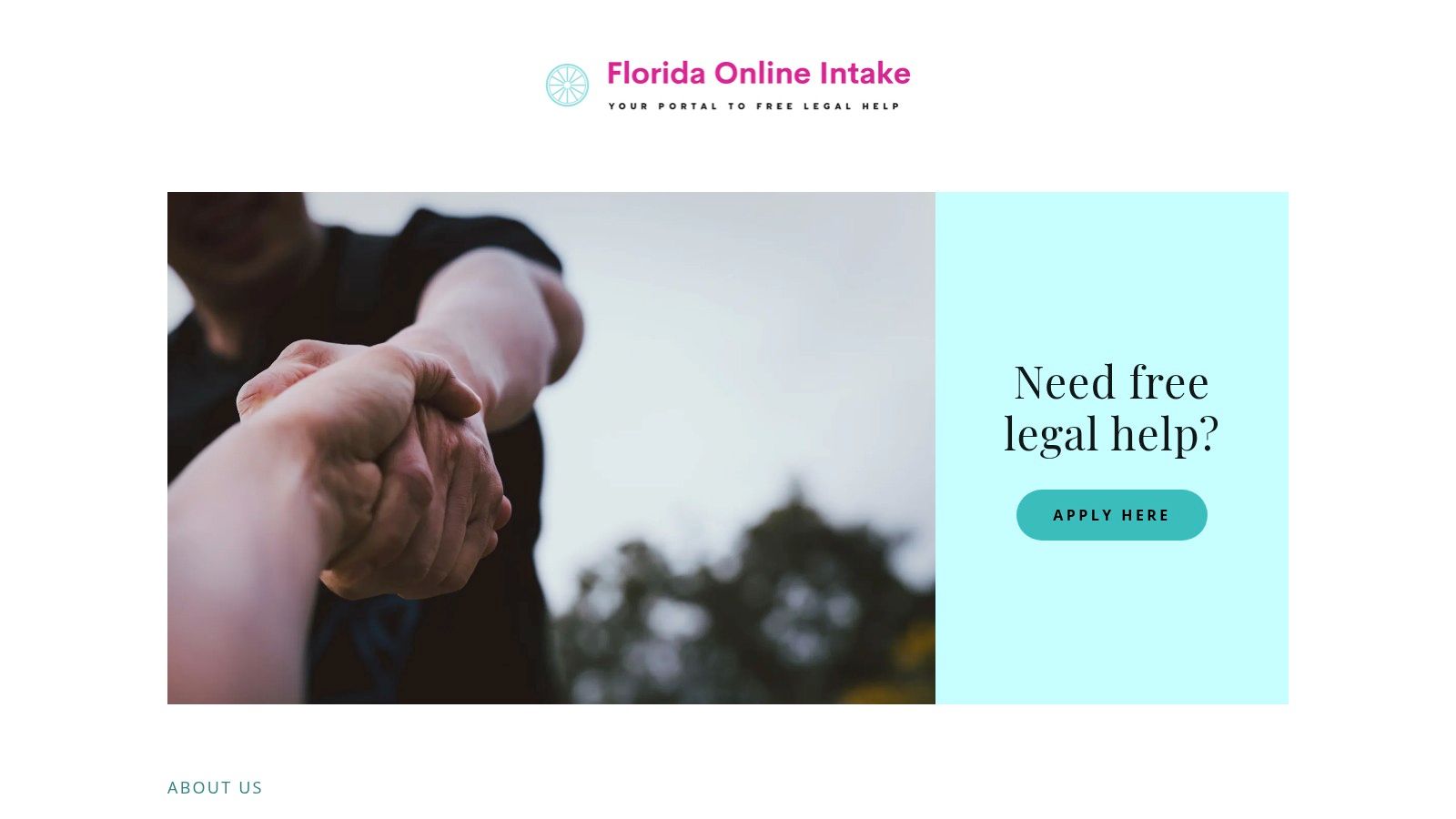
What makes this portal a noteworthy example among eligibility screening tools for legal aid is its sophisticated routing logic. The platform screens applicants for preliminary eligibility and then directs their applications to the appropriate participating legal aid provider based on location, legal issue, and specific program criteria. For network leaders and Access to Justice commissions, this model provides a concrete blueprint for overcoming the "wrong door" problem, ensuring that an applicant’s initial contact point doesn't determine their access to justice. It demonstrates a system where the burden of navigating a complex network is shifted from the client to the technology infrastructure.
Use Case & Implementation
This model is ideal for state-level Access to Justice commissions, IOLTA funders, and legal aid networks seeking to build a unified front door for clients. It is less a tool to be acquired and more a collaborative system to be replicated, requiring significant inter-organizational agreements, shared data governance, and coordinated technical implementation.
- Pros:
- Reduces applicant confusion and service fragmentation with a single point of entry.
- Demonstrates a successful model of inter-organization coordination and referral.
- Publicly accessible infrastructure does not require procurement by individual providers.
- Cons:
- Not an off-the-shelf product; it is Florida-specific and requires custom development to replicate.
- Its effectiveness depends on the backend systems and capacity of participating providers.
- Replication demands complex cross-organizational agreements and sustained funding.
For more information, visit the official website: https://floridalegalaidonline.org
12. JusticeHub (Legal Aid of North Carolina) – Centralized Online Intake & Client Portal
JusticeHub represents a significant step forward in statewide access to justice, serving as Legal Aid of North Carolina's centralized intake and client portal. Developed through a collaboration between an internal innovation lab and an external A2J vendor, it provides a single, mobile-friendly entry point for residents seeking legal help. The platform is an exemplar of a modern, inclusive screening architecture designed to reduce confusion and improve the user experience for vulnerable populations from their very first interaction.
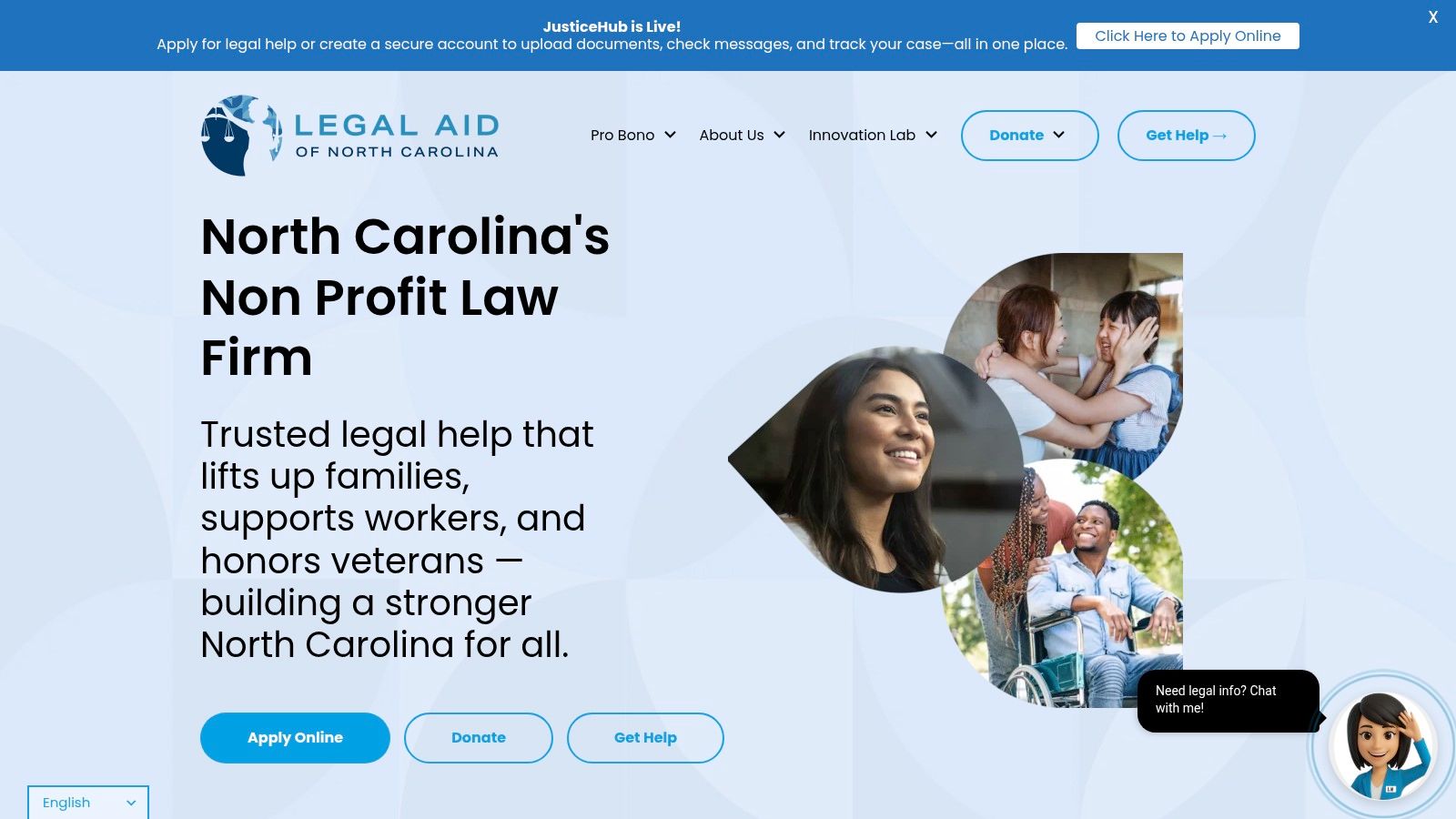
What makes JusticeHub a standout model is its profound commitment to inclusive design and accessibility. The 24/7 online intake is built to support individuals with limited English proficiency, low literacy, and disabilities, directly addressing common barriers that prevent people from seeking help. This focus on a people-centered design makes it one of the most compelling eligibility screening tools for legal aid from a user-experience perspective. For operations leaders at other statewide or regional networks, JusticeHub offers a valuable blueprint for modernizing intake and referral processes, demonstrating how strategic technology can create a more equitable front door to justice.
Use Case & Implementation
JusticeHub is not a commercial product but rather a model for other statewide legal aid organizations, Access to Justice commissions, and justice-focused funders. Its value lies in demonstrating what’s possible when a legal aid provider invests in a unified, client-centric digital intake strategy. It’s ideal for networks aiming to consolidate fragmented entry points and build a more coordinated ecosystem.
- Pros:
- Contemporary statewide architecture with a strong inclusivity and accessibility focus.
- Public-facing service is free to users and designed to improve access-to-justice outcomes.
- Provides a valuable model for other jurisdictions seeking to build inclusive intake systems.
- Cons:
- It is a North Carolina-specific platform, not a commercial off-the-shelf product.
- As a newer public launch, its integrations with the broader justice ecosystem may still evolve.
- Replicating this model requires significant internal IT capacity and strong vendor relationships.
For more information, visit the official website: https://legalaidnc.org
12-Tool Comparison: Legal Aid Eligibility Screening
| Product | Core features | Target audience | Unique selling points | Tradeoffs / Implementation effort | Price / Access |
|---|---|---|---|---|---|
| LegalServer – Online Intake & Eligibility | Public online intake; configurable eligibility rules; electronic case transfer; integrated staff workflows | Legal aid organizations, statewide networks, LSC-funded programs | Purpose-built for legal aid; supports multi-org transfer; published add-on pricing | Complex configuration; may need paid vendor support; add-on fees | Licensed SaaS; add-on pricing; vendor quote required |
| LawHelp Interactive (LHI) – Guided Interviews Infrastructure | Hosted guided interviews (HotDocs/A2J/Neota); national hosting; portal integrations | Nonprofits, legal aid authors, state LawHelp portals | Free to end users; reduces local hosting burden; proven multi-state scale | Requires org participation to publish; authoring needs external skills/tools | Nonprofit-hosted; free to users; participation-based publishing |
| A2J Author – No-cost Authoring for Legal Aid & Courts | Visual question-flow builder for A2J interviews; plain-language design; training resources | Eligible legal nonprofits, courts, self-help centers | Free authoring tool tailored for self-represented litigants; plain-language UX | Requires staff time to author/maintain; needs hosting and governance | Free for eligible orgs; hosting (e.g., LHI) or local deployment required |
| Docassemble – Open-Source Expert System for Screening & Forms | Flexible interview logic; document assembly; API and data storage; deployable self-host/cloud | Tech-capable legal aid programs, courts, clinics, A2J labs | Open-source with full data control; highly customizable; no license fees | Requires developer ops, security, and UX/governance discipline | Open-source; hosting and implementation costs vary by org |
| Tyler Technologies – Enterprise Guide & File | Guided interview builder; e-filing integration; reusable templates; court branding | Courts and court-adjacent partners, e-filing ecosystems | Direct e-filing pipeline; court-grade reliability and support | Procured via courts/government; cost and access vary by jurisdiction | Vendor contract through courts; jurisdiction-dependent pricing |
| Suffolk LIT Lab – SPOT API (AI Issue Spotter) | Issue-spotting API; maps plain-language to legal taxonomies (LIST/NSMI); demo docs | Portals, triage systems, legal aid sites needing automated triage | Free for qualifying access-to-justice uses; improves routing accuracy; taxonomy alignment | Requires developer integration and local content mapping; not a full intake system | Free for qualifying nonprofits/government; API access |
| Legal Navigator (Hawai‘i) – Guided Assistants & Triage Portal | Guided assistants; resource directory; action plans; mobile-friendly; open-source code | Jurisdictions piloting statewide triage models; implementation partners | Production statewide model; mobile-friendly plain-language UX; open-source reuse | Production tied to Hawai‘i; reuse needs technical implementation capacity | Open-source code; reuse requires implementation effort |
| Salesforce Nonprofit Cloud – Case Management | Configurable intake objects, assessments, referrals; reporting; extensibility (OmniStudio) | Larger nonprofits, networks needing CRM backbone and reporting | Enterprise reporting/security; large implementer ecosystem; nonprofit discounts | Requires implementation partner and customization; licensing complexity | Licensed SaaS with nonprofit discounts; module costs apply |
| iCarol – Contact Center / Helpline Platform | Custom intake/assessment forms; resource directory; live chat & SMS; reporting | Helplines (211), nonprofit contact centers, legal hotlines | Mature vendor support; 24/7 monitoring; designed for contact-center workflows | Less legal-aid-specific; simpler eligibility logic; subscription required | SaaS subscription (quote-based) |
| Ohio Legal Help – Public Screening & Self-Help Platform | Topic-specific screeners; account save/return; plain-language UX; rapid updates | State public portal, model for other jurisdictions and partners | Maintainable eligibility logic; rapid policy updates; usable model for replication | Content is Ohio-specific; replication needs legal & technical collaboration | Public site; reuse via partnership and adaptation |
| Florida Online Intake – Multi-Provider Intake Portal | Single public entry; eligibility-based program routing; links to self-help resources | Statewide provider networks coordinating intake and referrals | Consolidates routing; reduces fragmentation for applicants; network model | Florida-specific; backend feature set depends on providers; cross-org agreements needed | Public portal; not an off-the-shelf product for purchase |
| JusticeHub (Legal Aid of NC) – Centralized Intake & Client Portal | 24/7 mobile-friendly intake; LEP & accessibility support; client portal features | Statewide legal aid networks, accessibility-focused programs | Inclusive design for low literacy/LEP; single entrypoint to reduce confusion | North Carolina–specific; early-stage integrations; replication requires vendor/IT capacity | Public service by LANC; replication requires implementation and partnerships |
Your Next Step: From Tool-Shopping to a Coherent Strategy
Navigating the landscape of eligibility screening tools for legal aid can feel overwhelming. We've explored a dozen options, from comprehensive case management systems like LegalServer and Salesforce to specialized open-source platforms like Docassemble and guided interview builders like A2J Author. We've seen statewide portals, AI-powered issue spotters, and robust contact center software. The sheer variety demonstrates that there is no single "best" tool; there is only the right tool for your specific context, capacity, and community.
The critical takeaway from this review is that a platform is not a strategy. Implementing a new piece of technology without first diagnosing the underlying workflow and governance issues is like painting over a crack in a foundation. The real work begins long before you sign a vendor contract. It starts with a humble, honest assessment of your current intake process. Where does it break? How much staff time is lost to manual data entry, chasing down documents, or correcting errors? What privacy and security risks are you silently carrying with every spreadsheet or insecure email chain?
From Diagnosis to a Defensible Roadmap
For executive directors, COOs, and operations leaders at justice-focused networks, advocacy hubs, and philanthropic organizations, this is a familiar pain point. The pressure to demonstrate impact is immense, yet the data is often fragmented across systems that don't communicate. Grant reporting becomes a recurring fire drill, and staff burnout is a constant threat. Your goal isn't just to find a tool; it's to build a reliable, secure, and efficient backbone that frees up your team to focus on their mission.
A successful implementation starts with a clear, measurable goal. Instead of aiming to "improve intake," set a specific target like "reduce time to initial eligibility determination by 40%" or "decrease the rate of incomplete applications by 60%." This clarity transforms the project from a vague technological upgrade into a concrete operational improvement that boards and funders can understand and support.
Key Considerations Before You Commit
As you move toward selecting and implementing one of the eligibility screening tools for legal aid we've discussed, keep these crucial factors at the forefront of your planning:
- Data Governance and Security: Who owns the data? Where is it stored? How do you ensure it is handled ethically and in compliance with regulations like HIPAA or GDPR, especially with sensitive client information? As organizations integrate AI into client intake and eligibility workflows, consulting a practical AI GDPR compliance guide becomes indispensable for navigating data privacy and ensuring ethical operations.
- Change Management: The best tool will fail if your team doesn't adopt it. Your plan must include training, clear documentation of new workflows, and designated champions who can support staff through the transition. It's about changing habits, not just installing software.
- Integration and Interoperability: Your eligibility screening tool doesn't exist in a vacuum. It needs to connect with your case management system, your reporting dashboards, and potentially with partner organizations or court systems. Map these data flows before you choose a tool to avoid creating a new information silo.
- Total Cost of Ownership: Look beyond the initial license fee. Factor in costs for implementation support, staff training, ongoing maintenance, data migration, and potential customizations. A "free" open-source tool is only free if you have the internal technical capacity to deploy and maintain it securely.
Choosing a new screening tool is a significant decision, but it's an opportunity to fundamentally strengthen your organization's operational core. It's a chance to stop a harmful habit, like relying on insecure, manual processes, and build a system that truly supports your advocates and the communities they serve. The honest question you must answer now is: Who on my team owns the problem of our broken intake process, and what single metric will we use to prove we've fixed it?
Frequently Asked Questions (FAQs)
What is the most important first step when choosing an eligibility screening tool?
The most important first step is to map your current intake workflow and identify the specific bottlenecks. Before looking at any software, document how an applicant currently moves through your system, from first contact to eligibility decision. This diagnosis will give you clear criteria to evaluate which tool actually solves your real-world problems, rather than just adding another layer of technology.
How can we ensure a new tool doesn't just create more work for our staff?
Focus on change management from day one. Involve staff in the selection process to ensure the tool fits their needs. Develop a clear implementation plan that includes dedicated time for training, creating simple documentation (like checklists for the new workflow), and designating an internal "champion" who can provide peer support. The goal is to make the tool a capacity multiplier, not another administrative burden.
We are a small organization with a limited budget. What are our best options?
For organizations with limited budgets but some staff time to invest, tools like A2J Author (for creating guided interviews) hosted on a platform like LawHelp Interactive offer powerful capabilities at a very low cost. If you have access to technical expertise (even a skilled volunteer or a partner), an open-source tool like Docassemble provides maximum flexibility without licensing fees, though you must account for hosting and maintenance costs. The key is to match the tool's requirements to your organization's actual capacity—both financial and human.
Choosing the right tool is just the first step; building a disciplined strategy around it is what creates lasting impact. At CTO Input, we serve as calm, seasoned advisors for justice-focused organizations, helping you move from diagnosis to a defensible technology roadmap. If you need a partner to build a system that reduces chaos and strengthens your mission, let's start the conversation.