
Going live with the software deployment isn’t the finish line. It’s the moment your new case system meets real deadlines, real staff habits, and real client risk.
If the first week feels noisy, don’t panic. Most launch pain comes from weak handoffs, unclear ownership, and hidden process gaps, not from the platform alone. A calm system go-live stabilization plan helps you protect service, restore trust, and give leadership better visibility fast.
Start by treating the next 30 days like controlled recovery, not cleanup after failure. Post-go-live stabilization succeeds go-live readiness assessments, and successful outcomes depend on organizational readiness beyond just technical tools.
Key Takeaways
- The first month after go-live is about maintaining operational continuity, securing user adoption, and reliable visibility.
- In days 1 through 7, fix issues that block work or create privacy, deadline, or client risk.
- In days 8 through 14, listen to front-line users and remove workflow friction before workarounds spread.
- In days 15 through 30, verify data, reporting, and ownership so the system becomes manageable, not mysterious.
What the first 30 days are really for
Go-live exposes reality in an ERP implementation or complex case management launch. That’s useful, if you respond with discipline.
Your job is not to polish every rough edge. Your job is to align business processes with system reality, answer three questions fast, and address technical debt early to avoid long-term drag. Can staff complete core work? Can leaders see what is breaking? Can you protect clients, deadlines, and data while fixes happen?
This 30-day post-go-live stabilization rhythm, with hypercare in the first 7 days, keeps the team focused:
| Days | Main focus | Owner | Sign you’re stabilizing |
|---|---|---|---|
| 1 to 7 | Hypercare: Triage critical issues | Launch lead | Service-blocking problems are visible and assigned |
| 8 to 14 | Tune workflows and training | Ops lead and supervisors | Repeat mistakes and side work start dropping |
| 15 to 21 | Validate data and reports | Data owner and managers | Numbers match real work closely enough to trust |
| 22 to 30 | Lock in ownership and next steps | Executive sponsor | Issue volume drops and weekly review replaces the war room |
The table matters because it keeps you from chasing minor complaints while bigger risks sit untouched.
If you need a fast way to frame what is stuck, a post-launch stabilization self-assessment can help you sort bottlenecks, trust risks, and owners before the noise spreads.
Days 1 to 7, stop the issues that can damage service

In the post-production support model, start with the problems that can hurt people or stop work. These often stem from gaps in cutover planning or basic configuration errors, such as intake failures, missing data, broken permissions, deadline risk, duplicate case creation, and any gap that exposes sensitive information.
Put one person in charge of the issue list through technical support. Then hold one short review each day. Staff need a single path for submitting support tickets, a clear severity scale, and fast answers on temporary workarounds to maintain system availability. Don’t let the vendor portal become your operating system.
If staff must guess where to raise an issue, they’ll build side channels by day three. That creates two problems at once, the original defect and a trust problem.
A launch usually fails twice, first in the system, then in the stories staff tell each other.
So, communicate every day. Tell staff what changed, what is still open, and what they should do next. Also freeze noncritical enhancement requests. The first week is for safety and continuity, not wish lists.
Days 8 to 14, fix workflow friction before it hardens

By the second week, the loudest technical bugs should be under control. Now you need to listen for process friction linked to change management and user adoption challenges. Ask supervisors and front-line staff where work stalls, where data gets re-entered, and which status values nobody trusts.
This is where weak design shows up. Use root cause analysis to determine if friction stems from integration issues or poor workflow design. Maybe intake comes in through too many doors. Maybe referrals stop at “sent.” Maybe staff create shadow spreadsheets because the queue view hides aging work. Small misses create big drag when volume rises in business processes.
Tighten forms, reduce duplicate fields, and simplify status choices. If your launch exposed partner handoff problems, a closed-loop referral playbook can help you define what “complete” means and stop work from disappearing between teams.
Keep training short and specific. Targeted training programs, ten minutes focused on key issues, beat a long refresher nobody remembers.
Days 15 to 30, prove the data and make ownership visible
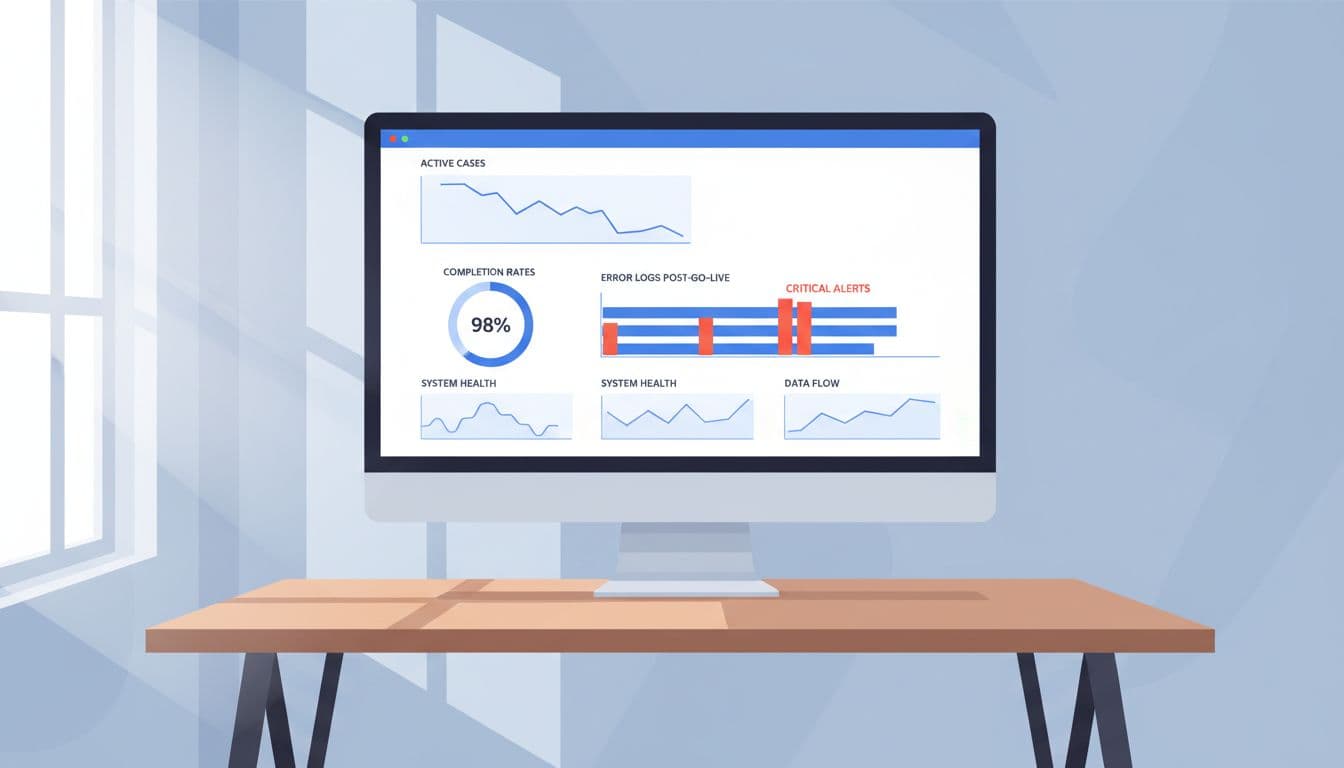
A system isn’t stable because the vendor says it is. It’s stable when your managers can trust the numbers and your team knows who owns the next move.
During this stretch, test live records from intake to close. Verify the results of the data migration and the accuracy of financial reporting modules. Compare counts, statuses, dates, and key reports against real case activity. Implement performance monitoring to spot silent failures, such as integration issues where records save without routing, reports that exclude reopened matters, or dashboards that look clean because staff stopped using certain fields.
If you can’t brief leadership or the board with straight answers, you’re not stable yet.
Then name owners in plain terms. One person owns queue rules. One person owns report definitions. One person owns vendor escalation. One person approves changes.
When the first month ends, move from daily rescue into weekly control and establish an optimization roadmap. A practical post-launch tech stabilization plan that requires automated testing and regression testing for future fixes before pushing to production helps you carry the fixes forward without slipping back into guesswork.
FAQs
How long should the launch war room stay active?
Keep it daily for the first one to two weeks. After that, reduce the cadence only when issue volume, turnaround time, staff confusion, and system availability are clearly improving.
Should you retrain everyone during stabilization?
Usually no. Run short, role-based refreshers tied to actual errors. Broad training programs often add noise when people need clarity.
What if staff already went back to spreadsheets?
Don’t shame the workaround first. Bring it into the open, learn what the system missed, then fix the cause so the spreadsheet can die on purpose. These feedback loops are part of a continuous improvement culture.
When should executives get directly involved?
Step in when service risk rises, reports stop being credible, or vendor response slows down. Stabilization needs sponsorship and stakeholder alignment, not distance.
The first month shapes the next year
The first 30 days after go-live decide whether your case system becomes a trusted operating tool or another source of drag. System go-live stabilization works when you protect service first, fix friction early, and make ownership hard to miss.
You don’t need a perfect launch. You need calmer visibility, stronger follow-through, and better decisions while the system settles.
Treat this first month as a vital post-implementation review period, where system go-live stabilization lays the foundation for long-term success.
Bring your top three post-launch breakdowns to the next leadership meeting. If you can name them clearly, you can start regaining control.