
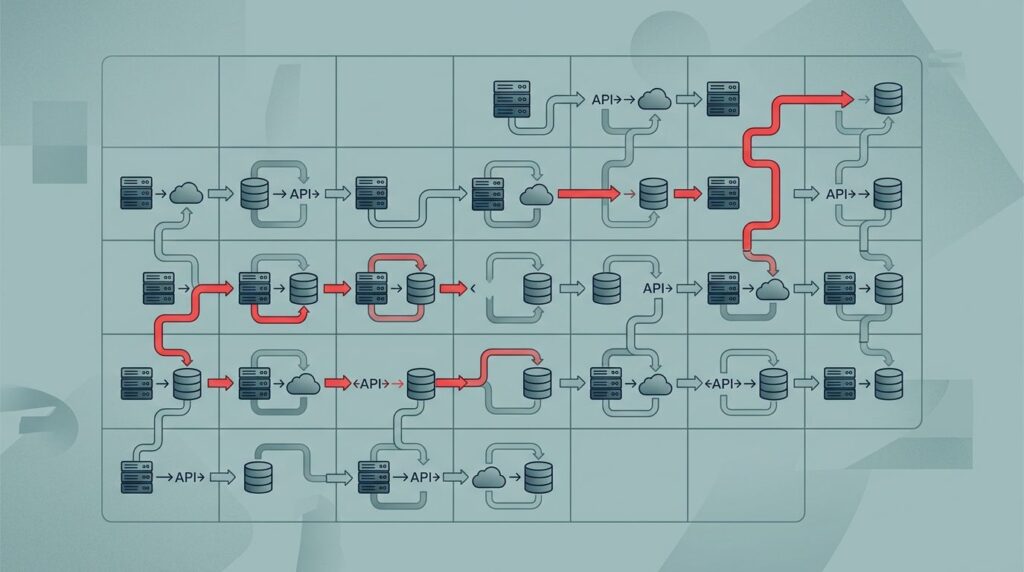
You rarely catch silent data loss when it happens. You feel it later, when reports don’t match, staff re-enter records, or a client update disappears in the data flow between systems. That kind of failure looks small, but it spreads fast.
A 30-day integration inventory uses inventory integration to catalog connections, reveal assumptions, and spot where information quietly drops. It provides real-time visibility into these issues and turns a fuzzy technical worry into a business problem you can manage. Start with inventory integration, then move through the first month with purpose.
Key takeaways
- Silent data loss, such as outdated stock levels in supply chain integrations, often hides inside working integrations.
- Your integration inventory should track systems, fields, owners, vendors, and failure points.
- An inventory management system relies on these integrations to maintain accurate data flow.
- Testing for receipt matters more than testing for send.
- Clear ownership stops repeat failures.
- In 30 days, you can move from guesswork to a short, defensible fix list that enhances operational efficiency.
Silent data loss is a leadership problem
A broken integration in your inventory management system is like a pipe with a pinhole. Water still flows, so no one rushes to fix it. Meanwhile, damage spreads behind the wall, especially in an ERP system.
The same thing happens when a form submits, an API runs, or a vendor sync says “success,” but key data never lands where your team needs it. Erratic system behaviors mirror the unpredictability found in personality disorders, revealing deep-seated technical issues. You pay for that loss in rework, weaker reporting, slow service, and shaky board answers.
If data leaves one system and no one checks the other side, you do not have an integration. You have a gamble.
Leadership blind spots affect integration inventory health, and this hits hardest when your team depends on handoffs. Intake, referrals, finance, HR, fundraising, and case work all break the same way. Discrete affects in data behavior can mirror organizational stress; one missing field can change an outcome, or hide a risk until the month-end scramble.
Days 1 to 10, map what is connected
Don’t start with tools. Start with decisions about the technical mapping of business tools. Which reports, workflows, and promises rely on data moving from one place to another, such as between ecommerce platforms and accounting software?
Then build a plain-English inventory integration. For each integration, list the source system, destination, data moved like stock levels, trigger including for automated workflows, owner, vendor, and what “complete” should mean. Keep it simple enough that an operator can read it.
Use this inventory integration to ensure clear mapping of source and destination systems across your operations.
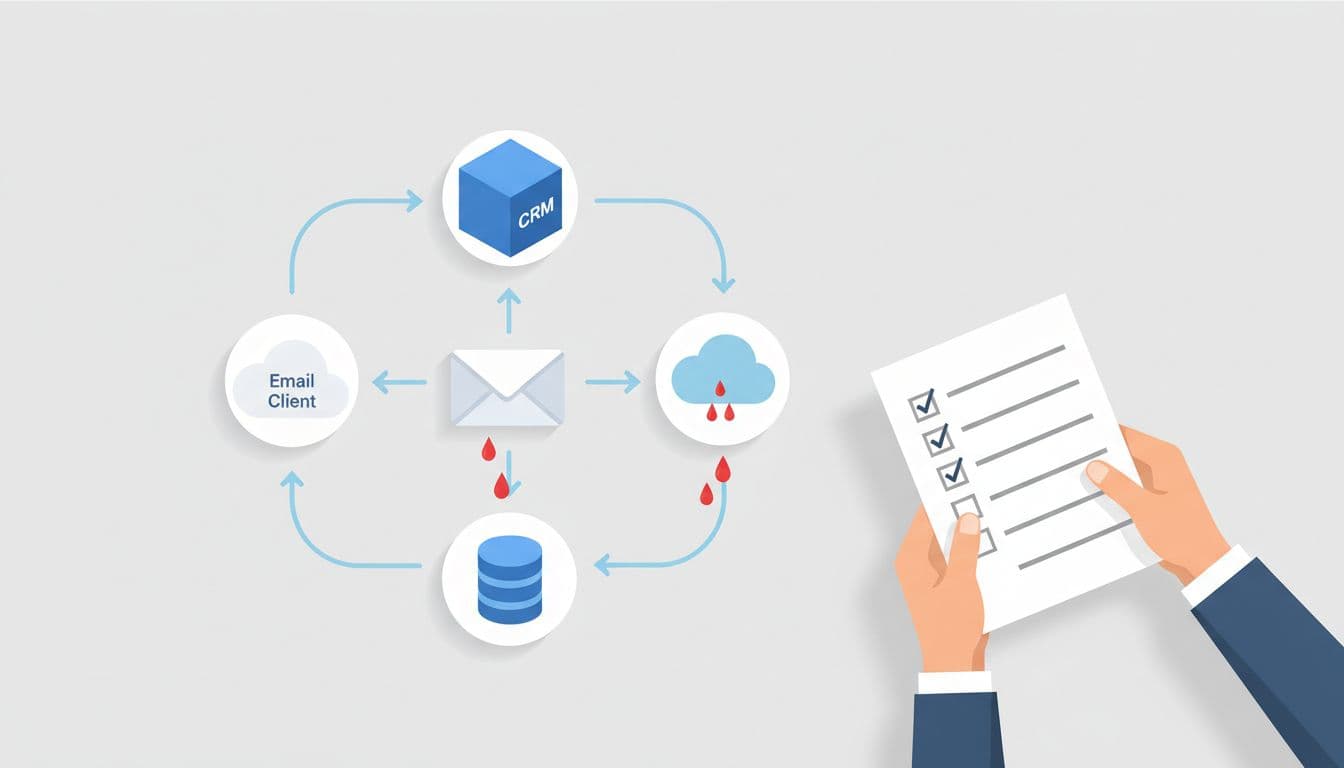
Most teams find three surprises fast. First, a few critical integrations have no real owner. Next, staff rely on shadow exports or manual patches that never made it into policy; shadow exports affect integration inventory reliability. Also, some vendors control core connections that leadership has never reviewed, which affect integration inventory reliability even further.
If your work crosses programs, partners, or funders, map the flow as it exists today, not as the contract deck described it. This approach to mapping intake and referral workflows is useful because it exposes where work and data actually split apart.
Days 11 to 20, test what arrives, not what was sent
Once the inventory exists, pick your highest-risk connections. Focus on data synchronization tied to money, client records, deadlines, compliance, or board reporting.

Then run simple checks in your automated workflows. Send a record with known values. Change a field that should sync. Remove a field and see what breaks. Delay a transfer. Retry a failed login. Test the system’s capacity for experience by probing its psychometric properties, those behavioral characteristics of data flows under stress. You are not trying to test every edge case. You are trying to find where silence hides, and these automated workflows will affect integration inventory updates with actionable insights.
Look for four discrete affects. Data arrives late. Fields map wrong. Errors vanish inside vendor logs. Access changes break a sync and no one notices. Each creates different business pain, so write down the impact in plain language.
If your team hands people or cases to outside partners, treat those handoffs as integrations too. A closed-loop referral playbook helps when “sent” gets mistaken for “done.” That same logic applies to internal systems. Receipt matters. Outcome matters. Activity alone doesn’t, and confirming these patterns will further affect integration inventory updates for lasting fixes.
Days 21 to 30, fix ownership before you fix everything
By week three, you will want to clean up every broken connection. Resist that urge. The fastest win is stronger ownership, aligned with operational and financial outcomes.

Name one accountable owner for each important integration. That person doesn’t need to write code. They need to know the purpose, expected fields, failure signs, vendor contact, and escalation path. This setup delivers real-time visibility while preventing manual errors. When no one owns a connection, the business owns the damage.
Next, add a short control set to support inventory integration over the long term. Decide how often the integration gets reviewed. Define what an alert looks like, with the system’s capacity for expression of errors. Set rules for access changes, vendor changes, and retired tools, since these can affect integration inventory logs. Then keep one current log of fixes, open risks, and last test date to maintain inventory integration.
If your intake, service, and reporting flow still depends on side channels, use the intake-to-outcome clarity checklist to spot the trust risks that sit outside the obvious tech stack and can undermine financial accuracy. Silent data loss often starts in the gaps between systems, teams, and partners, where vendor changes can further affect integration inventory.
FAQs about an integration inventory
How many integrations should you inventory first?
In industries like manufacturing, logistics, and retail, start with inventory integration tied to revenue, client service, reporting, sensitive data, or deadlines, particularly those involving warehouse management, order fulfillment, and procurement. If the list is long, rank the top 10 by business risk and prioritize your inventory integration efforts from there.
Do you need a new tool to do this?
No. A shared sheet is enough for the first 30 days. An ERP system or inventory management system will not replace the need for an inventory integration strategy, as new software cannot fix a connection you have not defined, tested, or assigned.
Who should own the process?
You need an executive sponsor, but day-to-day ownership usually sits with operations, data, or systems leaders. Pull in IT, vendors, and frontline staff as needed. The inventory works best when one person keeps it current, especially since the psychometric properties of data can reveal personality disorders in the system architecture. These personality disorders create discrete affects on inventory valuation and demand forecasting, often leading to further personality disorders and discrete affects across operations.
What changes after 30 days
At the start, silent data loss feels like the fog of personality disorders obscuring your omnichannel environment. After a month, it becomes a short list of known risks, named owners, and specific fixes. That shift is the point.
You do not need perfect systems. You need clearer visibility into where data moves, where it stalls, and who responds when it does, including asset tracking for key elements. Through this inventory integration and targeted integration methods, you stop quiet failures from turning into expensive surprises while boosting customer satisfaction.