

You don’t buy cybersecurity as one neat line item. You buy pieces of it, software, setup, monitoring, staff time, training, and a plan for when things go wrong.
That’s why the real cost depends on your size, your risk, and how much control you already have. A five-person firm with simple systems will spend differently than a growing company with remote staff, customer data, and a board asking harder questions. If your current setup feels scattered, start by figuring out where the money is going and what it’s buying. A quick way to do that is Find What Technology Is Costing Your Growth.
Key takeaways
- Cybersecurity cost is more than licenses. Labor and decision time matter too.
- Small businesses often underpay at the start, then overpay after a problem.
- The right budget is the one that lowers risk without creating extra drag.
What you are actually paying for when you buy cybersecurity
A lot of small businesses think cybersecurity is mostly a software bill. That’s the visible part, but it’s not the full bill.
You’re paying for tools, yes. You’re also paying for setup, configuration, policy work, access control, and the time it takes to keep everything working. If nobody owns those pieces, the cost shows up later as confusion, gaps, and rework.
Tools, licenses, and software subscriptions
This is the part most people see first. Antivirus, endpoint protection, password managers, email security, backup tools, and logging software all come with monthly fees.
The trouble is that small prices add up fast. Ten users at a modest rate is one thing. Fifty users, multiple devices, and overlapping tools are another. Duplicate software is common when different people buy for different reasons. That’s how a low monthly bill turns into a messy annual one.
Setup, configuration, and ongoing management
Buying the tool does not make you secure. Someone still has to set it up correctly.
That work includes access rules, device policies, alert settings, backups, updates, and routine checks. If a tool is not tuned to your business, it can create noise instead of protection. Then you pay again, because now someone has to sort out why it is not doing what you expected.
Training, testing, and incident response planning
People are often the weakest link, which is why training belongs in the budget.
Phishing tests, backup checks, response drills, and simple security training all cost time. That time is part of the price of protection. It is also part of what keeps one bad click from becoming a bigger business problem.
If you only budget for tools, you’re buying boxes. If you budget for people and process, you’re buying control.
What small businesses usually spend in a year
There is no single right number. Your annual cost depends on how many users you have, how remote your team is, how much customer data you handle, and whether you have compliance pressure hanging over you.
This is where many leaders miss the real picture. They compare software prices and ignore the bigger question, which is whether the business needs basic protection, active oversight, or formal reporting. If you want a better sense of when small companies outgrow a purely tactical approach, when to hire a fractional CTO is a useful frame.

The ranges below are broad on purpose. They are meant to help you think, not pretend precision exists where it doesn’t.
| Business profile | Typical annual spend | What that usually covers |
|---|---|---|
| Very small team, basic needs | Lower thousands | Core tools, basic backups, simple training |
| Growing small business | Mid thousands to low five figures | Better protection, more devices, more oversight |
| Regulated or higher-risk business | Higher five figures and up | Stronger controls, reporting, testing, and outside leadership |
The pattern is simple. As the business grows, the cost rises. So does the cost of being wrong.
Lean budgets for basic protection
If you’re very small and your systems are simple, you may only need core protection and basic staff training. That can keep the spend relatively modest.
But “lean” should not mean careless. If you skip backups or MFA because the budget feels tight, you are not saving money. You’re moving the bill to the day something breaks.
More complete protection for growing teams
Once you have more staff, more devices, or more customer data, the budget usually moves up. You need more than software. You need someone watching the setup, checking the alerts, and keeping the controls aligned with how the business works.
That is where growth changes the math. More users mean more doors. More doors mean more chances to leave one open.
Higher costs when compliance or risk is serious
If you handle sensitive records, payment data, or regulated information, the spend goes up again. You need stronger controls, more formal reporting, and clearer oversight.
At that point, cybersecurity is not a side project. It is part of how you run the business. It often needs executive-level support, not just another tool license. Executive technology leadership becomes relevant because someone has to own the decisions, not just the software.
Why the cheapest option often costs more later
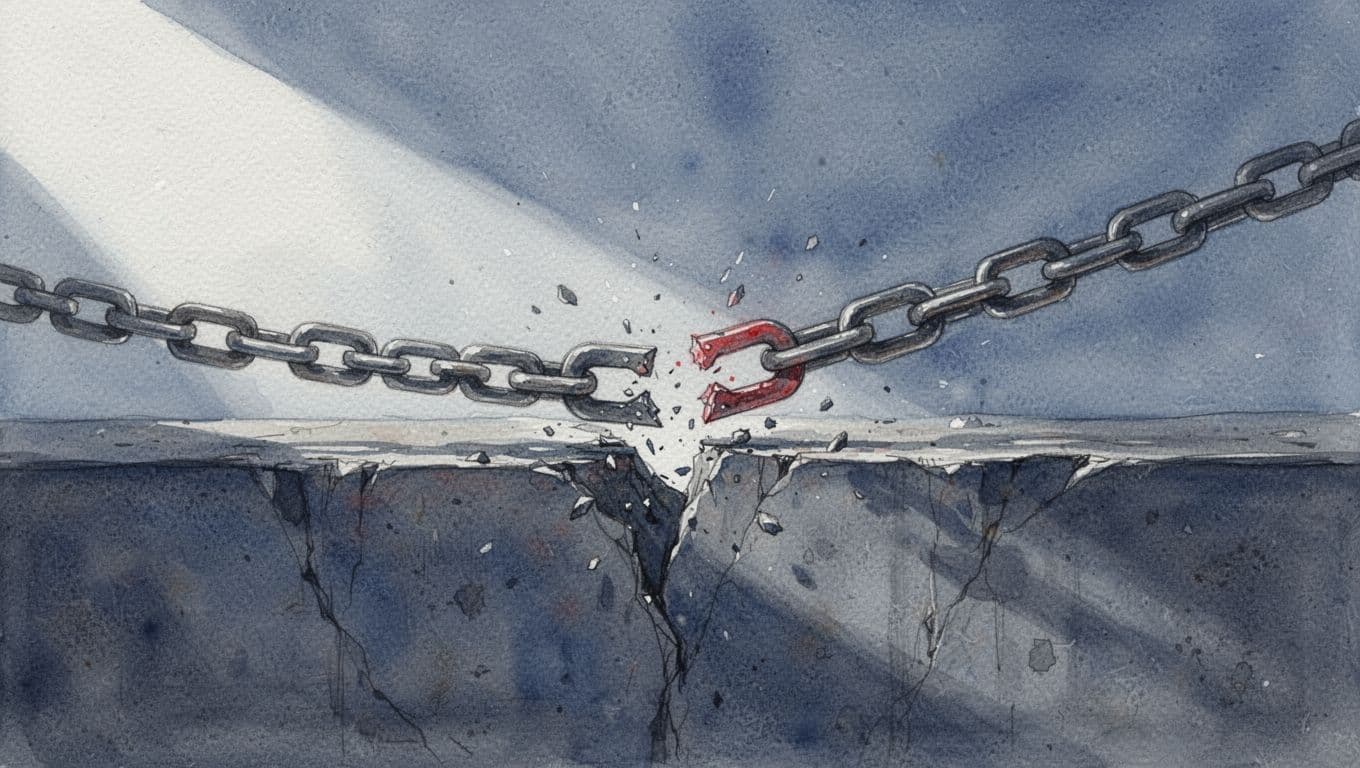
Cheap cybersecurity looks smart until you need it.
The lowest bid often leaves out setup, training, response planning, or real oversight. Then you end up with tools that exist on paper, but not in practice. That is where false savings turn into lost time and bigger exposure. If you need a clearer board-level picture of what’s at stake, Build a Board-Ready Technology Risk View is the right question to ask.
Downtime, lost sales, and slow recovery
A small incident can stop orders, delay service, or freeze day-to-day operations. The repair bill may look manageable. The business impact usually isn’t.
When work slows, revenue slows. When customers wait, trust slips. That loss is often bigger than the cleanup cost.
Tool sprawl and vendor overlap
Too many tools can make things worse. You pay for overlap, then spend more time deciding which system to trust.
Tool sprawl is also a governance problem. No one owns the whole picture, so the business ends up with more software and less clarity. More tools does not always mean more security.
The cost of waiting until after an incident
When you wait for a breach, the price jumps. Emergency support, legal help, recovery work, customer communication, and reputation repair are all more expensive under pressure.
You also lose something harder to price, calm leadership. Once the business is reacting, every decision takes longer.
How to think about cybersecurity as a smart business investment
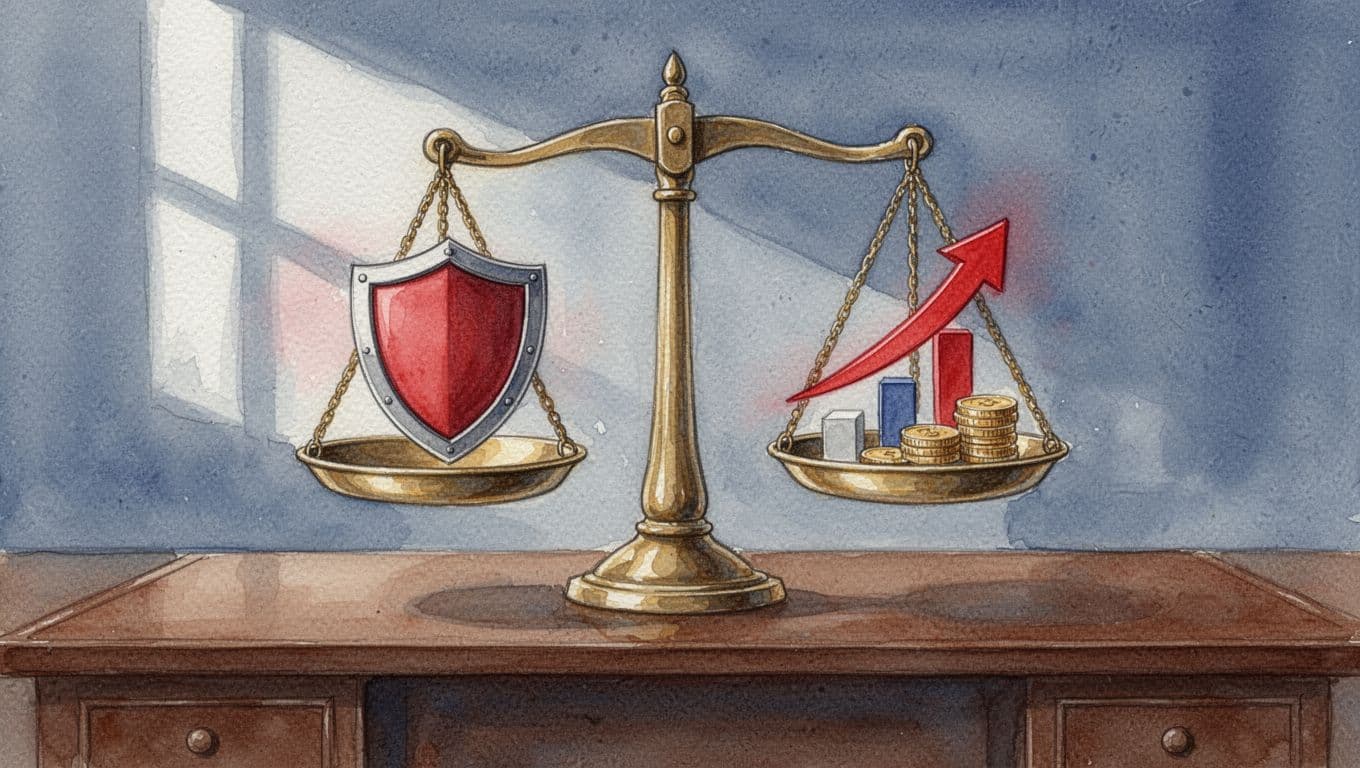
This is where the conversation gets cleaner. You’re not trying to spend the least. You’re trying to spend with purpose.
Cybersecurity as a business investment means you judge the spend by what it protects, revenue, uptime, trust, and the speed of decision-making. If the right controls reduce surprises and keep the business moving, the spend has a business return. If you already have tools but no executive ownership, fractional CTO services can help you sort what matters first.
Match spending to your biggest risks
Spend more where the business would hurt most.
If customer data is the exposure, protect that. If uptime drives revenue, protect that. If compliance risk can derail a deal, protect that. You don’t need equal spend everywhere. You need the right spend in the right places.
Tie security work to business outcomes
Security should support things you already care about, retention, speed, confidence, and fewer surprises.
A better backup process means faster recovery. Better access control means fewer mistakes. Better reporting means leaders can act sooner. These are business outcomes, not tech trophies.
Know when you need outside leadership
Many small businesses already have tools and vendors. What they don’t have is clear executive ownership.
That gap matters. If no one is making the tradeoffs, the business can keep buying protection without gaining control. Outside leadership can help you make lower-risk decisions, set priorities, and stop paying for noise. If that sounds familiar, Talk Through Your Technology Leadership Gap is usually the right next step.
A simple way to budget for the next 12 months
Start with what you already have. Then ask what is missing, what is duplicated, and what feels risky.
That first pass usually reveals more than the tool vendors do. It shows where the business is exposed and where money is being wasted. If you’re facing a transition, acquisition, or leadership change, this review matters even more. Those moments expose weak ownership fast. Get an Executive Technology Clarity Check can help you sort it out before the next budget cycle locks in the wrong plan.
Start with your current gaps
List your tools, backups, access controls, training, and response plan. Then mark the weak spots.
You’re looking for missing pieces, not perfection. A short list of real gaps is more useful than a long list of assumptions.
Separate must-haves from nice-to-haves
Protect the basics first. That means the controls that reduce real business risk, not the ones that look impressive in a demo.
When money is tight, this ranking keeps the budget honest. It also helps you avoid buying another layer before fixing the one you already have.
Review the plan at least once a year
Cybersecurity needs change as your business changes.
You add staff. You add systems. You add risk. Review the plan every year, and sooner if the business changes fast. A budget that made sense last year can drift out of step before you notice.
Conclusion
The real cost of cybersecurity is not just software. It’s tools, setup, monitoring, training, response planning, and the leadership needed to keep all of that aligned.
If you treat it as a business investment, the question changes. You stop asking, “What is the cheapest option?” and start asking, “What level of protection keeps the business steady, trusted, and moving?” That’s the right question. If you need help separating signal from noise, Find What Technology Is Costing Your Growth is a sensible place to begin.