
You want to protect your business from hackers, but you do not have money to burn on every tool and service under the sun. Good. You do not need to.
Strong protection usually comes from a few smart moves done well, not a pile of software no one owns. Most breaches start with simple openings, like phishing, weak passwords, ransomware, unsafe vendor access, or an employee clicking the wrong thing at the wrong time.
The job is not perfect security. The job is getting the basics right so you lower risk fast, spend wisely, and keep your business moving.
Keep these moves at the top of your list:
- Secure your logins first, because stolen passwords are still a common doorway in.
- Train your team to spot scams before they become incidents.
- Back up your data, then test that you can restore it.
- Update devices and software before known holes get used against you.
- Limit access so one mistake does not turn into a company-wide mess.
- Review vendors and outside tools, because third-party access can widen the blast radius fast.
Start with the biggest risks, not the longest shopping list
If you are trying to stay secure on a budget, start where the damage would hurt most. That means looking at what would stop sales, freeze operations, expose customer data, or trigger a public headache.
That simple move saves you from buying the wrong thing. A lot of small and mid-sized businesses spend money on tools before they know what problem they are solving. Then the tools sit there, alerts pile up, and nobody feels safer.
The more serious issue is often not the tech itself. It is a executive technology leadership gap, where no one clearly owns the decisions that shape cyber risk. When ownership is fuzzy, security gets treated like a pile of tasks instead of a business issue.
Know which attacks hit small businesses most often
The most common cyber threats businesses face are not glamorous. They are usually boring, repeatable, and effective.
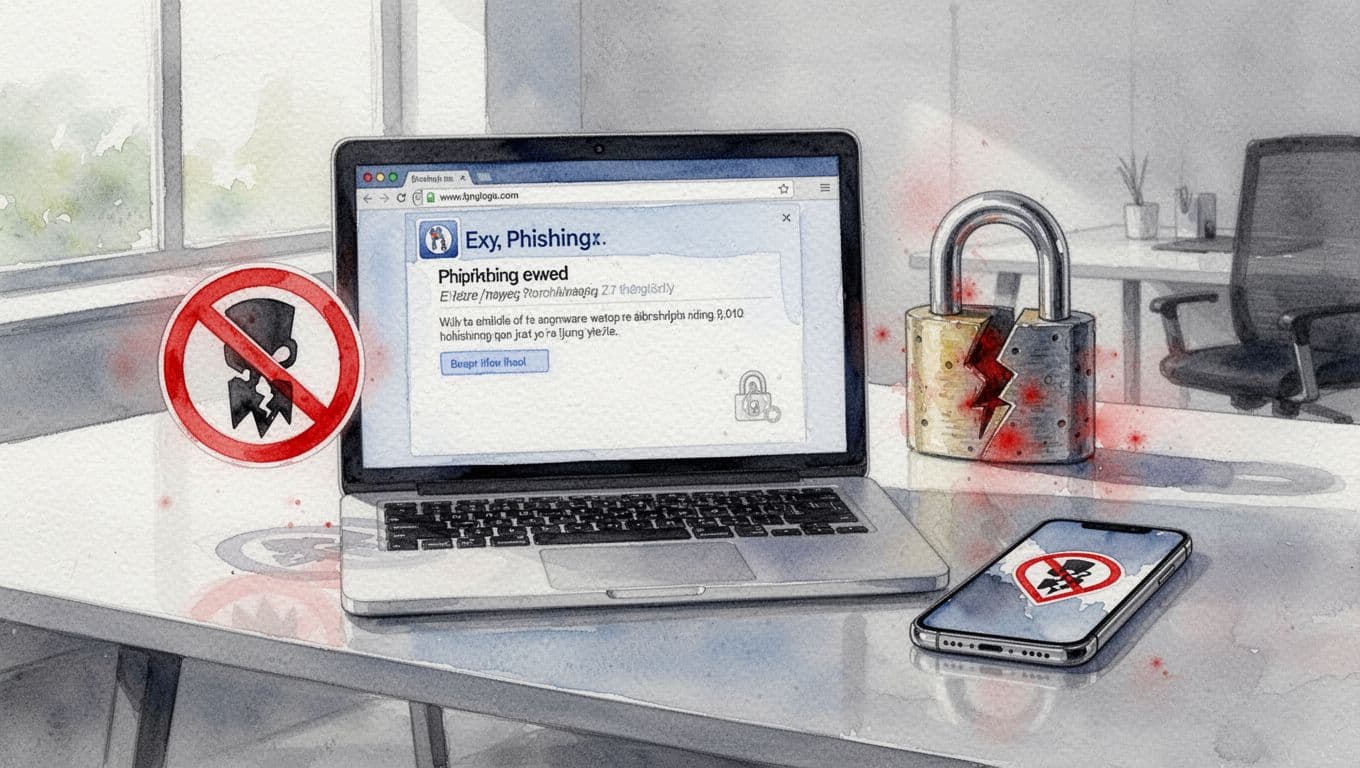
Phishing emails try to trick someone into clicking, paying, or sharing credentials. Password theft gives attackers a fast way into email, payroll, or financial systems. Fake invoices can redirect money to the wrong place. Ransomware can lock files and shut down work. Lost devices can expose data if they are not protected. Vendor compromise can let attackers walk in through a trusted partner.
These attacks succeed because they target easy openings, not because your company is too small to matter. The business cost is usually time, money, trust, and distraction. Those four are expensive enough on their own.
Find the weak spots that would hurt you most
Do a quick pass through the places attackers love.
Start with email, because email often leads everything else. Then look at remote access, shared accounts, customer records, payroll, backups, and any outside tool that can touch sensitive data. Ask one simple question at each point, “If this gets hit, what breaks first?”
That keeps you focused on damage, not fear. A company with weak email security, poor backup habits, and too many admin accounts does not need a hundred priorities. It needs a short, honest list and a plan.
Use low-cost protections that block the most common attacks
This is where you get the best return on your money. A few basics will do more for you than a shiny stack of software.
Do not think of these as IT chores. Think of them as cheap insurance against the most common ways attackers get in.
Lock down logins with multi-factor authentication and better passwords
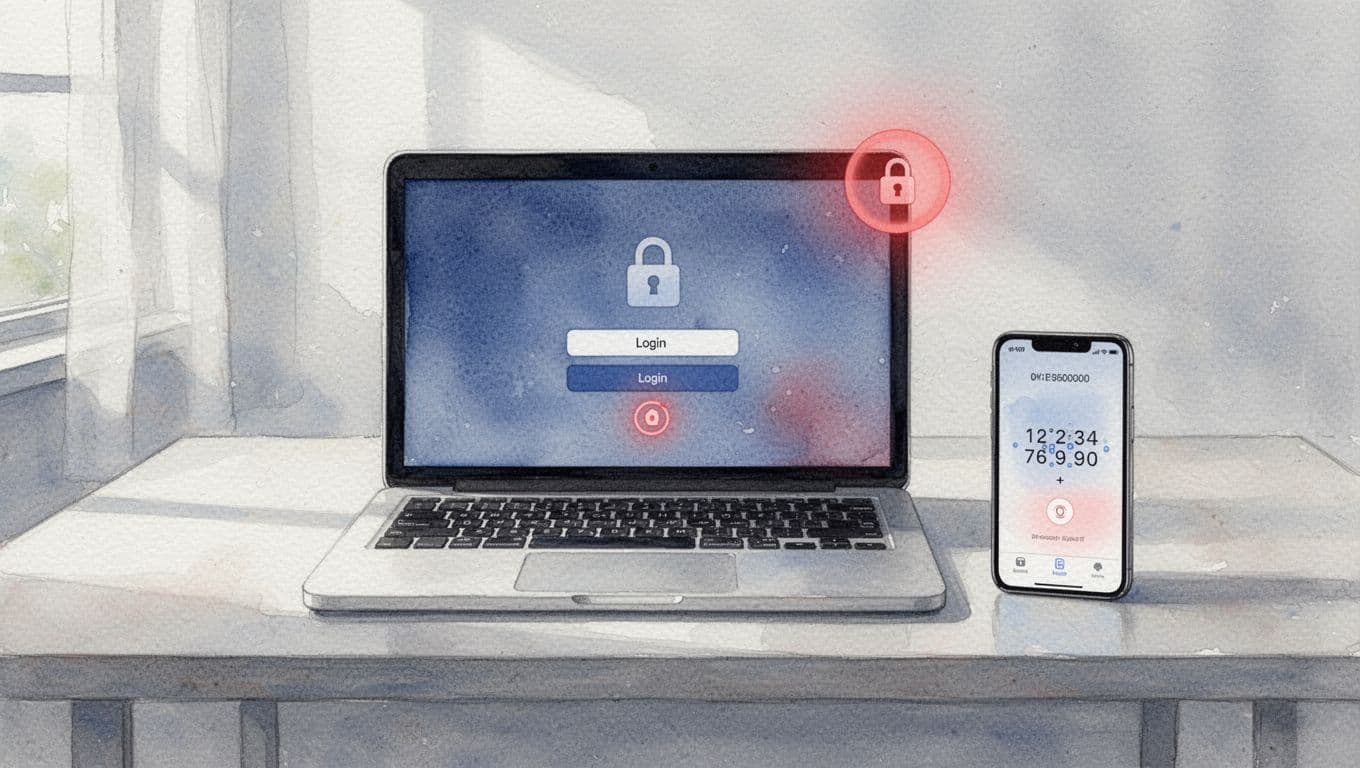
Stolen passwords are still one of the easiest ways into a business. That is why multi-factor authentication matters so much. If a password leaks, the extra step can stop the attack cold.
Turn it on first for email, banking, payroll, and admin accounts. Those are the keys to the building. Then use a password manager so people are not reusing weak passwords across systems. Unique passwords are not fancy. They are just harder to steal and easier to manage.
This is one of the cheapest ways to reduce risk fast. If you do nothing else this quarter, do this.
Keep devices and software updated before attackers exploit them
Updates are not a nuisance. They close known security holes that attackers already know how to use.
That includes laptops, phones, browsers, accounting software, collaboration tools, and anything else your team relies on daily. Automatic updates help a lot. So does a simple rule for old software, if it is unsupported, it should not still be running business-critical work.
You do not need a perfect patching program on day one. You need a habit. Set a monthly review for anything that cannot update automatically, and remove what no longer has a business reason to exist.
Make backups that actually help you recover
Backups are not only for accidents. They are one of your best defenses against ransomware and big mistakes.
Keep at least one backup that attackers cannot easily reach. Offsite or cloud backups help, but you also need to test restores. A backup you cannot restore is a false sense of comfort. It looks good until you need it.
Test a few files. Then test a bigger restore. Find out how long recovery takes before you are in the middle of a real event. That is how you avoid paying for chaos later.
Train your team to spot scams before they become incidents
People are not the problem. Unclear habits are. Most employees are trying to do the right thing, and a small amount of training can stop a lot of expensive mistakes.
This does not need to be a huge program. It needs to be clear, regular, and tied to real work. Good reporting and clear ownership help too, because people act faster when they know who to tell and what happens next.
Teach staff how phishing really looks in daily work
Show your team what bad email looks like in the real world.
Urgent payment requests are a red flag. So are strange links, last-minute password resets, and email addresses that look almost right. A fake vendor might use a domain that is off by one letter. A fake CEO request might push for secrecy and speed.
The fix is simple. Pause. Verify. Call or message using a known number or known account. Do not trust urgency. Attackers count on people rushing.
That message matters for office staff, managers, finance teams, and anyone who handles customer data. One hurried click can become a long, expensive week.

Create a simple process for reporting anything suspicious
Your people should know exactly what to do when something feels off. No hunting. No guessing.
Make the path short. If someone sees a strange email, reports a lost device, spots a fake vendor, or notices odd account activity, there should be one clear place to send it. One inbox, one phone number, one named person, something simple enough to remember under pressure.
Speed matters. The sooner you hear about a problem, the more likely you are to stop it before it spreads. A small report on minute five is far cheaper than a cleanup on day two.
Reduce damage by limiting access, vendors, and extra tools
A lot of breaches get worse because too many people and systems have too much access. That is not a software problem. It is a control problem.
If you want less risk, you need fewer open doors. That means tighter access, cleaner vendor oversight, and fewer tools wandering around your environment without a clear purpose.
Give people only the access they truly need
This is the least-privilege rule in plain English. People should have the access they need to do their jobs, and not much more.
Not every employee needs admin rights. Not everyone needs access to all files. Not everyone should be able to move money or change security settings. When you limit access, you lower risk without slowing the business down.
Review access when people change roles. Review it again when they leave. Old access is one of those quiet problems that turns into a loud one later.
If you want a broader view of this kind of control, fractional CTO services can help leadership clean up ownership without adding more confusion.
Check vendors and outside tools before they create hidden risk
Outside vendors and software tools can help, but they can also widen the attack surface. You should know who has access, what data they can see, and what happens if they get hacked.
This is where tool sprawl stops being a nuisance and starts being a governance problem. More tools often mean more logins, more data paths, and more ways to lose track of who is responsible for what. If a vendor touches customer data, payroll, or critical operations, treat that as a business dependency, not just another invoice.
A good review does not need to be heavy. It just needs to answer the right questions before you sign, renew, or expand access.
Know when it is time to bring in outside help
There is a point where smart DIY security stops being smart. If technology decisions feel scattered, risk keeps rising, and no one can tell you who owns cyber decisions, the issue may be bigger than tools.
That is when when to hire a fractional CTO becomes a real question, not an abstract one. You may not need a full-time executive, but you may need someone who can sort the mess, clarify decision rights, and point you at the few moves that matter most.
If you need a faster read on what is going on, Get an Executive Technology Clarity Check. A short review can tell you whether the next fix is better policy, stronger backups, tighter access, cleaner reporting, or interim CTO leadership because the situation needs immediate control.
Conclusion
You do not need the biggest security budget to be safer. You need to spend on the right basics in the right order.
Start with your biggest risks. Secure logins, update systems, back up data, train your team, limit access, and keep vendors under control. That is how you lower the odds of a bad day without turning security into a money pit.
Pick one move this week and finish it. Small, disciplined steps beat panic buying every time.