
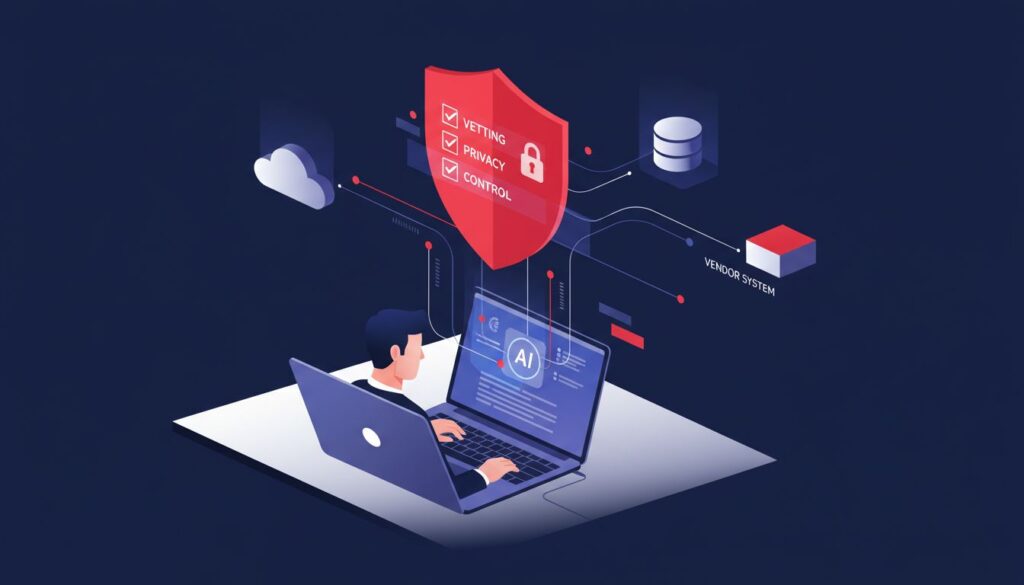
Your software vendor can turn on an AI feature overnight. You still own the consequences.
That is the real issue in how to evaluate ai features from software vendors. A feature that looks harmless can introduce new risks to enterprise AI adoption by changing where your data goes, how employees work, what customers receive, and what you are paying for.
You do not need to reject every AI feature. With the right AI evaluation tools, you can make a practical decision about whether to keep it, restrict it, test it, or turn it off.
Key Takeaways for Vetting a Vendor-Enabled AI Feature
Before you accept a new capability, get clear on a few basics:
- Identify what the feature actually does and what business problem it is meant to solve as part of an AI capability assessment.
- Map every category of data it can read, create, retain, or send to another service.
- Confirm how the vendor uses your data, including model training, product improvement, subprocessors, and your data privacy and compliance obligations.
- Test accuracy, human review requirements, costs, and failure scenarios using a consistent software evaluation framework before broad use.
- Name one executive owner who can approve, restrict, or disable the feature.
Your decision should end in one of four places: keep it on with controls, run a limited pilot, restrict it to defined use cases, or turn it off. If ownership and risk are already blurry, technology oversight services can help strengthen vendor risk management and artificial intelligence governance, giving you a cleaner operating picture before the vendor sets the terms.
How to Evaluate AI Features From Software Vendors Before You Trust Them
A feature inside an approved platform is not automatically approved for your business.
You may trust the vendor’s core software. That does not answer whether its new AI assistant should see customer records, summarize internal meetings, draft contract language, write code, or connect to your file storage.
How to evaluate ai features from software vendors starts with a pause. Look at business value, data exposure, privacy, security, reliability, cost, and accountability as one decision. Do not treat the setting as a minor product update.
Start With the Feature’s Real Job and Business Value
Ask a plain question: what problem does this feature solve that your current process does not?
Name the users. Name the work they will do. Then decide what success looks like. It might be faster first drafts, fewer repetitive support tasks, better search, reduced rework, or lower operational risk. These outcomes should be part of your AI vendor selection criteria, especially when comparing generative AI systems with your existing process.
“Included in the subscription” is not a business case. If no one can explain the value, do not give the feature access to important work.
Compare the AI-enabled process with the current one. Measure time saved, quality, error rates, customer impact, and review time. A feature that saves ten minutes but creates twenty minutes of checking is not helping.
An AI feature is only useful when the business can explain what it improves, what it may damage, and who will notice first.
Map the Data the AI Feature Can See and Create
Treat data access as the first hard boundary. List the feature’s inputs and outputs, not only the vendor’s marketing description.
That includes prompts, uploaded files, customer records, employee information, support tickets, meeting transcripts, confidential documents, source code, financial data, health information, and usage logs. Check connected systems too. A feature in your CRM may reach email, calendars, file storage, or call recordings, depending on its integration capabilities and permissions.
Then ask the vendor direct questions:
- Is your data processed only to provide the service, or retained for model training or product improvement?
- What training data transparency does the vendor provide, and can you opt out of training?
- Which subprocessors receive the data, and where is it stored?
- Can the large language models draw from another customer’s information or shared knowledge base?
You need a written answer. A public product page is not enough. Your risk tolerance should decide what data enters the tool, not a default setting chosen by a vendor.
Review Accuracy, Human Oversight, and Failure Modes
AI can produce an answer that sounds polished and is wrong. That creates a different kind of risk than a system outage. An outage is visible. A confident but inaccurate response can move through your business before anyone catches it.
Test realistic work and measure performance and accuracy. Use known edge cases, incomplete records, conflicting policies, and sensitive requests. Compare output against information your team already knows is correct, and include model hallucination detection checks where errors could cause harm.
Define where a person must review the result before it is used. A human in the loop is especially important for customer communications, contract interpretation, pricing, hiring decisions, medical or financial guidance, and security actions. A disclaimer does not remove your responsibility when a customer relies on a bad answer delivered through your service.
Make error reporting easy. Users need a direct way to flag flawed output, stop use when needed, and get the issue to an owner who can act.
Check the Contract, Privacy Terms, and Vendor Commitments
Read the documents that govern the feature, not only the announcement email. Review the master agreement, data processing terms, acceptable-use rules, retention periods, security documentation, audit rights, breach obligations, intellectual property terms, service levels, termination process, and compliance with regulatory requirements.
Look for what the vendor can change without meaningful notice. Can it switch models, add subprocessors, revise pricing, or alter data use after you enable the feature?
Marketing claims are not commitments. If your business needs a training opt-out, deletion right, security requirement, regulatory safeguard, or notice period, it belongs in written terms or a documented vendor commitment.
Test the AI Feature in a Controlled Pilot Before Full Adoption
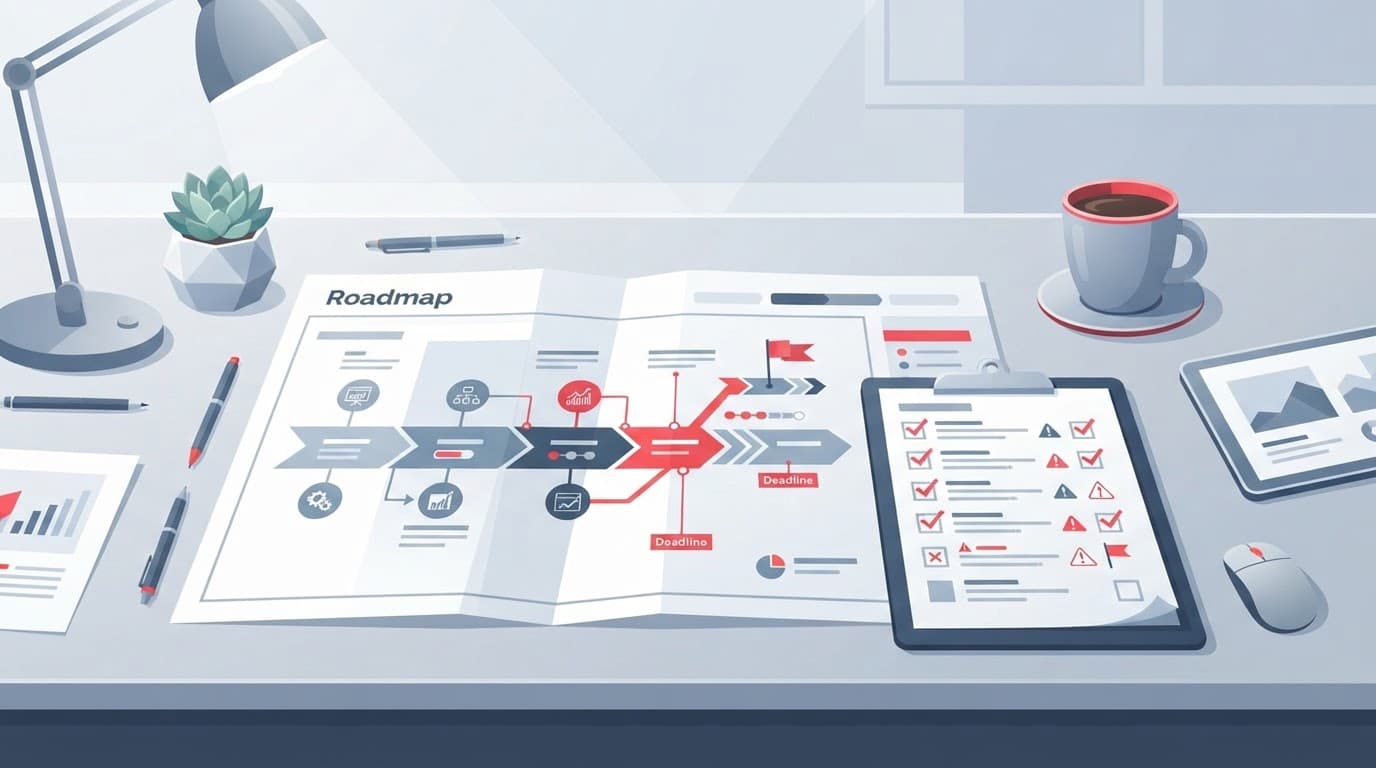
A vendor default is not a rollout plan. Use proof of concept testing with a small group before you allow company-wide use.
A controlled pilot gives you evidence without exposing every customer record, employee, and workflow on day one. It also keeps a temporary experiment from becoming an expensive habit.
### Set a Small Scope, Safe Data Rules, and a Named Owner
Choose a limited user group and two or three approved use cases, including narrowly defined agentic workflow automation where appropriate. Use test data when you can. Restrict permissions. Keep logs on. Keep a human in the loop for decisions, approvals, and outputs that could affect customers, employees, or the business. Do not allow employees to upload sensitive information unless the pilot requires it and the controls support it.
Name an owner from the business or technology leadership team. That person is accountable for the decision, not merely the setup.
They should know who can approve expansion, who handles an incident, and who can disable the feature quickly. Your IT team and vendor may provide useful input. Neither can replace executive ownership when customer trust, material cost, or legal exposure is involved.
Measure Quality, Time, Cost, and Risk During the Pilot
Use a simple scorecard supported by data tests and validation. Track accuracy, error severity, human review time, adoption, user feedback, support tickets, privacy concerns, security findings, and cost per use. Where useful, apply AI evaluation tools to compare outputs consistently across representative tasks and users.
Include the total cost of ownership, including costs that often arrive later: usage tiers, premium add-ons, extra storage, integration work, and the staff time required to check output. Estimate return on investment by comparing the result to the existing process, not to an imaginary perfect future.
At the end of the pilot, document one decision:
- Keep the feature when value is clear and controls are adequate.
- Restrict it when only certain users, data, or tasks are safe.
- Extend the pilot when evidence is incomplete.
- Disable it when risk, cost, or uncertainty outweighs the benefit.
Record the owner, the decision date, the review date, and the conditions that would change the decision.
Build Ongoing AI Vendor Oversight Into Your Operating Rhythm
Vendor AI features do not stay still. Models change, settings change, pricing changes, and connected capabilities expand. Ongoing oversight, including model drift and monitoring, should be part of your artificial intelligence governance because a decision you made six months ago may no longer fit the same risk profile.
Review material AI features during vendor reviews, security reviews, budget discussions, and leadership reporting. Add them to the risk register when they affect sensitive data, customer promises, or important operations.
Create Clear Rules for Employees and Contractors
Your acceptable-use rules should be short enough that people will follow them. State which tools are approved, what data must never be entered, when human review is required, how customers are informed, and how errors are reported.
Use cross functional collaboration to keep the rules practical for each role. Finance, customer support, and software engineering teams may face different boundaries and need input into the controls that guide their work.
Informal use creates shadow AI. Then you have inconsistent decisions, untracked data exposure, and no clear accountability.
Track Vendor Changes, Spend, and Exit Options
Assign someone to monitor release notes, default settings, model changes, subprocessors, security notices, service performance, and pricing across your enterprise software infrastructure. Material changes should trigger a new review, not a quiet acceptance.
Ask whether you can export your data, replace the feature, and continue operating if the service changes or ends. Plan for platform lock in before it limits your options, and don’t let vendors quietly drive your roadmap because no one is watching the terms.
Give Leaders a Simple Risk and Decision Report
Use a one-page report for significant AI features as part of vendor risk management. Include the purpose, data involved, users, vendor commitments, test results, cost, top risks, controls, owner, current decision, and next review date, drawing on relevant ai evaluation tools where they improve consistency.
Your board does not need product screenshots or technical noise. It needs the business consequence, the risk threshold, the tradeoff, and the executive who owns the next move.
Know When You Need Executive Technology Judgment
Sometimes the AI feature is a small review. Sometimes it exposes a broader problem with enterprise AI adoption or automated decision making.
You may need outside judgment when no one owns technology strategy, data risk, vendor decisions, or cross-functional adoption. Conflicting internal opinions, unclear data use, missing contract protections, unexplained cost increases, board scrutiny, and weak testing are all warning signs.
The issue may not be a lack of technical skill. It may be weak reporting, unclear decision rights, or a leadership gap that lets vendors make important choices by default. It also helps to understand whether the software is AI native versus enabled, because that context can shape its risks, controls, and long-term role in the business.
A fractional CTO can provide steady executive ownership without an immediate full-time hire. An interim leader may fit when the situation is urgent or the seat is open. Fractional CTO services can help you decide what ownership the business needs now.
Download the AI Feature Vetting Checklist
Download the AI feature vetting checklist and use it, along with practical AI evaluation tools, as a working document for purpose, data, controls, vendor terms, pilot results, cost, ownership, and the final decision.
If the feature affects important systems, sensitive data, customer promises, or board-level risk, Get an Executive Technology Clarity Check. You shouldn’t have to make a material technology decision with a vendor’s release note as your only plan.
Frequently Asked Questions
Should we disable every AI feature a vendor turns on automatically?
No. First determine the feature’s business value, data access, reliability, cost, and contractual protections. You may choose to keep it on with controls, run a limited pilot, restrict its use, or disable it when the risks outweigh the benefit.
What data should we keep out of a vendor’s AI feature?
Start with data that is highly sensitive, regulated, confidential, or difficult to replace, including customer records, health information, financial data, source code, and internal strategy documents. Only allow such data when the vendor’s retention, training, security, location, and deletion practices meet your requirements.
How should we test an AI feature before adopting it broadly?
Use a small pilot with approved users, safe data, limited permissions, and defined use cases. Measure accuracy, error severity, review time, user adoption, privacy and security concerns, support impact, and total cost against the existing process.
Who should own the decision about a vendor-enabled AI feature?
A named business or technology leader should be accountable for approving, restricting, expanding, or disabling the feature. That owner should also know who handles incidents, monitors vendor changes, and reviews the decision as the feature and its risks evolve.
When should we involve outside technology leadership?
Seek outside judgment when ownership is unclear, vendor terms are difficult to assess, testing is weak, costs are changing, or the feature affects sensitive data and important business decisions. Fractional or interim technology leadership can help establish governance and make the decision practical and defensible.
Keep the Decision Where It Belongs
Your vendor may turn on an AI feature. You still own the business decision and the ai vendor selection criteria used to evaluate it.
Define the use case. Map the data. Run data tests and validation. Test the feature. Review the vendor’s commitments. Assign an owner and document the outcome.
You do not need to accept every new capability or block every AI tool. You need evidence, controls, and clear business value. That is how you keep AI useful, controlled, and aligned with the business you’re responsible for leading.