
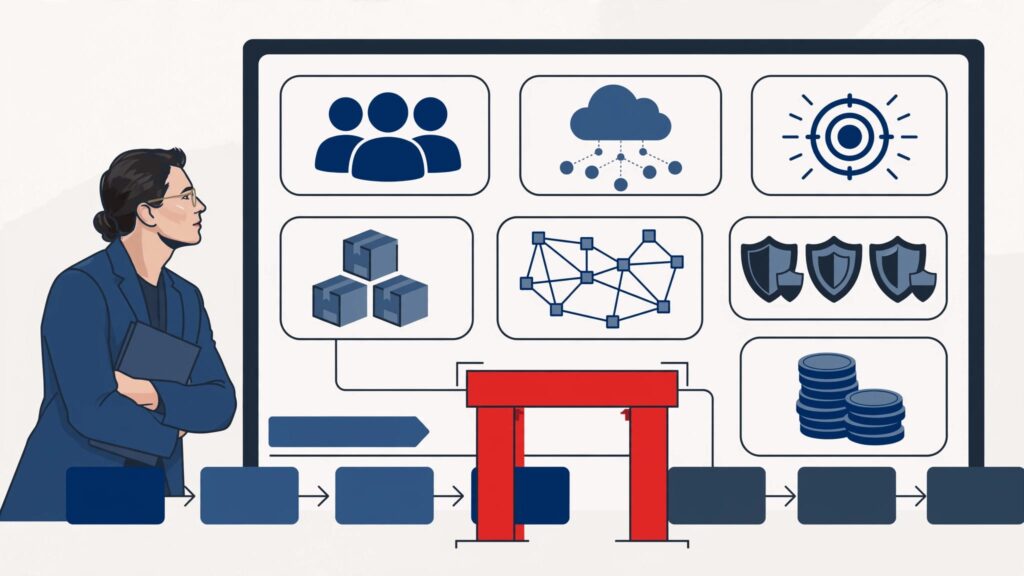
A project can look sensible in isolation and still be wrong for the quarter. If people, systems, vendors, or leadership attention are already committed, approval creates another promise the business may not keep.
Technology capacity planning shows whether an initiative supports the company’s business objectives and can be delivered safely. It weighs people, systems, vendors, budget, security, resilience, and leadership attention, not just staffing or available cash. It is an operating decision.
Before approving the next initiative, use capacity planning to decide what it will consume and what must give way.
Key takeaways
- Treat every proposed project as a demand on people, systems, vendors, security work, resilience work, and executive decision time.
- Separate usable capacity from headcount and budget. Measure what remains after current commitments, routine operations, planned leave, incidents, and risk work.
- Use a visible approval gate. A project shouldn’t enter delivery until its owner, tradeoffs, dependencies, and capacity source are clear.
- Protect capacity buffers for outages, cyber events, urgent customer needs, and business continuity work. A fully allocated plan is fragile.
- Make capacity planning part of the monthly operating review, with the same seriousness given to revenue, cash, and major operating risks.
Why technology capacity planning belongs before project approval
Approving work without a clear capacity view isn’t prioritization. It’s hope with a due date.
A new CRM workflow consumes time from business owners, data stewards, security reviewers, support teams, vendors, and executive decision-makers. It may also require sales operations, data cleanup, identity changes, integration work, training, and a decision on who owns customer data. A new customer portal may need more than developers, consuming cloud capacity, support readiness, vendor coordination, and leaders’ time.
Capacity is more than available staff hours
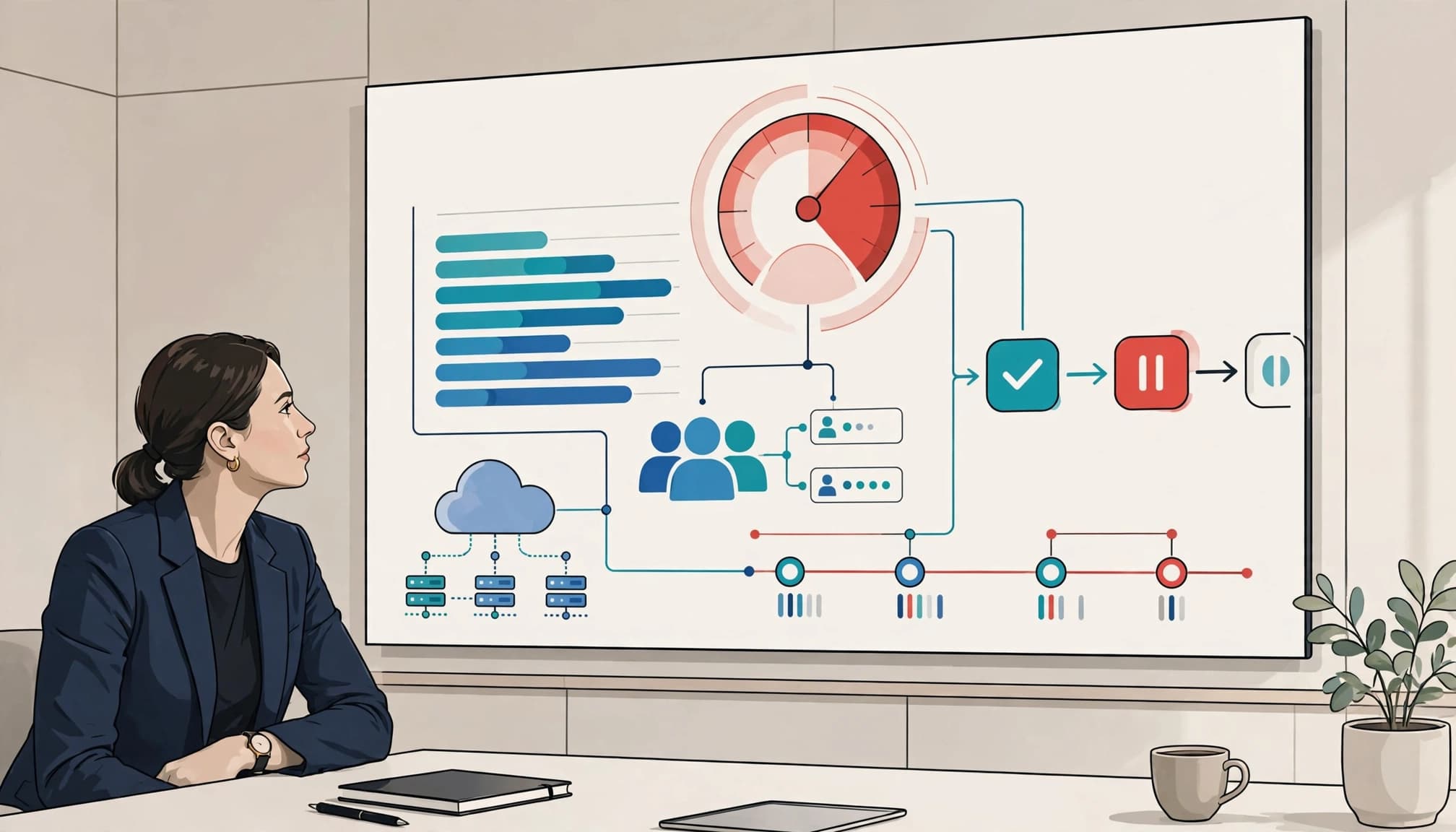
Teams often report headcount as capacity. That is incomplete.
Capacity planning treats usable hours as an operating constraint, not a headcount total. Adjust those hours for incidents, support, approvals, and operational work.
A capable engineer who spends half the week on incidents, vendor calls, access requests, and production support isn’t available for a full project load. The same applies to finance, operations, legal, and frontline managers asked to test or adopt a new process.
Your real capacity is what remains after work the business has already committed to.
A project is not approved because its business case is attractive. It is approved when you can name what it will displace, fund, and safely support.
The cost of getting this wrong
Capacity planning distinguishes unmanaged demand from poor project management; it governs available work, while schedule tracking only reports dates. Without that discipline, launches slip, testing weakens, contractors add cost, and margin pressure grows. Technical debt remains untouched while teams create manual workarounds and chase urgent requests.
This is often part of a wider technology leadership gap. People may be working hard, but nobody has a trusted view of demand, capacity, and tradeoffs.
Define technology capacity in business terms
Capacity planning is the process of comparing upcoming work with the people, platforms, money, and leadership available to deliver it. You need a shared view of the constraints that affect execution.
Start with four capacity pools
Capacity planning becomes practical when you assess these four pools for each meaningful project:
- People capacity includes internal teams, business owners, contractors, and vendor support. Check whether the right roles, skills, and decision-makers are available.
- Platform capacity covers IT infrastructure, cloud resources, data pipelines, integrations, API limits, databases, and security tooling. It should support operational efficiency and business continuity, not just the new project.
- Financial capacity includes implementation costs, recurring licenses, cloud consumption, and the cost of work deferred.
- Leadership capacity is the time available to make decisions, clear blockers, accept risk, and hold owners accountable.
A project fails when any one of these pools runs dry. The server may have room, and the budget may be approved. Yet the work still stalls because no business owner can make timely decisions.
Resource allocation is the decision about where scarce capability goes after mandatory work is protected. Strategic capacity planning sets the portfolio and investment posture, while workforce planning addresses the roles and skills needed to deliver it. Resource management is the ongoing discipline of matching demand to constrained capacity as priorities change.
Separate committed work from optional work
Your technology roadmap should distinguish between work that must happen and work that would be useful.
Security remediation, contract renewals, regulatory commitments, disaster recovery testing, and customer obligations are not optional. Neither is repair work on a system that threatens revenue or operations. That is the foundation for a business-aligned technology strategy, not a wish list shaped by the loudest request.
Build a usable baseline before forecasting demand
Capacity planning starts with a clean picture of current work and available resources. If you can’t see what’s underway, you can’t approve work responsibly.
Calculate usable delivery capacity
Use a simple planning formula for each team or critical role:
Usable capacity = staffed time – routine operations – approved leave – incident allowance – security remediation – vendor coordination – decision latency – committed project work
For capacity planning, staffed time is only one input. Routine operations, leave, incidents, security remediation, vendor coordination, and slow decisions all reduce what can be delivered.
Then compare usable capacity with approved demand and review resource utilization by team. If more than roughly 80 to 85 percent is committed before new demand arrives, the executive conversation must address what will be deferred or funded.
This capacity planning baseline should feed a short COO checklist before new demand is accepted:
- People: Confirm staffed roles, specialist coverage, decision owners, and planned leave.
- Systems: Check core systems, data, integrations, and environments that could constrain delivery.
- Vendors: Review vendor dependencies, quotas, renewal dates, and response coverage.
- Budget: Validate funding and resource allocation for labor, licenses, cloud usage, and capacity buffers.
- Security: Include remediation work, access reviews, and approval queues.
- Operational resilience: Reserve recovery time, incident response capacity, and fallback coverage.
Use tactical capacity planning for near-term commitments and operational capacity planning for recurring service demands. Scenario planning can test what happens when demand rises, a specialist is unavailable, or a vendor slips.
For service-heavy parts of the business, demand forecasting should account for pipeline, close rates, staffing, and delivery hours. This service capacity planning guide offers a useful view of how demand can affect margin before work begins. Predictive analytics may help identify demand patterns, but it doesn’t replace executive judgment.
Map the technical constraints that reports miss
Modern IT infrastructure has limits that staffing plans won’t show. Check infrastructure capacity around critical services and flag potential bottlenecks early:
- Database throughput, storage growth, and recovery windows
- API quotas and third-party vendor limits
- Integration queues and batch-processing windows
- Identity platforms, identity controls, privileged access reviews, and security approvals
- Cloud commitments, cost visibility, cost tags, and environments that nobody has sized properly
Cloud computing can scale infrastructure quickly, but it doesn’t remove ownership, security, architecture, or cost constraints. Practical cloud workload optimization approaches can help your team examine rightsizing, visibility, and workload behavior before demand becomes a bill nobody expected.
Forecast demand and choose your capacity posture
Historical data helps, but it does not predict every change. Use it to ask better questions, and let predictive analytics sharpen the signal without replacing judgment.
Start capacity planning and demand forecasting by reviewing seasonal transaction peaks, customer growth, support volume, planned acquisitions, contract deadlines, product launches, and known vendor renewals. Then use capacity planning and scenario planning to create three views: expected demand, a high-demand case, and a disruption case. For each case, record required capacity, added cost, primary risk, and likely customer consequence.
Lead, lag, and match strategies
A lead strategy adds capacity before demand arrives. Choose it for a planned expansion, a firm customer commitment, or a high-consequence seasonal peak. You carry more cost early, but reduce delivery risk and avoid potential bottlenecks.
A lag strategy waits until demand is proven. Choose it when demand is uncertain and cash preservation matters. It can create delays, rushed hiring, and customer frustration when the signal arrives too late.
A match strategy adds capacity in stages as demand becomes clearer. Choose it when the business can scale in steps and review signals quickly. For many growing companies, this is sensible, but it requires short review cycles and fast decisions.
When competing projects have similar business value, use scenario planning to compare their capacity needs, costs, risks, and customer consequences. Capacity planning should favor early capacity for high-consequence commitments, a lag strategy when uncertainty and cash preservation matter, or staged capacity when demand can be confirmed in steps. Keep capacity buffers visible so the chosen posture doesn’t consume every available team or platform.
AI work deserves its own forecast. Token usage, model testing, data preparation, and vendor charges can move quickly. Demand spikes can also strain infrastructure capacity across AI and cloud workloads. The FinOps guidance for AI workloads is a useful reminder that usage, value, and cost need to be reviewed together.
Put a capacity gate in front of every new project
A business case answers, “Should we do this?” A capacity planning gate answers, “Can we do this now without breaking something else?”

Ask five questions before approval
Require the project sponsor to answer these five questions in plain language, then apply a sixth scoring step:
- Which business objectives will change, and how will you measure the result?
- What resource allocation will the project require across people, systems, vendors, and budget lines?
- What approved work will slow down, stop, or lose its buffer?
- What new security, privacy, operational, or vendor risk does it create?
- Who owns delivery, business adoption, and decisions when tradeoffs appear?
- Score business value, available capacity, risk, dependency readiness, and ownership from 0 to 2.
Approve only when the total reaches your threshold, capacity buffers remain protected, and no critical category scores zero. A high business case score doesn’t override an unsafe capacity or security score.
The gate covers portfolio-level capacity and risk, not day-to-day project management. Use tactical capacity planning for the immediate quarter. When capacity is constrained, agile methodologies can support a small pilot or staged delivery.
The capacity posture should also be explicit. Use a lead strategy when demand is certain and capacity must come early. Use a lag strategy when you’ll wait for proof before adding capacity. Use a match strategy when capacity should phase with delivery. Use scenario planning to test what happens if the project slips, demand rises, or an incident consumes the reserve.
A simple approval view keeps the conversation honest:
| Decision area | What you need to see |
|---|---|
| Business outcome | Revenue, margin, service, risk, or control being improved, plus performance metrics tied to the result |
| Capacity source | Available people, platform room, vendor bandwidth, funded support, or a named project being stopped |
| Technology fit | Dependencies, integration needs, technical debt, and platform impact |
| Risk exposure | Data, cybersecurity, continuity, and vendor concerns |
| Accountable owner | One named executive owner and a delivery lead |
| Decision | Approve, approve with conditions, defer, or reject; record the resource management tradeoff |
If the team cannot answer these questions or protect the required capacity, defer the project. That is not a rejection. It is disciplined sequencing.
Protect buffers and make tradeoffs visible
Without slack, capacity planning assumes no failures, no departures, no urgent customer needs, and no cyber incidents. Any plan with no reserve is already overcommitted, even if every project has an owner.
Set capacity buffers according to service criticality, incident history, vendor reliability, security exposure, and recovery requirements. These capacity buffers may include reserved engineering or leadership time, plus spare platform, vendor, or financial capacity. Critical services also need vendor escalation coverage defined in a service level agreement.
Do not let tool sprawl hide the problem
New software often looks like a capacity solution. Sometimes it is. Often it creates another vendor, another integration, another access review, recurring costs, and additional vendor risk.
Track technology spend alongside actual use and recurring resource needs, comparing active SaaS users with purchased licenses. For cloud computing, use tagged consumption and cost-per-outcome reporting to assess operational efficiency. A rising bill without a clear operating result needs attention.
This is where executive technology leadership earns its place. The job is to make tradeoffs visible before vendors, project pressure, or shadow IT make them for you, not simply buy more tools.
Run a monthly capacity and risk review
Capacity planning is not an annual spreadsheet. It needs a short, repeatable operating rhythm.
Each month, use a one-page agenda. Review committed versus usable capacity, resource utilization, incidents, and resilience work. Then check system constraints, vendor performance, cloud spend, security remediation, unresolved decisions, and new project requests. Use automated tools to collect utilization and spend data.
Strategic capacity planning covers the 12-month portfolio. Operational capacity planning monitors the current quarter and service obligations. The monthly review connects the two, rather than becoming a project management status meeting. Agile methodologies can keep the cycle short.
Revisit the capacity posture as demand changes. A lead strategy adds capacity early, a lag strategy waits for confirmed need, and a match strategy follows demand closely. Revisit resource allocation decisions when an incident, vendor failure, acquisition, or forecast change alters the baseline. Protect capacity buffers and make the tradeoff visible.
For every red, amber, or green item, record the owner, business consequence, decision needed, and review date. Use performance metrics to show whether the decision changed delivery, risk, or cost. Include one scenario planning checkpoint for disruption, then use continuous improvement to refine the review based on actual outcomes.
If the board is asking harder questions about investment, risk, or delivery, keep reporting brief and direct. Show what is on track, what is constrained, what has changed, and what leadership must decide. Keep capacity planning focused on choices, not pages of activity.
When the problem is a leadership capacity gap
Sometimes the capacity problem isn’t technical delivery. It’s missing executive judgment for prioritization, vendor accountability, risk acceptance, architecture ownership, or faster decisions. Capacity planning must cover leadership capacity, not just delivery capacity.
A fractional CTO can provide ongoing judgment when you need stronger ownership of technology strategy, vendor management, technical debt, and executive reporting without a full-time hire. Fractional CTO services fit this need when the operating model is stable but direction is unclear.
An interim CTO is different. Interim CTO services fit a vacant leadership seat, a failing initiative, or a period when trust and reporting need repair quickly. If enterprise data, finance systems, and operations are the larger concern, a fractional CIO may be a better fit. If the immediate pressure is cyber risk, a fractional CISO, virtual CISO, or interim CISO may be the right answer.
The title matters less than clear executive ownership. Adding a leader is resource management only when it resolves a defined constraint, not as a substitute for portfolio tradeoffs.
Conclusion
The fastest way to create project failure is to approve more work than the business can carry. Technology capacity planning offers a calmer way to make better business decisions, control risk, and protect dependable delivery.
Use capacity planning to make demand visible. Protect reserve capacity. Name what will move when something new enters the plan. Protecting capacity buffers preserves resilience and dependable delivery, rather than maximizing utilization.
If your priorities, ownership, and delivery picture still feel scattered, Get an Executive Technology Clarity Check.
Frequently asked questions
What should a COO track for technology capacity?
Use a monthly capacity planning review to track seven areas: people, systems, vendors, budget, security, resilience, and decision ownership. Compare committed with usable team time, and planned with unplanned work. Track major system constraints and delivery milestones. Review vendor dependencies and cloud spend. Monitor security exposure, incidents, and recovery readiness. Give every measure a business owner and a clear consequence for movement.
How much capacity buffer should you hold?
There’s no universal percentage. Set your reserve according to disruption costs, system reliability, vendor maturity, and the urgent work your team typically absorbs. Hold more reserve when incidents are frequent or recovery is difficult.
Can you approve a project if the team has no capacity?
Yes, but only if you make one of three choices: stop or defer another project, add funded capacity, or change the date and scope. Don’t approve the project while pretending nothing else will move.