

Your most important software can keep running after the vendor stops supporting it. That can make software end of support easy to postpone, until a security issue, failed recovery, or customer question exposes the gap.
You don’t need to become a software lifecycle expert. You need clear ownership, a funded response, and evidence that the business can keep operating through the change.
Start by separating the support deadline from the business decisions it creates.
Key Takeaways
- Treat support deadlines as business risks, with named owners and approved response plans.
- Inventory the full dependency chain, including databases, operating systems, open-source packages, and vendor-managed components.
- Use extended support as a time-limited bridge with verified coverage and a funded exit.
- Require tested recovery, reconciled data, and decision-ready reporting before approving a critical migration.
Understand What Software End of Support Changes
A support deadline changes the help and protection available to you. The consequences depend on the product, version, deployment, and contract, which may define coverage for software updates and maintenance releases differently.
Mainstream and extended support aren’t interchangeable
Microsoft’s fixed-lifecycle policy generally provides five years of mainstream support followed by five years in the later phase. That phase continues security patches but doesn’t include new features or routine non-security updates.
Check the actual dates. Microsoft’s Windows Server 2016 lifecycle lists extended support ending January 12, 2027. If you still depend on it in October 2026, your planning window is short.
Cloud services and open-source projects follow different schedules. A familiar product name doesn’t prove that your deployed version remains supported.
Continued operation doesn’t prove continued safety
After vendor support ends, software may keep working while routine security fixes and technical assistance stop. Your team can face a vulnerability it cannot patch or a failure the vendor will no longer troubleshoot.
Separate license rights from support rights. A perpetual license or other software license may allow continued use, but it doesn’t guarantee patch coverage. Ask counsel and your technology lead to review the support contract and service contract, and verify continued-use rights, upgrade entitlements, and maintenance coverage in the actual agreements.
Build an Inventory That Shows Business Dependencies
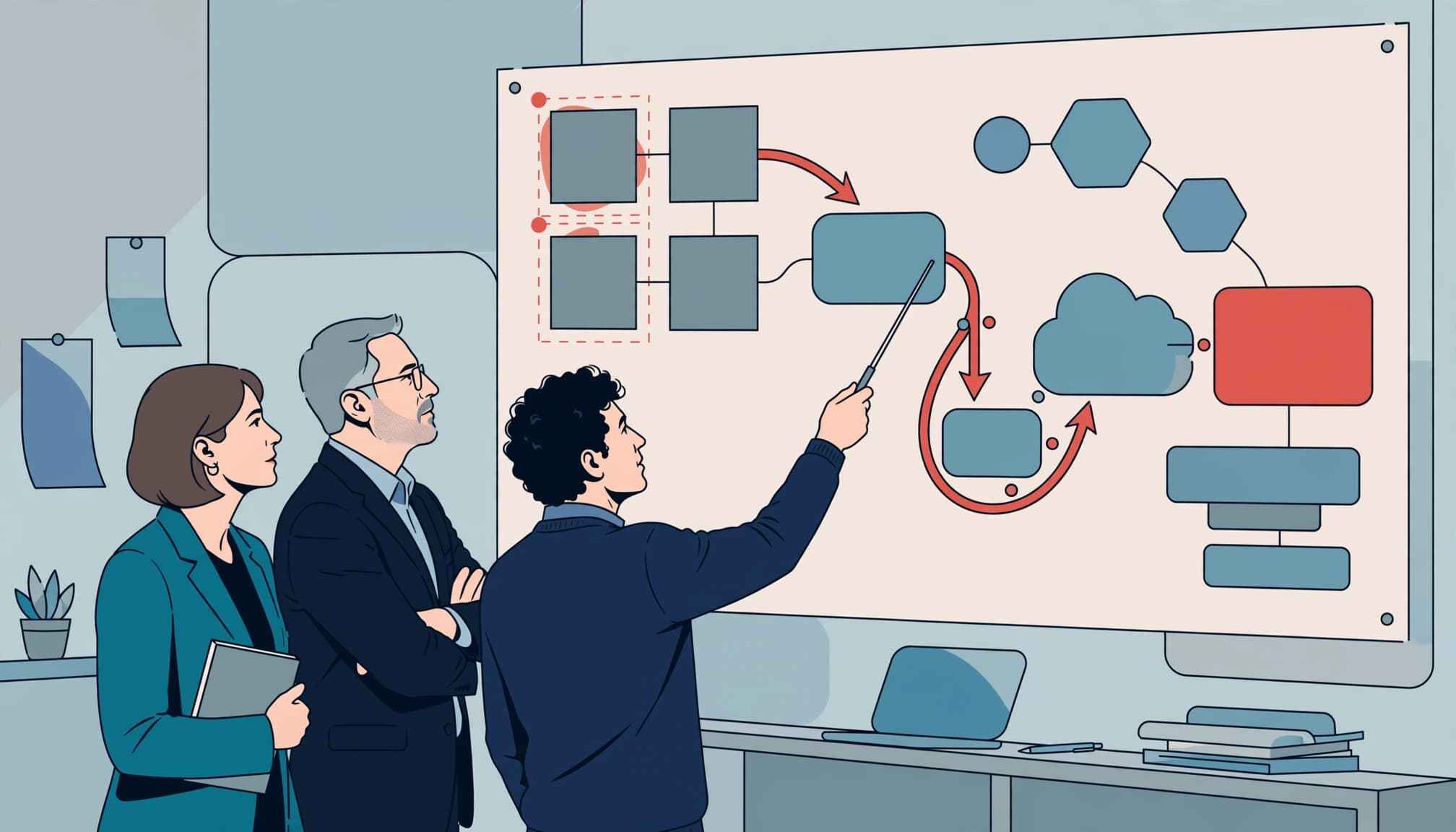
A systems inventory should tell you what the business depends on, who owns it, and what happens if it becomes unavailable.
Look beneath the visible application
Include operating systems, databases, middleware, identity services, backup software, and embedded components. Cover on-premises systems, cloud workloads, and vendor-managed services. For hardware and appliances, record relevant hardware end-of-life dates.
For custom software, use software composition analysis to identify open source software packages and dependencies in production, including any open source framework. Check deployed versions, not only repositories.
Automated discovery helps, but reconcile its findings with Finance, Operations, and application owners. Shadow IT, vendor appliances, and departmental tools can sit outside central records.
Record enough detail to make a decision
For each critical system, capture its business purpose, executive owner, technical owner, software version, support date, annual cost, and replacement lead time.
Add data sensitivity, integrations, internet exposure, recovery requirements, and contract terms. Attach evidence of the support date rather than relying on a vendor’s verbal assurance.
Include a confidence rating for incomplete records. Unknown dependencies deserve investigation before you approve a migration budget or promise a completion date.
Prioritize Business Exposure, Not the Oldest Version
Your oldest software isn’t automatically your highest priority. A newer unsupported component with privileged access may create more exposure.
Rank each system by operational consequence, security exposure, recovery capability, and time needed to change it. Ask which failures could interrupt billing, production, customer service, or financial reporting.
Use your cybersecurity risk assessment to identify reachable security vulnerabilities and weak access controls. CISA’s software-update guidance recommends retiring unsupported products. Your sequencing should weigh replacement risk against continued reliance on legacy software or unmaintained software.
Manufacturing systems need particular care. A scan, patch, or reboot may require vendor approval, a shutdown window, and a controlled restart. Bring plant leadership into the decision before approving standard IT controls.
Record unsupported systems separately in technical due diligence. If replacement costs aren’t in the forecast, acquisition readiness and expected EBITDA may rest on incomplete assumptions.
Your priority order should reflect consequences you can explain, not a list sorted by release date.
Choose a Controlled Path Off Unsupported Software
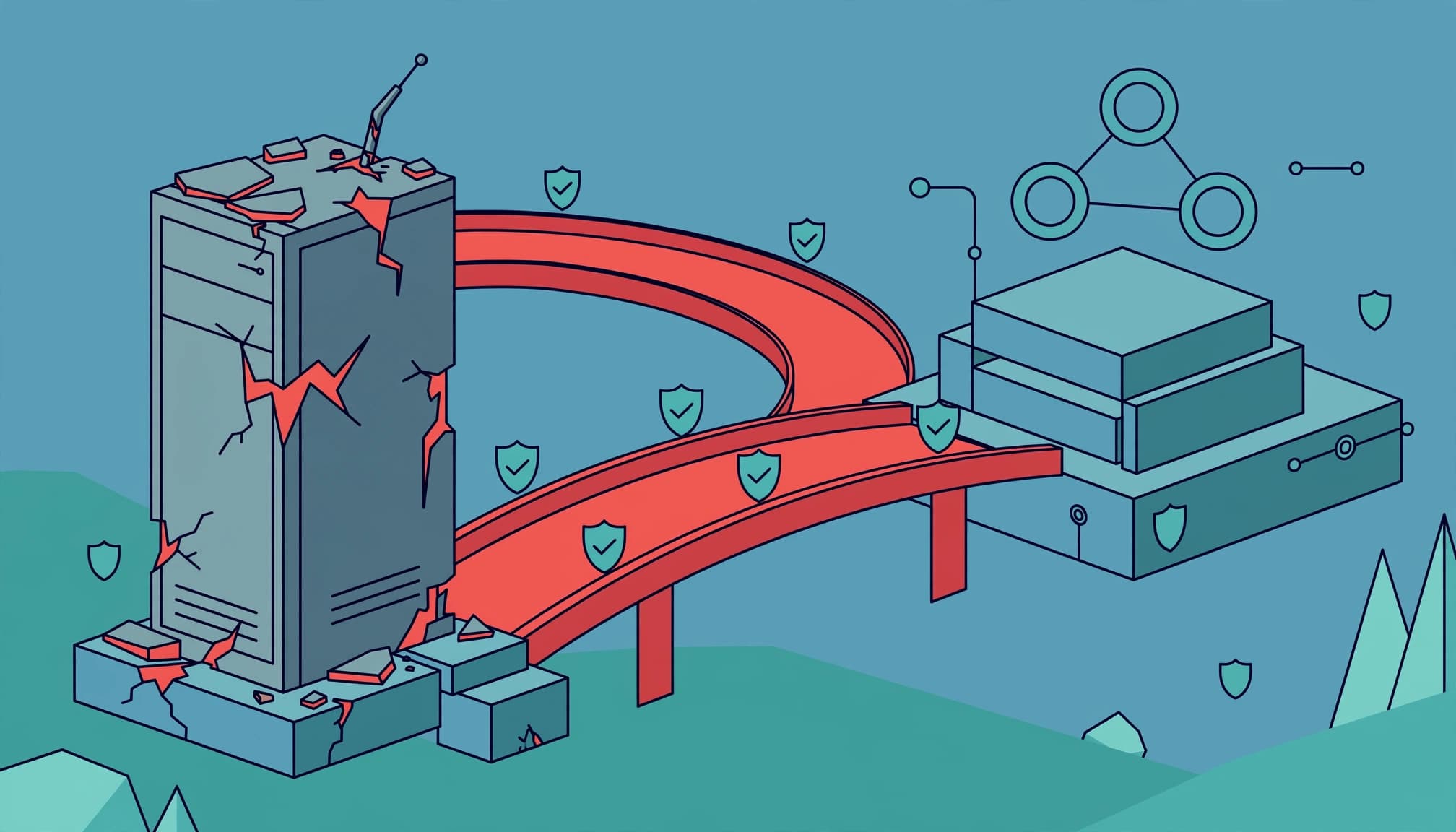
Approve a response for each material exposure. Avoid letting every deadline become a separate emergency purchase.
Match the change to the business need
Compare the practical options before selecting a platform.
| Response | When it fits | Evidence you need |
|---|---|---|
| Upgrade or migrate | The capability remains useful | Compatibility and recovery tests |
| Replace | The platform creates recurring drag | Business case and workflow validation |
| Retire | The capability is redundant | Dependency and retention checks |
| Buy temporary coverage | Replacement needs more time | Written coverage and exit date |
Start with the smallest supported change that meets your business needs. A broader replacement may be justified when technical debt, poor data quality, or brittle integrations already constrain growth.
Test upgrade and replacement candidates against interfaces, data flows, and workflows. Don’t assume drop-in replacements will fit without changes.
A legacy system modernization plan should compare disruption, ongoing cost, software maintenance responsibilities, and features.
Make temporary support an explicit exception
Verify which versions, vulnerabilities, response times, and vulnerability patches a provider covers in the service contract. A perpetual license doesn’t by itself guarantee ongoing updates or coverage.
A support provider or substitute may not offer drop-in replacements that preserve every existing behavior or integration.
For example, Cloud SQL extended support provides three additional years after PostgreSQL community support ends. That describes Google’s coverage, not continued community maintenance.
Require a funded exit and an exception expiry date. Segmentation, restricted access, monitoring, and protected backups can reduce exposure while you transition. They don’t restore vendor patch coverage.
Name the Executive Who Owns the Outcome
Your IT team can execute technical work. Someone must also resolve tradeoffs involving funding, operating disruption, customer commitments, and accepted risk.
Name a business sponsor and a technology lead. Define who approves scope, accepts residual risk, authorizes cutover, and can stop the transition.
If you have a technology leadership gap, fractional CTO services can provide executive technology leadership across architecture, vendors, delivery, and business priorities. An interim CTO may fit a leadership transition. A fractional CISO can support security oversight.
Give these roles explicit authority and deliverables. Your MSP or software vendor can inform the plan, but management should retain ownership of business priorities and risk acceptance.
Fund a Roadmap With Tested Decision Gates
Build a 12-month technology roadmap that includes remediation, dependencies, operating windows, and funding decisions. Critical exposure may require action much sooner.
Your first 90 days should produce evidence and decisions:
- Confirm the inventory, support dates, material exposure, and accountable owners.
- Compare options, review contracts, validate costs, and test the proposed approach.
- Approve the transition sequence, recovery plan, acceptance criteria, and reporting cadence.
Budget beyond licenses. Verify whether a perpetual license includes the upgrade rights you need. Include migration labor, parallel operation, testing, staff training, vendor assistance, and retirement costs. Account for service contract expenses in the approved funding plan, and show how delay affects those costs.
A technology investment memo gives leadership a clear place to approve the business outcome, remaining spend, alternatives, and consequences of delay.
Before cutover, require reconciliation of records, balances, permissions, and critical workflows. Finance should confirm that billing and close processes remain dependable.
Test recovery against your recovery time and recovery point targets. Define who can authorize rollback and how long that option remains viable.
A successful technical cutover doesn’t prove the business is ready. Require evidence that orders, billing, reporting, access, and recovery still work.
Complete vendor offboarding and data-retention checks after stabilization. Otherwise, old access and duplicate costs can remain.
Give the Board a View It Can Govern
Board technology reporting should show the material business risk and the decision required. Ticket counts won’t tell directors whether exposure is acceptable.
For each significant end-of-support issue, show the affected capability, business consequence, control status, accountable executive, remediation date, funding requirement, and consequence of delay.
Set escalation thresholds before a crisis. An expired exception, failed restore test, or missed migration milestone should trigger a defined management response.
Tie risk acceptance to your cyber risk appetite. Ask counsel and your insurance broker to assess contractual obligations and cyber insurance renewal questions. Confirm what evidence to retain for compliance and audit. Unsupported software doesn’t automatically establish a compliance violation or loss of coverage.
Keep a monthly executive review and a quarterly board view. Escalate material changes sooner.
Use cost-per-outcome reporting to show whether spending protects service delivery, removes operating drag, or reduces exposure. That makes technology ROI easier to judge without overstating avoided losses.
Frequently Asked Questions
Can open-source software receive patches after end of life?
It can, if a commercial provider or maintained fork offers them. Community maintenance ends according to the project’s policy.
PostgreSQL’s versioning policy provides five years of support for each major version. PostgreSQL 13 reached its final release on November 13, 2025 and no longer receives community security or bug fixes.
Verify any provider’s coverage, update process, testing responsibilities, and licensing terms. Access to source code alone doesn’t give your business a maintained product or a team capable of securing it.
What if you cannot migrate before support ends?
Document the reason, exposure, controls, accountable executive, and revised exit date. Evaluate paid extended support where available.
Restrict unnecessary access and connectivity. Verify monitoring, protected backups, and recovery capability. Align your vendor incident response plan with the reduced support available.
Continue reviewing the exception until the system is upgraded, replaced, or retired. If the remaining risk exceeds your approved tolerance, escalate the funding or operating decision rather than allowing the deadline to drift.
Make the Next Decision Clear
Software end of support becomes manageable when you can see the exposure, name the owner, and fund a tested response. Clear ownership matters more than another reassuring dashboard.
If those decisions are scattered across vendors and departments, Get an Executive Technology Clarity Check to establish sharper priorities and a practical next step.
Bring your next leadership meeting a short list of critical systems, verified deadlines, and decisions that need approval.