
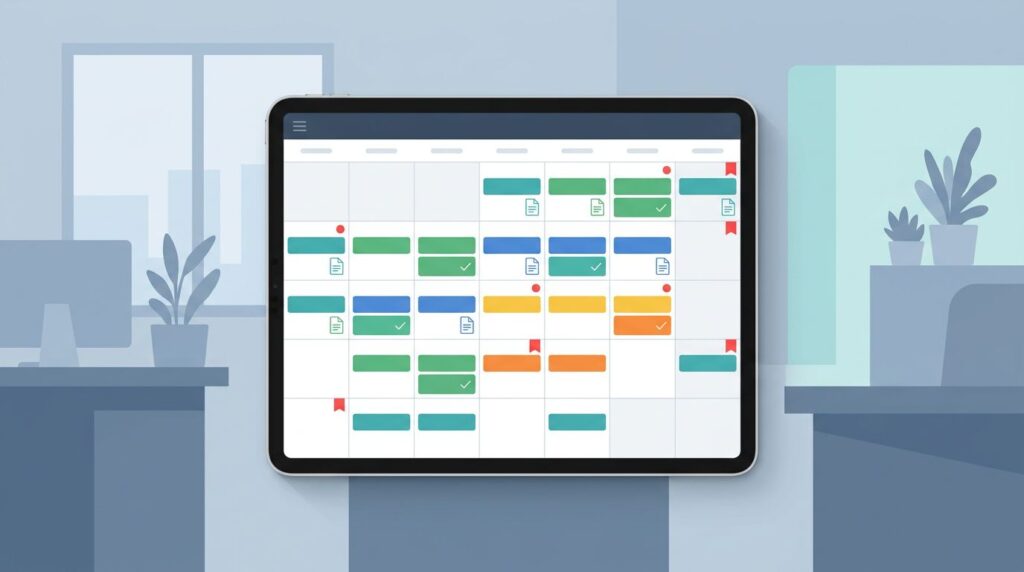
Audits rarely go sideways because of one missing file. They go sideways because work that should have happened in March gets noticed in September.
That’s why a control owner calendar matters. It provides the calendar management needed to turn scattered reminders, half-owned tasks, and stale evidence into a visible operating rhythm. You stop chasing proof at the end because you handled the work when it was due.
If you want calmer audit prep and better leadership visibility, start with ownership and timing.
Key takeaways
- A control owner calendar enhances time management by assigning each control to one named owner and one due date.
- It works best when you track cadence, evidence, and backup coverage in one place, as tracking cadence helps turn complex compliance into routine matters.
- The goal isn’t a prettier spreadsheet, it’s fewer surprises and cleaner proof.
- When you run it monthly, effective calendar management makes audit prep routine instead of a fire drill.
Why audit prep keeps turning into a scramble
Most audit chaos starts long before the auditor arrives. A quarterly review slips. A policy update sits in draft. Someone assumes another team captured the evidence. This leaves an empty calendar just as the request list lands to schedule audit, and everyone starts hunting through inboxes and shared drives.
You’ve probably seen this pattern. The control exists on paper, but the operating rhythm is weak. That gap is where stress grows, pulling teams away from strategic work and creating a high opportunity cost.
Auditors don’t only ask whether a control exists. They ask whether you performed it on time, whether the right person reviewed it, and whether you kept proof. Even a simple SOC 2 quarterly access review example shows how easy it is for a recurring task to become an exception when no one owns the date.
The same issue shows up outside software firms, too. In justice and mission-driven teams, weak ownership often shows up as reporting fire drills, unclear handoffs, and rising trust risk. If that sounds familiar, these nonprofit tech breakdowns amplifying audit risks will feel uncomfortably close to home.
A control owner calendar fixes the real problem. It makes invisible work visible. It also gives you a place to spot drift early, before it turns into leadership pain.
What a control owner calendar should include
A good control owner calendar is simple. You don’t need a special platform to start. Productivity tools like a spreadsheet, shared list, admin console, or work management tool can do the job if the fields are clear and someone maintains it.
At minimum, track five things for every recurring control: the control name, the owner, the cadence, the due date, and the evidence required. Also add a backup owner for vacations, turnover, or overload. This supports effective delegation.
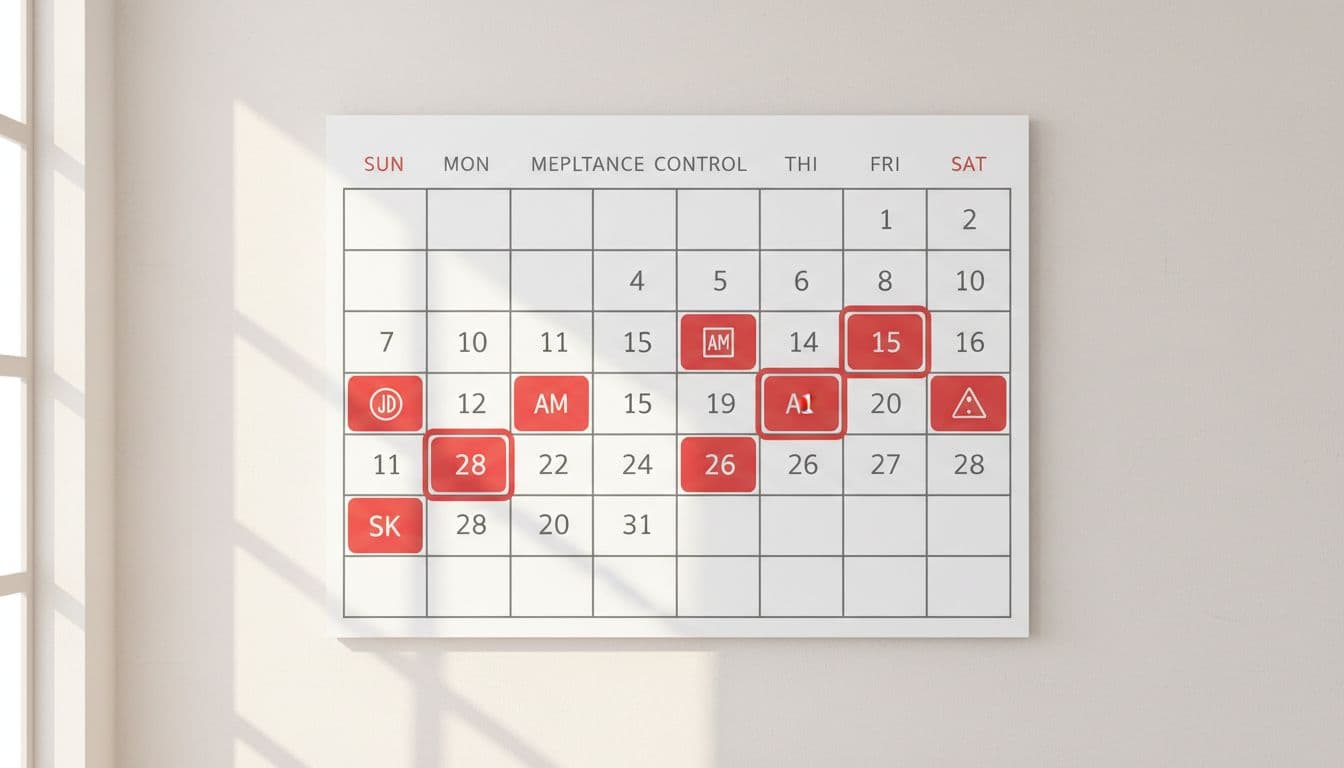
Here’s a simple structure to aim for:
| Control activity | Primary owner | Cadence | Evidence to retain |
|---|---|---|---|
| User access review | IT or systems lead | Quarterly | Review record, approvals, removals |
| Backup restore test | Infrastructure owner | Monthly | Test result, issues logged |
| Policy review | Ops or security lead | Annual | Dated policy, approval note |
| Vendor offboarding check | HR or IT lead | Event-based | Ticket, confirmation, removed access |
The point is clarity, not complexity. When an auditor asks about common control areas auditors check first, you should know who owns each one and where the proof lives.
If your environment is larger, add status, last completed date, and next due date. You can use a secondary calendar to visualize specific control tasks without cluttering main views. Still, resist the urge to turn this into a giant governance museum. A calendar people use beats a perfect template people ignore.
If two people own a control, no one owns it.
How to build a control owner calendar that people will use
Start with the controls you already claim to perform. Don’t begin with an ideal future state. Pull from organizational policies, prior audit requests, security reviews, board commitments, vendor obligations, and funder requirements. Then build from reality.
Next, assign a single owner to each item to establish clear calendar ownership. That owner doesn’t have to do every task alone. However, they do carry responsibility for getting it done and storing proof. This one shift removes a surprising amount of confusion.
Then use time-boxing by working backward from your audit window. If evidence is due in October, your calendar should already show the monthly, quarterly, and annual milestones that feed that review. That timing matters because late proof is weak proof.
After that, keep the format tight:
- Name the control clearly: Use plain language, not policy jargon.
- Assign one accountable owner: Add a backup for transfer ownership if roles change, but don’t split accountability.
- Set the real cadence: Monthly, quarterly, annual, or event-based.
- Define the evidence: Be explicit about what “done” looks like.
If your controls touch reporting, vendors, client data, and handoffs across teams, you may also need a broader sequence for cleanup. A technology roadmap to manage compliance risks helps when ownership problems tie back to bigger system gaps.
Most importantly, don’t bury the calendar in audit folders. Put it where operators can see it and use it.
Run the calendar like an operating tool
A control owner calendar works when you treat it like part of normal management, not a once-a-year artifact. That means recurring meetings for a short monthly review, a clear escalation path, and visible follow-up when dates slip.
Keep the meeting brief to minimize meeting overhead. Twenty minutes is often enough. Review what was due, what is coming next, and what evidence is still missing, using asynchronous collaboration between meetings to gather proof. If something slips twice, treat it as an operating issue, not a paperwork issue. Maybe the owner lacks time. Maybe the control is poorly designed. Maybe the system behind it is broken.
That discipline changes the tone of audit prep and improves decision making. Instead of asking, “Who has this?” you ask, “Why did this drift?” That’s a better leadership question.
For legal nonprofits and other mission-driven teams, this also supports board and funder confidence. You can see examples of turning audit fears into manageable routines when ownership, timing, and proof get managed as one system.
FAQs about a control owner calendar
Is a control owner calendar only for formal audits?
No. It also helps with board reporting, grant reviews, vendor oversight, and internal risk checks. Any recurring control gets easier when ownership and timing are visible.
Should the calendar live with compliance, IT, or operations?
Put it with the team most able to maintain the rhythm, such as an executive assistant serving as calendar gatekeeper, but make it visible across functions. Use the Eisenhower Matrix to prioritize controls, and remember the owner of the calendar and the owner of each control don’t have to be the same person. The calendar gatekeeper will need to negotiate appointments with various stakeholders.
What’s the biggest mistake to avoid?
Don’t build a calendar without defining evidence. A due date alone won’t help you when someone asks, “Where is the proof?”
Make the next audit boring
The strongest use of a control owner calendar is simple. It moves control work out of panic mode and into your normal operating rhythm through smart calendar management and effective time management.
Open the next 90 days, name each owner, and put real dates on the controls that matter most with time blocking during your peak energy hours. When ownership is clear, audits stop feeling like surprises. This creates operational leverage, freeing you to focus on strategic priorities, better calendar management, and deep work that delivers focus time.