
You don’t need another cyber dashboard. You need one that makes the next move obvious.
Too many C-suite executives get a stack of scores, counts, and trend lines that look busy but settle nothing. The board wants to know what changed, what it means, and who owns the response.
A useful cyber dashboard does one job well. It turns risk into a decision you can defend.
Key takeaways for your cyber dashboard
- Every metric should point to a decision, not a status update for risk management.
- If a number has no owner or threshold, it belongs in a report, not on the front page.
- Board reporting should show exposure, trend, and next action in plain language using actionable data.
- If the dashboard keeps exposing the same blind spot, you do not have a measurement problem. You have an ownership problem.
Most cyber dashboards report activity, not exposure
Vulnerability management metrics, scan totals, phishing test success rates, and ticket volume. Those numbers may be true, but truth is not the same as direction.
A lot of board-ready cybersecurity reporting gets stuck here. It shows motion, not risk, and often fails to reflect the true security posture of the organization. It tells you the team is busy, but not whether the business is safer.
That is why a cybersecurity dashboard can be technically accurate and strategically useless at the same time. It is like watching the speedometer while ignoring the road.
The board does not need more cyber noise. It needs a view of what could hurt operations, revenue, reputation, or compliance next. Bitsight’s board KPI examples make a similar point, but the real test is simpler. Can you look at the dashboard and name the decision it should trigger?
If the metric does not change a decision, it belongs in the appendix, not the dashboard.
That is the line most leadership teams miss.
Start with the decision, then choose the metric
If you build your cyber dashboard from the data upward, you get clutter. If you start with the decision, you get focus.
That is the difference between reporting and effective management. By prioritizing real-time insights over static reporting, you ensure that your security program remains agile. It is also the difference between a dashboard that informs and one that gets ignored by stakeholders.
Here is a simple way to think about it:
| What the dashboard shows | What it means | Decision it should trigger |
|---|---|---|
| Critical vulnerabilities are past SLA | Exposure is rising | Reassign the owner, delay the release, or accept the risk with a named approver |
| Third-party risk exceeds thresholds | Supplier security is higher than expected | Tighten contract terms, request evidence, or begin vendor offboarding |
| Incident response metrics are lagging | Response capabilities are unproven | Invest in training, refine playbooks, or increase staffing |
| IAM metrics show unauthorized access | Access control is drifting | Close the gaps, enforce enrollment, or change the policy |
| Endpoint protection coverage gaps | Systems are unprotected | Assign a remediation owner and prioritize deployment of security agents |
If you cannot write the decision in one sentence, the metric is not ready for the dashboard.
That is also where dashboards that turn tech spend into clear decisions become useful. Cost, risk, and action should sit in the same view. Otherwise, you end up with a lot of data and no leverage.
A decision-ready dashboard shows risk in business terms
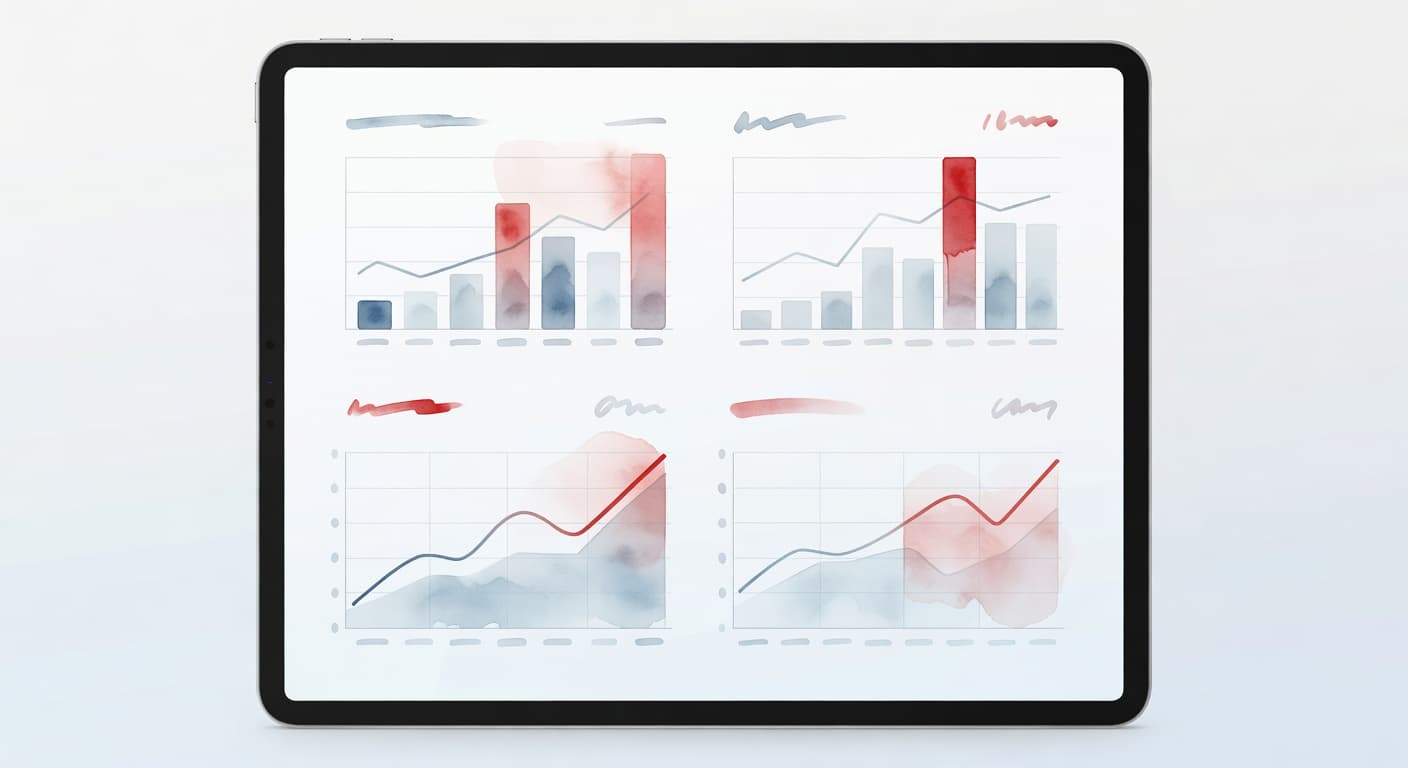
A decision-ready dashboard does not try to impress you. It tries to help you lead.
You want a short list of signals that tell you what matters now, what is getting worse, and what needs attention before your next meeting with the board of directors. By serving as an effective data visualization tool, this dashboard helps you interpret the effectiveness of your security controls. That usually means five things:
- Exposure tells you what is open right now.
- Ownership tells you who is supposed to fix it.
- Trend tells you whether the problem is improving or spreading.
- Threshold tells you whether you are inside or outside your stated cyber risk appetite.
- Next action and compliance readiness tell you what changes today to maintain your regulatory posture, rather than focusing on next quarter.
That is the heart of board cybersecurity reporting. It is not a pile of numbers or a folder of screenshots, but a clean line from risk to response.
If your organization is still building the reporting rhythm, a board cyber reporting cadence helps keep the dashboard connected to real meetings and real accountability. Monthly or quarterly, the cadence matters less than the discipline. The same issues should not keep showing up with no action behind them.
For deeper executive framing, IANS explains how to create executive InfoSec dashboards that stay focused on meaningful signals, not noise. That is the standard you want.
The board needs thresholds, not trivia
Boards do not need every technical detail. They need a clear answer to one question: are we inside the line we said we would not cross?
That is where technology governance for boards becomes real. It is not about policy language or a thick binder. It is a working view of risk, compliance management, and decision points. By grounding these thresholds in established frameworks like NIST standards or CMMC, you move the conversation away from subjective debate and toward objective business performance.
If the board has never named a cyber risk appetite, your dashboard will drift into constant debate. Every red item becomes a discussion about context, and every yellow item becomes a negotiation. That is a poor use of board time.
The better approach is to define what counts as acceptable, what counts as a watch item, and what counts as a trigger for action. Then, your dashboard can support cyber risk reporting to the board instead of replacing judgment with clutter.
This is also where board-ready reporting matters. The board should see the same pattern every time:
- What changed.
- Why it matters.
- What you are doing about it.
- What decision is needed now.
When that rhythm is in place, the dashboard becomes part of your technology operating rhythm. It stops being a monthly artifact and starts becoming a powerful management tool.
The next decision is often outside security
A red tile on a cybersecurity dashboard does not always point to a security fix. Sometimes it points to a broader business decision.
Maybe the real issue is tool sprawl or shadow IT. Maybe it is technical debt that keeps pushing work into brittle workarounds. Maybe it is weak third-party risk management and supply chain vulnerabilities, or missing vendor due diligence. Sometimes the problem is data quality within your SIEM tools or GRC platform, not malware. Sometimes it is access control, not a breach.
That is why the dashboard should connect to a technology roadmap, a 12-month technology roadmap, or a simple one-page technology strategy. A good dashboard does not sit apart from strategy. It feeds it. By aligning your metrics with a strategic plan, data breach visibility becomes a natural byproduct of your long-term security posture rather than just a reactive alert.
If you are preparing for a transaction, this matters even more. Acquisition readiness, cybersecurity due diligence, and technical due diligence expose weak ownership fast. Buyers do not want a pretty dashboard. They want confidence that someone knows what is at risk, what has been fixed, and what still needs work.
The same is true if your business is adding AI tools. A dashboard that ignores AI governance, responsible AI, or AI vendor due diligence is incomplete. Security and decision-making do not stop at the firewall anymore.
When the dashboard keeps surfacing the same economic drag, pair it with an executive technology clarity check. That is the right move when you need a cleaner read on what is slowing growth, where risk is building, and what should happen first.
Dashboards fail when ownership is fuzzy
A dashboard without ownership is theater.
If one team builds it, another team reviews it, and a third team is supposed to act on it, nothing moves. The problem is not the data itself. It is the lack of a clear decision rights map. When multiple departments share responsibility for a cybersecurity dashboard, the metrics often lose their meaning because no single person is empowered to initiate change based on the findings.
That is where a real technology leadership gap shows up. The business may have technical staff, vendors, and tools, but no one owns the full picture. No one owns the tradeoffs. No one owns the next move.
This is the moment when fractional CTO services, interim CTO services, or a virtual CISO can make sense. You do not bring them in because you need another dashboard. You bring them in because you need someone who can turn that dashboard into concrete action.
The same goes for a fractional CIO, fractional CISO, or interim CISO when the problem involves oversight, reporting, or cyber control. The title matters less than the result. You need clearer ownership, stronger follow-through, and a calmer leadership rhythm.
If your dashboard keeps ending in questions nobody can answer, you do not need more charts. You need executive ownership.
FAQs
What makes a cyber dashboard board-ready?
A board-ready dashboard shows exposure, trend, ownership, and next action in plain language. It does not bury the board in technical detail. It tells directors what changed and what decision is on the table.
How many metrics should a cyber dashboard show?
Enough to support action, not so many that the message gets lost. Most leadership teams need a small set of high-signal metrics tied to technology risk oversight, business impact, and response timing. Key performance indicators like MTTD and MTTR are essential here, as they provide clear insight into how quickly your team identifies and resolves potential security incidents.
Who should own the decisions from the dashboard?
One person should own the response for each risk area. In some cases, that is the CIO, CTO, or CISO. In others, it is a business owner who manages metrics like cybersecurity awareness and training completion with support from executive technology leadership.
Can a cyber dashboard replace a full-time security leader?
No. A dashboard can show the problem. It cannot lead the response on its own. If the business lacks a steady executive owner, a fractional CTO, virtual CTO, or interim CTO can fill the gap while you decide what long-term structure makes sense.
Conclusion
A cyber dashboard is only useful when it changes something. If it does not point to a decision, it is just organized noise.
The best dashboards help you see risk in business terms, assign ownership, and move with confidence. That is what leadership needs when the pressure is real and the stakes are high. By focusing on actionable insights rather than just raw data, your cybersecurity dashboard becomes a powerful tool for leadership confidence.
If your cyber dashboard is not doing that yet, the fix is not more data. It is clearer decisions.