
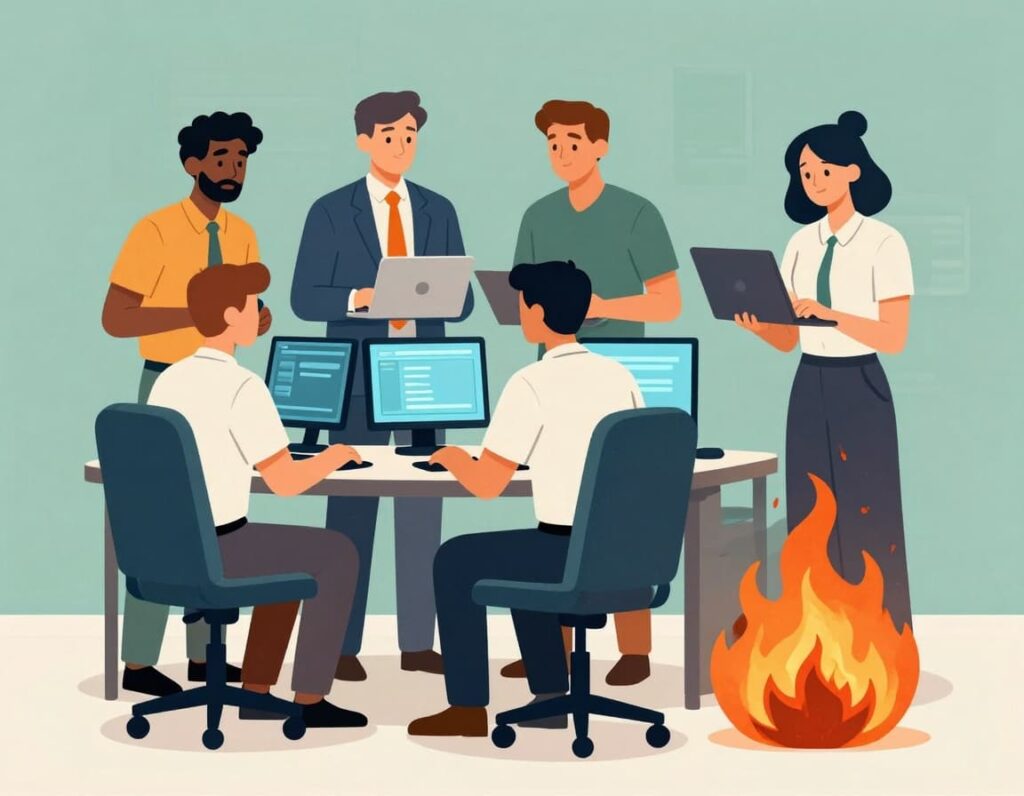
Monday morning. Your phone lights up before coffee. Outage alerts. Angry emails from sales. A note from finance asking if today’s downtime will hit revenue. You hired smart people and solid vendors, yet you still cannot stop IT firefighting.
For many organizations with 10 to 250M revenue, this is normal. IT means putting out fires: late night calls, the same outages every quarter, projects that slip, and finger pointing between internal teams and vendors. The board asks “How exposed are we?” and no one gives a crisp answer.
This article gives you a simple roadmap to move from chaos to a calm, predictable tech operation that supports growth, compliance, and board confidence. It is written for CEOs, COOs, founders, and boards, not technicians.
You will see why your team is stuck, what it really costs, and how to build a stable, reliable tech foundation that finally stops the firefighting cycle.
Why Your Team Is Stuck In IT Firefighting (And What It Costs You)
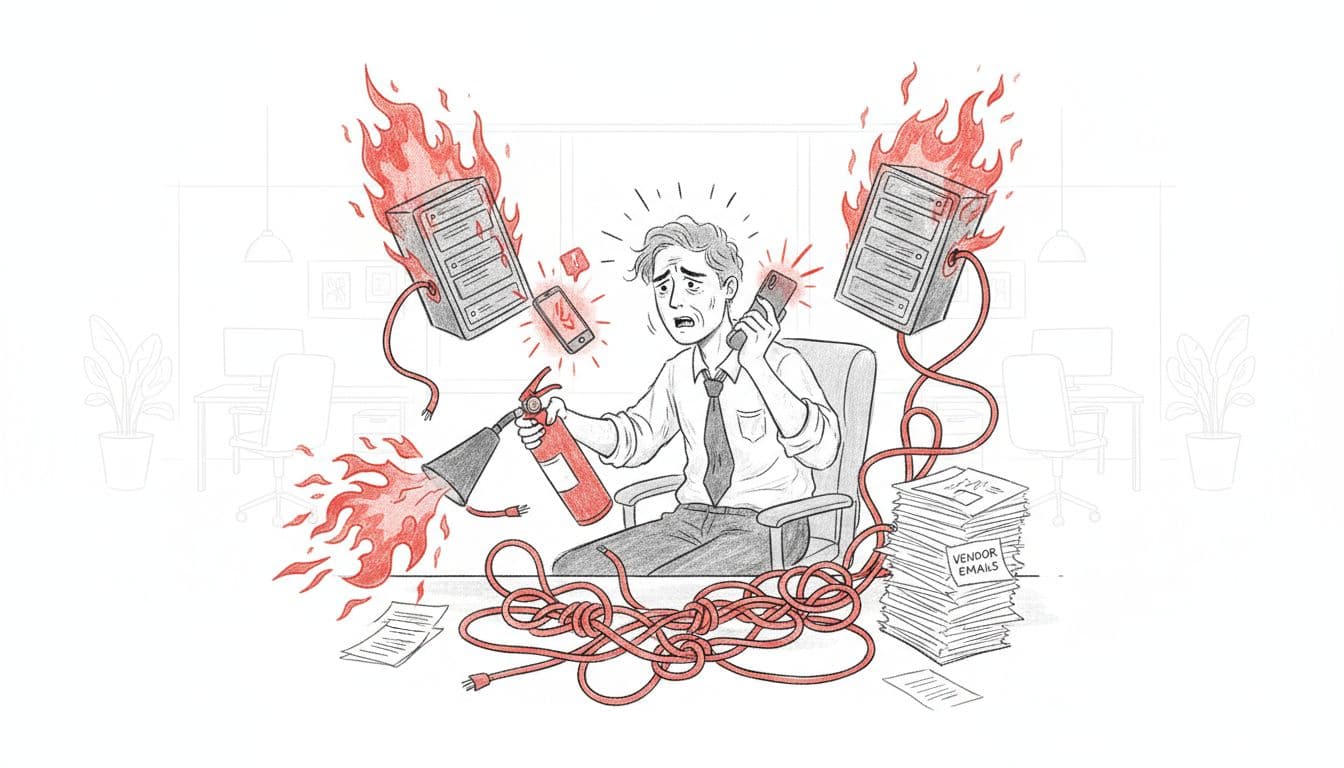
Image generated by AI
IT firefighting is not usually about “bad IT people.” It is about a setup that makes calm work almost impossible.
In many mid-market companies, technology grew fast and informally. A quick fix was bolted on for a major customer, a vendor added custom integrations, an internal developer wrote scripts no one else understands. It worked, until it did not. Over time, you end up with a fragile maze instead of a clear, managed platform.
Common outage causes for smaller companies include aging hardware, misconfigurations, weak backups, and security gaps, as outlined in this overview of common IT outages for smaller companies. Those issues do not just live in the server room. They show up as missed shipments, failed payments, and lost customers.
The business impact is real:
- Lost revenue when core apps go down during peak hours
- Lost trust when customers and partners experience repeated disruption
- Higher cyber and compliance risk when change is chaotic and no one owns the full picture
- Leadership distraction when senior executives spend hours each week in endless IT fire drills
Downtime is expensive. Industry data shows mid-market companies can lose up to six figures per hour of outage, with some sectors losing millions in a single prolonged incident. That comes before counting the cost of unplanned activity, delayed projects, staff burnout, and missed growth opportunities.
The real cost of firefighting is not the fire. It is everything you are not doing while you are busy putting it out.
Common Triggers That Keep You In Crisis Mode
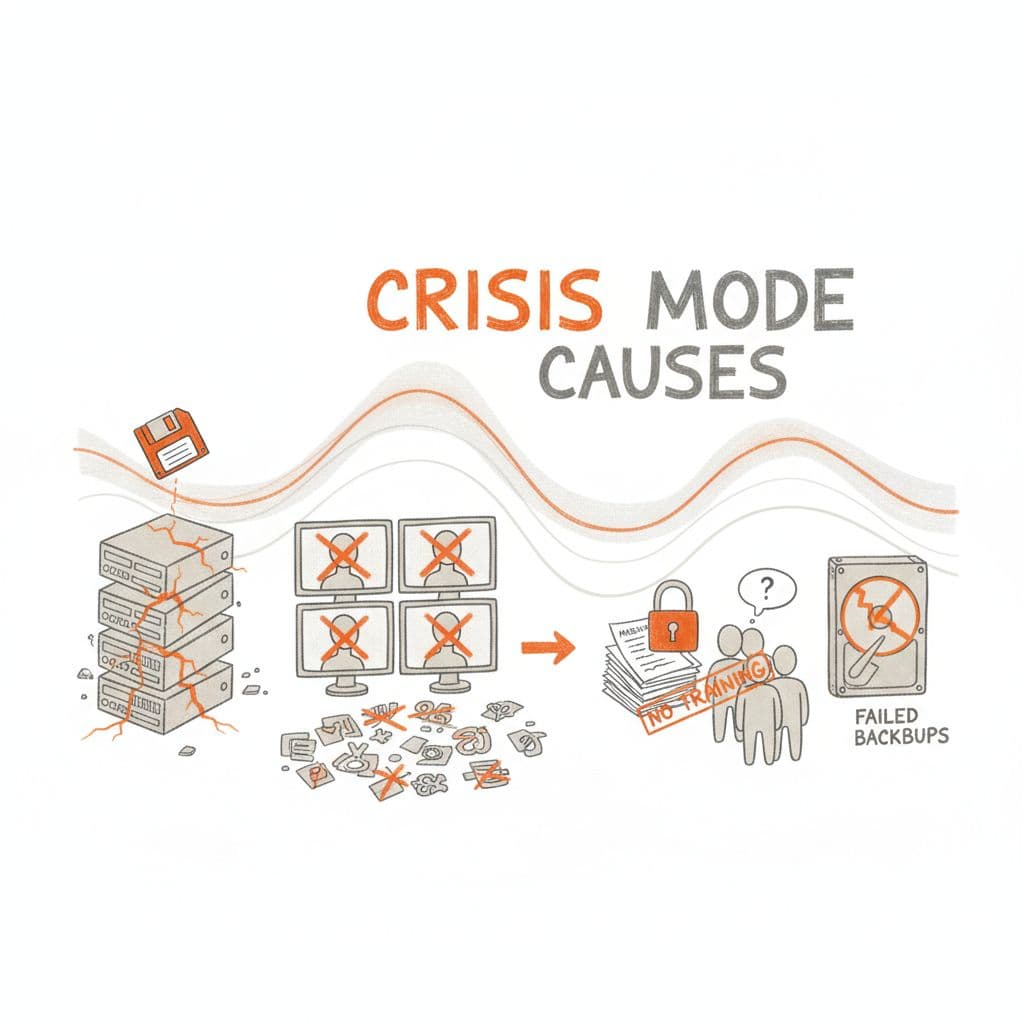
Image created with AI
Here are the usual suspects that keep mid-market IT in constant mode:
- Outdated setups: Old servers, unpatched apps, and “temporary” tools that became permanent. These break under load or during basic updates.
- Lack of monitoring: Proactive fire prevention through monitoring means you find out about issues from your own dashboards, not customers. Small incidents stay small instead of growing into outages.
- Too many vendors, no clear owner: MSPs, SaaS platforms, integrators, freelancers. When something fails, everyone blames someone else, and nothing moves.
- Weak change management: Updates happen at random times, with no testing or rollback plan. A “simple” change takes down a key workflow.
- Missing documentation: Only one or two “heroes” know how things work. When they are busy or on vacation, recovery slows to a crawl.
- Undertrained staff: The team is hard working but stretched and behind on modern practices. They react, they do not design for stability.
- Poor backups: Backups are missing, untested, or cannot meet your recovery time. What looks like a minor incident becomes a multi-day outage.
Each of these triggers on its own is workable. Combined, they create the perfect fuel for repeated fires.
How IT Firefighting Quietly Hurts Revenue, Risk, And Reputation
Firefighting shows up in the numbers long before it shows up in the news.
Projects slip because your team keeps getting dragged back into urgent outages. New revenue ideas stall while you “sort out the environment.” Customer-facing staff lose confidence in apps and build manual workarounds. Cyber risk climbs because no one has time to patch cleanly and test. Instead of reactive fixes, techniques like the 5 Whys help uncover true root causes.
Regulators, boards, and lenders notice patterns. Repeated incidents, weak answers about root cause, and vague recovery plans raise hard questions about control and resilience.
Resources like Atlassian’s guide to incident management metrics such as MTTR and MTBF are helpful background, but you do not need a PhD in reliability.
At a leadership level, watch:
KPIFirefighting ModeCalm OperationIncident volumeHigh, many repeatsLower, repeats trend downMean Time To Recover (MTTR)Long, variable, full of surprisesShort, stable, with clear playbooksUnplanned downtimeFrequent, hits core hoursRare, moved into planned windowsUser satisfaction with ITLow, constant complaintsSteady or improving, fewer urgent escalations
If these indicators look bad and feel unpredictable, you are paying a hidden tax on every part of your operation.
A Simple Roadmap To Stop IT Firefighting And Build A Predictable Operation
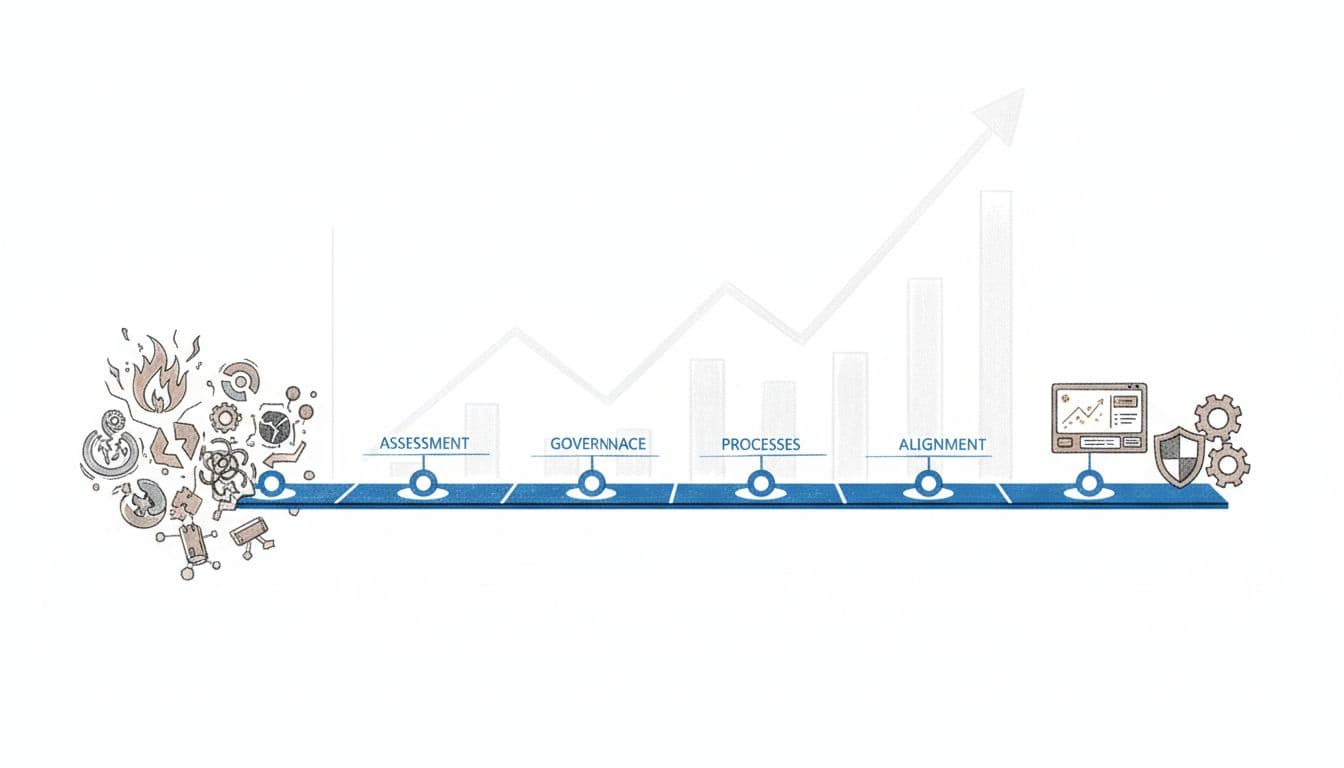
You do not need a massive transformation project to address firefighting. You need a clear picture, a few basic controls, and a plan that lines up with your risk.
Think of this as moving from hero culture to a management operating system.
Step 1: Get A Clear Picture Of Your IT Chaos
Start with facts, not blame.
Ask your team for a simple 90-day view:
- The top 10 recurring incidents and their root cause
- The systems that fail most often, or cause the most pain when they do
- A map of key vendors and what they own
- A list of integrations, or processes with no clear owner
If you do not already have one, ask IT to keep a very simple incident log for the next month. Date, component, impact, cause, time to recover. That is enough to spot patterns.
Then ask one question: Where are we most fragile, and what would hurt customers or regulators the most if it failed?
This shifts the conversation from noise to risk. Now you are not reacting to every ticket. You are focusing on the few weak points that can take down revenue or create compliance exposure.
Step 2: Put Basic Governance, Monitoring, And Backups In Place
Once you see the patterns, you can take the oxygen out of most putting out fires with a few basics:
- Clear roles and decision rights with cross-functionality: Who owns which areas, which vendors, which security decisions. Write it down.
- Simple change approval: No more surprise updates on a Friday at 4 p.m. Define when changes happen, who reviews them, and how you roll back.
- 24/7 proactive monitoring and alerts for core areas: You want to see issues before your customers do. Tools that track incident volume, uptime, and MTTR, like those described in this guide to incident response metrics, can be part of that foundation.
- Tested backups: Not just “we think we back this up.” Prove you can restore, and know how long it will take.
- A short written incident playbook: Who gets called, what they do in the first 15 minutes, and how you communicate with stakeholders.
Modern ideas like SRE and DevOps are, at their core, about building operations that fail less often and recover faster through automation, monitoring, and better design. You do not need all the jargon. You need the outcomes: fewer surprises, shorter outages, calmer responses.
Step 3: Move From One-Off Fixes To Standard Processes
Right now, your best people fix things on intuition and experience. That is valuable, but it does not scale and it burns them out due to hero syndrome.
Ask for simple, repeatable procedures for the most common events:
- New user setup
- Password resets and access changes
- Deploying a change to a core platform
- Recovering a key platform from backup
- Handling a Sev-1 outage
These do not need to be novels. A single page with clear steps is enough. The point is to reduce variation, mistakes, and dependency on one hero.
You are shifting from “who is available to fix this” to “how do we always handle this.” That is how you stop IT firefighting from bouncing between people and start turning it into a managed process.
Step 4: Align Tech Work With Your Business Plan And Risk
Once the fires are smaller and less frequent, you can begin leading strategically.
Look at your portfolio of IT work and ask, with careful prioritization:
- Does this project protect or grow revenue?
- Does it reduce risk for customers, regulators, or the board?
- Does it simplify our environment and lower future IT cost?
For example:
- Stabilize the order or booking platform with fire prevention before you push new features. Lost orders hurt more than missing features.
- Fix fragile integrations between your CRM, ERP, and warehouse before a big AI or personalization project. You do not want to build on sand.
- Address known security gaps and patching backlogs before you expand into a new regulated region.
From there, shape a simple 12-24 month roadmap focused on resource allocation. Quick wins in the first 90 days, like monitoring, backups, and top incident fixes. Then deeper modernization, simplification, and security upgrades over time that demand targeted resource investment.
A seasoned fractional CTO, CIO, or CISO can help you build and run this roadmap so your internal team and vendors move in one direction instead of pulling at cross purposes, all aligned with your business plan and goals.
What A Calm, Predictable Tech Operation Looks Like In Practice
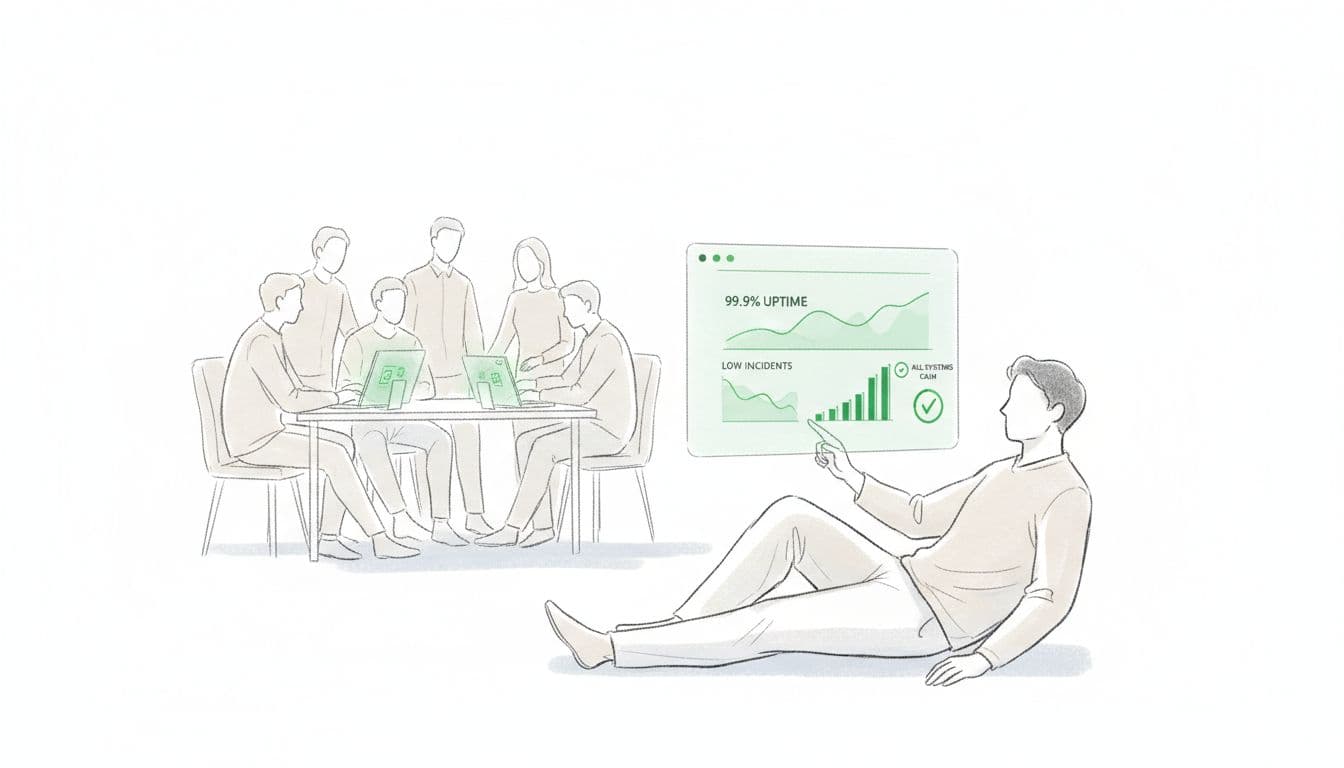
You know what chaos feels like. Adopting a management operating system helps picture what “calm” really looks like.
From Late-Night Outages To Quiet Dashboards And Clear KPIs
In a steady operation, your day looks different:
- Proactive monitoring catches issues first, not in the CEO inbox.
- Daily or weekly reviews look at uptime, incident counts, and MTTR to track team performance. Trends matter more than stories.
- Maintenance happens in planned windows, with clear notices ahead of time.
- Releases follow a schedule, with testing and rollback plans. No one sneaks in surprise changes.
Board and lender conversations shift. Instead of “we had another outage but IT is on it,” you share concise metrics, recent improvements, and the roadmap for the next quarter. Audits are smoother because you can point to evidence, not promises, driving greater efficiency.
Most important, your leadership time is freed up. You spend more time leading strategically, talking about growth, customers, and new products, and far less time refereeing tech drama.
Examples Of Mid-Market Teams Who Made The Shift
Here are a few composite examples that mirror what many mid-market leaders experience:
- Healthcare group, 80M revenue organization: Repeated outages in their scheduling and billing platforms created angry patients and write offs. By adding real monitoring, tightening change control, and testing backups, they cut major incidents by more than half in six months and entered their next compliance review with clean evidence of control.
- Retail and e-commerce brand, 150M revenue: Their storefront kept breaking during promotions. Releases were ad hoc, vendors changed settings without notice, and recovery took hours. After standardizing release processes, defining clear ownership with their main partners, and adding basic pre-launch checks, they moved from monthly crises to stable campaigns and higher conversion.
- Financial services firm, 40M revenue: Security incidents and audit findings kept piling up. They had smart staff, but no one owned risk end to end. With a clear security roadmap, defined patch cycles, and better access controls, they reduced critical security issues, improved regulator confidence, and finally stopped having “all hands” security fires every quarter.
The pattern is the same. Once leadership treats IT like a core operating system, not a mystery box, firefighting declines and predictability rises, achieving operational excellence.
Conclusion: From Tech Chaos To A Reliable Engine For Growth
You can stop IT firefighting with a clear picture of where you are fragile, basic governance and monitoring, standard processes for repeat work, and a roadmap that ties IT to revenue, risk, and your growth plan.
Pick one or two moves this week: start an incident log, ask for a 90-day view of outages, or name owners for your top five systems. Small steps signal that the era of heroic chaos is ending.
If you want experienced fractional CTO, CIO, or CISO support to build this kind of calm, predictable operation, you can schedule a discovery call at https://ctoinput.com/schedule-a-call. To go deeper on topics like tech strategy, risk, and modernization for mid-market companies, explore the insights on the CTO Input blog at https://blog.ctoinput.com.
Turn technology into a steady engine for business growth, not a recurring emergency.