

The intake queue is exploding. A key partner is asking for an update you don’t have yet. Your case management system is slow or down. A court deadline is coming fast. Everyone’s working hard, but work keeps bouncing between inboxes, spreadsheets, and hallway conversations
That’s when incident command structure roles for nonprofits help. Drawn from the Incident Command System, it’s a simple standardized approach to assign clear decision rights, clarify ownership, and run short, steady meetings so nothing drops. You’re not adding bureaucracy; you’re adding a backbone like an emergency response plan for a high-pressure week.
Rooted in the National Incident Management System for credibility and proven effectiveness, this approach also works when the “incident” isn’t a disaster at all. It can be an operational surge, a security scare, a staffing gap, or a reporting crunch that needs calm control, not heroics.
Key takeaways you can use this week
Clearly define roles and responsibilities for your incident management team with these steps:
- Pick one Incident Commander (IC) for the week, and name a backup.
- Write role cards for IC and section leads, keep them to one page.
- Set a daily Incident Action Plan (three outcomes max), then align tasks to it.
- Run short meetings on a clock, same agenda every time.
- Track 2 to 3 daily metrics, pick ones that match client impact and capacity.
- Scale roles to your team size, start small, combine roles when needed.
- End with a post-incident review, capture what to keep, stop, and fix next time.
Incident command structure roles for nonprofits, simple org chart you can run fast
Think of this as a lightweight org chart you can stand up in an hour. One leader (the Incident Commander), a few section leads from the General Staff, and a few optional support roles that you add only when the week demands it.
Here’s a practical structure for most nonprofits:
- Incident Commander (IC): single point of accountability.
- Operations Section Lead: runs the work, manages the frontline flow.
- Planning Section Lead: tracks what’s happening, what’s next, and what “done” means.
- Logistics Section Lead: unblocks tools, access, scheduling, and staffing needs.
- Finance and Administration Lead: tracks approvals, costs, documentation, and compliance needs.
Span of control, in plain terms, means no one should be responsible for too many people at once in the chain of command. When a leader is trying to direct 12 people in real time, updates get missed and decisions get delayed. Aim for small groups, usually 3 to 5 direct reports per lead. If your team is small, combine roles. If it’s larger, add deputies. This setup helps achieve unity of effort across the team.
For legal aid and access-to-justice programs, this structure matters because privacy and safety are part of operations. A system outage can expose sensitive data. A rushed intake workaround can create risk. A confused handoff can harm a client. If your surge weeks tend to surface the same choke points (conflicting data, scattered tools, unclear ownership), it’s often because of the same common tech and operational bottlenecks that show up during surges.
One capacity-saving rule for the week: stop starting new work that isn’t tied to today’s three incident objectives. Park it. Make that decision once, and protect staff from constant context switching.
Incident Commander (IC), sets priorities and makes the hard calls
The Incident Commander isn’t the smartest person in the room. They’re the person trusted to decide, keep focus, and protect capacity.
Responsibilities:
- Set the top three incident objectives for today (impact, deadlines, safety).
- Set decision rules (what must escalate, what section leads can decide).
- Approve the daily plan, and keep it visible to everyone.
- Remove blockers, assign owners, and set time bounds.
- Protect staff capacity (breaks, shift boundaries, realistic scope).
- Coordinate section leads, and settle conflicts fast.
- Trigger communications when clients or partners need clarity.
Who this should be: often the ED, COO, deputy director, or an operations leader with authority to allocate staff time and make tradeoffs. Name a backup who can take over instantly if the Incident Commander is pulled into court, board issues, or an urgent partner call. The Incident Commander role anchors the entire incident command structure roles for nonprofits.
If you want a quick reference for what strong incident leadership looks like in practice, Atlassian’s overview of the incident commander role is a solid cross-industry summary.
Operations Section, Planning Section, Logistics Section, Finance and Administration, and the nonprofit-specific add-ons
Keep these roles plain and concrete using common terminology. In a high-pressure week, “good” means predictable updates, fewer surprises, and faster handoffs. The Command Staff (Incident Commander, Public Information Officer, Safety Officer, Liaison Officer) provides oversight, while the General Staff handles core functions.
- Operations Section Lead: Keeps services moving.
- Good looks like: stable intake and assignment flow, fewer stuck cases in the Operations Section.
- Planning Section Lead: Owns the shared picture.
- Good looks like: one task board everyone trusts, clear next steps by end of day from the Planning Section.
- Logistics Section Lead: Owns tools and capacity.
- Good looks like: access fixed quickly, schedules covered, workarounds documented in the Logistics Section.
- Finance and Administration Lead: Owns approvals and records.
- Good looks like: emergency purchases and overtime tracked, decisions documented in Finance and Administration.
Nonprofit add-ons (use only if needed):
- Public Information Officer (PIO): client and partner updates.
- Good looks like: consistent messages, fewer inbound “what’s happening” calls.
- Liaison Officer: courts, partner orgs, funders.
- Good looks like: one channel for coordination, fewer mixed messages.
- Safety Officer: burnout, client safety, data handling.
- Good looks like: staff breaks enforced, sensitive data kept out of ad hoc tools.
- Intake and Triage Lead (under Operations Section): queue, eligibility rules, wait times.
- Good looks like: clear routing rules, real-time visibility into backlog.
For nonprofit leaders, this is the difference between “everyone helping” and “someone owning.”
Role cards and meeting cadence for high-pressure weeks (templates you can copy)
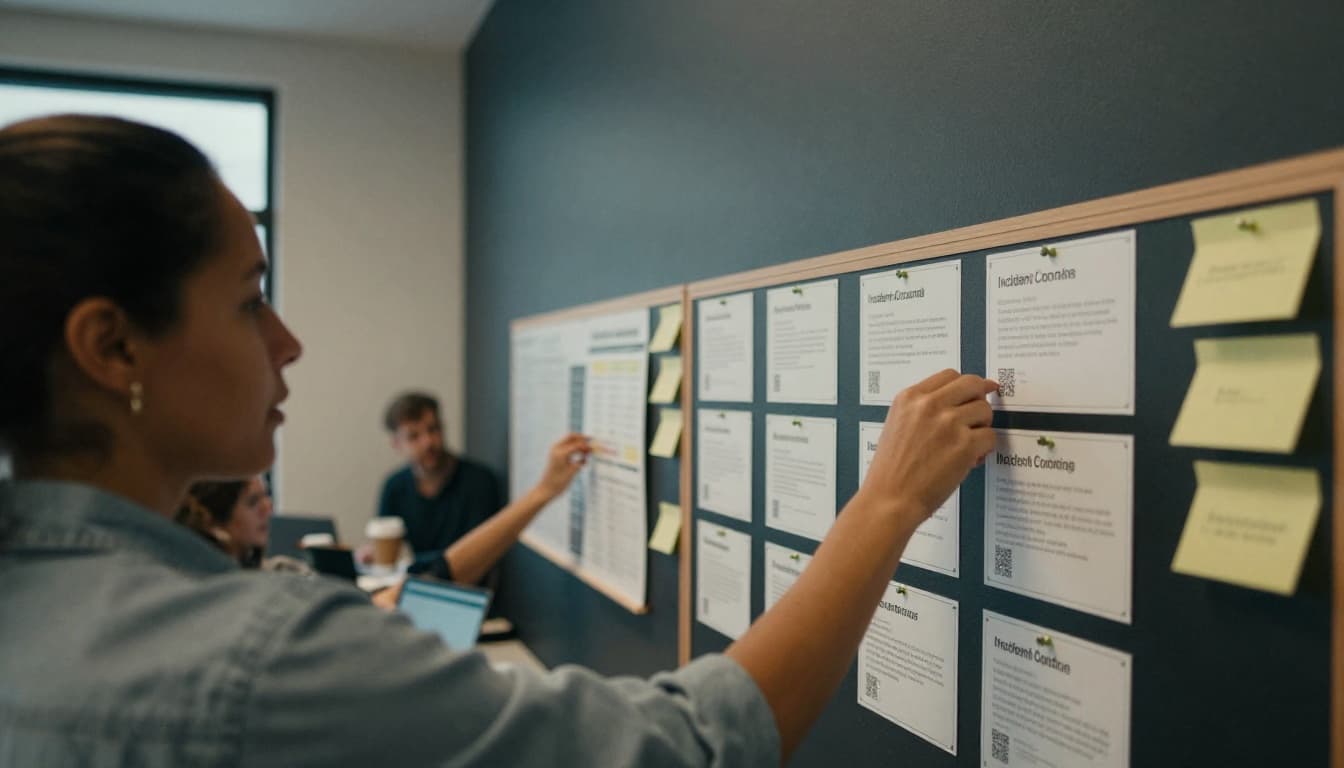
If your response depends on memory, it will fail on day three. Role cards and cadence fix that.
Also, if vendors and partners are part of your workflow (case systems, hotline tools, managed IT), keep your plan shareable. A short, plain-language incident response plan helps external parties support you without chaos. If you need a starting point, use this resource for creating an incident response plan you can share with vendors and partners.
Role card format that prevents dropped handoffs
Print one page per role, or keep it in a shared doc that’s easy to find. Each role card should clearly define roles and responsibilities:
Purpose
Top responsibilities
Decision rights (what you can decide without asking)
Inputs needed (what you need from others)
Outputs owed (what you must produce)
Tools and channels (where updates live)
Escalation path (when to pull in Incident Commander)
Backup (named person)
End-of-shift checklist
Example role card outline: Incident Commander
- Purpose: Set priorities, make tradeoffs, protect staff capacity.
- Decision rights: Final call on scope, staffing shifts, client-facing messages.
- Outputs owed: Daily Incident Action Plan, decision log, end-of-day plan.
Example role card outline: Operations Section Lead
- Purpose: Keep service delivery moving, reduce backlog.
- Decision rights: Re-route work across teams, adjust triage rules within guardrails.
- Outputs owed: Queue status, blockers list, staffing needs.
Example role card outline: Public Information Officer (PIO)
- Purpose: Manage external messaging and updates.
- Outputs owed: Communication plan, status reports for partners.
If you’ve never used a decision log, start now. It’s a simple list of “what we decided, when, and why.” It reduces re-litigation and protects trust.
Meeting cadence that keeps momentum without meeting overload
The goal is more clarity with fewer meetings, not constant check-ins. Borrow from structured incident practice (Splunk’s guide to Incident Commander duties and best practices is a helpful reference), then tailor it to your size.
MeetingLengthWho attends3-item agendaSingle outputKickoff huddle (daily)15 minIncident Commander, section leadsToday’s 3 incident objectives, known risks, staffing realityPosted priorities for the dayTactical update (2x daily, or every 2 to 4 hours in peak)10 minIncident Commander, Operations Section, Logistics Section, Planning SectionProgress, blockers, decisions neededUpdated task board and ownersEnd-of-day planning20 minIncident Commander, section leadsWhat shipped, what didn’t, tomorrow’s draft prioritiesNext-day plan and staffing planShift change handoff (if shifts)10 minOutgoing, incoming leadsStatus, risks, next actionsClean transfer of command notesEnd-of-week debrief45 minCore team (including Finance and Administration)What worked, what failed, what to changeShort after-action list
Daily metrics to review (pick 2 to 3):
- Intake volume (by channel), and time to first response
- Backlog size (work older than X days)
- Staff capacity (resource management: who’s at risk, who’s out, coverage gaps)
- Critical incidents (privacy, safety, missed deadlines)
Conclusion
A high-pressure week doesn’t have to turn into a fog of meetings, side chats, and late-night cleanups. With incident command structure roles for nonprofits drawn from the Incident Command System, you get one accountable leader, clear section ownership, and decision rights that stop work from bouncing around. Role cards keep handoffs clean. A steady cadence keeps the team aligned without burning everyone out.
Pilot this for one hard week. Conduct a post-mortem meeting to keep what worked, drop what didn’t, perform root cause analysis, and refine the role cards while it’s fresh. Then ask a hard question: which single chokepoint, if fixed, would unlock the most capacity and trust next quarter?
FAQs
How many roles do we need for a 10-person nonprofit?
Typically 3 to 5 roles and responsibilities, with combined roles (IC, Ops, Planning, Logistics, Finance/Admin).
Who should be Incident Commander?
The person with authority to set priorities and shift staff time, often the COO, ED, or deputy.
How do we avoid burnout during incident weeks?
Set shift boundaries during emergency operations, cap outcomes to three per day, and assign a Safety Officer function, even if part-time.
What tools are required?
A shared task board, one chat channel, and one place for decisions and status.
How does this relate to cybersecurity incidents?
It’s the same structure as in emergency response plans for critical incidents; it just adds stricter controls for communications, evidence, and vendor coordination.