
Your organization has grown, but the technology supporting your mission hasn’t kept pace. Your case data is scattered across spreadsheets and legacy systems that refuse to talk to each other. Grant reporting has become a frantic, manual fire drill every quarter, pulling senior staff away from the work that matters. The pressure to protect client privacy feels immense, especially when your work involves immigration, incarceration, or vulnerable youth.
This isn’t just an inconvenience; it’s an operational risk. Your staff are burned out by inefficient workarounds, and the systems meant to support them have become a source of constant stress. You might have an IT vendor or a dedicated “tech person,” but without a strategic plan, they are trapped fighting daily fires instead of building a resilient foundation. This isn’t a tools problem. It’s a systems problem, and it requires a disciplined approach to solve.
The good news is there’s a clear path forward. This guide moves beyond generic advice to provide a focused list of the top IT project management best practices tailored for mission-driven organizations. We will break down ten essential disciplines, not as abstract theories, but as actionable plans you can use to bring order to the chaos. These frameworks are designed to reduce risk, free up your team’s capacity, and turn your technology from a fragile liability into a reliable backbone that amplifies your impact.
Key Takeaways: From Chaos to Clarity
- Choose the Right Framework: Don’t default to one method. Use Agile for projects with evolving needs, Waterfall for projects with fixed requirements, and DevOps for improving software delivery speed and stability.
- Manage People and Risks Proactively: Formal Stakeholder and Risk Management aren’t optional. They are essential disciplines to prevent projects from being derailed by surprises or resistance.
- Build a Stable Foundation: Practices like Change Management, clear Documentation, and robust Quality Assurance prevent small fixes from causing big problems, ensuring your systems remain reliable and secure.
- Focus on Outcomes: Resource Planning and Project Metrics move you from guessing to knowing. They provide the data needed to make defensible decisions, report credibly to funders, and prove your impact.
1. Agile Project Management: For When Needs Change
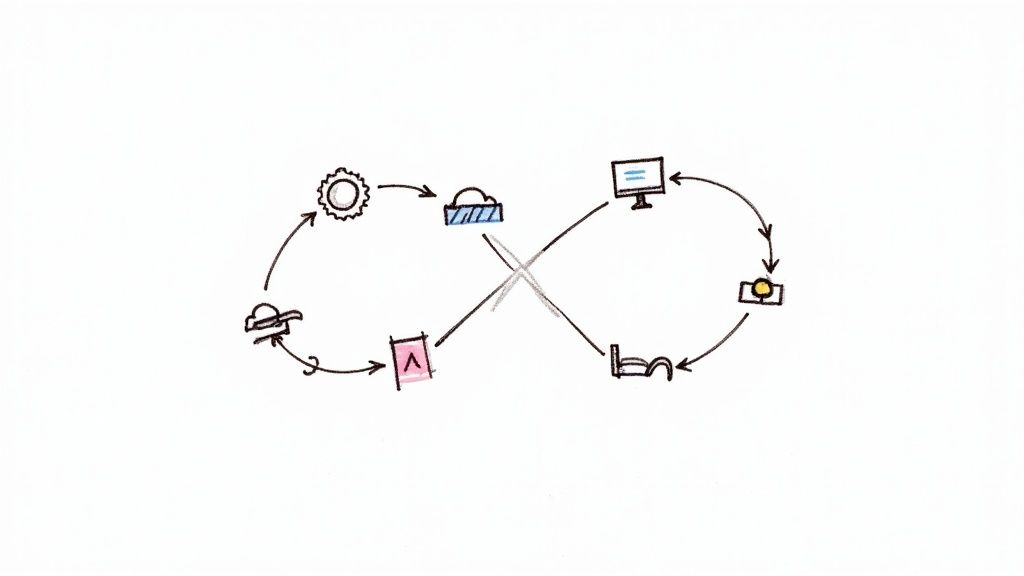
Agile is an iterative approach that values flexibility and delivering value in short cycles. Instead of a rigid, long-term plan, Agile focuses on responding to change. It ensures the final product truly meets the evolving needs of your team and community. This method, often seen in frameworks like Scrum, is one of the most effective IT project management best practices for complex projects where you expect requirements to shift.
Why It Works for Your Mission
Imagine building a new case management system. The needs of your paralegals will change as they start using it and give you feedback. Agile’s structure of short work cycles, or “sprints,” allows your team to build, test, and get feedback on small pieces of the project. This prevents you from investing months building the “wrong” thing and ensures the technology directly supports your mission.
How to Implement Agile
- Start Small: Don’t try to switch your entire organization overnight. Pick one high-impact project and a dedicated team to pilot the approach.
- Define “Done”: Establish a clear, team-wide agreement on what it means for a task to be complete. This prevents half-finished work from creating technical debt.
- Use the Right Tools: Platforms like Jira or Asana can help manage the work, track progress, and keep everyone informed without adding administrative burden.
- Commit to the Rhythm: The power of Agile comes from its regular ceremonies, like daily stand-ups and sprint reviews. Protect that time. It’s where problems are solved and progress is made visible.
2. DevOps Integration: For Faster, Safer Releases
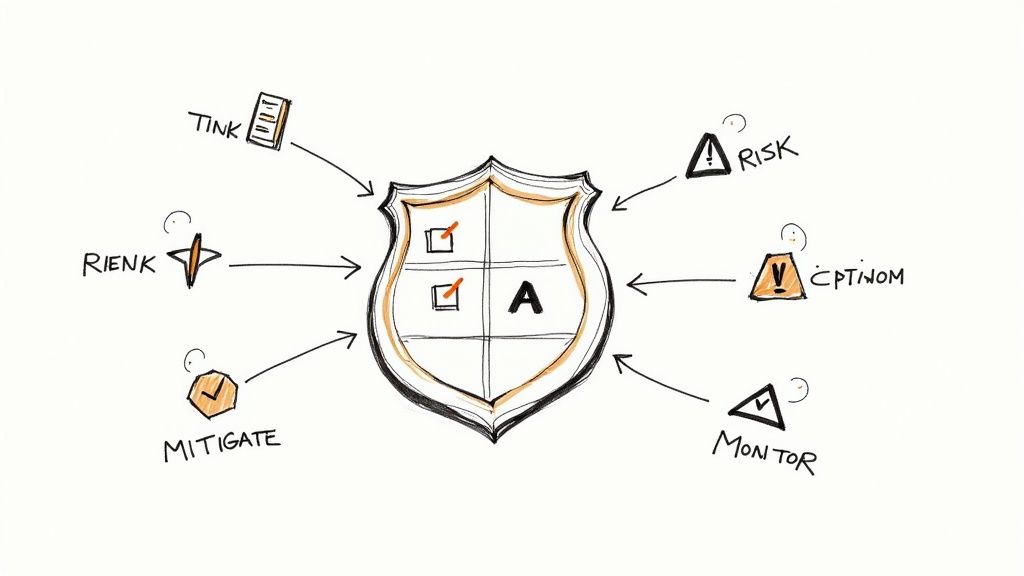
DevOps is a culture that bridges the gap between software development (Dev) and IT operations (Ops). It uses automation to streamline the entire process of building, testing, and deploying software. By using continuous integration and continuous deployment (CI/CD), DevOps helps deliver higher-quality software faster and more reliably, making it one of the most critical IT project management best practices for modern organizations.
Why It Works for Your Mission
For organizations handling sensitive data, the traditional handoff from development to operations is a major source of risk. DevOps breaks down these silos. It ensures that security and stability are built into the process from the start, not bolted on at the end. For a project like a new secure client portal, this means fewer errors, faster bug fixes, and a more stable system for your staff and community.
How to Implement DevOps
- Automate Everything Possible: Start by automating your build, testing, and deployment processes. This reduces manual errors and frees up your team.
- Monitor Everything: Use tools to monitor application performance, system health, and security in real-time. This allows your team to respond to issues collaboratively before they become crises.
- Treat Infrastructure as Code (IaC): Use tools like Terraform or Ansible to manage your IT infrastructure through code. This creates consistent, repeatable environments and reduces deployment failures.
- Foster Shared Ownership: Create cross-functional teams where developers and operations staff work together. Encourage shared responsibility for the entire application lifecycle, from planning to support.
3. Waterfall Project Management: For When Requirements Are Fixed
Waterfall is a traditional, sequential approach where a project flows through distinct phases. Each stage—from requirements gathering to design to implementation—must be fully completed before the next one begins. This methodical process is a classic IT project management best practice for projects where the requirements are well-understood and unlikely to change.

Why It Works for Your Mission
Some of your projects have non-negotiable constraints, often driven by government contracts or grant specifications. For instance, migrating sensitive case files to a new, court-mandated system has little room for iteration. Waterfall’s emphasis on upfront planning and comprehensive documentation provides the predictability and control you need to satisfy auditors and funders.
How to Implement Waterfall
- Invest Heavily in Upfront Analysis: Dedicate significant time to defining and documenting every requirement before any design work begins. Getting this phase wrong is costly.
- Establish a Formal Change Control Process: Since the model is rigid, any change to the project scope must go through a strict approval process. This prevents scope creep and ensures all stakeholders understand the impact of changes.
- Maintain Comprehensive Documentation: Every decision, requirement, and design element must be thoroughly documented. This creates a clear audit trail.
- Plan for a Distinct Testing Phase: Unlike Agile, where testing is continuous, Waterfall dedicates a specific phase to validation and user acceptance testing (UAT) after development is complete.
4. Risk Management: For Seeing Trouble Before It Arrives
Risk management is the process of identifying, analyzing, and mitigating potential threats throughout the project. Instead of reacting to problems, it involves anticipating what could go wrong and developing a plan for it. For any complex IT initiative, a structured risk management process is one of the most crucial IT project management best practices for preventing costly surprises and keeping the project on track.
Why It Works for Your Mission
For your organization, the stakes are incredibly high. A data breach, a key vendor failing, or a critical technology becoming obsolete can jeopardize sensitive information, disrupt services, and damage your credibility. Formal risk management forces your team to confront these possibilities. By identifying potential pitfalls early, you can create a plan to either avoid them or lessen their impact, protecting your mission.
How to Implement Risk Management
- Create a Living Risk Register: Start by conducting a risk identification workshop with key stakeholders. Document every potential risk, its potential impact, and a proposed response. This is not a one-time task; update it regularly.
- Assign Clear Ownership: Every identified risk needs a designated owner responsible for monitoring it and executing the mitigation plan. This accountability prevents risks from being ignored.
- Distinguish Risks from Issues: A risk is a potential future problem. An issue is a problem that is happening now. This distinction is vital for proper planning.
- Plan for Contingency: For high-risk projects, reserve a contingency in your budget (often 10-20%) and schedule. You can learn more about how this connects to security by reviewing this cybersecurity risk assessment template.
5. Stakeholder Management: For Building Alignment and Support
Stakeholder management is the practice of identifying and engaging everyone impacted by your IT project. It’s more than sending update emails; it’s a strategic process for ensuring alignment, managing expectations, and securing the support you need to prevent roadblocks. This is one of the most critical IT project management best practices because even a perfect project can fail if key people feel ignored or misunderstood.
Why It Works for Your Mission
A new case management system affects a wide range of people—from funders and board members to program staff and the communities you serve. Each group has different needs and concerns. Without a formal plan, a project can be derailed by a last-minute objection from an executive or low adoption from staff who weren’t consulted. Proactive engagement turns potential critics into advocates, ensuring the project’s goals align with your mission.
How to Implement Stakeholder Management
- Create a Stakeholder Register: Identify every person or group affected by the project. Document their role, interest, level of influence, and expectations.
- Use a Power/Interest Matrix: Map your stakeholders on a grid to categorize them. This helps you tailor your communication, ensuring you collaborate with high-power individuals while keeping others informed.
- Establish a Communication Cadence: Set up regular, predictable updates. This might be weekly syncs for the project team and monthly summaries for the executive board. Consistency prevents surprises.
- Document and Address Concerns: Create a formal process for stakeholders to provide feedback. This shows their input is valued and helps you in aligning IT with your broader business strategy.
6. Change Management: For Making Changes Without Breaking Things
Change management is a structured approach to managing any modification within an IT project. It ensures that changes don’t introduce chaos. This framework provides stability and predictability by including impact analysis, formal approval workflows, and clear communication. For justice-focused organizations, it’s one of the most critical IT project management best practices to prevent uncontrolled changes from disrupting sensitive operations.
Why It Works for Your Mission
In a high-stakes environment like a legal aid network, a seemingly small system change—like altering a field in a database—can have massive downstream consequences for reporting and compliance. Formal change management forces a pause for critical thinking. It requires teams to document a change’s purpose and potential impact before implementation. This prevents well-intentioned but unvetted “quick fixes” from causing system-wide failures.
How to Implement Change Management
- Establish a Clear Process: Define a simple, mandatory process for requesting, reviewing, and approving any change to production systems.
- Require Impact Analysis: Before any change is approved, mandate an analysis of its potential impact on other systems, user workflows, and security.
- Form a Change Advisory Board (CAB): For significant changes, create a small group of stakeholders from different departments to provide diverse perspectives and formal approval.
- Communicate Proactively: Develop a communication plan for every change. Inform affected staff about what is changing, why, and when.
7. Resource Planning and Allocation: For Getting the Right People on the Right Work
Effective resource planning is the strategic assignment of all necessary assets—people, tools, and budget—to project activities. It ensures the right people with the right skills are available when needed. For IT projects, this is a cornerstone of IT project management best practices, preventing staff burnout and optimizing the use of your team.
Why It Works for Your Mission
In many mission-driven organizations, the “tech person” is often juggling multiple critical projects. Without a formal plan, that key individual becomes a bottleneck, delaying every initiative. Strategic resource allocation prevents this. It provides a clear view of who is working on what, ensuring that grant-funded projects have the staff they need. This clarity is essential for making tough decisions, a process detailed in our guide on how to prioritize urgent tech investments.
How to Implement Resource Planning
- Create a Skills Inventory: Maintain a simple, centralized list of your team’s technical skills. This helps you quickly identify the right person for a task.
- Use Centralized Tools: Move beyond scattered spreadsheets. Use resource management features in platforms like Asana or a dedicated tool like Float to get a single source of truth for team capacity.
- Plan for Non-Project Time: Realistically block out time for administrative tasks, training, and paid time off. Ignoring this leads to unachievable timelines.
- Track Actual vs. Planned: Regularly compare planned resource hours against actual time spent. This data is invaluable for improving future estimates.
8. Quality Assurance and Testing: For Ensuring Things Work as They Should
Quality Assurance (QA) and Testing is a systematic process to ensure that IT systems meet requirements and are free of defects before they reach your staff. It involves a series of validation activities throughout the project. Implementing a robust QA strategy is one of the most critical IT project management best practices for mitigating risk and safeguarding your organization’s reputation.
Why It Works for Your Mission
For organizations handling sensitive client data, a single software bug can have severe consequences, from data breaches to operational failure. A comprehensive testing process catches defects early when they are cheapest and easiest to fix. This proactive approach prevents last-minute fire drills and ensures that your systems are reliable and secure.
How to Implement Quality Assurance
- Integrate Testing Early: Incorporate testing activities at the beginning of the project, not just at the end. This allows issues to be identified during the design and coding phases.
- Automate Repetitive Tests: Use automation tools to handle repetitive tests. This frees up your team to focus on more complex, exploratory testing.
- Involve End-Users in UAT: User Acceptance Testing is your final check. Plan and execute UAT with the actual people who will use the system to ensure it meets their real-world needs.
- Establish Clear Exit Criteria: Define what “done” means for each testing phase. Establish specific criteria that must be met before a project can move to the next stage.
9. Documentation and Knowledge Management: For Preserving What You Know
Effective documentation is the practice of creating and organizing project information to ensure clarity and continuity. This isn’t about bureaucracy; it’s about building a reliable source of truth. This practice is one of the most critical IT project management best practices for reducing long-term risk and ensuring the systems you build can be supported for years to come.
Why It Works for Your Mission
For justice-focused organizations, staff turnover or the loss of a key volunteer can leave critical systems as “black boxes” that no one understands. Good documentation prevents this. When building a secure data-sharing portal, clear records of architectural decisions and deployment steps ensure the system remains manageable. This allows new team members to onboard faster and makes future enhancements far less costly.
How to Implement Documentation and Knowledge Management
- Use Templates and Standards: Create simple, consistent templates for key documents. This ensures quality and makes information easy to find.
- Keep Documentation Close to the Work: Store technical documentation directly with the source code in version control (e.g., in a README file). This encourages developers to keep it updated.
- Leverage a Central Wiki: Use a platform like Confluence, Notion, or SharePoint as a central hub for non-technical documentation, such as project plans and meeting notes.
- Assign Clear Ownership: Make documentation a required part of every task. Include a documentation review step in your “Definition of Done” to ensure it never gets skipped.
10. Project Metrics and Monitoring: For Making Data-Driven Decisions
Project Metrics and Monitoring is the process of collecting, analyzing, and reporting on project performance data. This practice moves management from guesswork to evidence-based decision-making. Instead of discovering problems when it’s too late, this approach uses data to identify issues early. For any team managing complex systems, robust metrics are one of the most critical IT project management best practices for ensuring projects stay on track and on budget.
Why It Works for Your Mission
Funders and boards demand credible data on impact, not just anecdotes. A project to launch a new client intake portal must demonstrate its value with clear numbers. Tracking metrics like schedule variance and budget variance provides the concrete evidence needed. It prevents “scope creep” from derailing timelines and ensures the final product aligns with strategic goals.
How to Implement Project Metrics and Monitoring
- Define What Matters: Don’t track everything. Work with stakeholders to identify 3-5 key performance indicators (KPIs) that directly align with the project’s objectives.
- Establish a Baseline: At the start of the project, document your initial plan for schedule, budget, and scope. This is the benchmark against which all future performance will be measured.
- Automate Collection: Use project management tools like Asana or Jira to automate the collection of data for metrics like task completion rates and timelines.
- Hold Regular Metric Reviews: Schedule a consistent time to review the metrics with the project team. Use these meetings to discuss trends, address roadblocks, and make informed decisions, not to assign blame.
IT Project Management Best Practices: At a Glance
| Practice | Core Idea | Best For… | What It Solves |
|---|---|---|---|
| Agile Project Management | Iterative cycles, flexible scope | Projects with changing requirements | Building the wrong thing; slow feedback loops |
| DevOps Integration | Automate build, test, release | Organizations needing speed & stability | Slow, risky software deployments; team friction |
| Waterfall Project Management | Sequential phases, fixed scope | Projects with clear, stable requirements | Scope creep; unpredictable outcomes in regulated projects |
| Risk Management | Identify and plan for threats | High-stakes, complex projects | Costly surprises; catastrophic project failure |
| Stakeholder Management | Proactive communication & alignment | Projects with many impacted groups | Lack of buy-in; last-minute resistance |
| Change Management | Structured control over modifications | Mission-critical, stable systems | Unintended consequences from “quick fixes” |
| Resource Planning | Match skills and capacity to work | Teams juggling multiple projects | Staff burnout; project bottlenecks; unrealistic timelines |
| Quality Assurance & Testing | Find and fix defects early | Any software or system implementation | Buggy releases; poor user adoption; security flaws |
| Documentation | Create a single source of truth | Long-term systems; regulated projects | Knowledge loss from staff turnover; support nightmares |
| Project Metrics | Track data to guide decisions | All projects needing accountability | Guesswork-based decisions; lack of progress visibility |
From Constant Fire Drills to a Foundation for Impact
We’ve explored ten foundational IT project management best practices. Each represents a critical lever for transforming how your organization delivers on its mission. These aren’t just technical checkboxes; they are strategic disciplines that replace chaos with clarity and predictability.
The cost of inefficient projects isn’t just a delayed product launch; it’s wasted grant money, staff burnout, and increased risk to sensitive client data. When reporting to your board becomes a fire drill and your most valuable people are bogged down in spreadsheets, your capacity to serve vulnerable communities is compromised. Adopting these proven practices is the direct path out of this reactive cycle.
The core takeaway is this: Mastering these concepts is about building a reliable operational backbone that enables your work.
- For Executive Directors and COOs: This is how you gain confidence that technology investments will deliver their promised value, on time and on budget.
- For Operations and Technology Leaders: These practices provide the framework to have strategic conversations with leadership, aligning technology roadmaps with programmatic goals.
- For Funders and Network Coordinators: This is the blueprint for grantee stability. Organizations that manage IT projects effectively are better equipped to handle sensitive data securely and use funding efficiently.
You don’t need to implement all ten practices overnight. Start with your biggest pain point. Is it a lack of stakeholder alignment causing delays? Or is poor resource planning leaving your team stretched thin? Choose one or two practices and commit to implementing them.
Your Next Step Toward a Resilient Foundation
Implementing these IT project management best practices is a journey. The goal is to create an environment where your technology and data systems are a source of strength, not stress. Imagine a future where projects are completed predictably, your team has the data they need at their fingertips, and you can confidently tell your funders not just what you did, but the impact it had. This reality is available to any team willing to build a foundation of disciplined project management. By doing so, you free up your people to focus on the work that truly matters: standing with the communities you serve.
Ready to trade project chaos for a clear, mission-aligned technology roadmap? CTO Input acts as your seasoned, fractional technology leader, translating these best practices into a practical plan that fits your organization’s reality. Let’s build a stable foundation for your impact together; schedule a no-pressure discovery call to identify your first quick win.