

Buying a new matter management software feels like action. It gives you a budget line, a vendor demo, and the hope that intake will finally calm down.
But legal intake chaos rarely starts with software. It starts with legal operations handling too many entry points, vague triage rules, broken handoffs, and status updates that live in inboxes. If those problems stay in place, the new system becomes a more expensive place to store the same confusion.
So the fix starts before the platform.
Key takeaways
- Matter management software records work, but it doesn’t create ownership or triage rules.
- If requests come in through five doors, new software won’t turn them into one legal intake process.
- You get relief when you define centralized intake, entry points, handoffs, statuses, and follow-up first.
Intake chaos usually starts before a matter becomes a case
Most intake problems, creating operational disorder, begin upstream. Whether in personal injury firms or corporate legal departments, people call, email, walk in, fill out forms, or contact partner groups. Staff then rely on manual processes to copy details into whatever place feels fastest. One request gets flagged. Another sits in a shared inbox. A third is missing consent, but no one notices until later.
At that point, your issue is not data storage. Your issue is operating design. You don’t have one clear queue, one owner, or one shared rule for what happens next.
Then the costs pile up. Poor resource allocation turns your best operators into human glue. Reporting drifts because fields mean different things across teams. Leaders hear that intake is backed up, yet no one can say where or why. Meanwhile, clients repeat their story twice, sometimes three times.
That is why intake can feel messy even when your staff works hard. The team isn’t failing. The process is asking people to fix structural gaps by hand.
A case management system can speed up the wrong motion
Legal intake software can help. It can organize records, trigger tasks, and give you cleaner reporting. But it still reflects the process you give it.
If ownership is fuzzy, the system routes work into fuzzy ownership. If triage rules drift, the fields collect inconsistent answers. If referrals stop at “sent,” the dashboard still shows activity without showing outcomes.
A new case system can record a bad process faster, but it cannot repair a broken one by itself.
That is not a fringe view. Even legal tech vendors make this point. Lawmatics explains why case management software often misses client intake. Onit makes a similar case in its piece on connected legal workflow management, where intake breaks because the work after intake is not truly connected.
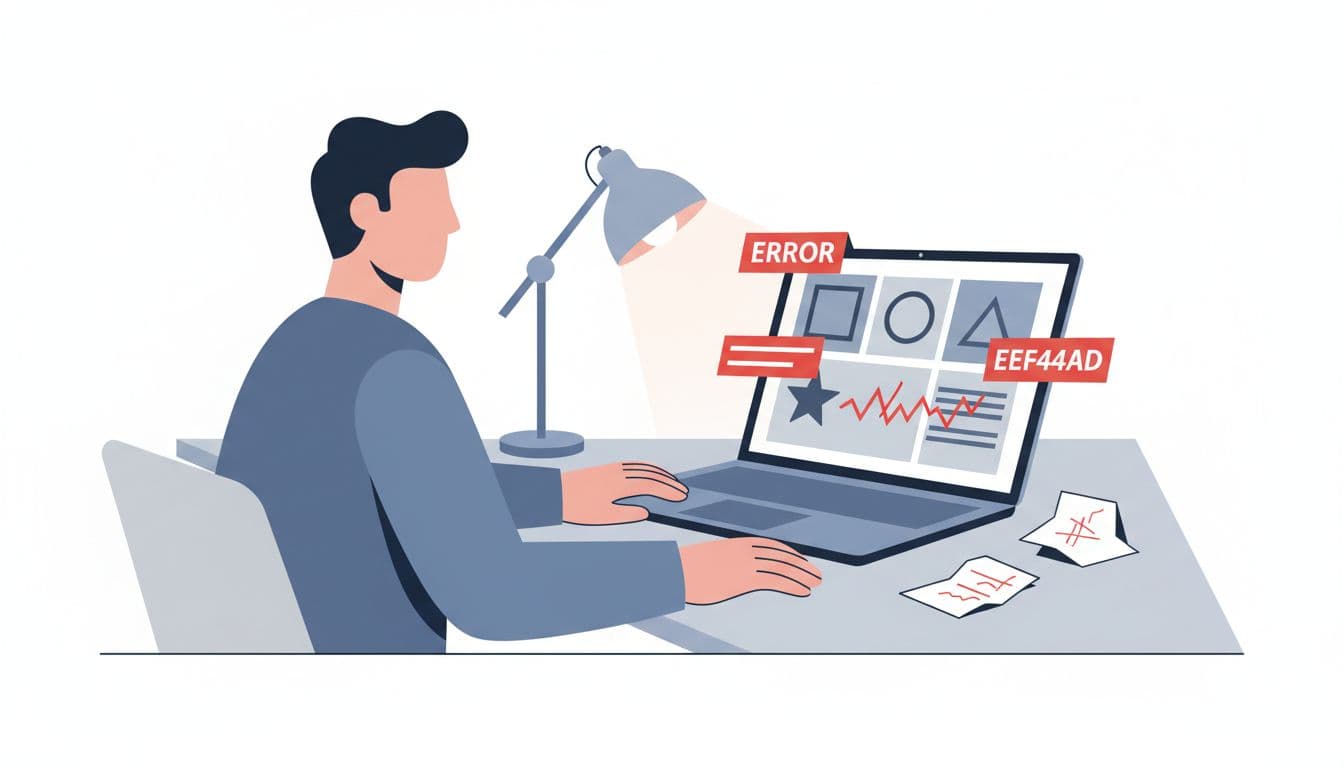
The common mistake is treating intake as a software module. Intake is an operating discipline. It shapes fairness, speed, risk management, privacy risk, staff load, and board confidence. So if you buy software before you settle those rules, you are asking the tool to make leadership decisions for your fragmented legal workflows. It can’t.
What fixes legal intake chaos before software can help
Start with one visible legal front door. That does not mean every human contact must use one form; a self-service portal can be one method. It means every request lands in one queue with one owner and one minimum data standard. If you need a practical starting point, the single front door intake guide is useful.
Next, define triage in plain language. Who gets same-day review? What counts as enough information to route? When does a legal service request become a case, and when is it still only an inquiry? Those are leadership calls, not vendor settings.
Then repair handoffs. Many teams say they made a referral when they only sent an email. A real handoff needs receipt, follow-up, and a shared idea of complete. The closed-loop referral playbook helps you set that standard.
Finally, map status from intake to outcome. You need a short list of stages that program, ops, and leadership all read the same way. The intake-to-outcome clarity checklist is a strong place to begin because it forces you to name bottlenecks, turnaround times, trust risks, and owners before a software project buries them.
When you do this work first, the platform becomes useful. It supports the process instead of guessing at it.
How to tell if your reporting and dashboards are helping
Reporting and dashboards make a few answers easy to trust for business stakeholders:
- How many requests came in, by channel and urgency?
- Who owns each intake stage right now?
- Which handoffs are late, and for how long?
- What data-driven insights reveal performance trends?
- How many referrals reached a known outcome?
If your team still debates those answers in meetings, the system is hiding process weakness rather than fixing it.
FAQs about case systems and intake chaos
Should you replace the case system if staff hates intake?
Not yet. Staff may hate the intake process, not the platform. First remove duplicate entry, conflicting statuses, and side-channel work.
Can automation reduce intake chaos?
Yes, but only after you set rules. Intake automation, through workflow automation and automated notifications, speeds acknowledgments and routing. It also speeds mistakes when the rules are weak.
What should you fix in the first 30 days?
Pick one intake owner, one visible queue, one triage standard, and one handoff definition. You need clarity first, not a larger project.
Buying software feels decisive because it is visible. Still, legal intake chaos usually comes from invisible gaps, ownership, rules, and follow-up.
Fix those first, and your case system can support strategic decision-making instead of masking confusion.
Start with the path from first contact to known outcome. If that path is blurry, the next platform won’t save it.