

You should plan retired product support around four decisions: what you still owe customers, who owns the transition, how the transition will work, and when each obligation ends. Switching off sales doesn’t settle those questions.
Your product may keep running after development stops, while customers still depend on its data, integrations, and support. Start with clear ownership before announcing a shutdown date.
Key Takeaways
- Separate end of sales, development, support, and service into distinct milestones.
- Consult legal first and finance second, then fund the transition and name an accountable executive.
- Count customers as migrated only after essential workflows and data work.
- Preserve useful pages, close access, and end contracts before claiming retirement savings.
1. Define What Product Retirement Changes
A retired product is being withdrawn from your offering. It may have been replaced by an upgraded version or removed to make room for new products. End of life (EOL) is the point when service access ends. Retirement doesn’t automatically end contracts, customer access, security responsibilities, or data obligations.
Temporary unavailability is different. An out-of-stock product is expected to return. A paused SaaS signup process may also be temporary, but it needs an accurate availability message. A deprecation notice tells customers what is being withdrawn and when, so they can distinguish retirement from a temporary pause.
For software, distinguish stopping development from stopping support. You might stop adding features while continuing security fixes, incident response, and transition assistance.
Write down what remains available at each stage. Include hosted access, APIs, exports, documentation, recovery, and technical assistance. Customers need to understand what changes. Your teams need the same definition.
2. Put Legal, Finance, and Executive Ownership First

Establish the obligations and economics
Start with legal. Review notice requirements, service commitments, renewal language, refunds, retention, deletion, and transition assistance. Old agreements can create obligations that survive end of life.
Bring finance in second. Retirement can affect recurring revenue, credits, renewal forecasts, and the cost of running two platforms.
Then involve sales, customer success, support, marketing, and engineering. Engineering should assess dependencies and feasibility before you commit externally. Stakeholder sequencing shouldn’t delay technical discovery.
Name one accountable executive
Assign one executive responsibility for the outcome. Give support, engineering, security, finance, and customer success clear decision rights underneath that owner.
A fractional CTO or interim CTO can close a technology leadership gap when nobody has authority across those teams. The mandate matters more than the title.
Your technology strategy should show what retirement protects or improves: customer retention, operating margin, resilience, or delivery capacity. Connect that decision to a business-aligned technology roadmap, including the funding and people required to finish.
3. Set Dates and Resource Retired Product Support
Publish the full lifecycle, even when some milestones share a date. Each milestone needs clear customer communication and an internal owner.
Use these four milestones as your planning template.
| Milestone | What customers need to know | Internal requirement |
|---|---|---|
| End of sales | When new purchases and renewals stop | Remove offers and update sales terms |
| End of development | When features and routine upgrades stop | Define remaining maintenance commitments |
| End of support | When assistance and fixes end | Resolve contractual coverage and exceptions |
| End of life | When service access ends | Complete exports, retention, and shutdown controls |
The dates must reflect your agreements and transition workload. Avoid promising a deadline before you understand customer dependencies.
Define your support boundary in writing. State supported versions, channels, hours, response commitments, security coverage, and migration assistance. Explain what you’ll no longer investigate or repair.
Fund the work separately. Legacy incidents, replacement onboarding, export assistance, and integration troubleshooting compete for the same people.
Keep a named engineering escalation path until the remaining obligations are complete. Otherwise, your support team can acknowledge problems without having anyone able to resolve them.
A shrinking customer count doesn’t prove support capacity can shrink. The last accounts may carry your most complicated dependencies.
4. Make Customer Migration Measurable
Speak with anchor customers before announcing broadly
Hold one-on-one conversations with important customers before the general announcement. Ask which workflows, integrations, reports, and contractual commitments depend on the product.
Build a systems inventory covering databases, operating systems, open-source packages, identity services, and vendor-managed components. Your replacement may inherit dependencies you intended to retire.
Give each legacy customer a practical path with replacement access, usable exports, integration guidance, training, and an escalation contact. State pricing changes and any transition assistance clearly.
Assume a notice hasn’t been read until the customer acknowledges it. Communicate a clear, manageable next action, then repeat notices through account conversations, email, and in-product messages.
Require evidence before counting completion
Track acknowledged notices, scheduled migrations, validated migrations, blocked accounts, and revenue still exposed. Show support backlog and remaining cost alongside those measures.
A provisioned replacement account isn’t a completed transition. Require essential workflows to pass, key records to reconcile, permissions to work, and recovery to be tested.
Where appropriate, allow controlled coexistence or a reversible cutover. Define which system holds authoritative data and when rollback remains safe.
Your board-ready reporting should show blockers, accountable owners, and decisions needed. Protecting customer trust during technology change depends on what customers can do after cutover.
5. Choose the Right Outcome for Product Pages
Before changing URLs, review organic traffic in Google Analytics 4, search queries and rankings in Google Search Console, and backlinks in Ahrefs, Semrush, or Moz.
A discontinued product page may preserve SEO equity as a search asset or serve as a useful support destination. Separate those purposes before redirecting it.
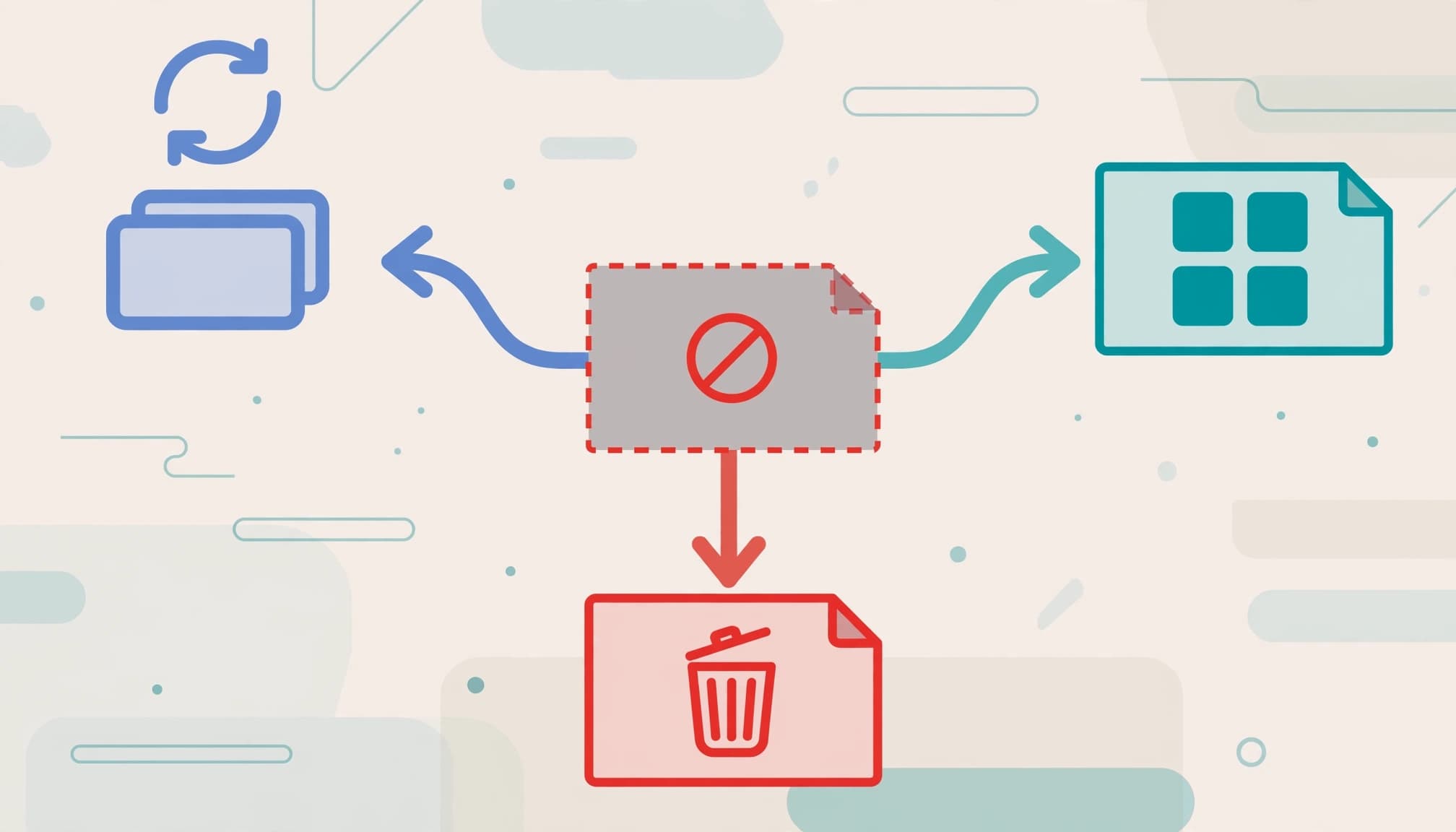
Match the page response to the customer’s remaining need.
| Product status | Page response |
|---|---|
| Direct replacement exists | Use a 301 redirect to the replacement product |
| Similar alternatives exist | Keep a useful discontinued page or redirect to the most relevant parent category |
| Permanently removed, no replacement, low traffic, no backlinks | Return 410 Gone once no support purpose remains |
For a direct replacement, follow Google’s permanent redirect guidance. Add a short transition note such as “Previously known as” on the destination page.
If you retain the discontinued page, remove pricing and purchase controls. Show “This product has been discontinued,” identify alternatives, and retain useful support information.
A 410 Gone response tells crawlers the page has been permanently removed and supports removal from the index. Don’t remove valuable documentation simply because sales have ended.
Avoid sending every retired URL to your homepage. Google warns that irrelevant redirect destinations may be treated as soft 404s.
6. Handle Temporary Availability and Search Cleanup
Keep temporary stock-outs distinct
If your offering includes physical products or stocked add-ons, preserve pages for items that are out of stock and expected to return. Keep the descriptive content intact, grey out Add to Cart, and show “Back in Stock Soon.”
Offer a “Notify Me When Available” form. Set Product schema availability to OutOfStock, or BackOrder when you’re accepting backorders.
Keep temporarily unavailable pages in the sitemap when they remain useful, indexable destinations. Don’t describe a permanently retired product as temporarily unavailable to preserve traffic. That creates false expectations and unnecessary support contacts.
Avoid empty pages and broken journeys
A soft 404 can occur when a page returns 200 OK but tells visitors the content doesn’t exist. Search engines may treat it as an error and drop it from search results.
A useful discontinued page can remain live. An empty unavailability message needs different handling, as Google’s soft 404 explanation makes clear.
Remove dead, 404, and 410 URLs from your XML sitemap. Update internal links, navigation, category pages, and blog links to point directly to useful destinations.
Retain an accessible retirement notice and support archive wherever customers still need them.
7. Close Access, Vendor Commitments, and Costs
Retired product support ends only when the remaining operating obligations are resolved.
Complete vendor offboarding. Revoke credentials, disable integrations, remove service accounts, and document customer-data return or deletion according to contract and retention requirements. Preserve records subject to legal holds.
Keep incident response readiness and protected backups in place while customer data remains. A closed sales page doesn’t remove the exposure.
Don’t report savings until contracts can end and the underlying capability is no longer needed. Ask finance to account for asset depreciation, and track extended hosting, specialist support, exports, and overlapping platforms.
For retired assets, use warranty repair or RMA before scrapping serviceable equipment. Compare testing and repair labor, A plus B, with replacement cost, Y. Set your threshold according to business value and data risk.
Before recycling out-of-warranty computers, remove and securely destroy drives under your disposal policy. Use NIST’s media sanitization framework to distinguish clearing, purging, and destruction. Record disposal evidence.
Frequently Asked Questions
What if a customer cannot migrate before support ends?
Document the blocker, exposure, accountable executive, funding, and revised exit date. Consider a paid support extension with explicit coverage and an expiry date.
Restrict unnecessary access and connectivity during the exception. Keep monitoring and recovery capability. Escalate risk beyond your approved tolerance rather than letting the deadline drift.
Does source code escrow replace continued SaaS support?
Source code alone doesn’t provide a maintained service. Hosted software also needs infrastructure, customer data, integration documentation, licenses, and people who can operate it.
If escrow supports your continuity plan, require a usable recovery path. A released repository won’t restore a customer environment by itself.
Make the Final Support Decision Clear
You can retire a product without leaving customers or your leadership team guessing. The foundation is evidence-backed ownership: clear commitments, funded migration, tested continuity, and documented closure.
If those decisions remain scattered across departments and vendors, Get an Executive Technology Clarity Check. We help you identify what needs executive ownership and what should happen next.
Your retirement plan is complete when the remaining promises are fulfilled and the business can demonstrate that the transition works.