
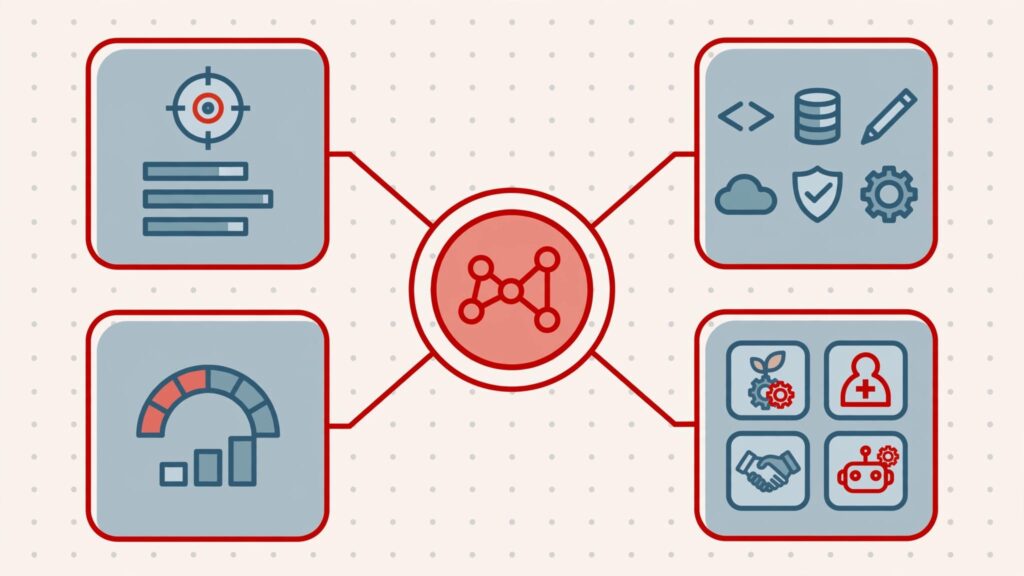
The CEO starts with business priorities, identifies the capabilities needed to deliver them, and assigns ownership for workforce decisions. Technology workforce planning connects those needs with the skills, capacity, and leadership required to deliver.
Start with the outcomes you need, then decide what to develop, hire, contract, or automate. That keeps staffing decisions grounded in growth, execution, and risk rather than whoever is asking loudest.
Key Takeaways
- The CEO should tie capability needs and workforce investments to business outcomes, deadlines, and accountable owners.
- Assess available skills and delivery capacity, including support obligations and backup coverage.
- Use gap analysis to choose what to build, buy, automate, or source externally, then track measurable outcomes with named owners.
1. Define What the Business Needs Technology to Deliver
Strategic workforce planning means having the right people, with the right skills, in the right places, at the right time. Mercer describes it as a systematic, disciplined process for addressing gaps between current and projected workforce requirements.
The CEO translates growth, execution, and risk priorities into required capabilities, deadlines, and accountable business owners.

Translate Outcomes Into Work
Faster customer onboarding may require integration skills, process ownership, and better data quality. Acquisition readiness may require technical due diligence, documented systems, and dependable reporting.
Write each priority alongside its deadline, required capabilities, business owner, and consequence of delay. Your technology roadmap review should expose those connections before you approve staffing.
Set a Useful Forecast Horizon
Use a 12-to-18-month forecast, the horizon Korn Ferry recommends. Connect near-term staffing to your 12-month technology roadmap.
Korn Ferry also projects that demand for skilled professionals will exceed supply by 2030. Use the World Economic Forum’s jobs outlook to inform longer-term skills assumptions, while keeping hiring commitments tied to your own delivery needs.
2. Audit Available Capacity and Skills
A headcount report doesn’t tell you how much work your team can deliver. Workforce planning compares demonstrated capability and available capacity with business demand, then names each resulting skills gap. Your supply analysis should cover skills, performance, availability, demographics, expected departures, and contractor commitments.
Separate Headcount From Delivery Capacity
Record each person’s role, demonstrated skills, current commitments, available project hours, and backup responsibilities. Include vendors who operate essential systems.
Support work, incident response, leave, and technical debt management consume capacity. Count them before allocating people to new initiatives.
SHRM’s account of IBM’s skills planning describes using analytics to estimate skills supply. Your starting point can be simpler: evidence from completed work, system ownership, and manager-reviewed assessments.
Look Beyond Job Titles
Skills-based planning tracks what people can do across roles. Traditional planning mainly counts positions.
IBM Institute for Business Value estimated that reskilling needs rose from a historical 6% of workers to 35% by 2024, exceeding one billion people worldwide.
TechWolf’s skills-based planning analysis cites Gartner’s finding that required skills per job grew 10% annually. It also cites Mercer: only two in five HR leaders report clear workforce-skills visibility. Insight222 found 90% of surveyed global companies wanted skills-based strategic workforce planning.
These findings support regular skills reviews. They don’t establish your company’s gap.
3. Run Technology Workforce Planning Through Four Steps
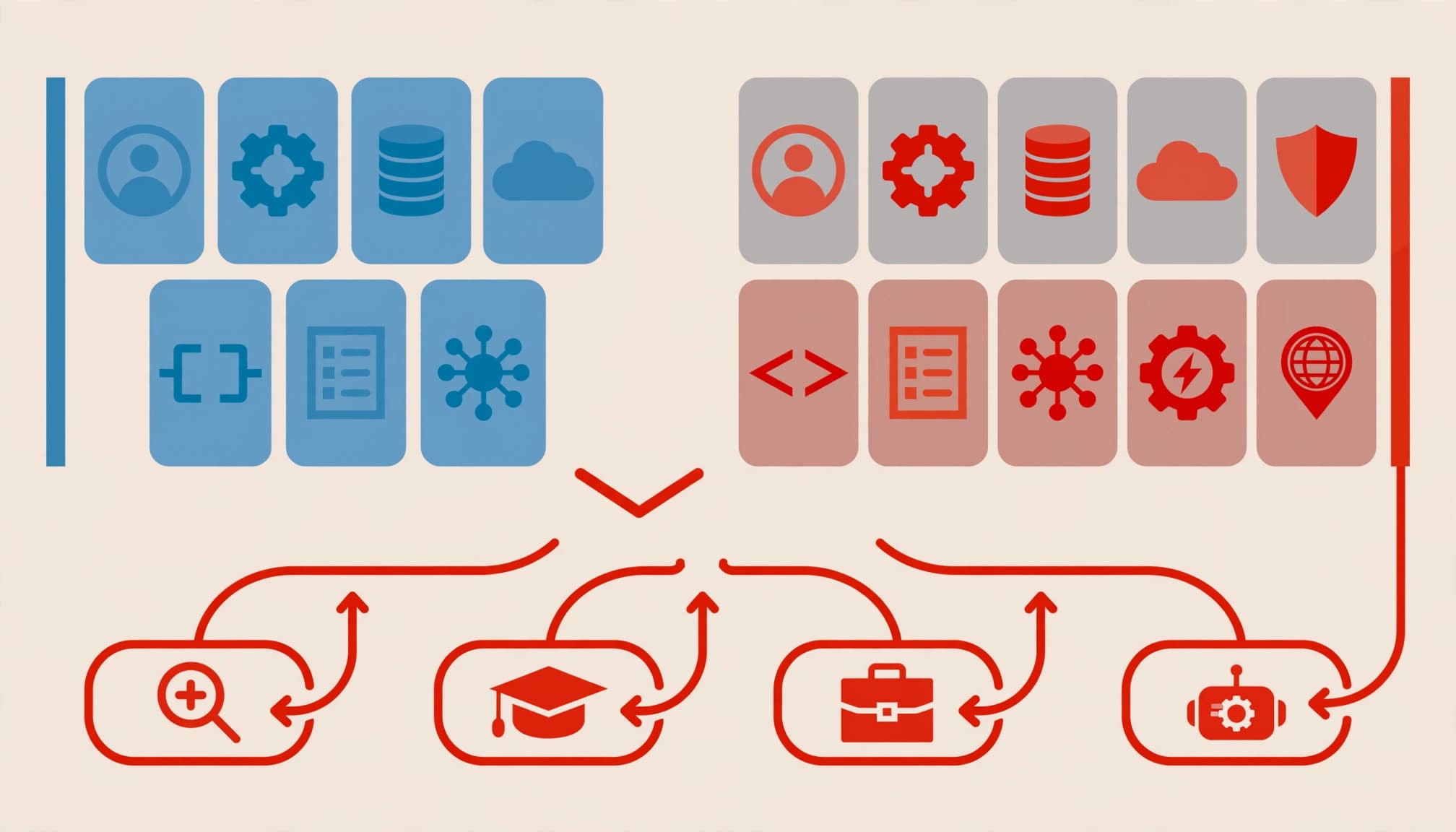
IBM’s model uses supply analysis, demand analysis, gap analysis, and solution analysis. You audit current capacity, forecast future roles and headcount, compare the two, then recruit, develop, redeploy, or restructure.
Your business priorities establish demand. Your capacity audit establishes supply.
Make the Gap Calculation Visible
Consider this illustrative capacity calculation for a team whose skills match the planned work:
| Planning input | Weekly capacity |
|---|---|
| Ten employees, each available for 28 project hours | 280 hours |
| Work required to meet approved commitments | 360 hours |
| Capacity shortfall | 80 hours |
At 28 available hours per additional employee, the shortfall equals 2.86 employees’ capacity. Three hires could cover it once fully productive.
This is a capacity shortfall. It becomes a skills gap if the missing work requires security engineering and available people handle business applications. Capacity and skill fit both matter.
Stress-Test the Assumptions
Use scenario planning to create base, growth, and constrained-budget cases in a spreadsheet. Keep rows for capabilities and columns for demand, available capacity, gap, action, cost, owner, and completion date.
Change hiring lead time, attrition, support demand, and training time between scenarios. Keep contracted capacity separate from permanent coverage.
A funded vacancy provides no delivery capacity until someone starts and becomes productive.
4. Choose Build, Buy, Borrow, or Bot
The build buy borrow bot framework offers four ways to close a gap. The right choice depends on urgency, duration, knowledge requirements, and risk.
Develop Internal Talent or Hire
Build means training current staff. Use supervised assignments, mentoring, and project rotations. This creates a talent-development path that preserves operating knowledge and gives capable people a reason to stay. Allocate learning time explicitly.
Buy means hiring external talent when you need lasting capacity or expertise you can’t develop soon enough. Assess judgment, communication, and team fit alongside technical credentials.
McKinsey, cited by IBM, reports that S&P 500 companies performing strongly on talent investment generate 300% more revenue per employee than the median firm. That’s an association, not a guaranteed return from hiring.
Contract Expertise or Automate Work
Borrow means using contractors or freelancers for temporary demand or specialist work. Include knowledge transfer and vendor offboarding in the assignment.
Bot means using automation or AI agents for defined tasks. Measure completed work and review effort before reducing staffing assumptions. Include AI governance, data privacy, access controls, and human escalation.
KPMG reports average savings of 10% of annual labor budgets among reported workforce-planning initiatives through lower attrition, staffing improvements, and better resource allocation. Treat savings as an outcome to measure, rather than an automatic headcount target.
5. Include Leadership and Succession Coverage
Your plan needs someone accountable for technology strategy, tradeoffs, and execution. Unresolved decisions can indicate a technology leadership gap even when technical staffing looks adequate.
A fractional CTO can provide recurring executive technology leadership when the workload doesn’t justify a full-time appointment. An interim CTO fits an open leadership seat or immediate transition. A fractional CIO or CISO addresses different operating or security leadership needs.
Match the role to the decision burden. A virtual or outsourced title tells you little about authority.
Also identify backups for essential responsibilities. Your technology succession plan should document readiness, development actions, knowledge transfer, and access authorization.
Internal candidates need observed evidence of readiness. AI-generated talent recommendations can inform a shortlist, but they can’t establish judgment, willingness, or availability under pressure.
6. Choose Software for the Planning Problem You Have
Start with a spreadsheet when your team and scenarios are manageable. Add software when consolidation, modeling, or ongoing updates become difficult.
Korn Ferry’s selection sequence is useful: identify the need, understand how technology addresses it, use data to choose build, buy, borrow, or bot, then model scenarios.
Choose workforce planning technology based on the planning problem it needs to solve. The products below address different needs and have distinct tradeoffs.
| Product | Best-fit planning need | Selection tradeoff |
|---|---|---|
| SAP SuccessFactors | Enterprise HR and talent processes | Broad-suite scope can exceed a small planning requirement |
| Workday | Connected HR and financial planning | Planning scope depends on the modules deployed |
| Anaplan | Cross-functional scenario modeling | Models require design and maintenance ownership |
| Visier | People analytics | Analytics still need an execution process |
| Board | Integrated business planning | Implementation requires modeling expertise |
| Planful | Finance-led workforce budgeting | Budget visibility alone doesn’t establish skills readiness |
| Quinyx | Frontline scheduling and workforce management | Scheduling differs from executive capability planning |
| ChartHop | Organizational visibility and headcount planning | Organizational structure doesn’t prove technical competence |
Choose the category before comparing brands. Colmeia’s planning-technology framework identifies integration, analytics, scenario modeling, usability, and security as core capabilities.
Require HRIS, applicant-tracking, and learning-system integration. Assess descriptive, diagnostic, predictive, and prescriptive analytics against actual decisions you need to make.
Before AI-driven planning, establish clean job architecture, dependable data, and a maintained skills ecosystem. Normalize role names, define proficiency levels, remove duplicate records, and assign data owners. A new platform won’t resolve contradictory definitions.
7. Give the Plan a Regular Operating Rhythm
Review delivery capacity monthly as part of workforce planning. Refresh scenarios quarterly, or sooner after an acquisition, major departure, or material change in demand.
The CEO owns business priorities and governs key decisions. Your technology leader owns capability assumptions and execution. Finance owns cost modeling. HR owns workforce records and development processes.
Put these responsibilities into your annual technology operating plan. Include a decision rights map so hiring, contractor extensions, and automation approvals don’t stall between functions.
Board-ready reporting should show commitments at risk, critical skills gaps, backup coverage, spending, and decisions required. Connect cybersecurity coverage to your cyber risk appetite and third-party risk management obligations.
Measure technology ROI through delivery time, cost per outcome, service quality, and fewer single-person dependencies. Hiring totals alone tell your board little about whether the business can execute.
Frequently Asked Questions
What Technology Supports Strategic Workforce Planning?
You need reliable workforce records, a skills inventory, cost data, and scenario modeling. HRIS, applicant-tracking, and learning systems supply inputs. Planning and analytics software becomes useful when spreadsheets create excessive manual work or inconsistent versions.
How Should You Use AI Agents in the Workforce Plan?
Assign agents bounded tasks with measurable outputs, permissions, and human oversight. Count demonstrated capacity after testing, including review and exception handling. Keep accountable people responsible for business decisions, sensitive access, and incident escalation.
Build Capacity You Can Depend On
A useful workforce plan makes approved business priorities deliverable. It shows the skills, capacity, ownership, and tradeoffs behind each commitment.
Start with one constrained priority and calculate its gap. That gives your next leadership conversation a concrete decision.
If ownership remains scattered, Get an Executive Technology Clarity Check. We help you identify what needs executive attention and establish a practical next step toward confident decisions.