

You should not need a 40-page deck just to keep your systems from falling apart.
If you lead a justice-focused organization, you already carry huge complexity. Scattered case data. Fragile reporting. Security worries that sit in the back of your mind at night. A heavy strategy document no one reads will not help.
A simple one page technology strategy can. When it is clear, human, and grounded in your mission, it gives your executive team one shared picture of where you are, what matters now, and what you will not do.
This guide walks through how to build that page, piece by piece, so your team can actually use it in leadership meetings, board updates, and funder conversations.
Key takeaways: one page technology strategy for justice-focused orgs
- Start with mission, not tools: tie every tech choice to outcomes for advocates and communities.
- Describe your current state in plain language, so non-technical leaders can see the same problems.
- Choose 3 to 5 priorities that reduce risk and staff pain in the next 12 to 18 months.
- Assign owners, timeframes, and guardrails on the same page, so it becomes a decision tool.
- Use the page every month in exec meetings, so strategy turns into habits, not a forgotten PDF.
Why a one page technology strategy works better than a binder

Executive team aligning around a shared one page technology strategy. Image created with AI.
Most justice-focused organizations already have “some kind of plan.” A consultant report. A slide deck from a retreat. A list of projects from an IT vendor.
The problem is not a lack of documents. It is that leaders, staff, and vendors are not working from the same simple picture.
A one page technology strategy forces hard choices. If a priority does not fit, it does not make the page. If a sentence is full of jargon, you rewrite it until your program director nods along.
For executive directors, COOs, and CFOs, this format has three big benefits:
- It lowers the bar to entry, so non-technical leaders can speak into tech decisions.
- It surfaces tradeoffs, so you stop saying yes to every tool and integration.
- It creates a shared script for board and funder updates about systems, risk, and capacity.
Think of it as a map on the wall, not a manual in a drawer.
Step 1: Start with mission, outcomes, and non-negotiables
The top quarter of your one page technology strategy belongs to your mission, not your tech stack.
In two or three short lines, answer:
- Who are you trying to support more effectively?
- What work needs to move faster or safer in the next 12 to 18 months?
- What cannot be compromised, no matter what tools you pick?
For a national immigration network, this might sound like:
- “Support local advocates to spend more time with clients and less time in spreadsheets.”
- “Protect sensitive immigration and youth data from breaches and misuse.”
- “Provide clear, timely evidence of impact to funders and communities.”
Under that, add non-negotiables in a simple list: security, language access, disability access, data ownership, or community consent. These guard your values when a vendor pitch sounds tempting.
If your team feels uneasy about writing this, good. It means you are finally pulling tech into the same values conversation as your programs.
Step 2: Describe your current tech reality on half the page
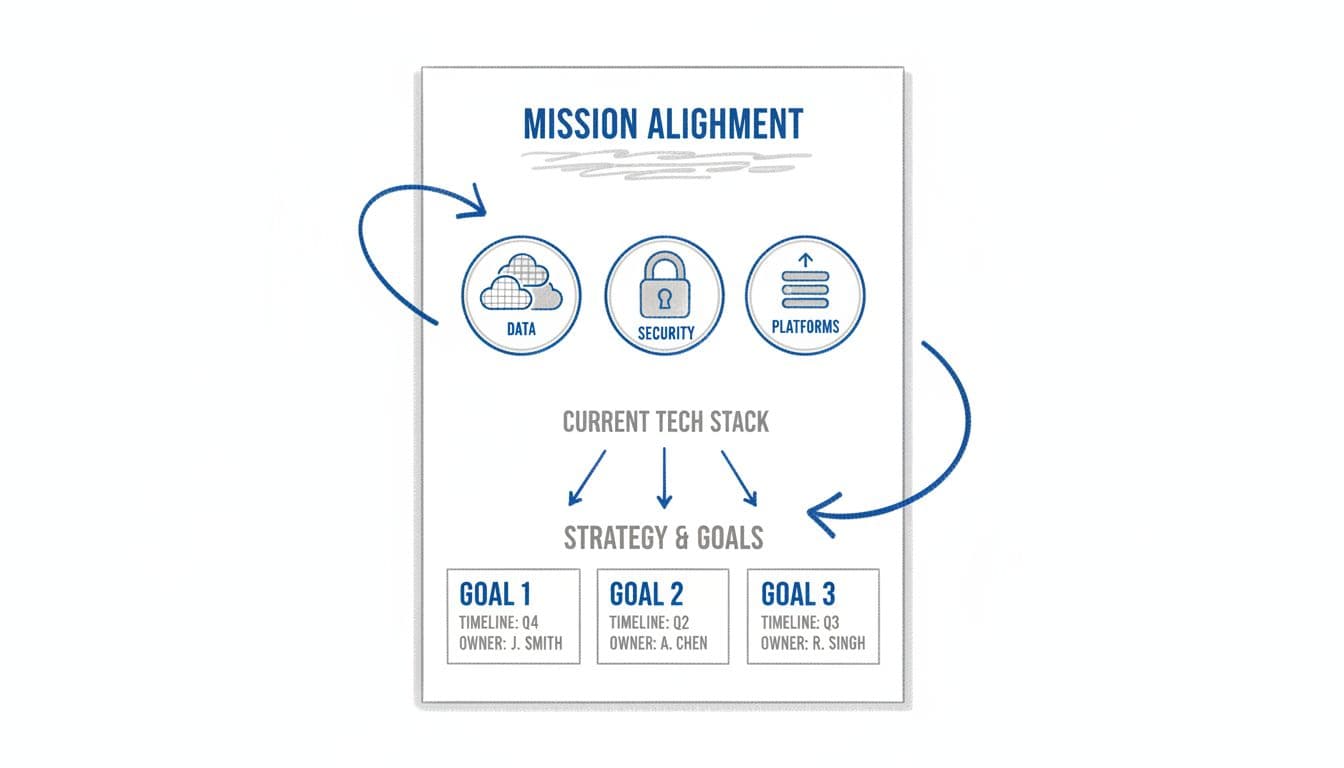
Visual layout of a focused one-page technology strategy. Image created with AI.
Next, take up about half the page with a clear, non-technical snapshot of where you are today.
Use short phrases, not system diagrams. Your goal is that every executive, program lead, and board member can read this and say, “Yes, this is our reality.”
A simple structure:
- Core systems: “Three main tools for case data, grants, and email, none connected.”
- Pain points: “Staff re-enter data 3 times, grant reports take 2 weeks, files stored in personal drives.”
- Risks: “No multi-factor login, unclear offboarding, sensitive data in spreadsheets and email.”
- Opportunities: “Funders open to infrastructure grants, staff hungry for better tools, partners asking for shared dashboards.”
You are not solving anything in this section. You are building a shared diagnosis.
This is also where you can gently name the cost of inaction. Not to scare people, but to make clear why this page matters more than the next app someone wants to buy.
Step 3: Pick 3 to 5 priorities your team can actually deliver
Now you move from description to choice.
On the lower half of the page, reserve one tight section for 3 to 5 priorities. These are the outcomes that will define tech success for the next 12 to 18 months.
Each priority should fit on one line and pass three tests:
- It reduces real pain for staff or advocates.
- It lowers meaningful risk around data, security, or compliance.
- It is big enough to matter, small enough to finish.
For example:
- “Consolidate core case and grant data into one primary system.”
- “Stand up basic security hygiene, multi-factor login, backups, and offboarding.”
- “Create one standard board and funder reporting pack from trusted data.”
Avoid vague phrases like “modernize technology” or “improve data culture.” If you cannot picture what done looks like, it does not belong as a priority.
This is where many organizations need to say no. That shiny new portal, the custom app, the fifth CRM trial, they might matter later. If they are not in your top 3 to 5, they wait.
Step 4: Add owners, timelines, and guardrails
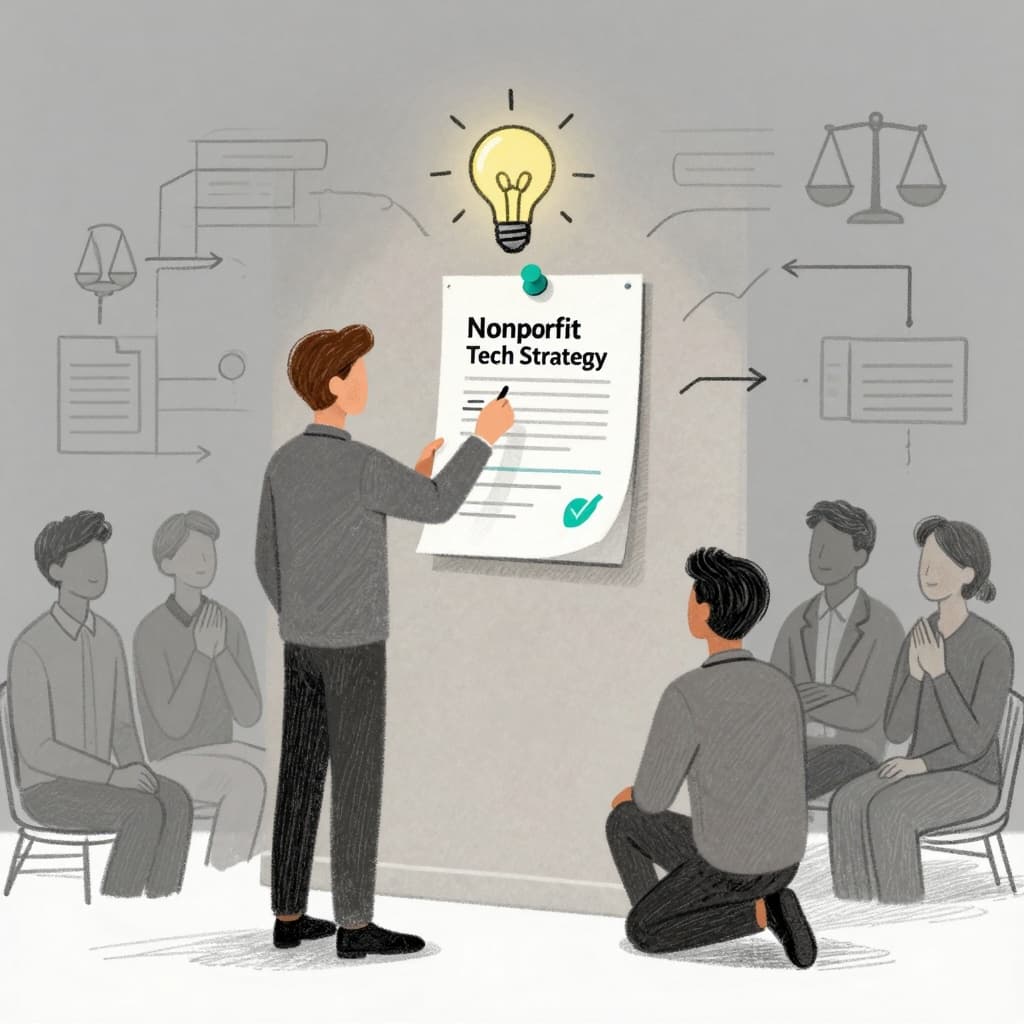
Nonprofit leader turning a one page technology strategy into action. Image created with AI.
A one page technology strategy only works if it changes what people do next week.
To make that jump, add three simple elements next to each priority:
- Owner: one accountable person on the executive or operations team.
- Timeframe: a clear window, such as “by Q4 this year” or “in the next 9 months.”
- Guardrails: one or two rules that keep the work aligned with your mission and risks.
Example:
- “Consolidate core data into one primary system, Owner: COO, Timeframe: next 12 months, Guardrails: no new major tools until migration plan is approved.”
At the bottom of the page, add a small box for governance:
- “We review this page monthly at executive team, update quarterly, and use it for board briefings.”
This tiny line turns a document into a practice. It signals that tech is now a standing leadership topic, not a side project handed to “the IT person.”
Frequently asked questions about a one page technology strategy
How detailed should a one page technology strategy be?
Detailed enough that your team can make real decisions from it, simple enough to read in five minutes. If an item needs more detail, keep it on a separate implementation plan, not on the main page.
Who should be in the room to create it?
At least your executive director, COO or operations lead, finance lead, and whoever currently owns technology and data. Invite a program or advocacy leader who will speak honestly about staff pain.
How often should we update the page?
Review it monthly in your executive meeting, and refresh it more deeply every 6 to 12 months. Priorities can shift, but the mission and non-negotiables at the top should stay stable.
What if our board or funders want more detail?
Use the one page technology strategy as the front page, then attach more detailed project plans, budgets, or risk memos behind it. The page becomes your table of contents and talking guide.
Bringing your one page technology strategy to life with CTO Input
A clear one page technology strategy is not about getting the perfect template. It is about having one honest, shared picture of how technology will support your staff, your advocates, and the communities you stand with.
Many justice-focused organizations know what needs to change, but do not have a calm, senior technology leader who can sit beside them, translate mission into concrete priorities, and keep vendors and projects lined up behind that single page.
CTO Input fills that gap. As a fractional CTO and security partner, CTO Input works with executive teams to name the real problems, design a believable roadmap on one page, and then stay with you as you move from plan to practice, month after month.
If you are ready to stop reacting to systems and start leading them, take the next step. Visit https://www.ctoinput.com to explore how a fractional technology leader can support your team, and follow the CTO Input blog at https://blog.ctoinput.com for practical guidance on turning fragile systems into a stable backbone for your mission.