

If you support frontline legal advocates, your tech problems don’t show up politely. They show up on deadline days. During audits. Right before a board meeting. Or when a partner can’t get the data they need to serve someone at risk.
A 60-tech triage plan gives you a way out of the loop. Not with a big platform swap that stalls the work, but with 60 days of focused decisions that steady the systems you already have, lower real risk, and stop the repeat emergencies.
You don’t need perfect. You need calmer. And you need it soon.
Key takeaways (what this plan will do in 60 days)
- You’ll reduce security and downtime risk without derailing programs.
- You’ll create one shared list of systems, owners, and vendors, so issues stop bouncing around.
- You’ll set a simple way to intake and prioritize tech work, so “urgent” doesn’t mean “loudest.”
- You’ll ship a few visible fixes that save staff time (especially reporting and access headaches).
- You’ll end with a practical 12-month path you can defend to funders and your board.
What “tech triage” means in a justice nonprofit
Triage isn’t a full strategy refresh. It’s the first response that stabilizes the situation so the team can breathe and keep serving people.
In justice organizations, triage has three rules:
- Protect people first. Client, community, and partner data can’t be treated like normal admin files.
- Keep work moving. If staff can’t do intake, place a case, or file a report, the mission takes a direct hit.
- Fix the repeat pain. The goal isn’t a heroic week. It’s fewer fires next month.
If your reality sounds familiar, scattered tools, spreadsheet shadow systems, and constant reporting scrambles, start by naming it clearly. This overview of common technology challenges faced by legal nonprofits matches what many teams are living through.
Set up the triage rules (before you touch the tech)
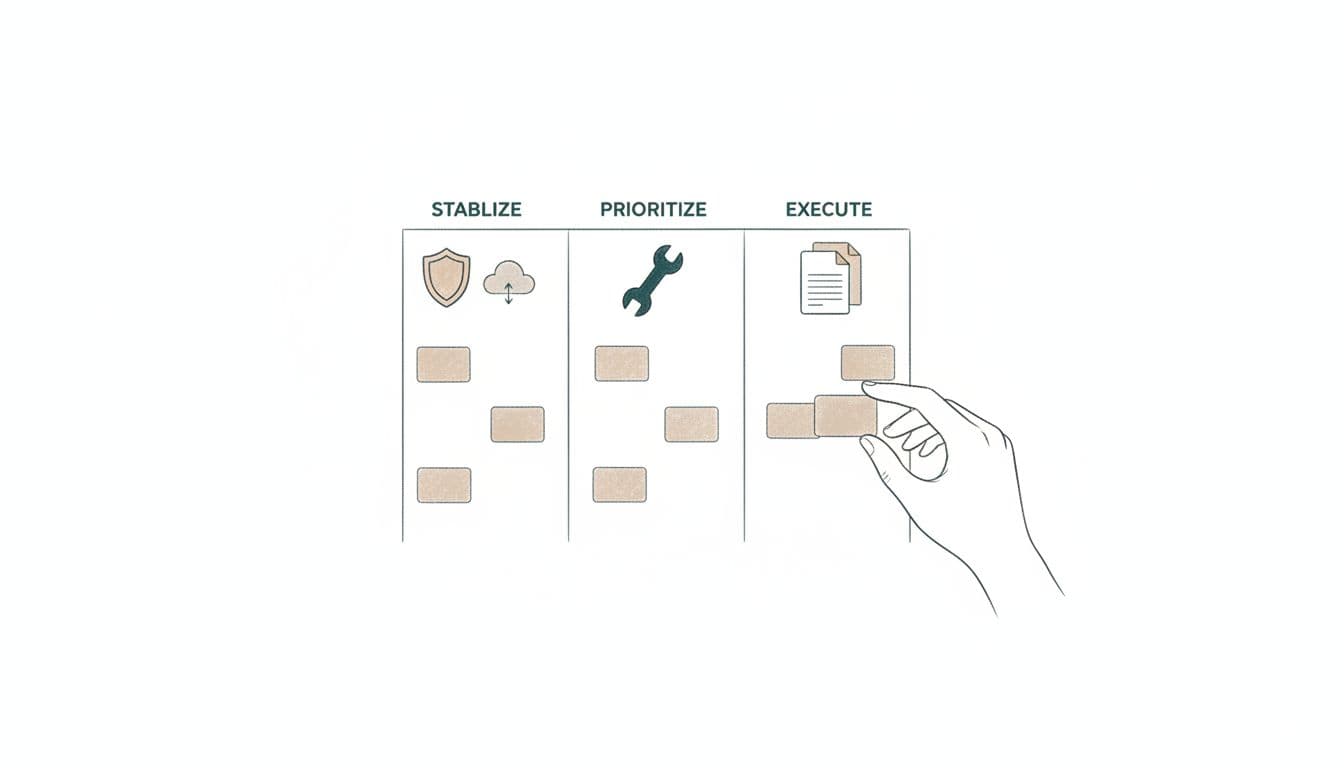
A 60-day plan fails when everyone is “in charge,” or when nobody is. Pick a small triage group, then make the rules public.
The triage group (keep it small): an ops lead (or COO), someone who owns reporting (finance, development, or programs), and whoever handles IT day-to-day (internal or vendor). Add the executive director for decisions, not for every meeting.
The rules that stop chaos:
- One place to log issues (a form, ticketing inbox, or even a single shared list).
- A weekly 30-minute triage meeting with decision-makers present.
- A limit on “in-flight” work (no more than 3 to 5 active items).
- A clear definition of “critical” (example: confidentiality risk, payroll risk, outage risk, compliance deadline).
If you need a facilitation aid for tough prioritization conversations, the Strategy Triage Tool 2025 is a helpful, plain-language worksheet approach you can adapt to technology decisions.
The 60-day tech triage plan (days, focus, and deliverables)
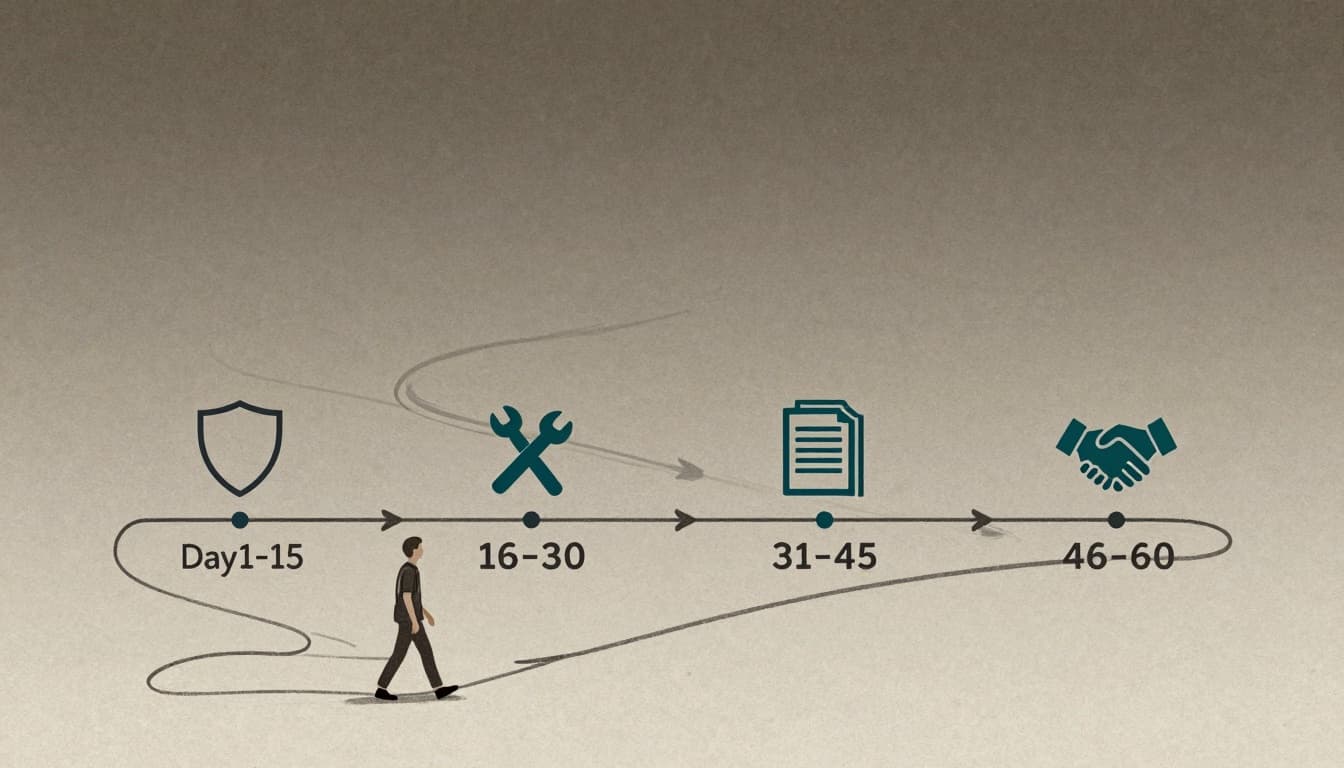
This structure is designed to reduce risk early, then earn time back.
| Days | Focus | What “done” looks like |
|---|---|---|
| 1–15 | Stabilize security and uptime | MFA in place where it matters most, backups verified for core systems, access cleaned up for high-risk data, basic incident plan drafted |
| 16–30 | Build the inventory and the intake | One system list (owner, vendor, cost, purpose), one place for tech requests, support process that stops hallway triage |
| 31–45 | Fix the repeat fire drills | One or two reporting fixes shipped, least-used tools flagged for retirement, “source of truth” named for key metrics |
| 46–60 | Lock in governance and a realistic roadmap | Written priorities for the next 12 months, a short budget story, simple policies that staff can follow |
Days 1 to 15: Stabilize without breaking operations
Start where harm is highest.
Identity and access: Turn on multi-factor authentication for email, shared files, and admin accounts first. Review who has access to the most sensitive folders and systems. Remove stale accounts. Tighten vendor admin access.
Backups and recovery: Confirm what’s backed up, how often, and whether you can restore. A backup that can’t restore is just comforting paperwork.
Patch the obvious risks: Update endpoints and browsers. If you have one or two ancient servers or “special” machines, document them and contain them.
A basic incident plan: Who decides? Who contacts counsel? Who talks to funders? Write the first draft now, before you need it.
Days 16 to 30: Prioritize work with a shared picture of the stack
This is where many teams feel relief, because confusion drops.
Build a single “systems inventory” with: system name, business purpose, data sensitivity, owner, vendor contact, renewal date, and the reports it feeds. Don’t boil the ocean. Focus on what the org depends on each week.
At the same time, set up a light assessment so you stop guessing. The free Tech Accelerate Tool from data.org can help teams surface gaps in policies and day-to-day tech practices, without turning the month into a research project.
If you want a simple way to turn what you’re learning into a staged plan, see our approach to building a tech roadmap for legal nonprofits. The key is sequencing change at a pace staff can absorb.
Days 31 to 45: Ship two visible wins (and say no to the rest)
Pick fixes that remove repeat labor. Two strong candidates:
Reporting: Choose one recurring report that causes panic (quarterly outcomes, board dashboard, grant metrics). Identify the source fields. Fix definitions. Automate the pull where possible. Document the steps so it’s not “held” by one person.
Case, training, or referral intake: If requests arrive through email chains, DMs, and hallway asks, staff will always feel behind. A single intake channel and a clear priority rule can change the temperature fast.
Also, mark tools for retirement. If nobody can explain why a system exists, it’s probably costing you money and creating risk.
Days 46 to 60: Put governance in writing (so the calm lasts)
Good triage ends with new habits, not a new backlog.
Write a one-page governance note:
- What data is “high-risk,” and where it may and may not live
- Who can buy new tools, and what approval is required
- What reports matter most, and who owns them
- A simple monthly rhythm (triage, security checks, reporting review)
For a broader view of how courts and justice systems think about modernization work, the Civil Court Modernization Toolkit from Pew is useful context, especially if you collaborate with court partners and need shared language.
Stop the fire drills without freezing staff
A triage plan works when it respects reality. Staff still have clinics to support, training to deliver, partners to respond to, and funder deadlines that don’t move.
Two operating moves help most:
Create “office hours” for tech decisions. If every interruption gets treated as urgent, you’ll never finish the work that prevents interruptions.
Narrate the tradeoffs. When you say no to a request, write down why (risk, mission impact, time). It builds trust and helps the team learn the new rules.
FAQs about a 60-day tech triage plan
What if we don’t have an IT staff person?
You can still run triage. You need an owner for decisions and a reliable doer (a vendor, MSP, or contractor). The plan is mostly about clarity, priority, and follow-through.
Will this require new software?
Not usually. Most triage wins come from identity controls, access cleanup, backup checks, and fixing the way work moves across tools.
How do we choose what to fix first?
Start with confidentiality risk, outage risk, and repeat labor. If an issue threatens client safety, payroll, or compliance, it goes to the top.
How do we keep this from becoming “just another project”?
Make the outputs real: an inventory, two shipped fixes, and written governance. Then keep a monthly rhythm so the org doesn’t slide back.
How CTO Input helps justice nonprofits run triage, then build the roadmap
A 60-day plan is the right start, but it’s hard to hold the line while also running operations. CTO Input supports justice-focused organizations with executive-level technology and security leadership that’s calm, practical, and accountable.
If you want to go deeper after triage, explore CTO Input’s justice-focused technology products and services and see what outcomes look like in case studies of tech transformations for legal nonprofits.
Ready to stop the next fire drill before it starts? Visit https://www.ctoinput.com and keep learning on https://blog.ctoinput.com, or schedule a technology strategy call with CTO Input to pressure-test your first 60 days. The challenge is simple: pick the top three fires you keep re-living, and commit to ending them this quarter.