
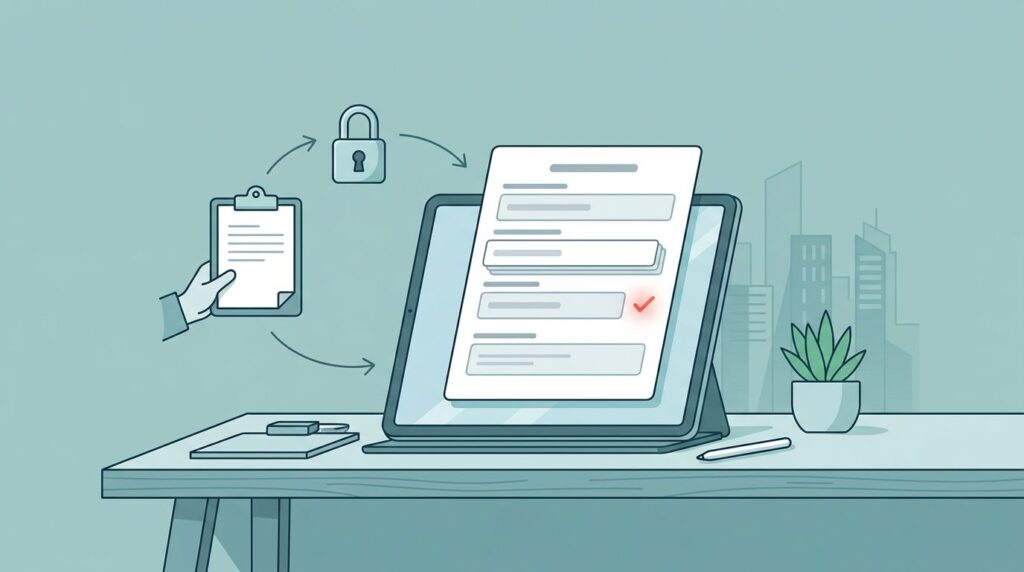
You lead a civil legal aid organization. Case systems hold sensitive client data. Staff add fields on the fly to track new details. Soon, reports break. Compliance risks rise. Funders question data quality.
Weak controls on data fields create drag. You lose trust in numbers, undermining your mission of access to justice for low-income individuals. Teams chase inconsistencies. A simple legal aid workflow fixes this. It enforces discipline without slowing service.
This post shows you how to build one.
Key Takeaways
- Standardize field requests to cut sprawl, streamline administrative tasks, and protect privacy.
- Use a three-step review: submit, check, approve.
- Tie approvals to mission needs and compliance rules for legal aid services.
- Track changes for audits and board reports.
- Start small to build team buy-in.
Why Data Field Controls Matter in Your Case Systems
Your case management system for civil legal aid grows with demand. The client intake process captures basics via intake forms. Staff then request extras like court dates, crucial for eviction defense and housing stability, or income proofs. Without rules, fields multiply.
Data drifts. One team uses “client DOB.” Another enters “birth date.” Reports pull wrong numbers. Quarterly funders scrutinize data on eligibility for services and adherence to federal poverty guidelines, spotting gaps. Boards ask hard questions.
Compliance adds pressure. Client data demands strict handling. New fields touch privacy laws. You risk breaches or fines. Weak processes expose you.
A structured legal aid workflow brings order. It aligns fields with core work. You gain consistent data. Reporting becomes routine. Teams focus on clients, not fixes.
Consider intake overload. Requests come via multiple doors. Fields added reactively worsen this. See common technology challenges for legal nonprofits. Clear rules prevent that.
Core Elements of Your Legal Aid Workflow
Build your legal aid workflow around three roles in case management software. Staff submit requests. Compliance reviews need and rules. Leadership approves or denies.
First, define submission. Staff use a standard form. They explain the field: purpose, data type, source. Link it to a program goal, like tracking referrals.
Compliance checks fit. Does it duplicate existing fields used by legal assistance teams or pro bono attorneys? Meets privacy standards, especially critical for programs serving domestic violence survivors? Required for grants? They flag risks early.
Final approval weighs impact. Does it support outcomes? Budget for training? Approve with notes. Deny with reasons.
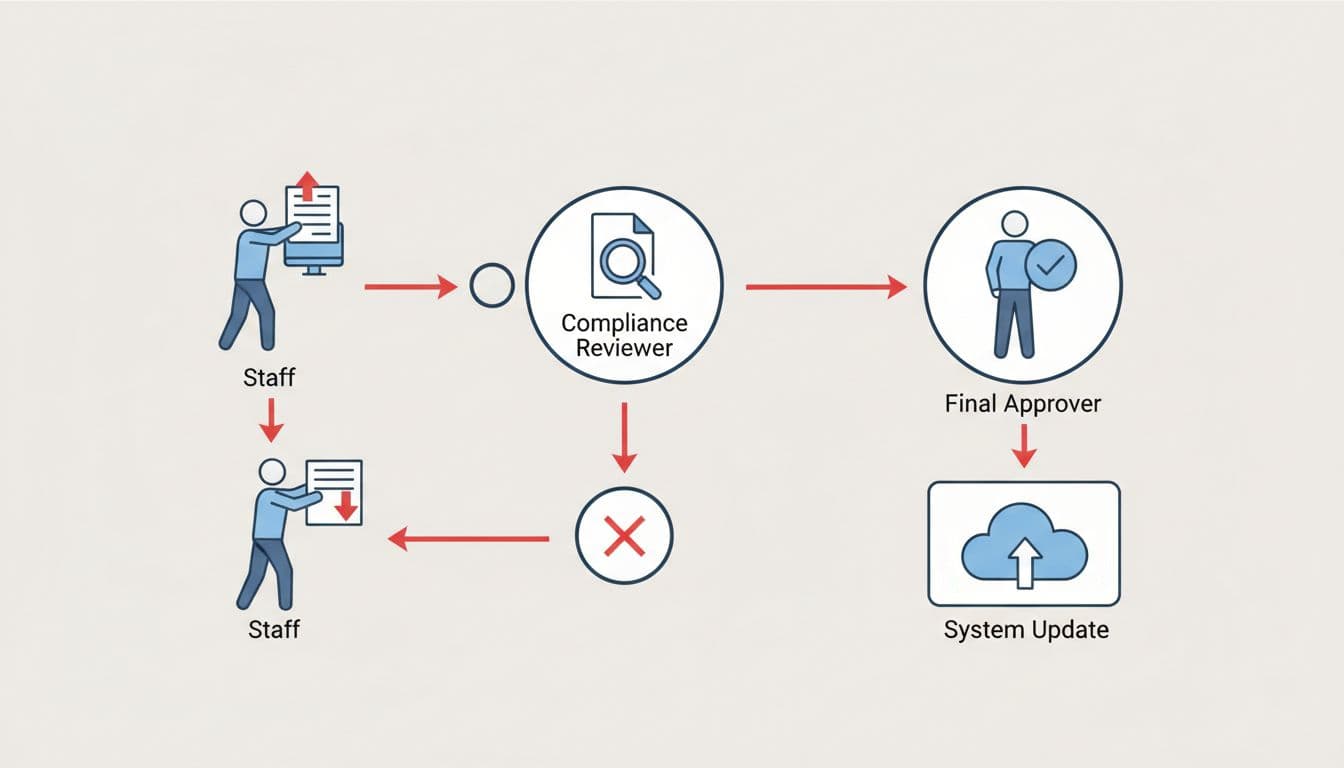
This process logs every step. You audit changes easily. It scales as programs grow.
Tie it to intake clarity. Use the intake-to-outcome clarity checklist to spot field gaps first.
Steps to Implement in Your Organization
Start with a pilot program. Pick one high-use area, like referral tracking. Map current fields during data migration planning. List pain points.
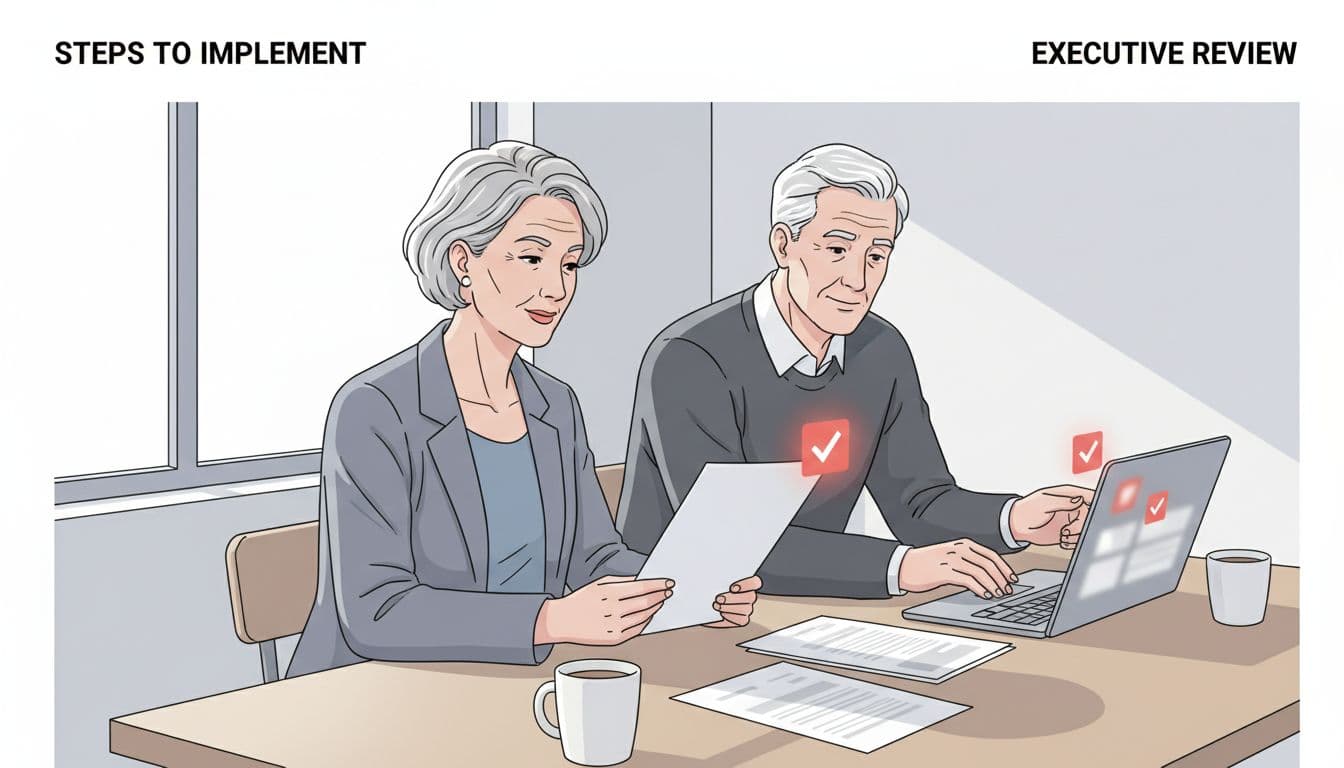
Form your team. Assign a compliance lead, often ops or legal. Name a final approver, you or a deputy.
Create the form. Keep it short: five questions max. Use Google Forms or your case tool. Set auto-notifications.
Roll out rules. Train staff in one session. Explain benefits: faster reports on legal aid services, less rework. These rules streamline routine tasks for the legal aid organization. Enforce from day one.
Monitor weekly. Review requests. Adjust based on patterns. Expand after 30 days.
For broader planning, build a technology roadmap for legal nonprofits. It fits field controls into system upgrades.
Expect resistance. Staff want quick adds. Show early wins, like cleaner reports.
Pitfalls That Break Field Approval Processes
Bypass is common. Staff create shadow fields in spreadsheets. Data splits. Reports fail.
Over-approve everything. Fields bloat. System slows, particularly from over-investment in complex artificial intelligence or document automation without controls. Logic-based questionnaires and legal document drafting accumulate technical debt from field sprawl. Pick strict criteria: must serve 20% of cases.
Ignore training. New staff add without rules. Mandate onboarding refreshers.
Skip logging. No audit trail means compliance gaps. Use version history in your tool.
Vague criteria lead to debates and hurt pro se individuals who rely on clear, automated guidance. Define them: “Supports grant metric” or “Reduces manual entry.”
Learn from others. Check legal nonprofit technology case studies for intake fixes.
Measure and Refine Your Legal Aid Workflow
Track key metrics for data reliability serving underserved clients. Approval rate: aim 60%. Time to decision: under seven days. Field usage: retire low-use ones quarterly.
Survey staff quarterly. Ask: Does it slow you? Improve data?
Report to funders. Show reduced errors. Link to funder wins.
Refine yearly. Audit fields. Drop redundancies. Align with new grants, impact litigation, and full representation.
Use tools like closed-loop referral playbook for related flows.
FAQs
How long to set up?
Two weeks for basics. Full rollout in a month.
What if urgent needs arise?
Fast-track lane for emergencies like intake interviews. Still log it.
Does this work with our case software?
Yes. Integrates via forms, custom templates, or custom fields.
Who handles denials?
Approver explains reasons and guides staff on where to provide legal advice if a field is rejected. Offer alternatives.
Scale for multi-site?
Central compliance with local input. Leverage a legal help directory for consistency.
Steady processes build trust in your legal aid organization. Your data supports the mission. Leadership gains visibility. Clients get reliable service. Start with one form. Watch drag lift.