
A technology crisis exposes decisions that were never made when the business had time to make them well.
Technology escalation rules give your team a clear answer to a simple question. When does a routine support ticket require more than ticket escalation and become a leadership matter? Without that answer, incidents drift through inboxes, vendors control the pace, and executives hear bad news late.
The goal is not more process. It is clearer ownership, faster decisions, and calmer leadership under pressure.
Key takeaways
- Strong escalation management starts with an escalation policy that distinguishes between functional escalation for added expertise and hierarchical escalation for decisions needing executive authority.
- Severity should reflect business impact, projected impact, and system criticality, not an alarming technical alert. Use an escalation matrix for severity triggers, named owners, ticket escalation and handoff rules, communication deadlines, and executive escalation thresholds.
- Incident management needs named owners, response clocks, communication expectations, and a documented path to executive elevation.
- Vendors need to follow your escalation rules, with clear handoff points and accountability.
- Board reporting should focus on material exposure, business effect, decisions required, and corrective work that remains open.
Why technology escalation rules are a leadership issue
An outage is rarely only an outage. It can stop revenue, delay customer support, expose data, interrupt operations, or reveal that a critical vendor has too much control.
Your internal technology team may know how to investigate the technical problem. They may not have the authority to pause operations, approve emergency spend, notify customers, accept risk, or bring in counsel. That is where escalation rules shape incident management.

Escalation and elevation are not the same
Functional escalation means adding the right people, skills, tools, or vendor support. A ticket escalation can move from your service desk to security, cloud, or vendor specialists before it reaches executives. These escalation tiers may progress from service desk to specialist, incident commander, and executive authority.
Management elevation, or hierarchical escalation, is different. It transfers decision authority to leaders who can make business decisions. The CEO may need to approve a customer notice. Legal may need to assess privacy obligations. The board chair may need an early briefing if the impact is material.
Effective escalation management coordinates technical, business, legal, and vendor participants around the same decision path. NIST’s current incident-response guidance makes this distinction clear. The first adds response capacity. The second brings in higher management when a decision requires authority, risk acceptance, customer communication, or emergency spend.
A technical team can contain an incident. Only leadership can decide what level of business disruption, customer communication, cost, or risk acceptance is acceptable.
Start with the decisions that cannot wait
Don’t begin with a long list of alert types. Start with the business decisions that become urgent during a disruption, such as a ticket escalation when customer failures begin to cluster.
Ask what would require a decision before the next normal leadership meeting. For many growing companies, the list includes shutting down a customer-facing service, paying for emergency support, reporting a possible privacy event, using manual workarounds, or accepting a temporary control gap.
Routine IT support can stay in normal queues, while material incidents need measurable escalation criteria. The help desk is the first point of intake, and support agents should identify and document emerging issues. Define the escalation process from intake to executive decision, so no issue waits without an owner.
Name the owner, not a department
“IT owns it” is not an escalation rule. It leaves too much room for delay.
The support team should confirm the report, identify the affected service, and open a ticket escalation when the defined threshold is met.
For each material scenario, name:
- The incident commander who owns coordination and directs incident management.
- The technical lead who owns investigation and containment.
- The business owner who validates operational impact.
- The executive owner who can make material tradeoffs.
- The communications, legal, privacy, and insurance contacts who must be involved at defined thresholds.
Every handoff should include current impact, actions taken, the decision needed, next update time, and named backup contacts. Escalation management coordinates these owners when responsibility crosses teams.
This is basic technology risk management for executives. Accountability can be shared across teams. Final ownership cannot disappear into a committee.
Build an escalation matrix around business severity
Four escalation tiers are usually enough. More categories can create arguments when speed matters. The point is not to label every ticket perfectly. Trigger ticket escalation when a routine issue becomes material to the business.
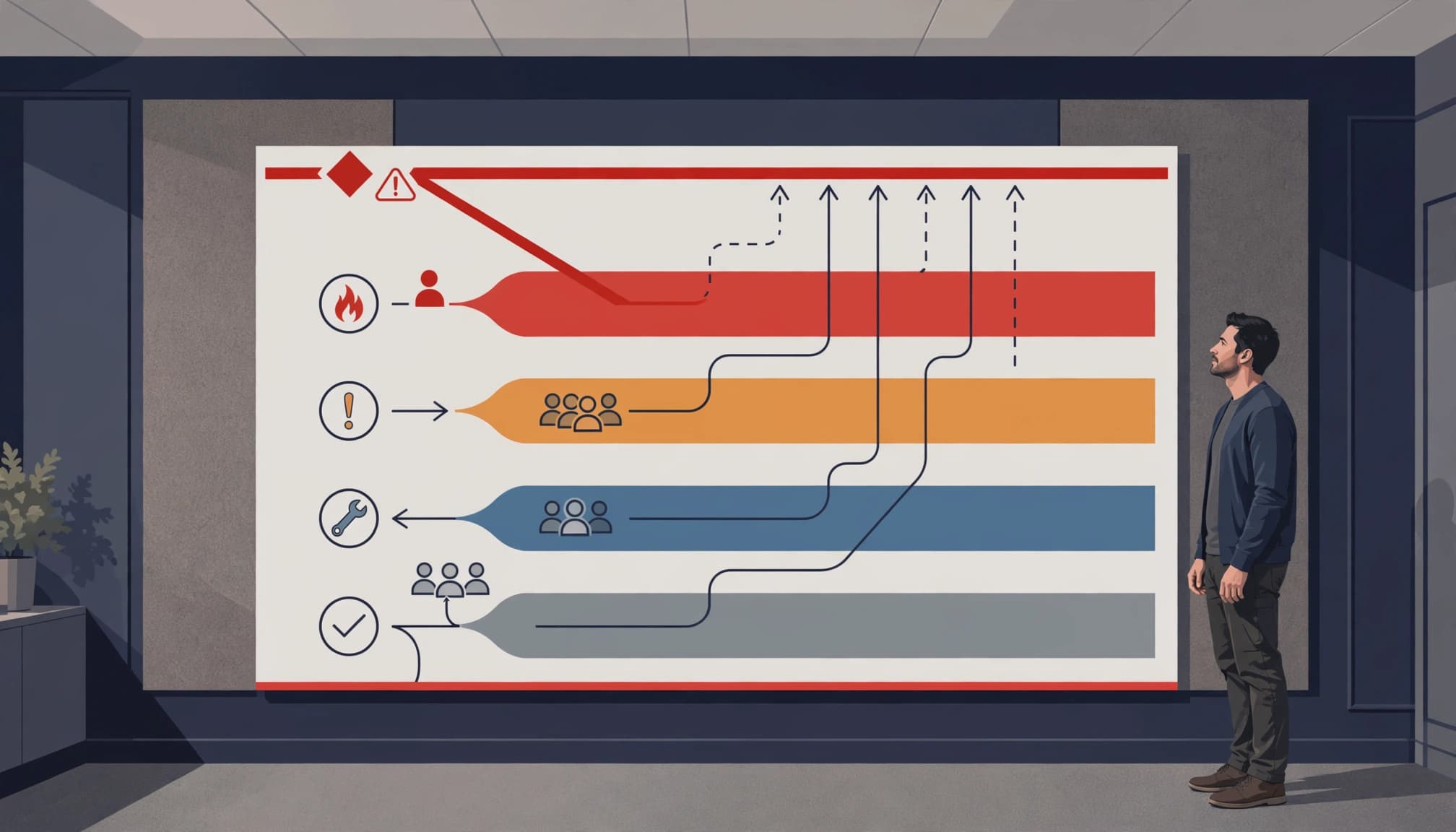
| Severity | Business condition | Response expectation | Accountable owner | Communication cadence | Escalation trigger |
|---|---|---|---|---|---|
| Level 1 | Limited user issue, no meaningful business interruption | Acknowledge within 4 business hours; resolve and record within 1 business day | Support team | At resolution, or daily if still open | Escalate if impact spreads, repeats, or remains open after 1 business day |
| Level 2 | Repeated failure, department disruption, or an approaching SLA breach | Acknowledge within 30 minutes; assign an owner within 1 hour | Service owner or specialist | Every 2 hours until workaround or resolution | Escalate if a second department is affected, the SLA is breached, or customer impact appears |
| Level 3 | Material customer impact, critical system degradation, or suspected security event | Name an incident commander within 15 minutes; provide a recovery plan within 1 hour | Incident commander and business owner, with vendor lead as needed | Every 30 minutes and after any material change | Escalate if customer impact widens, security exposure is confirmed, or recovery exceeds business tolerance |
| Level 4 | Major outage, confirmed compromise, regulated data exposure, or material financial impact | Begin executive response immediately; complete legal and board assessment within 1 hour | Executive incident sponsor, legal counsel, and board liaison | Every 30 minutes for executives; event-driven legal updates | Activate formal crisis governance when a major outage, compromise, regulated exposure, or material financial impact is confirmed |
Use impact, not technical drama
A failed internal report may be inconvenient. A failed payroll platform on payroll day is a leadership incident. The same technical defect can have different severity based on timing, revenue, customer exposure, customer satisfaction, and operational continuity.
The older NIST incident-handling guide offers a useful scoring model:
Impact score = round((current effect x 2.5) + (projected effect x 2.5) + (system criticality x 5))
You don’t need to adopt that formula exactly. Its logic is sound. Use measurable escalation criteria based on current effect. Severity can increase when projected impact, customer exposure, regulatory obligations, or system criticality changes.
This framework belongs in your business technology strategy, not only in a service desk procedure.
Set response clocks before the SLA is already missed
Service level agreements should set a clock, not create false comfort. A contract that says a vendor will respond within four hours isn’t enough if four hours of silence would already damage operations.
Set internal escalation thresholds ahead of the external commitment. This creates a ticket escalation clock for your team, rather than waiting for the vendor’s SLA. A simple rule is:
Internal escalation threshold = external response commitment x 75%
If a critical vendor must respond within four hours, the named vendor manager acts at three hours. Automatic escalation pages the backup owner, who takes responsibility if the vendor is silent. Ticket escalation then moves the issue to the executive sponsor and alternate contacts.
Track more than resolution time
Mean time to resolution matters, but it can hide weak decisions. A short fix that creates repeat failures isn’t a win.
Track a small set of measures that show whether the escalation process works:
- Actual time to acknowledge, triage, contain, restore service, and provide updates, measured against targets by severity.
- SLA compliance by severity, including the percentage of incidents meeting response and update commitments.
- Incidents that required executive elevation or third-party intervention.
- Repeat incidents tied to the same root cause, system, or vendor.
- First contact resolution for routine support tickets.
A useful dashboard supports escalation management by showing whether the process works and revealing patterns. If the same vendor creates Level 3 incidents every quarter, that isn’t a ticket problem. It’s a vendor management and technology risk oversight problem. Meeting the contractual clock may show SLA compliance, but it doesn’t prove effective risk management.
NIST finalized Revision 3 of its incident-response recommendations in April 2025, with a stronger connection between incident response and broader cybersecurity risk management. NIST’s incident-response project is a useful reference point as you update policies and playbooks.
Make the handoff packet non-negotiable
Most escalations lose time because people must reconstruct the story. Escalation management works better when the record travels with the issue.
A vague email should never replace a complete ticket escalation. Vendors shouldn’t have to request missing logs, and leadership needs a clear decision request.
Every Level 3 or Level 4 incident should have a short handoff packet. It must match your escalation matrix and severity level. Keep it practical:
Severity and timestamped facts: the severity, affected service, start time, confirmed facts, and known gaps.
Business impact: customers, revenue, operations, staff, data, and contractual commitments at risk.
Containment status and actions: current containment status, rollback attempts, workarounds, and actions completed.
Current owner and decision owner: the incident commander, technical lead, business owner, and executive contact. Ownership transfers only when the receiving person acknowledges the handoff. Name a documented backup contact for after-hours coverage.
Decision needed: the choice, deadline, cost, and consequence of waiting.
Next update: a specific time, even if the update is simply that facts are still being verified.
Communications status: who has been notified, what they were told, and which audiences still need an update.
Legal/privacy review: the review status, assigned contact, and any reporting or notification deadlines.
Vendor case number: the provider’s case number, assigned contact, and latest response.
Bring vendors inside the same system
Your managed service provider, cloud host, software vendor, telecom provider, and security partners need defined contacts and contractual response commitments. Keep those details in a maintained systems inventory, not in one employee’s email.
Vendor due diligence should test more than security questionnaires. Review after-hours contacts, escalation tiers, incident notice language, data access, recovery responsibilities, and vendor offboarding requirements. Validate contacts periodically, and document a backup contact for after-hours coverage.
Separate contractual response commitments from actual recovery responsibility. Review vendor acknowledgement and update commitments for SLA compliance, then confirm who owns restoration, workarounds, and customer communication.
For major dependencies, include vendor failure scenarios in your vendor risk reporting for boards. A critical provider can be operationally sound one month and acquired, breached, or financially unstable the next.
Use automation carefully, and keep humans accountable
Automation can route support tickets, detect repeated service failures, and trigger automatic escalation as a response clock nears breach. A support platform such as Jira Service Management or Salesforce can apply routing rules for ticket escalation. Automated actions may route, page, summarize, or suggest priority, while monitoring acknowledgements and updating commitments for SLA compliance; human judgment remains necessary.
Artificial intelligence can help summarize incident notes, identify duplicate tickets for support agents, and surface unusual patterns. It should not independently decide that a possible breach is immaterial or that a customer-facing outage can wait.
Prevent over-escalation
If every issue becomes urgent, people stop responding to urgency. Set conditions that require a Level 3 or Level 4 response, then review false escalations after the fact.
You should also define an exit rule. Who decides the incident is contained? Who approves the return to normal operations? What evidence is required before the issue is closed? A named human must approve materiality, breach classification, customer notification, risk acceptance, closure, and return to normal operations. Human review is central to escalation management and determines where the escalation process stops.
This is where an AI acceptable use policy and sound AI governance matter. Artificial intelligence should reduce delay and context loss. It should not create a second layer of unowned decisions. Keep an audit log for AI-generated summaries and automation decisions.
Test the rules while the stakes are low
An escalation policy that has never been tested is a draft, not an operating control.
Run a 60-minute tabletop exercise twice a year. Record the date, participants, findings, owners, and due dates. Use situations your business could actually face: a ransomware alert, a routine ticket that crosses a severity threshold and requires ticket escalation, a failed ERP integration, a payroll outage, a cloud-provider disruption, or an unavailable core vendor.
Run each tabletop as an incident management exercise, then document an after-action review. Test alert delivery, contact availability, decision authority, vendor handoffs, communication channels, evidence collection, recovery approval, and board notification triggers.
Review the gaps without blame
After each exercise, ask direct questions about the escalation process. Compare crisis performance with the first contact resolution baseline used in routine support. Check SLA compliance for acknowledgement and update commitments.
Did the right people receive the alert, and could they reach each other? Did anyone know who had authority to pause service, notify customers, or approve emergency costs?
Exercise the escalation matrix during every tabletop. Use the findings to update it, vendor contacts, and the executive incident response checklist. Retest after any critical system, provider, leadership role, or severity threshold changes. Tie this work into your 12-month technology roadmap, with owners and dates.
If no one can keep this operating rhythm in place, you may have a technology leadership gap. A fractional CTO can provide ongoing executive technology leadership when you need stronger ownership but aren’t ready for a full-time hire. An interim CTO may fit better when a leadership seat is vacant or a serious failure has exposed weak control.
For boards, keep reporting short. Cover the event, business impact, decisions made, open risk, corrective actions, and dates for verification. Good technology governance for boards is not a flood of technical detail. It is reporting leaders can use.
Clear rules create calmer decisions
Technology escalation rules do not prevent every outage, vendor failure, or cyber event. They prevent uncertainty from making the incident worse.
When ownership, thresholds, and response clocks are documented, the escalation process becomes easier to follow. Consistent escalation management helps your team act faster without waiting for permission that should have been defined months earlier. Your board gets clearer risk reporting, vendors receive more predictable coordination, and customers get more honest communication, reducing uncertainty and supporting customer satisfaction. Your leaders make confident decisions under pressure.
If your current ticket escalation path depends on personal relationships, tribal knowledge, or whoever happens to answer the phone, Get an Executive Technology Clarity Check.
Frequently asked questions
What is the difference between functional and hierarchical escalation?
Functional escalation moves an issue to someone with the right technical or operational expertise. Hierarchical escalation moves it to someone with greater decision authority, such as a CEO, executive sponsor, or board contact. Document the owner, response clock, and evidence required for each path. Measure routine support with first contact resolution separately from major-incident performance.
When should the board be notified of a technology incident?
Set company-specific escalation criteria for materiality. Include material customer impact, an extended outage, confirmed regulated-data exposure, significant financial loss, legal reporting obligations, or a major risk acceptance decision. Define who owns the update, when it is due, and what evidence supports it. Don’t wait for a full forensic report before giving the board an initial, fact-based update.
How often should you test an escalation policy?
Test your escalation policy for serious scenarios at least twice a year. Include ticket escalation, vendor contacts, executive availability, communication paths, and recovery decisions. Re-test after you change a critical system, provider, or leadership role, and record missed response times or ownership gaps.