

Eligibility screening tools for legal aid sound technical, but they sit right in the middle of your mission. They shape who gets through the door amid pressing client needs like housing issues, lockouts, or benefit terminations, who gets referred out, and how fast staff can respond when client wait times are already too long.
For many legal aid organizations, the intake process is a tangle of paper forms, one-off spreadsheets from a clunky intake system, and staff memories. Funders want consistent rules. Boards want cleaner data. Communities just want a clear answer. Screening tools like an AI Intake Agent promise something better: faster, fairer decisions that advance access to justice, less staff burnout, and data you can stand behind when the audit comes.
Key takeaways: What leaders need to know about eligibility screening tools for legal aid
- Eligibility screening tools for legal aid powered by AI Intake Agent turn scattered intake rules into a single, shared playbook for legal aid organizations.
- They reduce staff burden through automation by asking only what is needed, in the right order, across phone, online, and walk-in channels.
- Standardized screening via an AI solution and robust intake system creates cleaner data for reporting, audits, and grant renewals, standardizes workflow, and lowers compliance risk.
- Good tools protect privacy, support equity checks, refer clients to self-help resources, and still leave room for staff judgment where the rules are not enough, ultimately enhancing legal services.
What eligibility screening tools for legal aid actually do (and why they matter now)
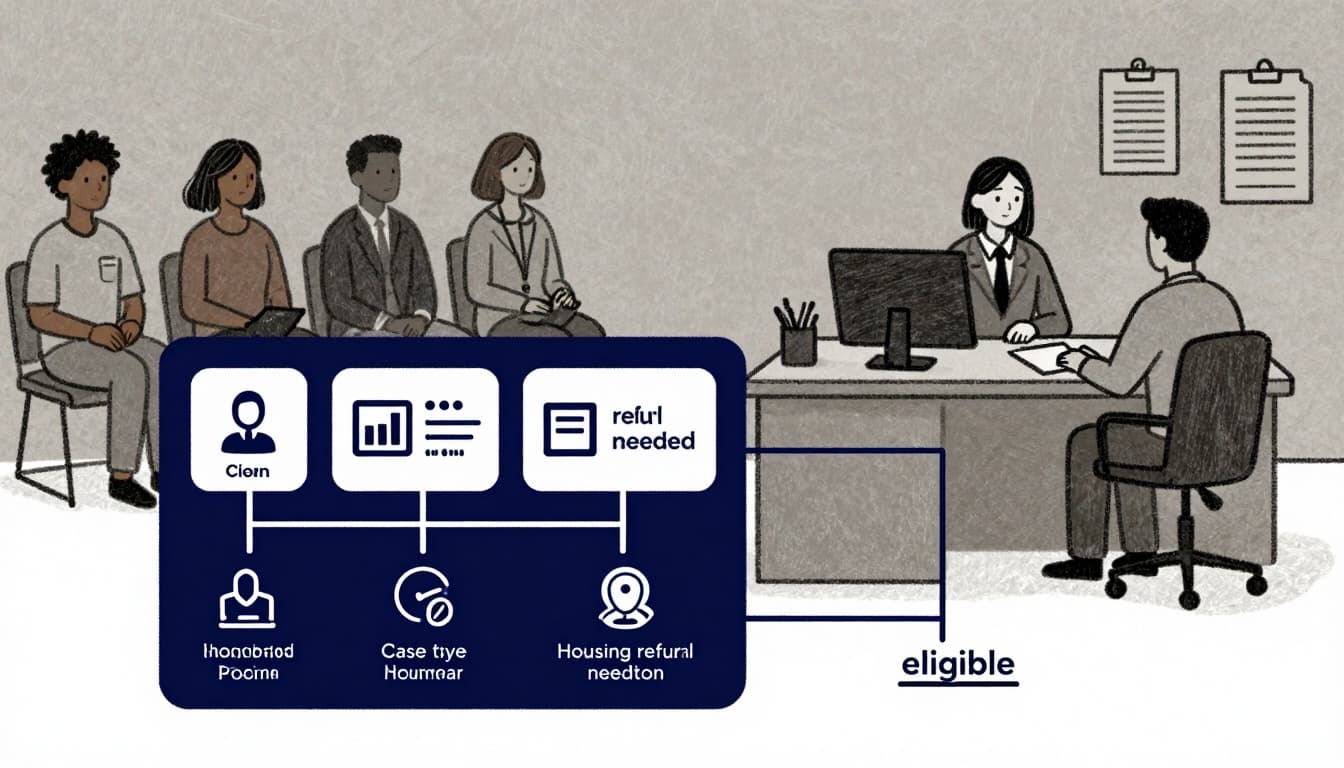
At the simplest level, these tools ask a short set of questions, then sort people into clear paths through a triage system. Eligible for your services. Eligible for a partner’s services. Not eligible, but should get strong self-help materials and maybe a warm referral.
They sit right at the front of intake and triage. Think of a tenant facing eviction for housing issues who finds your website at midnight. An AI Intake Agent as a web-based screener can ask about income, family size, location, and court dates, then route them to online intake, emergency hotline, or self-help resources. Tools like the Greater Boston Legal Services Eligibility Checker show how short, guided flows powered by a chatbot can do this work without a staff member on the phone.
For advocates, these tools can pre-screen cases in housing issues, public benefits, debt, immigration, or medical-legal partnerships. A health clinic might use a short legal screener tied to the I-HELP domains, then refer only higher-risk patients to your team. A centralized intake unit might use an AI Intake Agent online screener plus a follow-up intake interview to confirm details.
Some public systems already model this logic. The UK government’s online service to check if your client qualifies for legal aid walks providers through financial and case criteria step by step. Civil legal programs in the US are moving the same way, combining guided online questions powered by LLMs (Large Language Models) with staff review and case management tools.
Done well as part of the overall intake system, screening supports both walk-in and online clients. Staff spend less time on basic fact-gathering and more time on judgment calls, safety planning, and legal strategy. This AI solution promises more consistent eligibility determination with the staff you already have, plus automation for efficiency gains.
Core problems these tools solve for legal aid organizations
Leaders usually feel the pain before they name it.
You may see inconsistent eligibility decisions across offices, hotlines, or shifts. One advocate says yes, another says no, based on the same facts.
You might still rely on manual spreadsheets or paper forms tied to a slow data entry process, which slow intake, block real-time views, and leave you exposed when funders ask for backup.
Clients often wait days for a clear answer on legal advice, which means slow response times and long client wait times for urgent issues like lockouts, benefit terminations, or safety concerns.
And when reporting season hits, weak data for grants and boards turns into a scramble. No one is sure how many people were screened, who got referred, or where there are gaps.
Eligibility screening tools create a single, shared source of truth about eligibility determination, under what rules, and with what outcomes that lead to legal help.
Types of eligibility screening tools in use today
Most organizations use a mix of tools, even if they do not call them that.
1. Simple checklists or paper forms
These are printed intake sheets or laminated checklists at the front desk. They are easy to start and adjust, but they live in binders and do not generate usable data.
2. Web-based self-screeners for clients
These are short online questionnaires powered by LLMs (Large Language Models) or a chatbot that give people a “likely eligible” response and next steps. They expand reach and reduce phone pressure, but can exclude people without internet or with low literacy if they are not designed well. Examples include online civil financial screeners like the Legal Aid Learning civil financial eligibility tool.
3. Integrated intake tools tied to case systems
These connect screening questions directly to your case management or CRM as part of the overall intake system. They cut retyping, improve reporting, and support more complex rules with an AI Intake Agent, but take more planning and governance to keep aligned with policy.
The more advanced tools work best when they sit inside a broader intake and data plan, not as a standalone project.
How to choose and implement the right eligibility screening tool for your legal aid program
For most leaders, the hardest part is not the software. It is turning scattered rules and habits into clear decisions that technology can support.
The goal is simple: a triage system that makes your screening process clear to staff, fair to clients, safe for sensitive data, and honest about your capacity.
Step 1: Define clear eligibility rules and triage paths
Before any demo, leadership needs to agree on the basics for your intake process. Who qualifies for which services, under which conditions, including legal advice.
That usually includes income limits, household size, and asset rules. Case types you accept or refer out. Geographic boundaries. Conflict rules. Priority populations, such as survivors of violence, youth, people facing housing issues, or at risk of homelessness.
Capture this in a simple decision tree or flow chart that staff can read without legal training. “If income is at or below X and case type is Y, send to Z program.”
This policy work should come first and reflect your real-world eligibility rules. The tool should reflect your real-world priorities, not shape them.
Step 2: Pick tools that fit your intake channels, data, and risk profile
Once the rules are clear, you can weigh options against your reality.
Look for tools that are easy for both staff and clients to use, including chatbot options. Mobile-friendly, plain language, and available in the main languages you see.
Check how well the tool integrates with your existing case management system or document tools. Platforms like LawHelp Interactive show how guided forms can connect to downstream workflows and reduce duplicate entry.
Pay close attention to data security and client protection policies, including consent and retention. You want clear language about what is collected, who can see it, how long it is kept, and how it is shared with partners or funders.
Avoid tools that cannot export clean data, lock you into a single vendor, or fail to keep up with changing poverty guidelines or funder rules. Standard-setting resources, like New York’s eligibility standards and related documents, can be useful reference points.
Step 3: Roll out, test, and improve your screening workflow
Treat your first rollout as prototype development with a pilot.
Start with one program or region. Track how long screening takes, how many applicants are eligible or ineligible, and how often staff override the tool’s suggestion for human review.
Ask staff where questions feel confusing, harsh, or not trauma-informed. Ask community partners if clients understand the flow and receive clear next steps.
Provide short job aids, sample scripts, and clear handoffs from screening to intake interview and representation. Make it obvious who fixes problems when something breaks.
A structured rollout like this reduces surprises, builds staff trust, and gives you evidence when you refine questions or add programs.
Governance, data, and FAQs: Making screening tools work for the long term
Screening rules never stay still. Poverty guidelines update. New programs launch. Funders shift priorities.
Without clear governance, tools drift out of date, and bias or access gaps can creep in. With it, you can keep the rules accurate, protect sensitive data for client protection, and check whether the tool is supporting access to justice goals instead of undermining them.
Who owns the rules, data, and updates for your screening tools?
Every organization needs named owners for three things.
First, legal and policy rules, usually a legal services program or advocacy lead who tracks statutes, regulations, and funder terms.
Second, technology and integrations, such as an internal systems lead or external vendor who manages changes and security.
Third, data quality and reporting, often a data or evaluation lead who checks that fields are complete, accurate, and useful.
A small cross-functional group that includes intake, program, data, and tech should review outcomes at least once a year. They can adjust questions, watch for disparities, and communicate changes to staff and partners.
Common questions leaders ask about eligibility screening tools
Is automated screening fair to clients seeking legal help?
It can be, if rules are transparent, staff can provide human review and override automated suggestions when needed (as tools do not replace professional legal advice), and you periodically conduct trauma-informed reviews of outcomes for bias or gaps.
Will tools add to staff workload?
If designed well, they cut repetitive fact-gathering questions and manual data entry. Work shifts from chasing facts to addressing higher-risk cases.
How do we protect privacy and security?
Collect only what you need, use clear consent language, restrict access by role, and store data in a case management system with strong audit and security controls.
Where do we start if our systems are mostly on paper?
Begin with a simple shared checklist and clear rules for eligibility screening, then move to a small online pilot. Upgrade in stages instead of jumping straight to a complex platform.
Conclusion
Getting eligibility screening tools for legal aid right is not about shiny software. It is about consistent decisions, better use of staff time, and stronger data you can carry into grant renewals, audits, and board meetings without flinching. When screening is clear and fair, your teams can spend more time standing with people in crisis and less time fighting their tools.
CTO Input partners with legal services organizations focused on justice to map your current intake system and data flows, design a realistic technology roadmap for AI Intake Agent with prototype development, and help choose and implement AI Intake Agent screening tools that fit the systems you already have. The work is grounded in privacy, security, and equity, not in selling a single platform.
If you are ready to calm the intake chaos, visit CTO Input and explore deeper guides and stories on the CTO Input blog. The hard question to leave with your leadership team is simple: would your current screening and intake setup stand up to a tough review from your funders, your board, and your community, all in the same week?