
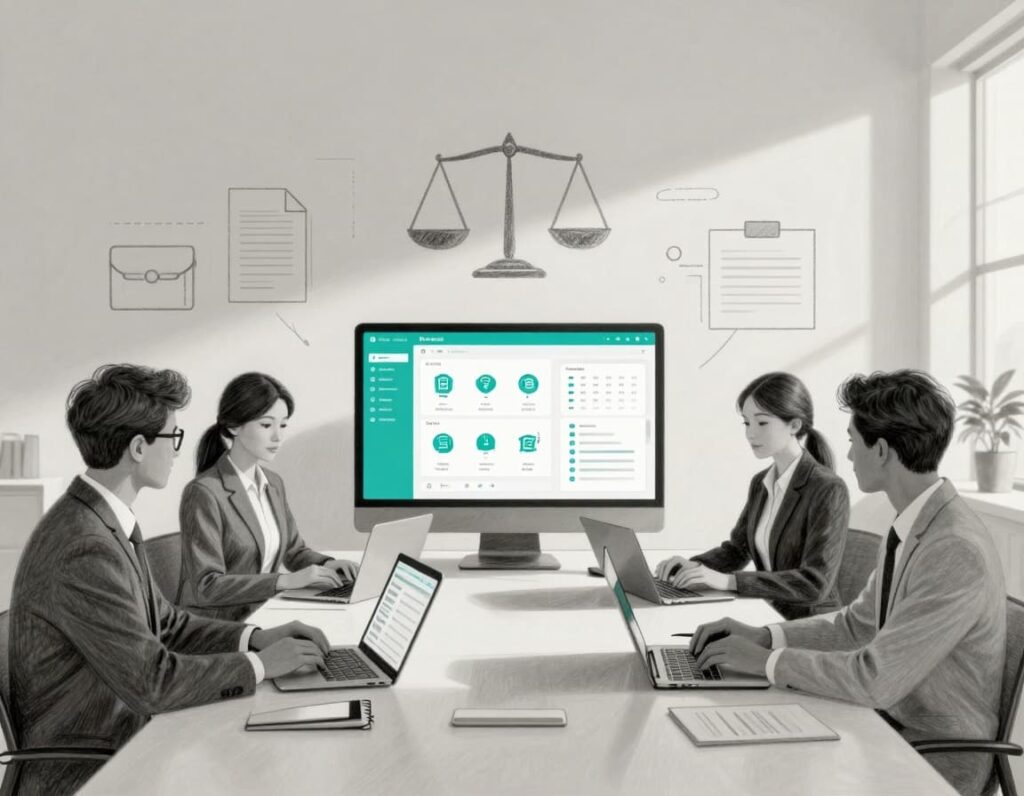
You are not chasing billable hours. You are trying to keep people safe, housed, and informed, often with less staff and more demand than feels fair.
Legal services case management software, a vital subcategory of legal practice management software, is one of the few tools that can actually calm the chaos and boost efficiency. At its best, it pulls case details, matters, deadlines, documents, notes, and outcomes into one reliable place. No more hunting through inboxes, shared drives, and old spreadsheets minutes before a board meeting.
For justice-focused organizations, the stakes are high. Scattered data makes grant reporting painful, risks client privacy, and leaves staff exhausted. This guide walks through what to look for in case management software, how to choose something that fits your grants and partnerships, and how to roll it out without burning out your team.
Key takeaways: What legal services practice management software should do for your organization
- Reduce chaos and risk by putting client data, tasks, and document management in one secure, consistent system.
- Provide core features for legal aid work, like intake, eligibility checks, conflicts, timelines, and outcome tracking.
- Fit your grants, privacy rules, and partner workflows, instead of forcing your programs into a law firm mold.
- Support a clear technology roadmap, steady change management, and expert guidance so the system keeps improving over time.
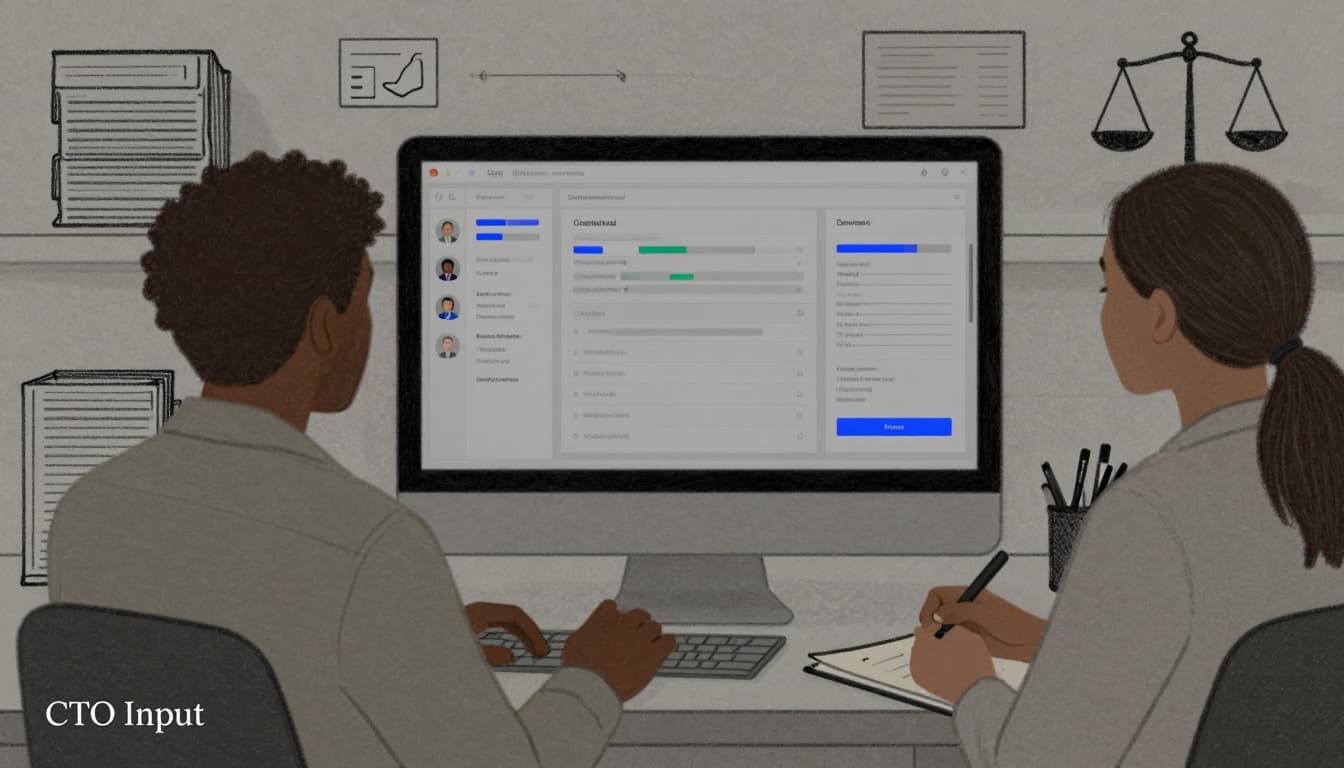
What is legal services case management software and why does it does it matter now?
Legal services case management software, also known as legal practice management software, is a shared system where your team tracks client intakes, eligibility, conflicts, legal cases, documents, deadlines, and outcomes. It connects the people doing intake, the attorneys doing the work, and the staff who handle grants and reporting.
For legal aid organizations, immigration services, law school clinics, and backbone groups, this software has moved from “nice to have” to basic infrastructure. Caseloads have grown. Remote and hybrid work are normal. Funders want detailed data, broken down by county, demographic, and outcome. Security and privacy expectations for legal software keep rising.
Recent guides on nonprofit case management tools highlight trends like AI-assisted reporting, mobile access, and strong security as standard features, not extras, for legal work (overview of nonprofit case management software). The point is not new tech for its own sake. It is safer, more consistent client service and credible, reusable data that boards and funders can trust.
How it differs from generic nonprofit CRMs and law firm tools
Generic nonprofit CRMs are built to track donors and mailings, not intakes, conflicts, or case outcomes. They can help you know who gives. They rarely help you know who you served, what you did, or how it turned out, and nonprofits typically do not need to track time for billing.
Law firm tools from law firms, on the other hand, assume billable hours with time tracking, private clients, billing and payments, and individual lawyers managing their own books of business. That model from law firms does not fit grant-funded programs, multi-partner coalitions, or a national network trying to track common outcomes.
Many of these differences show up as broader technology pain points: scattered tools, manual reports, and unclear data ownership. If this sounds familiar, it may help to read about common technology challenges for legal nonprofits as context for choosing case management tools.
Core problems case management software should solve for legal services teams
Good software should tackle problems you feel every week:
- Lost information across email, spreadsheets, and shared drives.
- Unclear ownership of a case when staff shift or leave.
- Missed or near-missed deadlines because tasks live in personal calendars.
- Manual, stressful grant and board reporting every quarter.
- Weak visibility across programs, regions, or partner sites.
- Difficulty telling a clear impact story with data you trust.
Each of these gaps carries risk for clients and constant stress for staff. The right system reduces both.
Essential features to look for in legal services case management software
When you sit through demos, it is easy to get dazzled. A better approach is to carry a short, sharp checklist.
Client intake, eligibility, and conflict checks that fit your programs
Most justice-focused groups do not have one client intake path. You might have walk-in clinics, hotlines, online forms, partner referrals, and training signups. Modern systems include lead management for these initial contacts.
Your client intake system should let you:
- Build flexible intake forms for each program.
- Capture eligibility rules like income, geography, and case type.
- Run conflict checks across your whole organization or network.
You want staff to see, in one place, who the client is, whether they qualify, and whether there are conflicts. That cuts risk, supports equity, and keeps services more consistent across teams and sites, all backed by strong data management.
Case timelines, tasks, and document management that keep staff in sync
Once a case is open, the software should show a clear story: key dates, hearings, filings, and outcomes of specific legal cases. Staff should see what already happened and what comes next, powered by automated workflows.
Helpful features include:
- Shared task lists with owners and due dates.
- Calendaring for hearings and key deadlines.
- Templates for common pleadings, letters, or forms with document management.
- E-signature support for quick approvals.
- Centralized notes and client communication, including email or SMS logs.
When people leave or shift roles, the case should keep moving. When staff work remotely, they should not have to ask “who has the latest version” or dig through old threads.
Reporting and analytics for funders, boards, and compliance without constant fire drills
Legal nonprofits live inside grant cycles and board cycles. A solid system makes reporting less of a fire drill and more of a routine pull.
Look for:
- Built-in fields for case type, like personal injury, demographics, geography, and outcomes.
- The ability to tag work to one or more grants or contracts.
- Simple filters that slice data by funder, program, county, or partner.
- Exports to spreadsheets when you need them, not as a daily crutch.
Some of the strongest nonprofit platforms now ship with robust grant and outcome reporting as standard features, especially for legal aid and human services (legal aid and nonprofit case management features in Clio). To make full use of that, it helps to set a broader technology roadmap for legal nonprofits so reporting structures match your long-term data goals.
Security, privacy, and access controls for sensitive legal information
You hold data about immigration status, criminal history, youth, survivors of harm, and more. That data needs strong, plain protections, including for secure documents.
Ask vendors about:
- Role-based access, so staff see only what they need, such as through a client portal.
- Strong authentication and encryption in transit and at rest.
- Audit logs that show who accessed or changed records.
- Clear data retention and deletion options.
Also ask how they handle incidents, what standards they meet, and how you could export data if you ever need to move. The goal is simple, documented answers, not vague assurances.
How to choose and roll out legal services case management software without overwhelming staff
Choosing the tool is only half the work. The other half is helping real people use it in a way that makes their lives easier, not harder.
Start with real workflows, not a feature wishlist
Before you talk to vendors, map a few real workflow examples:
- Intake to closure for one common case type.
- A referral from your team to a partner and back again.
- A standard quarterly report to a key funder.
Invite program staff, operations, and data folks into that conversation. Write down what “good” would look like at each step in the workflow. This keeps you grounded when vendors show shiny features that do not serve your clients or grants.
If you want help doing this, outside partners like CTO Input offer legal nonprofit technology products and services that start with workflow mapping, not tool sales.
Evaluate vendors on fit, support, and long term total cost
When you compare tools, focus on:
- Fit for legal services use cases (including client portals), grant-funded work, and legal practice management software needs.
- Cloud-based options alongside ease of use for non-technical staff.
- Onboarding, training, and support quality.
- Flexibility for grants, multi-site work, and partners.
- Total cost over three to five years, including migration and add-ons.
There are many strong options, from legal-aid-focused platforms like LegalServer to broader nonprofit systems listed in the LawNext legal services and legal aid software directory. There is no single “best” tool. Ask for references from organizations that look like yours in size, focus, and funding mix, and compare them to typical law office models.
Plan a phased rollout with training, feedback, and quick wins
A calm rollout starts small. Pilot with one team or program. Gather feedback. Fix forms, fields, and workflows while the blast radius is small. Then expand.
Give people clear training and short job aids. Set the expectation that the system will keep improving over the first few months. Identify one or two quick wins, like an automated intake log or a simple board dashboard, so staff feel the benefit early.
It also helps to learn from peers. Reviewing real legal nonprofit technology case studies can sharpen your sense of what a realistic, staged rollout looks like.
Common questions about legal services case management software
How is this different from our donor CRM?
A donor CRM tracks supporters and gifts, but it lacks time tracking and invoicing that legal services case management software provides. Legal services case management software tracks clients, matters, services, and outcomes. You might integrate the two, but they serve different core jobs.
How much should a mid-sized legal nonprofit expect to spend?
Costs vary, but many mid-sized groups spend a low to mid five-figure amount per year on licenses that cover all features, including integrated billing and payments functionality. While traditional law firms require trust accounting, legal aid organizations may avoid it. Plan for one-time costs too, like data migration, setup, and training.
How long does implementation usually take?
For a focused rollout, many organizations move from contract to live pilot in three to six months. Timelines stretch when data is very messy or when decision-making is slow.
What if staff are resistant to another new tool?
Involve them early, use their real workflows in design, and give them quick wins. Clear training, office hours, and honest feedback loops go further than any feature list.
Conclusion
The right legal services case management software does three simple things. It reduces chaos. It protects sensitive data. It gives leaders a clearer view of client impact and risk, without endless spreadsheets, all while driving greater efficiency.
Key points to keep in mind:
- Start from workflows and mission, not from a vendor’s feature list.
- Focus on a few essential features that support intake, case work, reporting, and security.
- Plan a phased rollout with strong support, training, and visible quick wins.
CTO Input partners with justice-focused organizations and law firms to assess current systems, build a grounded technology roadmap, and support selection and implementation, building on the challenges described in the CTO Input technology challenges for legal nonprofits blog and the broader services at CTO Input. If you are ready to turn case management from a quiet source of stress into a stable backbone for your work, schedule a conversation at https://ctoinput.com/schedule-a-call, then explore deeper articles and guidance on the CTO Input blog at https://blog.ctoinput.com. The next step toward calmer, safer operations with the right practice management software is yours to take.