

Most justice-focused nonprofits were never meant to run on spreadsheets forever. Yet intake, clinics, trainings, and grant outcomes often sit in tabs and shared drives that only a few people really understand.
When funders, boards, or partners ask simple questions, staff scramble. Exports, copy‑paste, late nights. People worry about privacy but do not feel they have better options. Stronger nonprofit data management can change that without breaking the work that already exists.
This piece lays out a practical path from spreadsheet chaos to shared, trustworthy case and program records that staff can actually use.
Key takeaways
- Spreadsheets are fine for pilots, but they quietly collapse under scale, staff turnover, and audit pressure.
- A shared record does not always mean one new mega-system, it means a clear “source of truth” and sane connections between tools.
- The hard part is less about software and more about shared definitions, governance, and habits.
- A staged roadmap lets you reduce risk and reporting pain in months, while building toward a long-term data backbone.
Why spreadsheets break at scale in justice-focused nonprofits

Image of a team worrying about nonprofit data management created with AI.
Spreadsheets feel friendly when a program starts. One sheet for intakes. One for trainings. One for funder outcomes. Everyone promises to “keep it clean.”
Then programs grow. New regions, new partners, new funders, new staff. Old sheets spawn copies. Columns drift. No one is sure which version is right.
Common signs things have tipped:
- Intake, casework, events, and grants all sit in separate trackers.
- Only one or two people know how to “fix the numbers” before a report.
- Staff keep their own hidden files because they do not trust the shared ones.
At that point, spreadsheets are not just messy. They are a risk. Reporting fire drills burn staff out. Leadership cannot see patterns across programs. Quiet errors slip into board decks and grant renewals.
Many justice organizations describe this pattern in the same way as the technology challenges facing legal nonprofits. Fragile systems steal time, trust, and focus from the work that matters most.
What a shared case and program record can look like
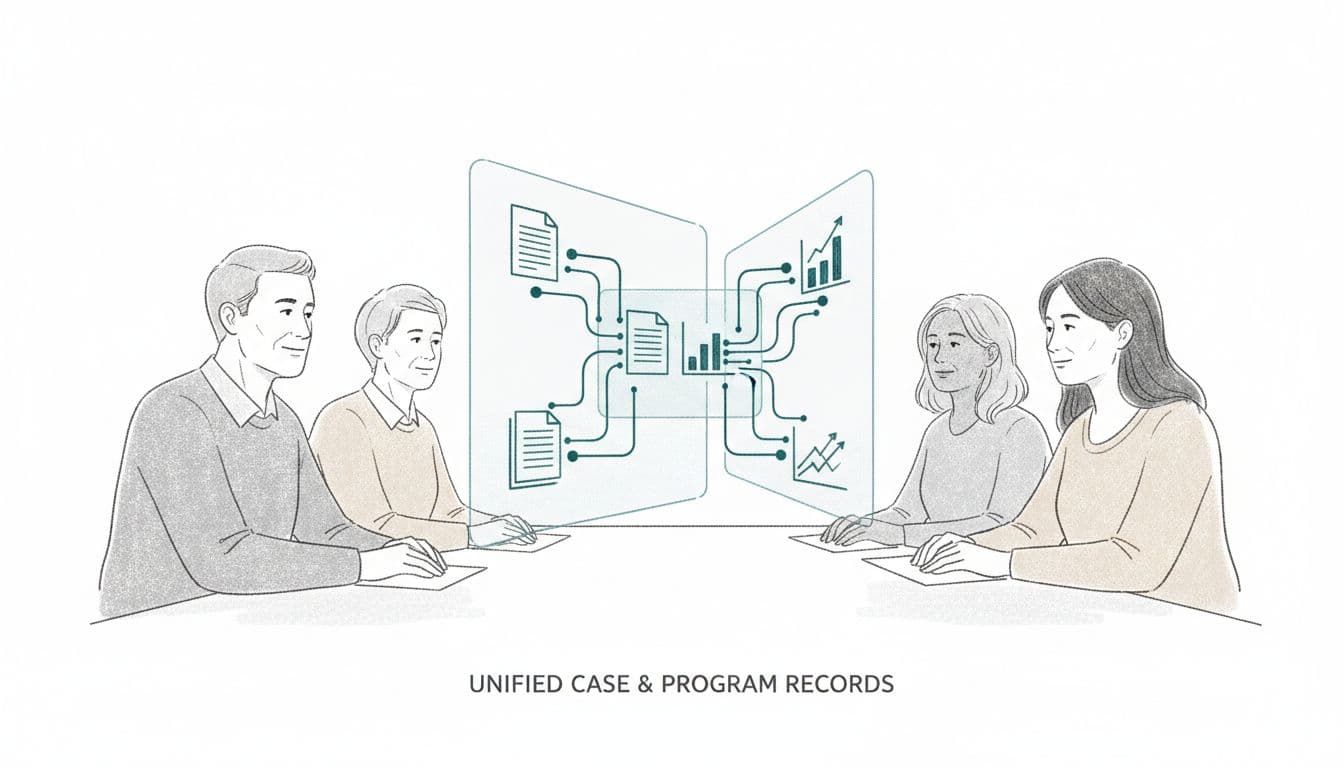
Image created with AI.
A shared record does not mean one giant tool that does everything. It means everyone is reading from the same story.
Picture this:
- Each client or case has one core record.
- Program activities, trainings, referrals, and outcomes attach to that record.
- Development and finance can see the same core data that programs see, framed for their needs.
- Leadership gets a simple view of volume, reach, and results across teams.
International Justice Mission showed one version of this when it used Salesforce to connect investigations, legal teams, aftercare, and donors into a single view of work and impact. Their story, shared in the International Justice Mission customer case study, is just one example of connecting operations and fundraising data so information can move across the house.
Some organizations do not replace every existing tool. They use a hub to pull data together for analysis and reporting. Platforms like Unite Analytics for nonprofit data show how a central data layer can pull in case, program, and fundraising information so teams can ask better questions without abandoning every current system.
The goal is not perfection. The goal is a calm, shared picture that staff trust.
A practical roadmap from spreadsheets to shared data
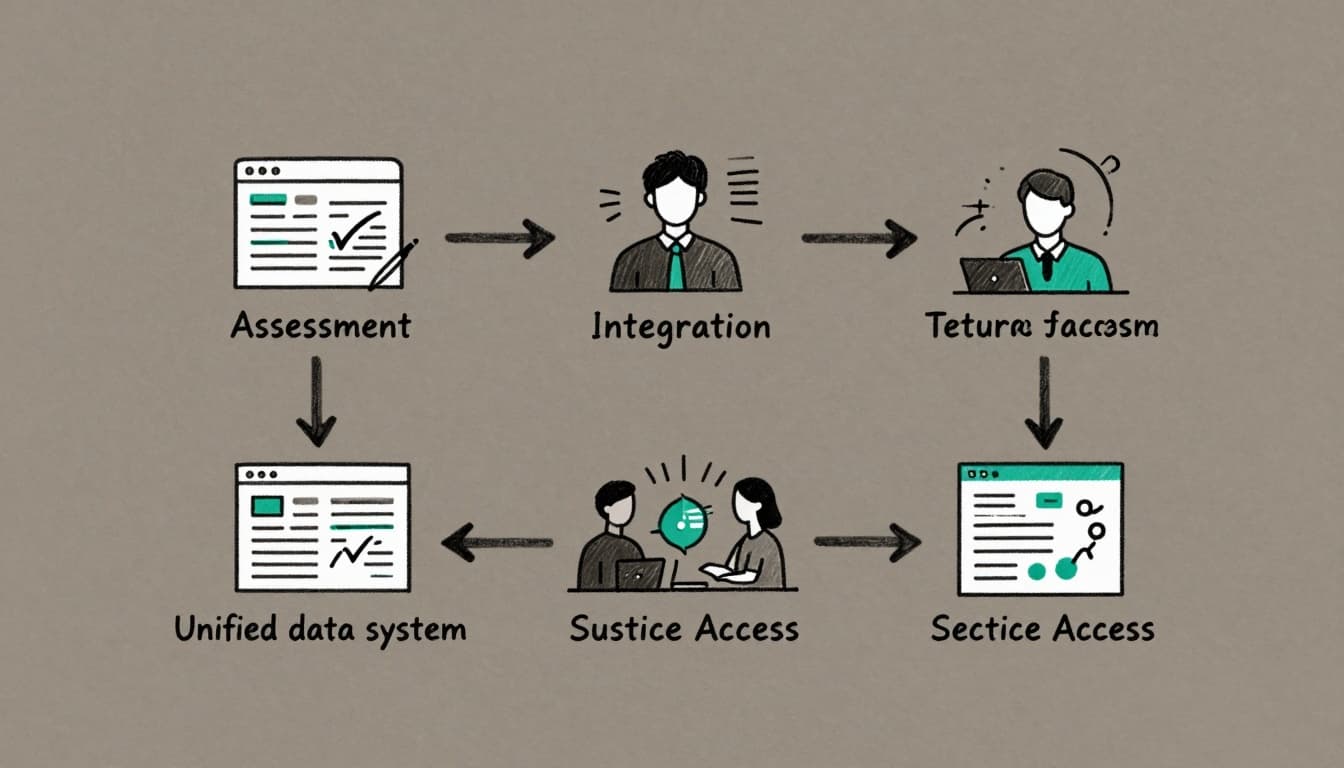
Image created with AI.
Moving from scattered trackers to a shared record is a journey, not a weekend project. A simple roadmap helps you move without overwhelming staff.
1. Map reality, not aspirations
Start with interviews and a quick inventory. Where does intake actually happen. Where do staff keep “the real numbers.” Which reports cause the most stress.
From there, name one or two systems that will act as “sources of truth” for core data such as clients, cases, and programs.
2. Standardize key fields and definitions
Next, clean up language. Decide how you define a “case,” “engagement,” “training,” or “closed matter.” Agree on a small set of shared fields that every program uses.
You can usually get big gains by fixing 20 to 30 essential fields rather than trying to standardize everything.
3. Connect existing tools in simple, durable ways
Once core definitions are stable, connect the tools you already have. That might mean:
- Scheduled imports from your case system into a central reporting database.
- A simple integration between training sign-up forms and your CRM.
- A shared ID that lets you match program records to fundraising records.
Data platforms like Unite Analytics’ data management layer illustrate how connections across fundraising, advocacy, and mission delivery can sit on top of the tools you already use.
If you want a fuller blueprint, the roadmap to unified case and data systems model shows what a 12 to 24 month plan can look like.
4. Invest in people, training, and habits
Tools do not fix behavior on their own. Budget time for staff training, quick reference guides, and a standing place to ask “where should this live.”
Short, regular check-ins usually work better than one big training that everyone forgets.
Governance, privacy, and trust around shared data
Shared data only works if people trust how it is handled. Justice-focused nonprofits work closer to the edge than most. You hold information about immigration status, detention, criminal charges, and youth. A leak is not just embarrassing. It can cause real harm.
Courts and justice agencies use structured case management systems to support transparency and accountability. Nonprofits need their own scaled version of that discipline.
A few simple anchors go a long way:
- A small data governance group with program, operations, and possibly legal or compliance at the table.
- Clear rules for who can see what, based on role and need, not curiosity.
- Short, plain policies on retention, exports, and sharing with partners.
- Regular spot checks or audits of access, especially for high‑risk programs.
Healthy nonprofit data management treats privacy as part of client care, not a side project for IT.
How CTO Input can help justice-focused nonprofits
Many organizations know their spreadsheets are fragile but feel stuck on where to start. The work is complex. Staff are already stretched. No one wants another big project that fades out after six months.
CTO Input helps by listening first, then co-designing a plan you can stand behind. The CTO Input nonprofit tech products and services offerings include system clarity blueprints, reporting resets, and security work that all connect back to shared data.
If you want examples of how this looks in practice, the legal nonprofit tech case studies and results page shows how other justice organizations have turned spreadsheet chaos into calmer, funder-ready data.
Frequently asked questions
How do we know we are ready to move beyond spreadsheets?
You are ready when reports require heroics, when two staff give different numbers for the same question, or when new programs cannot plug into existing trackers without breaking them.
If staff feel they are “doing data” instead of doing their jobs, that is your signal.
Do we need a brand-new case system before we unify data?
Not always. Many organizations start by cleaning up definitions and connecting existing tools in smarter ways. That alone can cut reporting time in half.
When you are ready to review options, resources like this nonprofit CRM buyer’s guide can help you think through features, budget, and long-term fit before you buy.
What about small legal clinics or law school programs?
Size does not change the need for clear, shared data. A clinic running three dockets can still benefit from one simple database that tracks clients, matters, students, and outcomes in the same place.
The tools might be lighter, but the discipline is the same: one shared record, clear definitions, and safe handling of sensitive information.
How long does a transition away from spreadsheets usually take?
Most organizations can see quick wins within three to six months, such as better intake tracking or simpler grant reports. Deeper shifts, like phasing in new systems or fully standardizing data across many programs, usually stretch across 12 to 24 months.
The key is sequence. Start with the few changes that reduce pain and risk fastest, then move toward the bigger steps.
Conclusion: From chaos to credible shared data
Spreadsheets helped you get here. They should not be the backbone that carries your next decade of work. When you move toward shared, trusted data, you protect clients, support staff, and give boards and funders a clearer view of impact.
You do not have to figure that path out alone. CTO Input partners with justice-focused organizations to design nonprofit data management that matches the weight of the mission. You can learn more about our approach at CTO Input and explore related insights on the CTO Input blog.
If you want a concrete next step, set a goal to retire at least one mission‑critical spreadsheet in the next year. If you want a thought partner for that work, schedule a conversation at ctoinput.com/schedule-a-call and bring your three hardest data headaches to the table.