
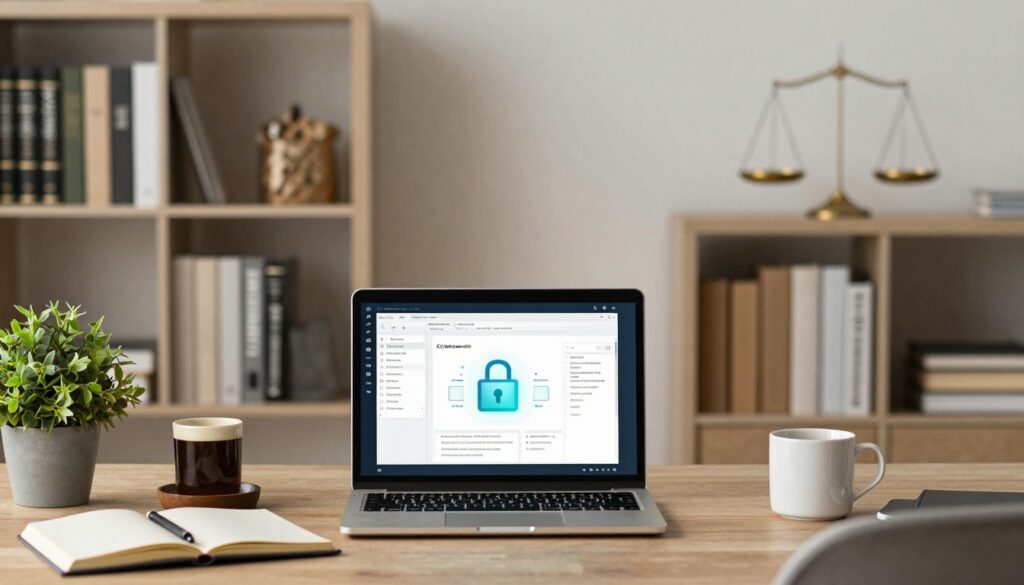
Remote work and hybrid arrangements are now standard for justice-focused organizations, much like in law firms. Legal professionals support advocates from home offices, co-working spaces, clinics, and sometimes from cars outside detention centers. In that mix, remote work tools for legal services teams are no longer nice-to-have. They are the backbone that keeps client stories, evidence, and deadlines from slipping.
The problem is familiar. Scattered tools. Too many logins. Case files in email, chat, and personal cloud accounts. Leaders feel caught between urgent security worries and staff burnout from manual work.
This post is for executive directors, COOs, and operations or technology leaders one step behind frontline advocates. The focus is not shiny tech. It is secure, practical, funder-friendly choices that lower risk, support staff, and give you cleaner data to stand in front of boards and funders with confidence.
Key takeaways: Remote work tools legal services leaders should focus on
- Core categories to cover: communication and collaboration tools, secure document and case management, legal research and e-signature, and simple workflow or project tracking.
- Security and governance first: tools must protect sensitive client data, support access controls and audit trails, and fit your policies and funder rules.
- Integration over tool sprawl: prioritize platforms that connect cleanly to improve efficiency so legal professionals are not retyping the same data into three systems.
- Start small and deliberate: map one or two painful workflows, run focused pilots, then grow from there instead of trying a giant rebuild all at once.
- Support the people behind the tools: training, written guides, and office hours matter more than any single product choice.
What legal teams actually need from remote work tools
Remote work tools have a simple job in justice-focused settings: help legal teams move a client from first contact to resolution, across locations, without losing safety or story.
That means tools must handle sensitive facts about immigration status, criminal history, youth, survivors, contract management, and workers. They must serve remote legal staff spread across time zones and partner organizations. They must also support grant reporting, board dashboards, language access, and relationships with community groups that may have limited tech of their own.
In this context, brands are less important than capabilities. You need cloud-based software that can:
- Keep confidential data safe while people work from home or in the field
- Enable secure communication and strong client communication, even with limited bandwidth
- Store documents and case notes in a shared, organized way
- Produce reports funders trust, without last-minute panic
You can think of this as building a realistic technology roadmap for legal nonprofits rather than chasing every new app that appears.
Security, privacy, and compliance for remote legal work
Data security is not an IT side project. It is part of client care.
Many teams handle immigration files, youth records, incarceration issues, or survivor stories. If staff use personal email or consumer chat tools for those details, the risk is real, for clients and for the organization.
Remote work tools should support:
- Role-based access, so staff see only what they need
- Multifactor authentication, so a stolen password is not enough
- Encryption, so data is protected in transit and at rest
Clear rules matter too. No case details in unapproved messaging apps. No saving client folders to unencrypted personal laptops.
Leaders who treat data security as part of funder compliance and ethical practice, rather than a nuisance, usually sleep better. Firms like CTO Input see the same patterns over and over in common technology and security challenges legal nonprofits face.
Integration and reducing tool sprawl across programs
Tool sprawl looks like this: ten different apps, each with a login. Intake in one form tool. Notes in email. Documents on a shared drive. Time entries in a separate system. Grant reports in spreadsheets.
Every extra system creates drag. Staff retype data. Reporting takes days instead of hours. Mistakes creep in.
You get more value from a small set of connected tools that drive efficiency by:
- Sharing data safely between case tracking, communication, and documents
- Reducing duplicate entry and manual exports
- Producing consistent, cross-program reports
Each new tool should have a clear owner, a clear purpose, and a direct link to case and grant reporting duties. When in doubt, deepen use of existing core systems instead of adding one more exception.
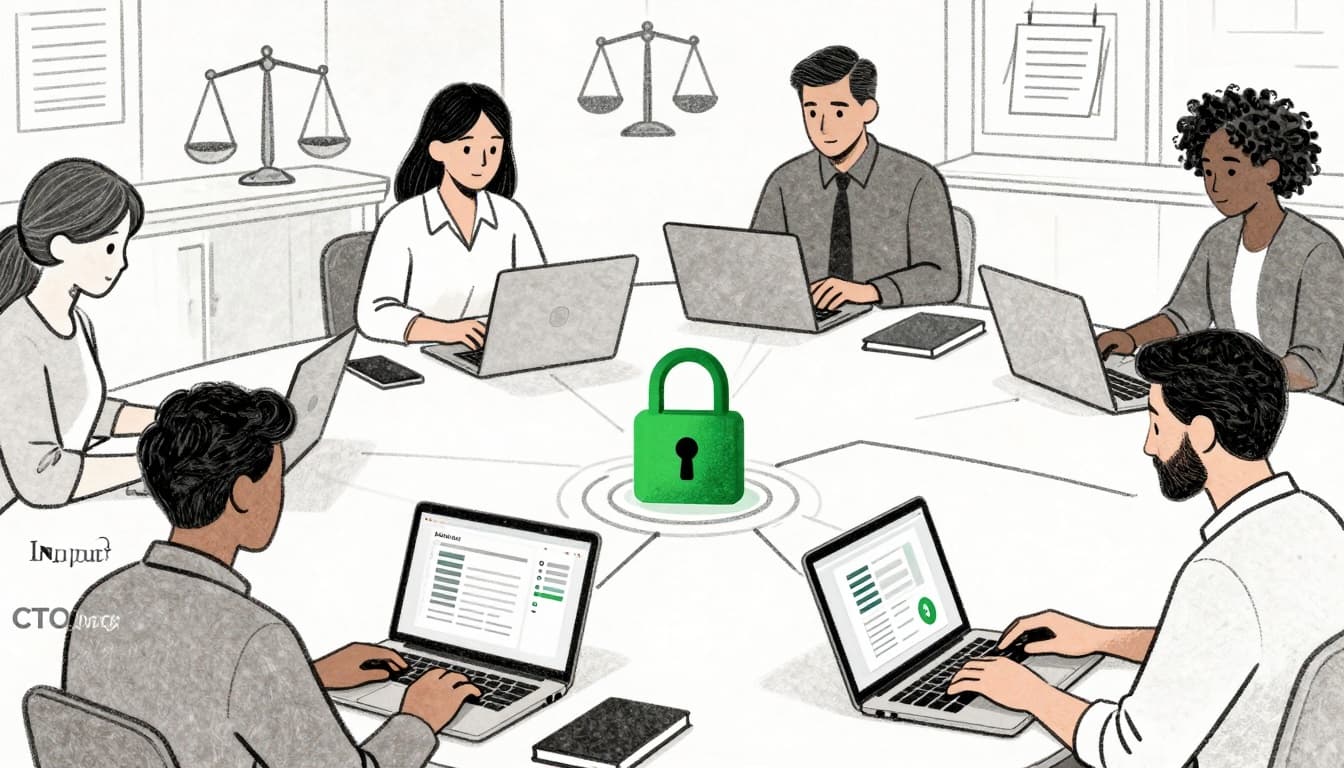
The essential remote work tools stack for legal services teams
A strong remote setup covers a few clear categories. You can add depth over time, but the core stack is straightforward.
Secure communication and collaboration tools that fit legal work
Secure communication platforms and remote collaboration tools like Microsoft Teams or Slack help organize conversations by case, project, or program. They cut down on long email threads and pull part-time, hybrid, and remote staff into the same space.
Good collaboration tools:
- Offer channels or teams for specific matters
- Integrate with your document storage, so files live in one place
- Provide reliable video conferencing software and screen sharing
Turn on multifactor authentication by default. Set simple channel naming rules so staff can find things. Keep case details out of personal messaging apps.
For a broader view of communication and collaboration options in law-focused settings, the Litify article on tools for a remote legal workforce gives a helpful overview of common building blocks.
Cloud document and case management that keeps client data safe
Case and document systems are the memory of your organization. In a remote setting, cloud-based software for document management software and case management must be secure and well-structured.
Look for:
- Role-based permissions down to the folder or matter
- Audit logs that show who viewed or changed a record
- Version history, so staff can safely edit documents
- Secure file sharing for co-counsel or community partners
- Strong search, so people can find what they need fast
Tools like Clio, NetDocuments, and other document management software give remote access while providing centralized document storage and holding a clean, central record. Storing files on personal laptops or open shared drives creates silent risk that often only shows up after an incident.
Remote legal research, e-signatures, and intake
Staff need legal software to do legal research and get electronic signatures from anywhere.
Online legal research tools like Westlaw, LexisNexis, or Fastcase let attorneys and advocates pull cases, statutes, and guidance from home or a field office. Secure remote access means people do not need to be on-site to prepare or handle document drafting/assembly.
Electronic signature tools, such as DocuSign or Adobe Sign, are now basic infrastructure. They let clients sign retainers, consent forms, and declarations quickly, with a time-stamped record, even if they cannot travel.
Online intake forms or portals that feed directly into your case system save hours of copying from email. Combined with AI tools, including AI contract review software for remote legal teams, they can help staff move faster while keeping records consistent for contract management.
Workflow and project tools that keep teams aligned
Simple project management software and workflow tools help track who is doing what, by when.
Boards in tools like Trello or Asana, or built-in workflows inside your case management software, can support:
- Impact litigation timelines
- Multi-session training series
- Statewide outreach campaigns
Start with a small number of shared boards or templates, such as “impact cases,” “trainings,” and “grants.” Avoid creating a separate project tool for every program. Look for integrations with time tracking or legal billing software to streamline operations.
If your case management software already includes basic workflows or task lists, use those first. Many legal teams get more benefit by turning on features they already own than by adding new tools. For more ideas on options, you can review LegalFly’s guide to legal workflow automation tools for 2025.
How to roll out remote work tools without overwhelming your legal team
The hardest part of remote work is rarely the software itself. It is the change.
Leaders who succeed treat tool rollout as a series of small, respectful steps, not a giant switch flip.
Start small: Map workflows and run a focused pilot
Pick one or two high-friction workflows. Client intake. Document review. Grant reporting. Map how they work today, step by step.
Involve frontline advocates, supervisors, and data staff in that mapping. Ask where they lose time, where they copy data, and where mistakes show up.
Design a small pilot with clear success measures, like “less retyping” or “faster time from intake to assignment.” Choose tools that fit funder rules and partner access needs. If you want expert help selecting and rolling out legal nonprofit technology products and services, outside advisors like CTO Input can bring structure and extra capacity.
Train, document, and support staff for long-term success
Short, scenario-based trainings work better than long demos for remote legal staff. Show people how to handle common tasks like running a clinic remotely as a virtual lawyer, preparing for a hearing, closing a case.
Back that up with simple written guides and checklists for remote security habits, file naming, and “where things live.” Offer office hours so staff can ask questions without shame.
Watch adoption data and listen to feedback. Adjust settings and workflows so tools fit real work. The goal is less stress and more time for advocacy, not constant change.
FAQs about remote work tools for legal services teams
What are the minimum remote work tools a small legal team needs?
At a minimum, you need secure email, video conferencing software, shared cloud document storage, a basic case management system, and an e-signature tool. Phone and text, whether through a provider or app, should also be part of the plan.
How can we keep client data safe when staff work from home?
Use organization-managed accounts, turn on multifactor authentication, and avoid storing client files on personal devices. Require secure Wi-Fi or a VPN, and keep all case data in your approved systems, not in local folders or personal cloud accounts.
How should we choose between multiple legal software tools that look similar?
Start with your needs and constraints. Prioritize strong security, nonprofit pricing, fit with your existing systems, and ease of training. When in doubt, pick the tool that reduces the number of separate systems you run.
How do we explain these investments to funders or our board?
Frame them as risk reduction, protection of client confidentiality, and a path to better data for grant and impact reporting, much like law firms use to justify their technology choices. Share simple before-and-after stories that show time saved, cleaner records, and fewer last-minute reporting crises.
Conclusion
Remote work tools for legal services teams should make staff feel safer, calmer, and more effective. Not more overwhelmed. When they fit your work, they protect clients, reduce fire drills, and free up time for real advocacy.
CTO Input supports justice-focused leaders by assessing current tools and risks, designing a simple staged roadmap, and guiding implementation and governance so technology stays under control over time. You do not have to sort through all the options alone.
If you are ready to bring more clarity and calm into your systems, visit the CTO Input website and explore deeper guidance on the CTO Input blog. Then ask yourself one clear question: which single workflow will you commit to improving in the next 90 days?