

You run a legal nonprofit where cases stack up fast. Staff track intake, handoffs, and mission-critical client outcomes in scattered Excel files. These shadow spreadsheets feel like a quick fix. They hide in emails and shared drives. Yet they slow your team, weaken reports, and compromise data security.
Growth makes it worse. Demand rises, but visibility fades. Boards question numbers. Funders doubt impact. You spend hours chasing truth across files. Operations drag. Trust erodes.
This guide shows you how to spot these shadows, retire them safely, and build reliable workflows. You gain control without chaos.
Key Takeaways
- Shadow spreadsheets create hidden risks in intake and reporting.
- Retire them with a phased plan tied to your mission.
- Centralize data for faster decisions and stronger board trust.
- Start small: map one workflow, then scale.
Spot Shadow Spreadsheets in Your Operations
You know them when you see them. A program lead emails a status sheet. Finance pulls numbers from another. No one agrees on totals. Spreadsheet sprawl hits during grant cycles or board prep.
Staff create shadow IT because official tools fall short. Intake forms miss fields. Referral tracking lacks follow-up. Reports pull from multiple sources. You end up with versions dated last week, yesterday, today.
Look for signs. Teams hoard shadow data “just in case.” Duplication wastes hours. Errors slip in. A client status changes, but three sheets lag. Privacy risks grow as files share via unsecured cloud storage links.
In justice work, stakes run high. Sensitive information scatters. A data breach hits headlines. Funders pull back. Check technology challenges for legal nonprofits. They match your breakdowns.

For deeper insight, see how nonprofits move from spreadsheets to systems. Shadows signal deeper workflow gaps.
Why Shadows Undermine Your Leadership
You feel the pull of operational risk. Deadlines loom. Staff chase data instead of clients. Reporting turns frantic. Boards probe inconsistencies. You defend numbers pulled from thin air.
Costs add up fast. Time lost equals cases dropped. A study shows nonprofits waste 20% of effort on manual workarounds. Errors delay grants. Information security risks rise with unsecured shares.
Vendors push tools, but adoption stalls. Staff stick to familiar sheets. Ownership blurs. No one owns the “real” version. Pressure builds during audits due to potential compliance violations.
Your mission suffers. Fewer people served. Partners lose faith in referrals. You stay reactive. Calm leadership slips away.
Meanwhile, nonprofit shadow IT risks compound quietly. Prioritize risk management. Act now. Shadows steal momentum.
Build Your Workflow Retirement Plan
Start with reality. Map current flows. List every sheet in play. Note owners, update frequency, data pulled. Intake to outcome tells the tale.
Prioritize one path first. Intake overload? Track from form to assignment. Handoffs break? Follow referrals end to end. Use the intake-to-outcome clarity checklist for a quick scan.
Design the replacement. Pick a central tool as your single source of truth. Ditch Excel formulas that often hide errors; let workflow automation eliminate them. Define fields once to reflect your organization’s business logic, rather than just mimicking the old sheets. Consult with the IT department if applicable, or ensure the plan follows standard governance practices. Set status rules all use. Build simple dashboards. No more versions.
Phase it out. Week one: Log shadows. Week two: Migrate data. Test with live cases. Train lightly. Show wins early.
Tie to business goals. Faster reports build funder trust. Clear queues cut drops. Your plan aligns tech to mission.

Roadmap details matter. Review technology roadmap for legal nonprofits.
Execute the Retirement Without Disruption
Change scares teams. Keep services running. Run parallel at first. New tool mirrors old sheet. Gradually shift, resolving version control issues by centralizing all case updates.
Assign owners. Implement role-based access control and access controls for data safety. Program lead tests intake. Ops handles handoffs. You review reports weekly.
Monitor friction. Daily check-ins catch issues. Fix fast. The new system offers an audit trail spreadsheets lack. Celebrate quick wins, like reports in minutes.
Vendor help speeds it. But own the process. Cut access to retired shadow spreadsheets. Archive safely.
Disruption stays low. Cases flow steady. Staff adapt because they see value.
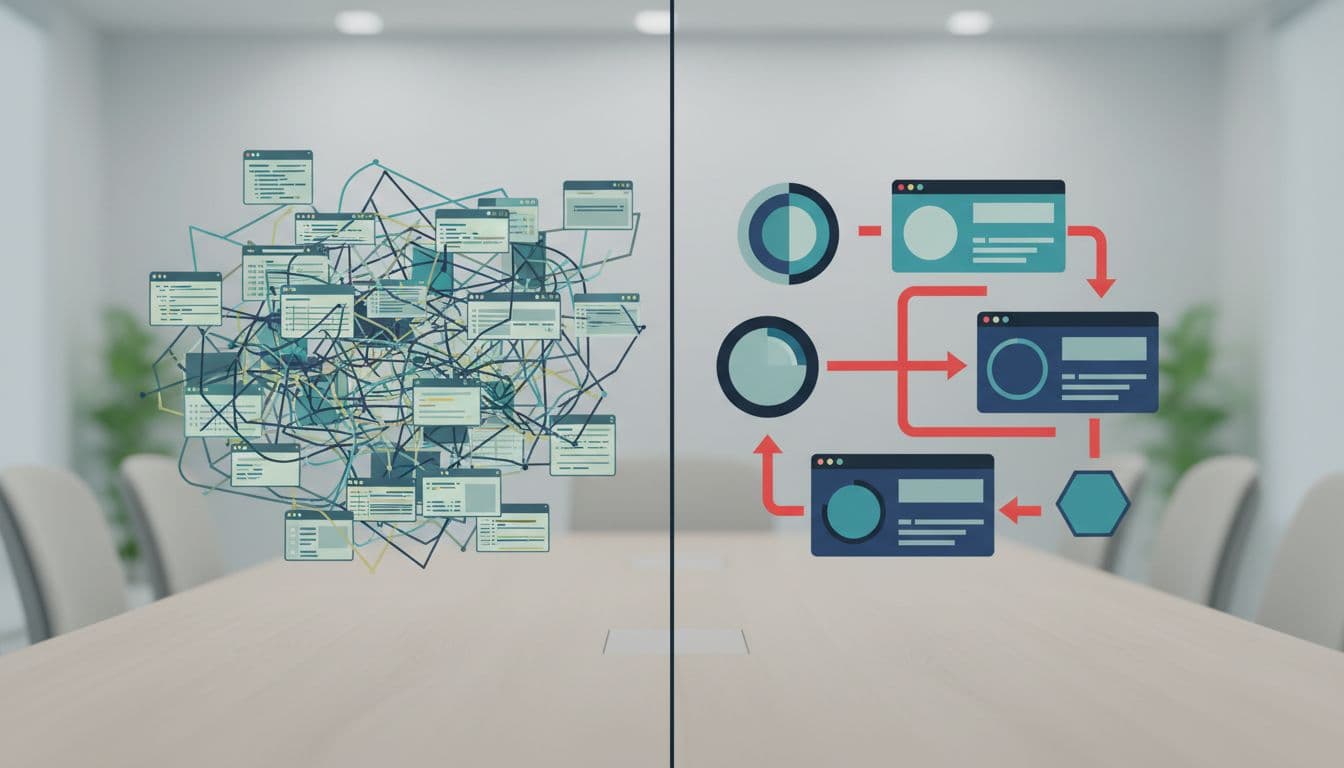
See real shifts in legal nonprofit technology case studies.
Sustain Gains With Clear Metrics
Track what matters. Receipt rates. Days to outcome. Report accuracy upholding data integrity. Drops in shadows.
Review monthly through data governance. Adjust as needed. Build habits with scalable solutions that grow with the nonprofit. No backsliding.
Board sees proof. Funder reports shine. These satisfy internal audit requirements. You lead with confidence.
Frequently Asked Questions
What exactly are shadow spreadsheets?
Shadow spreadsheets are unmanaged applications born from citizen development, where staff build their own solutions when official systems fail. These unofficial files track work outside main systems but create duplicates and risks.
How long does retirement take?
Four to eight weeks for one workflow. Scale based on size.
Do we need new software?
Often not. Standardize first. Upgrade if volume demands.
What if staff resist?
Involve them early. Show time saved. Lead by example.
How do we secure data during switch?
The new workflow provides data loss prevention. Run parallel. Control access. Audit logs catch leaks.
You spot shadows daily. They cost time, trust, cases served. Retire them now. Gain workflows that support your mission.
Schedule a clarity call. Name your top pains, including risks to sensitive information. Walk away with a plan. Control returns. Decisions strengthen.
(Word count: 982)